Crypto Commerce
GMKtec NucBox G10 mini PC vs Beelink SER8 mini PCs for a small desk
Compare GMKtec NucBox G10 mini PC by memory, storage expansion, display connections, and desk fit.
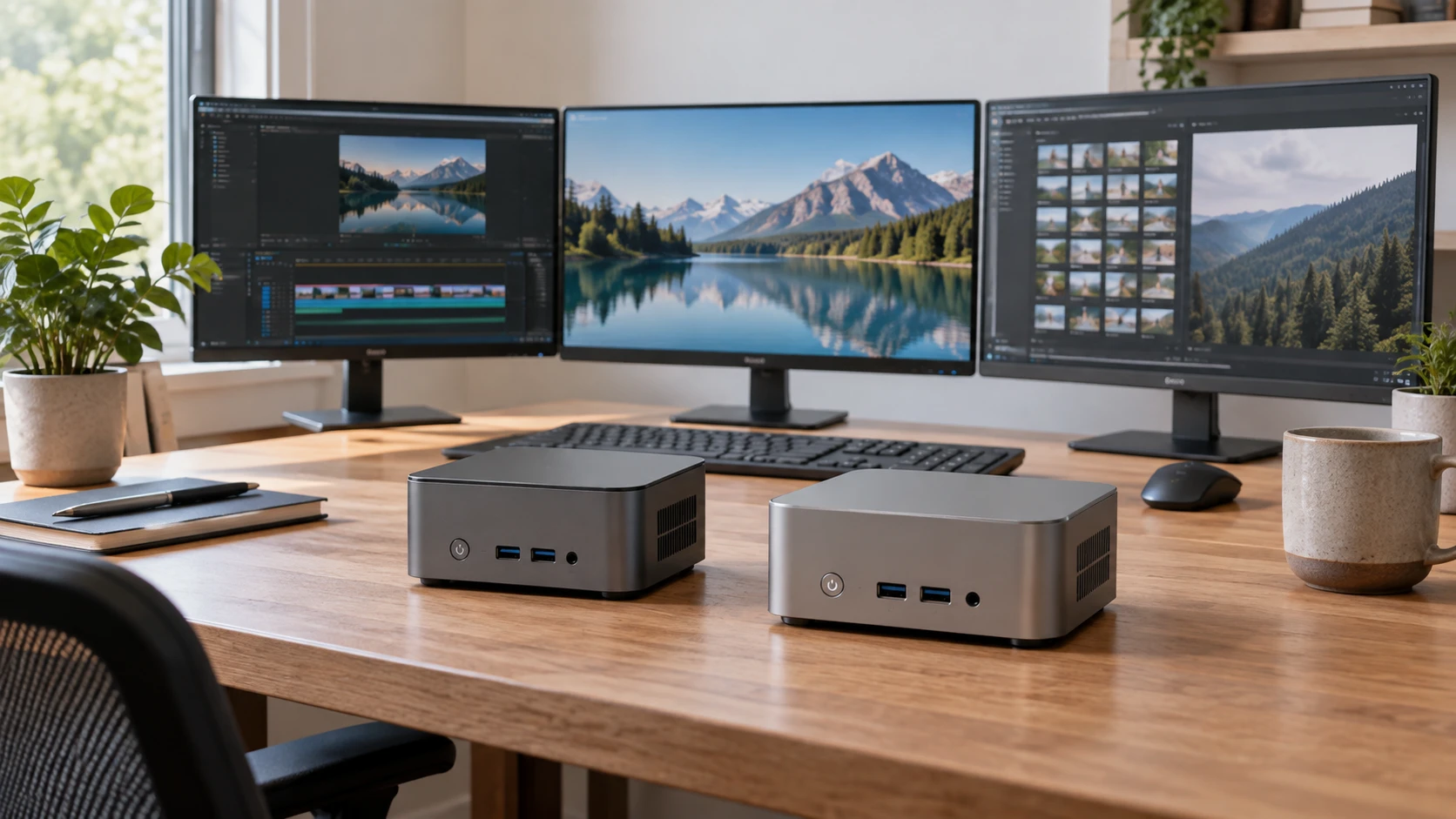
A mini PC can clear space on a desk while making its internal parts and ports harder to inspect. The GMKtec NucBox G10 listing describes a Ryzen 5 3500U, 16 GB of DDR4 memory, and a 512 GB solid-state drive. The Beelink SER8 8845HS listing describes a Ryzen 7 8845HS, 32 GB of DDR5, and a 1 TB drive. Their saved descriptions are uneven, and neither supplies a common benchmark. Decide which software and displays you need now, then check how each exact unit could be maintained or expanded later.
The GMKtec NucBox G10 mini PC row names a four-core Ryzen 5 3500U, Radeon Vega 8 graphics, two 8 GB DDR4 modules, and a 512 GB SSD. It also mentions two M.2 2280 storage slots, a 2.5-gigabit Ethernet connection, and support for three 4K displays. The listing gives no full port map or display connector types in the saved text. Get the current manual and a photograph of the exact front and rear panels before ordering cables or planning a wall-mounted desk.
Beelink's saved row lists an eight-core, sixteen-thread Ryzen 7 8845HS, 32 GB DDR5 memory at 5600 MHz, and a 1 TB SSD. It mentions two SO-DIMM slots, HDMI and DisplayPort, USB connections, RJ-45 networking, Wi-Fi 6, Bluetooth 5.2, and VESA mounting. The description also gives a width of 12 cm and height of 4.2 cm, without a complete depth measurement. One URL phrase suggests a different core count from the source row. Treat the eight-core specification as a catalog claim to confirm on the exact offer, not as a performance result.
Start with the software that is slow today — Beelink SER8 8845HS mini PC
If your current computer struggles with a browser full of tabs, a video call, and office applications at once, inspect its actual memory and storage use first. The GMKtec ships with 16 GB in the saved row; the Beelink with 32 GB. More memory can help when several large applications remain open, but it will not repair a slow network or an overloaded external drive. If you mainly read, write, and stream, a large headline processor number may buy little visible improvement. Make a short list of the tasks that currently wait.
For photo or video work, ask which part of the workflow stalls. Loading source files from a full drive differs from exporting an edited project. A newer processor and faster memory may matter under a sustained export, while storage capacity and external connections affect where footage lives. The saved listings give no matching export test, fan-noise measurement, or long-run thermal result. Seek independent tests of the exact configured machines if a professional program is the purchase trigger. A one-minute benchmark score cannot tell you how either box behaves after an hour.
Gaming deserves a separate check. GMKtec names Radeon Vega 8 graphics. Beelink's row mentions AMD graphics and light-to-moderate gaming but gives no comparable game frame rates. Find tests for your chosen title, resolution, and settings. A claim that a mini PC supports 4K playback or a 4K display does not mean it renders a demanding game at 4K smoothly. Confirm the monitor connection and driver support as well. Neither saved row is a tested promise for a particular game.
Untangle memory and storage limits — mini PC expansion path guide
GMKtec's saved description is internally awkward about RAM: it says the processor supports up to 32 GB of dual-channel DDR4-2400 while also saying the hardware allows 64 GB expansion. Those numbers may refer to different validation methods or a catalog error; the row does not resolve them. If you expect to upgrade, ask for the exact board and firmware's supported module list and the warranty policy for opening the case. Do not purchase a 64 GB kit solely on the higher line. Its shipping configuration is clearly two 8 GB modules.
The same G10 row states two M.2 2280 PCIe 3.0 slots and a total storage ceiling of 16 TB as two 8 TB drives. Check whether the shipping 512 GB SSD occupies one slot and whether both slots operate at the stated interface speed. A supported total is not a promise that every current SSD brand, thickness, or thermal design will fit. Ask for the drive diagram and any included mounting hardware. A small box may need careful cable and heat planning when both drive positions are filled.
Beelink's description says its two SO-DIMM slots support up to 64 GB, and it lists a 1 TB SSD with a stated 4 TB PCIe 4.0 M.2 2280 ceiling. The saved row does not clearly say whether there is a second storage slot, so do not assume you can add a drive without replacing the supplied one. Confirm the number of slots, what is occupied, and the drive format in the current manual. Price the replacement or additional parts before deciding that the more expensive sounding specification saves money later.
The published mini PC expansion path guide discusses other machines, but its method is relevant here: trace which slots, lanes, and external connections can operate together. It does not certify either the G10 or SER8. Write down one likely upgrade and the exact part number it would require. A theoretical memory or storage maximum matters less if installation is difficult, another slot is displaced, or the manufacturer has not validated the combination you need.
Check displays, networking, and cable access — Beelink SER8 8845HS mini PC
GMKtec says the G10 supports three 4K displays, but the saved excerpt does not identify all video connector types, refresh rates, or whether the third screen requires a particular USB-C mode. Beelink names HDMI and DisplayPort without a complete mode table in this row. If two monitors are the reason for replacing your computer, list each panel's resolution, refresh rate, and connector. Verify the simultaneous output modes in the exact manuals and budget the right cables. A third display claim should not be treated as proof of three identical 4K modes.
The G10 description mentions a 2.5-gigabit Ethernet connection. The Beelink row mentions RJ-45 LAN and wireless links but does not give a matching Ethernet speed in its saved text. A faster network port helps only when the router or switch, cables, server, and storage can also support that speed. For a basic home connection, port placement may matter more. Check the port map and choose where the mini PC will sit so a thick HDMI plug or network cable has space to bend.
Beelink explicitly lists Wi-Fi 6 and Bluetooth 5.2. GMKtec's saved row does not document its wireless version. Missing detail is not proof of missing hardware. Confirm the selected G10 offer's radio specifications if you cannot run Ethernet to the desk. If Bluetooth headphones or a wireless keyboard are important, check the physical placement too. A metal monitor arm and a box hidden behind a display may change how conveniently you can reach pairing controls and USB ports, even if the radio specification looks adequate.
Software licensing and recovery belong on the buying checklist as well. The saved descriptions do not give a clean comparison of installed operating-system edition, activation, recovery media, or firmware-update procedure. Confirm with Republeq what ships with each exact configuration and how a failed SSD would be replaced without losing access to the license. If the computer will join a managed office, confirm the edition and security features that office requires. These checks are less visible than processor names, but they affect whether the machine can be set up promptly and maintained after a drive replacement.
Plan the whole small desk — Beelink SER8 8845HS mini PC
Beelink mentions VESA mounting, which could move the box behind a compatible monitor. Verify that the selected package includes the bracket, that its hole pattern fits the monitor, and that the stand does not cover those holes. GMKtec's short row gives no comparable mount details. Ask for a diagram before buying a bracket based on the brand name. A mini PC behind a screen still needs a power adapter, ventilation, and access to the power button. Sketch where those will go.
The Beelink row gives a partial size, while the G10 row gives no comparable outer dimensions. Obtain complete width, depth, height, and power-brick measurements for both. Leave the manufacturer's specified clearance around vents, especially if the computer will run a long export or live in a cabinet. Neither saved description gives a common noise test. If it must be quiet beside a microphone or bed, look for independent long-load observations. Small enclosure size does not establish that it will be quiet.
GMKtec and Beelink both mention a one-year warranty in their saved descriptions. Check the current Republeq's catalog and manufacturer terms for the exact configuration, including what happens after a memory or SSD change. The G10 listing's 12 W and 35 W configurable power limits should also be confirmed in its current instructions before planning around them. A power limit can change heat and speed; the catalog does not supply a measured result for each setting. Beelink's saved row does not provide a directly comparable setting.
The Beelink SER8 8845HS mini PC deserves a closer look if its listed 32 GB DDR5, 1 TB drive, and mounting option match your desk. The G10 is worth examining if its shipping 16 GB and 512 GB suit your work and its stated dual-drive path is useful. Confirm the conflicting G10 RAM ceilings, both machines' display modes, and the actual port layout before choosing. The better small computer is the one whose documented configuration fits the programs and cables you will use every day.