Crypto Commerce
Fossibot DT2 rugged tablet vs Headwolf Fpad5 Pro tablets for field work and travel
Compare Fossibot DT2 rugged tablet by carrying weight, power, screen, wireless access, storage, and practical work away from a desk.
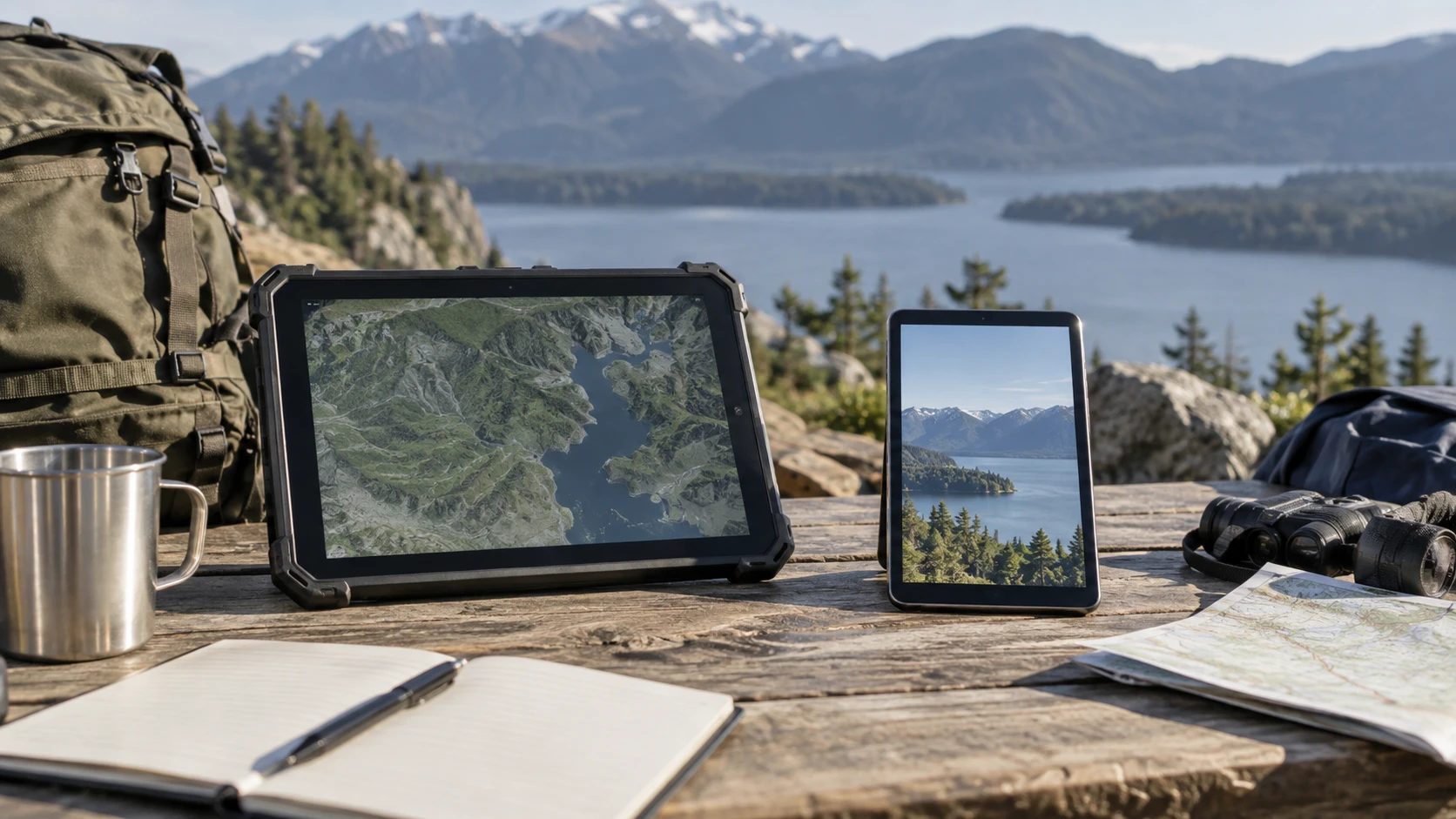
The Fossibot DT2 rugged tablet is listed with a 10.4-inch display, a 22,000mAh battery, cellular SIM slots, and several durability ratings. The published kids and adult tablet comparison guide covers a different pair of devices, but its central method applies here: decide who will use the tablet and where before ranking specifications. The Headwolf Fpad5 Pro compact tablet is an 8.4-inch Android model with a stated 317-gram weight and 5,500mAh battery. These are very different objects to carry. The right comparison starts with a work route or travel day, not a larger battery or screen number in isolation.
Choose the place where the tablet will be used — kids and adult tablet comparison guide
Fossibot's saved description presents the DT2 as a rugged device for use away from a protected desk. It lists IP68, IP69K, and MIL-STD-810H ratings and describes resistance to water, dust, drops, and high-pressure spray under specified conditions. Those are claims in Republeq's catalog about a particular design. They do not mean the tablet is damage-proof or that every port remains protected with a cover open. If the device will go to a workshop, field site, or wet loading area, read the current warranty exclusions and the exact conditions for each rating.
The Fpad5 Pro is smaller and the saved listing gives a 317-gram weight. Its 8.4-inch size may be easier to hold on a train, carry between appointments, or keep beside a laptop. The catalog does not give a matching drop or water-resistance rating for it. A protective case may suit ordinary travel, but the case adds bulk and its rating needs separate evidence. Set both sizes against the actual bag, vehicle mount, or work surface. A tablet that stays in the bag because it is awkward to reach has little value, regardless of its processor.
Measure the task as well as the location. A service form that requires long text entry, several diagrams, and a photograph may benefit from a larger screen. Reading instructions for a few minutes while standing may favor a lighter device. If the tablet is handed among coworkers or children, check grip and case options for the exact model. Neither pinned product row offers a controlled handling comparison with gloves, wet fingers, or prolonged one-handed use. Try those actions before relying on a marketing category such as rugged or portable.
Read the screens at working distance — Headwolf Fpad5 Pro compact tablet
The DT2 listing specifies a 10.4-inch, 1200-by-2000 IPS screen, a 5:3 aspect ratio, and a claimed peak brightness of 500 nits. A taller display can leave more room for a document or map when held upright. Brightness claims need a real trial in the environment where the device will be used; peak output does not describe reflections, automatic dimming, or how readable a screen remains under direct sun. Ask whether the exact unit has a screen protector installed and check the image with the application's normal font size.
Headwolf's saved title identifies an 8.4-inch FHD 1920-by-1200 display. The listing also describes multi-touch and split-screen use. Two apps on a smaller screen may be technically possible while still leaving little room to work in each. Open the intended map, form, book, or video-call app and judge whether controls can be tapped without constant zooming. An 8.4-inch device can be comfortable for reading or quick check-ins; a long spreadsheet or drawing may need more area. The sources do not contain matched display measurements or a legibility test.
Camera figures should be tied to an actual task. DT2 names a 64MP rear camera and 32MP front camera. Headwolf's excerpt names cameras but does not provide a comparable sample set or an image-quality test. A high pixel count may help a documentation workflow only if focus, lighting, and file transfer are reliable. Photograph a label or work order from the usual distance, then inspect the original file. For a video call, test the front camera and microphone in the ordinary room rather than assuming the larger specification gives the clearer meeting image.
Check power for the whole route — Headwolf Fpad5 Pro compact tablet
The DT2's 22,000mAh battery is much larger on paper than the Fpad5 Pro's 5,500mAh figure. Fossibot also claims 66W charging, a 2.5-hour full charge, long standby, and reverse charging for another device. The Headwolf listing describes its smaller battery as suitable for a day of typical use, without a directly matched runtime test. Capacity is not the same as hours in an identical workload. Screen size, radio use, brightness, applications, and ambient temperature all affect endurance.
Write down the longest period the tablet must work without power. Include time spent on cellular data, taking photos, viewing maps, and leaving the display bright. If the DT2 will be used as a backup power source, verify the supported reverse-charge connection and how much battery that leaves for its primary work. The source does not state a battery-replacement procedure or cycle-life result. Carrying a larger built-in pack also changes the device's handling, though the DT2 catalog row does not give a comparable weight to place next to Headwolf's 317 grams.
Charging logistics can matter more than a maximum endurance claim. Check the charger and cable included with the exact package, whether a workplace outlet supports the needed power, and how the tablet is stored while charging. The DT2 Republeq's catalog 66W and 2.5-hour figures should be confirmed with the specified adapter and the current model. For Headwolf, ask for a measured charging time if the tablet must be ready between shifts. Test one realistic day before deciding that either battery claim solves the schedule.
Plan connections before leaving Wi-Fi — Headwolf Fpad5 Pro compact tablet
Fossibot lists dual 4G SIM slots along with Wi-Fi 6 on 2.4 and 5 GHz. That may be relevant when a work site has no trusted Wi-Fi, but a SIM slot is not a service plan. Check carrier bands, activation requirements, regional compatibility, data cost, and the cellular signal at the actual site. The saved description does not name a carrier guarantee. A tablet that works well on office Wi-Fi may have an entirely different experience in a remote building or vehicle.
The Fpad5 Pro description names dual-band Wi-Fi. It does not establish a cellular modem in the pinned excerpt, so treat off-site connectivity as something to verify rather than infer from an Android label. A phone hotspot may cover occasional travel, provided the phone plan and battery can support it. Test the handoff and the applications that must remain connected. Some forms can be completed offline and synchronized later; others cannot. That application behavior may decide whether cellular hardware is necessary at all.
If a tablet will hold work documents, look past the radio names to account and update support. Fossibot lists Android 13 and Google Mobile Services certification. Headwolf's title names Android 14. A newer version number alone does not disclose the duration of security updates, the current patch level, or the policy for replacing the device after support ends. Verify required workplace apps on the exact unit. For a shared tablet, confirm that the login and data-handling setup matches the organization's rules before putting customer information on it.
Separate installed memory from expanded figures — Headwolf Fpad5 Pro compact tablet
Fossibot describes 20GB of memory as 12GB fixed plus 8GB adjustable expansion that uses storage. Headwolf's title likewise presents a 16GB figure as 8GB plus another 8GB. Neither combined number should be treated as an equal amount of physical RAM. Compare the installed component, available storage after setup, and the behavior of the apps that will run at the same time. A browser, video call, and work form can expose pauses that a large advertised memory total does not predict.
Both product descriptions name 256GB of internal storage and expansion by card up to 2TB. Those are maximum claims, not evidence that every card or application will use external storage the same way. Estimate the photos, offline maps, videos, and documents needed between backups. Confirm the supported card type and whether the slot is accessible without disturbing a protective seal or case. Store a few original work files, reopen them, and test the backup route before relying on the device for irreplaceable material.
The DT2 names a Helio G99 processor, while the Fpad5 Pro listing names an MTK G99. These labels suggest a similar processor family, but the pinned rows do not include a matched benchmark or thermal test. The devices can still feel different under sustained use because screen size, memory configuration, cooling, software, and network conditions differ. Run the actual app sequence and keep a note of slow steps. A processor name is useful for narrowing questions, not for declaring a winner in an untested workflow.
Check the offer and perform a short trial — Headwolf Fpad5 Pro compact tablet
The September 30 catalog snapshot marked both available and listed a minimum price of $577 for the DT2 and $210 for the Fpad5 Pro. These are historical listing values, not guaranteed live prices or checkout totals. The difference is large enough to demand a concrete reason for the rugged package: exposure, long hours away from power, or a cellular requirement. Confirm the current Republeq's catalog, warranty terms, included charger, case options, shipping, and returns. Fossibot's listing mentions a one-year quality warranty; the exact claim process needs current confirmation.
Take a representative route before keeping either device. Load the needed apps, carry it as it will be carried, use the screen at the work location, and record what remains of the battery at the end. Make one call, open an offline document, and transfer an original photo. If cellular service is required, test that connection with the intended provider. If the Fpad5 Pro needs a case or hotspot to complete the route, include those in its cost and weight. If the DT2's extra protection and power remain unused, its higher price and larger body may be hard to justify.
Choose the DT2 when the verified work route needs its rugged claims, cellular options, or larger battery. The Fpad5 Pro is a candidate for lighter travel and short tablet tasks when Wi-Fi is enough. Test the exact configuration and support terms before relying on either for a full workday; the pinned descriptions establish specifications and claims in Republeq's catalog, not a field trial.