Tools & DIY
Folding saw blade won’t lock
Identify the model and documented blade-lock positions before choosing the next service inquiry for a folding pruning saw.
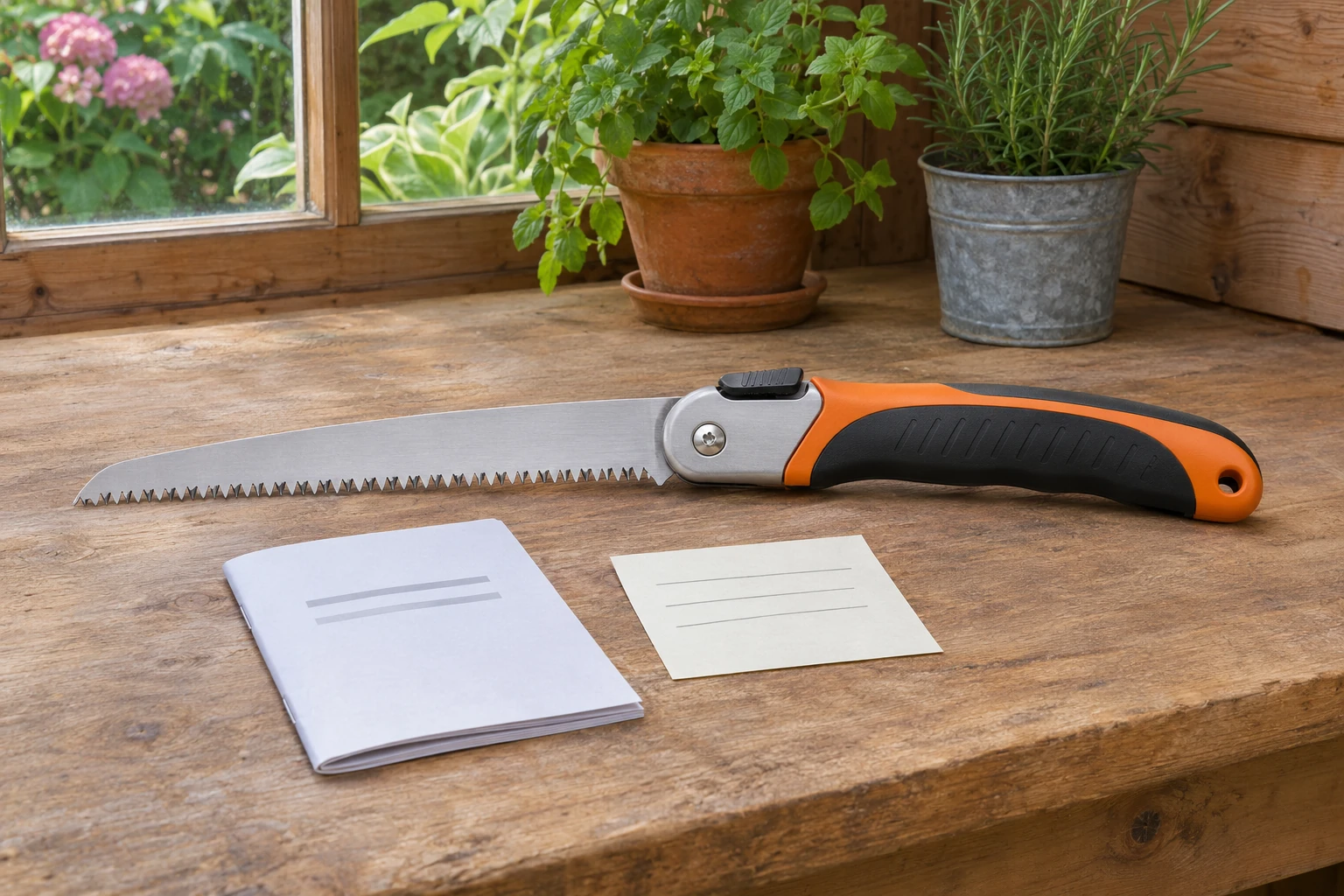
Stop using an uncertain lock
A Folding saw blade won’t lock problem calls for the exact saw’s instructions before another cut. Set the work aside. A blade that reaches an open position has not necessarily engaged its locking mechanism. Identify the model, the named control and the positions described in its documentation. Keep your hands clear of the teeth while finding that information. A photograph of another saw cannot establish that your mechanism works the same way.
Silky’s Safety & Use guidance says to inspect its saw before use and avoid using one with a loose, bent or damaged blade. For its folding saws, it says to ensure the blade locks into place and the stopper is retightened when opening. That wording is a reason to find the instructions supplied with your particular model. It does not provide a universal tightening value or authorize adjusting an unidentified fastener. Record which control the applicable diagram names. If engagement remains uncertain, ask the maker about that exact saw before returning it to service.
folding pruning saw lock identification
The GARDENA Gardeners’ Folding Saw 135 P page identifies article 8742-20 and describes a blade lockable in three positions. It also describes locking the folded tool for storage. This is an example of why “fully open” can be an incomplete description of a saw’s controls. The relevant question is which documented position you intended to select. Do not assume that three positions apply to a different GARDENA model, much less another brand.
For folding pruning saw lock identification, write down the model reference beside the position shown in its own diagram. Distinguish the storage position from each working position before describing the symptom to support. You can make that first comparison from documentation without repeatedly moving a blade that has uncertain engagement. If a page names several positions but does not explain the control, obtain the applicable operating instructions. A product feature list establishes what the maker advertises for that article. It does not establish whether the mechanism on the saw in front of you has engaged, is obstructed or needs a service part. Keep the documented position name intact when you write the inquiry.
Name the control before describing the fault
Corona’s RS16120 page describes a seven-inch folding pruning saw with a centered lock that allows right- or left-hand activation. Its description also says the folded handle covers the blade’s teeth. Keep those two features separate in your notes. The location of a release control and the way a blade stores in its handle answer different questions. Neither feature description diagnoses why a particular tool fails to retain its intended position.
When contacting support about this model, use the stated SKU rather than a broad description such as “the small folding saw.” Describe the control you can identify from the applicable instructions and the position you were trying to use. Avoid supplying a guessed part name simply because another saw has a spring or lever in a similar location. Ask for the diagram that belongs to the identified version. A service response can then address that tool’s actual arrangement, while a general picture comparison leaves the important identity question open.
Keep shared page information in context
The Opinel No.12 Carbon Steel Folding Saw page identifies a 4.75-inch blade and includes a shared gardening-collection panel about the Virobloc safety ring. That panel describes keeping a blade locked open for use and shut for transport. Its wording refers broadly to garden knives. Read that context carefully before borrowing an operating sequence for a saw. A shared panel is useful background, but it is not a complete model-specific troubleshooting instruction.
If you are looking at a ring-shaped control on an Opinel tool, confirm the exact model and obtain the instructions that apply to it. Describe what you have from its markings and documentation rather than assuming that every folding garden tool uses the same release. Keep an uncertain mechanism out of use while you resolve the identification. Do not transfer a push-button sequence from another maker to a rotating control, or infer an internal repair from the name of a locking system. The purpose of checking the page is to narrow the documentation request before attempting an operation it does not explain.
model-specific blade lock service
FELCO’s own 600 page identifies a folding saw with a 150 mm blade and provides parts and maintenance resources. It lists several individual part references beneath that model. Those references are useful starting points for a service inquiry because they preserve the connection between a tool and its own documentation. Their presence does not mean that any listed part solves an uncertain locking symptom, or that a similarly shaped component fits another folding saw.
For model-specific blade lock service, retain the full model designation and ask which diagram or service instruction addresses the reported condition. If support identifies a replacement, record its exact reference alongside the applicable instructions. Keep the answer with the tool’s identifying information so a later order does not lose that connection. A catalog of available components cannot establish the condition of the parts already installed. It also cannot answer whether an older version uses the same arrangement. Resolve those points before treating a replacement-parts listing as a repair decision for your saw. Keep the reply associated with the model it actually addresses.
Describe the intended state without testing a fault
Draper’s Expert Folding Pruning Saw 210 mm page identifies product 44993 and describes a safety lock for the working blade and the closed tool. It gives a compact statement of the intended states, without a detailed fault-finding sequence. That distinction matters when you have a saw that will not retain a position. The feature description helps you ask about the model, but it does not establish which component is responsible.
Write a service note that separates the identity, the intended position and what prompted you to stop using the tool. Include a photograph of its markings if the support process requests one and you can provide it without manipulating an uncertain blade. Do not deliberately apply pressure to see how much the mechanism will hold, or make a trial cut to settle the question. Ask the maker what information it needs next. Preserve the original symptom description if later advice changes your understanding. If its answer requires a procedure, obtain the complete applicable directions before deciding how to proceed. Keep an unresolved fault unresolved in the record instead of turning a guess into a confirmed diagnosis.
Keep the two offered saws distinct
The Ultra Accel listing currently names Silky 444-24 and sku-302942460. Its image shows a curved black grip, yellow pivot area and upper metal control. The BIGBOY listing names 352-36 and shows a longer blue handle with a different upper metal arrangement. These are distinct complete folding-saw presentations.
Use the exact listing and model reference when asking about the supplied tool. The pictures do not establish that their lock parts interchange or that either solves your current fault. Faint printing in the images does not authenticate the pictured model. The gloved hand in the BIGBOY image supplies context, not evidence that gloves accompany the order. Keep the listing’s dimensional and tooth descriptions attached to its own model. A replacement purchase still requires the right operating instructions and confirmation of what will arrive. Retain both model references separately if you compare them, rather than combining their specifications into a single imagined tool or service arrangement.
Keep nearby garden decisions separate
The published pruning-tool jaw identification guide explains the relationship between a cutting blade and its support in bypass and anvil tools. It helps name that separate cutting principle. A folding saw’s toothed blade and locking pivot present a different question. Do not borrow a pruner’s adjustment language or material recommendation to explain a saw lock. The relevant mechanism must remain attached to its own tool identity. If the original task still needs attention, first settle which equipment and instructions apply to it.
The gardening glove coverage and grip guide considers cuff coverage, fit and documented protection needs. A glove photograph cannot establish protection from a saw blade, and wearing gloves cannot confirm that a lock is engaged. Keep the glove choice separate from the decision to stop using an uncertain mechanism. When you return to the work plan, retain the model-specific service answer and the equipment instructions together. That record should explain which tool is ready for its intended task and which still needs attention. It should not turn a comfortable grip or familiar garden job into evidence about a blade-lock fault.
Retain the service identity when considering an order
If you later consider paying with crypto for a replacement saw or a maker-confirmed service part, start a separate order record. Write the exact goods, model reference and any part number established through the service inquiry. Keep an unresolved compatibility question visible until you receive an answer. Before considering USDT at republeq.com, check the payment choices and instructions actually presented for that order. This article does not establish that a particular asset, network or payment route will be offered. If the current transaction provides a supported option you intend to use, compare its asset name, network, receiving information and requested amount with the details you are about to authorize. A familiar token label alone does not settle those details. Resolve a discrepancy through the merchant’s published support route before sending funds. Keep the order confirmation and payment reference beside the model clarification so you can distinguish a goods question from a transaction question later. Read the current delivery, cancellation, return and exchange terms applicable to the selected goods and payment method. Do not infer those terms from another order or from a general product description. Also check the maker’s separate service or warranty requirements if they matter to the decision. Record any support answer with its date and the product reference it actually covers. If you change from a complete tool to a component, review the basket again before authorizing payment. The retained service answer should identify the component, while the order record should identify what the merchant has agreed to supply. Paying does not establish that a part fits, that a fault has been diagnosed or that a saw is ready to use. When the goods arrive, compare their identifying information with the retained order and obtain the applicable instructions before using or servicing the tool. Keep any unresolved difference attached to the order record for the relevant support process. If the intended purchase remains unclear, preserve the inquiry and leave the transaction undecided until the goods and terms are clear.