Computers & Gaming
family photo date layers: the scene and the digital copy
Try a small household-photo review without giving an unknown scene a borrowed date.
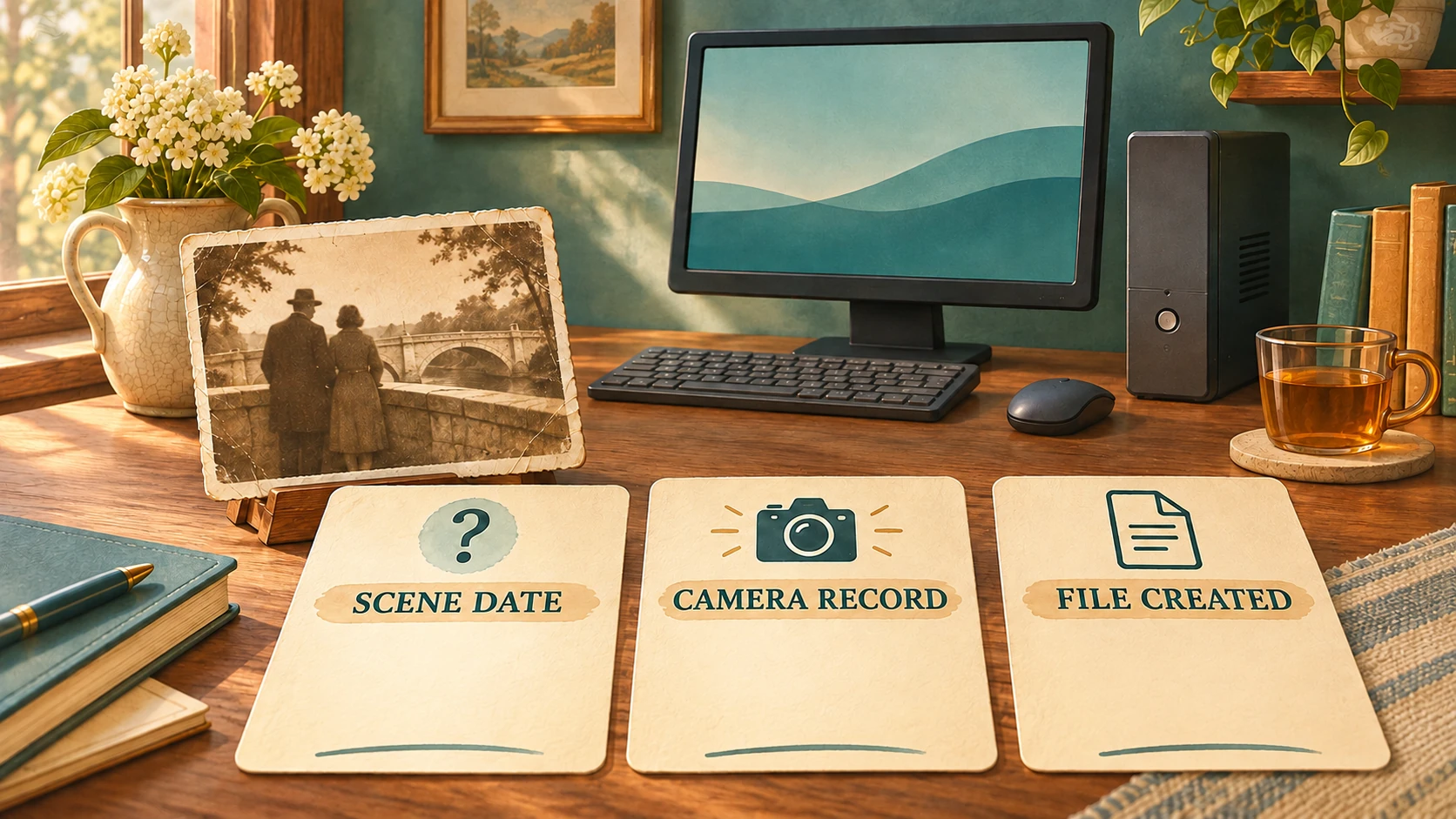
Exploring family photo date layers can start with one older picture and a digital copy you already have. Before adding a year to its caption, ask what each available date is describing. The scene in the picture, a camera's record and the creation of a file are different things to investigate, even when some dates happen to agree.
This small household-photo activity is about reading date meanings. It supplies no metadata-editing procedure or promise of recovering an original date. Work with an image you are entitled to access and a viewing arrangement that already works. The desktop offers below are bounded equipment references, not tested systems for this exercise.
Start with the event you want to date
Give the photograph a temporary descriptive name that lets you recognize it. An invented example for this article is Bridge photograph: two people standing near a stone parapet. No actual family photograph has been supplied, and the people, records and dates in the following cases are fictional. The object is to decide which claim a caption can support. Bridge photograph is this example’s working title, not a label supplied by an original photographer. The imagined print is small, with no legible date on its front. It shows no birthday banner or other declared event label. Those are invented features of the example, not observations of your family’s collection.
The question might be when the people stood at the bridge. A different question is when someone made the digital image now being viewed. Another concerns the file item on its present storage system. Write the question in ordinary words before assigning a value to it. A year beside an unclear label can answer the wrong question quite neatly.
Keep a caption you inherited available for comparison. Its wording may supply a useful lead, but you still need to consider where it came from and what it refers to. An old-looking picture and a confidently written year should not become a verified historical event merely because they arrived together.
Read the two Microsoft property definitions
Microsoft’s photo date taken, System.Photo.DateTaken, is the camera EXIF-derived date when the photo was taken. Its file creation date, System.DateCreated, describes creation on the item’s current file system.
These definitions authenticate neither a camera clock nor metadata provenance. They establish no rule that every copy resets creation time, no original-scene recovery, no Explorer display behavior and no Windows capability of either retail PC.
Record the exact property name beside the value you observe. An unidentified screen date leaves its meaning unresolved.
Case one: a recent file and an undated scene
Imagine that the Bridge photograph is available as a file with a System.DateCreated value in 2026. The family has not established when the scene occurred. In this fictional household, the file has no accompanying note from the original photographer. Nobody in the example has supplied the year of the bridge visit. The available date values are the exercise’s only stated records. Someone proposes the short caption “At the bridge, 2026.” That sentence would place the people at the bridge in that year, although the available record has not established that event.
The creation property concerns the current file-system item, not an authenticated scene date. Here, “file record: 2026; scene date unconfirmed” keeps the meanings apart.
The revision does not make the photograph more precisely dated. Its value is that a reader can tell which question remains open. Someone can later investigate the scene without having to undo a newly asserted year. If a separate label on the original object is found, evaluate that label as additional evidence rather than silently treating it as what the file property meant all along.
Case two: the camera photographed an older print
Now imagine a different situation. Imani makes a camera photograph of an older printed picture during an afternoon in 2026. That action is a declared fact of this invented case. It is not something inferred from a real file or from the presence of a camera-style date field alone. In the invented scene, the older print stays on the table while Imani makes the new image. No one claims that the bridge visit took place that afternoon. The copying activity and the visit are deliberately separate parts of this example.
Here the camera image is a new photograph of an older print. Its EXIF-derived date does not independently date the underlying bridge scene.
A caption for Imani's working copy can distinguish the known copying activity from the unanswered historical question. “Camera copy made by Imani in 2026; date of the pictured bridge scene unknown” says more clearly what the example supplies than “Bridge visit, 2026.” The first statement relies on the stipulated action, not on a claim that every metadata value proves its own accuracy.
If another person later receives only the image file, that person may not have Imani's account of making it. Keep those circumstances distinct. The recipient should not invent a camera history to explain the date. The useful next information would concern the image's provenance, rather than a guess about which family visit the year must describe.
Case three: the property values differ
For a third fictional file, suppose the supplied record names System.Photo.DateTaken with a 2019 value and System.DateCreated with a 2026 value. The exercise gives you those two entries, without establishing the camera's settings, how the file reached its present location or whether any metadata was edited.
Different property referents do not reconstruct this file’s history or authenticate its pictured event. Retain each value with its actual property name.
Compare two possible notes. “The picture was definitely taken in 2019 and copied in 2026” supplies conclusions beyond the fictional record. “The provided property record contains 2019 and 2026 under these respective names; the scene date remains unconfirmed” reports the available information more narrowly. You can decide how much of that technical note belongs in a household caption and how much should accompany it separately.
The distinction also keeps a disagreement proportionate. You do not need to accuse someone of altering an image merely because two entries differ. Nor should you declare that the older entry has recovered a lost family date. Start with the information actually available and identify what would be needed to support the historical claim you want to make.
Let an unresolved date remain unresolved
A household project can finish an evening with a useful question still open. You may have identified the image and separated its date records without discovering the year of the scene. That is an intelligible result. The caption can say what is known without filling its empty space with the newest, oldest or most convenient number available.
The Library of Congress's Photographic Evidence guide says photographs and captions should be assessed and evaluated, with researchers seeking original records, weighing evidence and reaching their own conclusions. Its advice concerns evidence, rather than treating any caption as automatically authoritative.
Apply that caution to a newly found note too. An annotation can change the next question you ask without instantly completing the picture's history. Keep the wording and its origin identifiable when considering it. This exercise proposes no formal genealogical proof method and settles no real family's disputed recollection.
Keep the desktop references within their limits
The GMKtec Nucbox G5 mini-PC account describes a compact desktop. Its single gallery image shows one teal and silver chassis above an illustrative hand, with a GMKtec wordmark and Intel Inside sticker. That presentation authenticates no measured size, installed application or successful photo workflow.
The Virtual Outlet VI3355737 desktop account names a mini PC in Desktop Computers. Its image shows one small black chassis with a stylized top emblem and front ports, without a readable maker or factory model wordmark. No supplied monitor or keyboard is pictured.
Use an already working arrangement if you want to try the activity. A property reference is not an operating-system certification for either offer, and this article has not opened a photograph on either machine. Keep software access, equipment suitability and any purchase decision with their own actual evidence.
Leave sequencing and file naming to their own projects
The guide to photo-essay planning concerns selecting and arranging images into a visual story. A sequence can be planned separately from establishing what a particular date record says about one image.
The guide to file naming for recurring reports defines filename components such as reporting period and edit date. This household-photo exercise reads existing property meanings; it does not prescribe a naming scheme or rename originals.
Before closing the project, read the proposed caption as someone who has not seen your working notes. Can they distinguish the scene date you have established from a date attached to the current image or file? Where the evidence stops, let the wording stop too. The result can remain provisional and still be useful when you return to the photograph.
Keep any proposed purchase tied to the actual offer
A possible computer purchase on republeq.com should remain separate from the meanings of the date records discussed here. Identifying a file property does not establish that a new desktop is suitable for your viewing arrangement or that an offered machine has been tested with your photographs. Keep the exact product questions with the proposed order and obtain the relevant information before deciding to buy. This article confirms no current cryptocurrency checkout facility. If the service responsible for your transaction offers USDT, obtain its instructions for the particular order and examine them before proceeding. Confirm the intended asset, network and receiving destination against the transaction information supplied by that service. Check the requested amount and the order reference, together with any applicable fees. Ask about cancellation, return and possible refund terms while the purchase is still a decision you can evaluate. A reply explaining an equipment specification is not a payment instruction. A payment acknowledgement would likewise prove nothing about an original photograph's date or a desktop's compatibility with your existing setup. Preserve the relevant order information and the correspondence needed to understand what each party has actually confirmed. If you have already attempted a transfer and its status is uncertain, reconcile that attempt before considering another one. Do not interpret a missing acknowledgement as proof that no transfer occurred. Where a required detail is absent or an instruction changes, seek clarification for the exact transaction rather than assuming that an earlier message covers the change. No wallet address, approved network or recovery procedure is provided here. The article authorizes no purchase or movement of funds and promises no payment, delivery or refund outcome. Make the decision from the actual equipment and transaction information available for your proposed order.
Conceptual photo-date exercise; the photograph and all example dates are invented, with no actual metadata interface shown.