Crypto Commerce
EAX12 Wi-Fi 6 range extender vs RE650 for Wi-Fi dead zones and wired devices
Compare EAX12 Wi-Fi 6 range extender by placement, radio class, network roaming, and the need for an Ethernet port.
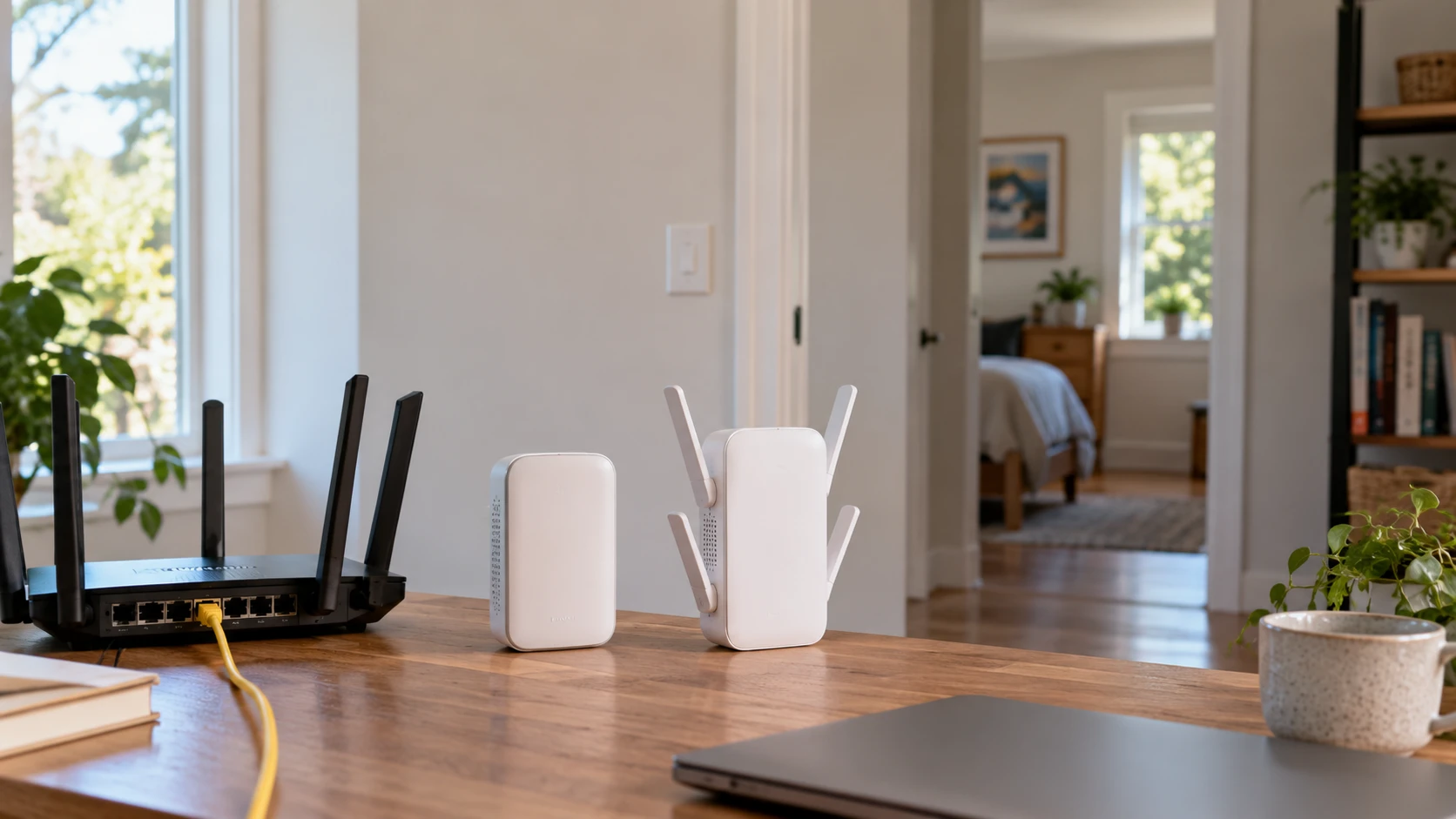
A weak connection at the far end of a house can have several causes: the router's position, a wall between rooms, interference from nearby networks, or a device with a modest wireless radio. A range extender may help when the main network is sound near the router and fades in a particular area. The EAX12 and catalog-listed RE650 both promise wider coverage, but their listings emphasize different features. One names Wi-Fi 6, WPA3, and use with an existing network name. The other describes antenna design, placement lights, and a Gigabit Ethernet socket.
The EAX12 Wi-Fi 6 range extender is described as a plug-in dual-band AX1600 unit. Its Republeq's catalog says it can expand coverage by up to 1,200 square feet and support up to 15 devices. The RE650 row describes a dual-band AC2600 extender with 800Mbps on 2.4GHz and 1,733Mbps on 5GHz, four antennas, 4x4 MU-MIMO Wave 2, beamforming, placement indicator lights, and a Gigabit Ethernet port. These are catalog claims, not matched measurements in your rooms. Start with the layout and the devices that actually lose connection.
Find the weak link before adding equipment — RE650 AC2600 Wi-Fi extender
Use a phone or laptop to check the connection next to the main router, halfway to the troublesome room, and at the spot where work stops. Repeat at a similar time of day if congestion changes. Note whether the device remains connected but slows down, disconnects entirely, or works on one band and struggles on another. If the network is already poor beside the router, an extender may simply repeat a poor connection. First inspect the internet service, router, placement, and any local interference.
The halfway point matters because the extender needs a useful connection back to the main router. Putting it in the dead zone might make its own signal look strong while leaving a weak upstream link. The RE650 row explicitly mentions indicator lights to help choose a location between the router and the target area. The EAX12 row calls for plugging the unit into a wall outlet but does not describe a comparable placement indicator. Check current setup instructions for the exact unit if that signal feedback would affect your choice.
Before spending, also move the router to an open, central position if the wiring allows it. A metal cabinet, a television console full of electronics, or a corner at one end of the property can make the starting signal worse. Test after each move so you know whether the dead zone changed. If an Ethernet run already reaches the distant room, a properly placed wired access point might provide a stronger connection than a wireless repeating link. The saved product descriptions do not establish which option will win in your house.
Read the speed labels as radio classes — RE650 AC2600 Wi-Fi extender
EAX12's listing says AX1600 and combined throughput up to 1.6Gbps. RE650's says AC2600 and gives separate maximum figures for its 2.4GHz and 5GHz bands. Those totals combine radio capabilities under favorable conditions. A single device does not normally receive both bands as one file-transfer pipe. The route through an extender adds another wireless leg when it repeats the main router's signal, so the usable speed at a laptop depends on both legs. Neither product row supplies a same-room comparison or a measured result through the same walls.
Wi-Fi 6 support on EAX12 may be useful when the connected client and the rest of the path support it. A phone or laptop that connects through older Wi-Fi modes will still have its own limits. RE650's AC2600 label and 4x4 MU-MIMO Wave 2 description point to a different radio design, but four antennas do not settle the coverage question without placement and client information. If a gaming console is wired to an extender while the extender uses wireless backhaul, that console still depends on the wireless hop to the router.
The retailer says EAX12 can support up to 15 devices and expand coverage by up to 1,200 square feet. It does not define the building layout, traffic mix, or signal threshold behind those figures. The RE650 row does not give an equivalent device count or area figure, so a side-by-side numerical coverage ranking would be invented. List the devices that will actually use the extended area. A television streaming one video, a security camera uploading continuously, and a laptop on calls create a different load from fifteen idle smart plugs.
Decide what the Ethernet socket would do — RE650 AC2600 Wi-Fi extender
The RE650 listing explicitly includes a Gigabit Ethernet port. That could help connect a wired-only device in the remote room, such as a desktop, printer, or television, when a long cable to the router is unavailable. The port's name describes the local wired connection; it does not promise a Gigabit path all the way to the internet. With the extender linked wirelessly to the router, radio conditions still govern the upstream leg. Put the extender where it receives a healthy signal, then run a short Ethernet cable to the device if the arrangement is practical.
EAX12's saved description does not specify an Ethernet port. Do not infer that a socket is absent merely because the row focuses on wireless features. Check photographs and the manufacturer's exact model specification if a wired endpoint is a requirement. Likewise, the RE650 row does not explain whether its Ethernet port can be used for wired backhaul or access-point mode. A physical port alone does not establish every operating mode. Ask about the mode you intend to use before choosing placement around a wall jack.
The wired-device question often decides more than the advertised wireless class. A stable link to a stationary television may matter more than the top radio number, while a room full of roaming phones benefits from a different setup. Draw where the router, extender, wall outlet, and endpoint sit. Include power outlet access and the path a cable would take. If the ideal extender position is in a hallway without room for a wired lead, the socket may have little value in that installation.
Network names and roaming need a trial — MSI Radix AXE6600 Wi-Fi 6E router guide
EAX12's catalog description says it can use the existing network SSID and that Smart Roaming helps devices switch while moving around the home or office. Those claims describe intended behavior, not a guarantee that every phone or laptop changes access points at the same spot. Roaming decisions also involve the client device. Walk through the house on a video call and watch for pauses, especially near the transition between the router and extender. If a device clings to the weaker radio, inspect the current settings on that client and extender.
The RE650 row says it works with routers, gateways, and access points. It does not state exactly how it manages SSIDs or roaming. Check its present manual and firmware screens if you want a single network name. A matching SSID can make a network look simpler to a user, yet it does not prove seamless movement. Give both candidates the same practical trial: move from the router room to the weak room, then back, using the same phone and application. Check signal, actual task performance, and reconnection behavior along the way.
The related MSI Radix AXE6600 Wi-Fi 6E router guide concerns a particular tri-band router. It can help frame the first step before choosing an extender. The router's 6GHz capability should not be transferred to these dual-band product descriptions. The useful connection is the planning question: where is the main router, which clients need service, and can an extender receive enough signal to pass a useful connection onward?
Security claims require exact model checks — RE650 AC2600 Wi-Fi extender
EAX12 lists WPA3 support. That can be relevant if your router and clients support the same security mode, but it does not tell you which mode the extender will use with an older device or how mixed compatibility is handled. Check the current firmware documentation and test the oldest indispensable device, such as a printer or smart-home controller. Its row also says the unit is compatible with any wireless router or cable-modem router and optimized for Wi-Fi 6 equipment. Broad compatibility still leaves setup details to verify on your network.
The RE650 description does not name a wireless security mode. Its silence cannot establish that WPA3 is absent. If a household policy requires it, obtain exact model documentation or a setup-screen confirmation before buying. Check for firmware updates on both models and change administrative credentials during setup. If you share the network with guests or IoT devices, verify how the extender handles those network segments; neither saved row settles that design. A coverage fix should preserve the separation your main network already needs.
A comparison you can run at home — RE650 AC2600 Wi-Fi extender
Mark one or two rooms where service is unreliable, then record a baseline. Use the same phone or laptop, the same application, and a similar time of day. Note the signal beside the router, at the intended extender outlet, and at the endpoint. With each candidate, connect the extender using its supported setup process and test from the same places. Run a download or call long enough to see whether performance stays stable. If you care about a wired endpoint, test it through the RE650 port and confirm the actual end-to-end task works.
Watch for the awkward cases: a device connecting to the distant extender when it is back near the router, a drop during a walk between rooms, or a good speed result that collapses when another household member begins streaming. Those observations tell you how the product behaves in the installation you have, rather than the room imagined by a coverage claim. Keep notes of outlet position, router settings, and client device so a later firmware change or router move can be evaluated against the original setup.
The RE650 AC2600 Wi-Fi extender is the catalog-backed candidate when a Gigabit Ethernet socket and visible placement guidance are central to the job. EAX12 is the clearer choice to investigate when Wi-Fi 6, listed WPA3 support, and same-SSID roaming claims matter. Neither listing proves that its speed class will overcome the walls in your home. Place the unit where it can hear the router well, then test the distant room with the devices and tasks that prompted the purchase.