Crypto Commerce
CD track navigation checks before choosing a player
Suppose you have a CD with a passage you want to hear again. You know which track contains it, but you do not want to start that track from the beginning each time. Before choosing equipment, find out whether the proposed setup lets you select that track, move to the passage, pause there and return after an interruption. A product description that says it plays CDs does not answer those navigation questions.
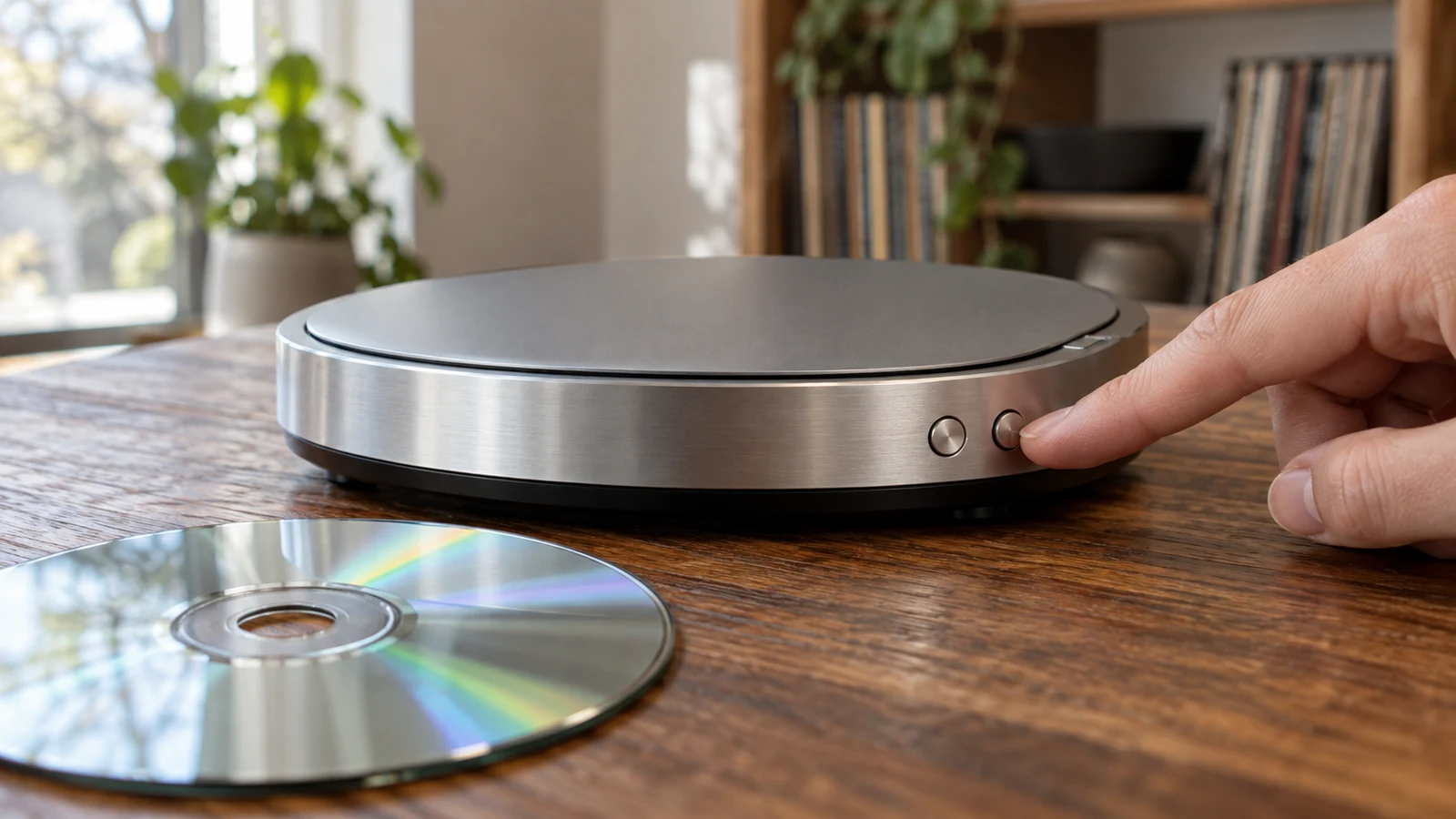
Suppose you have a CD with a passage you want to hear again. You know which track contains it, but you do not want to start that track from the beginning each time. Before choosing equipment, find out whether the proposed setup lets you select that track, move to the passage, pause there and return after an interruption. A product description that says it plays CDs does not answer those navigation questions.
Write down the listening task in ordinary terms: the track you want, roughly where the passage occurs, and which interruptions you expect. You might pause to answer a question, stop playback for the evening or remove the disc. These events need separate answers. If you only need to hear an entire album in sequence, some of the questions below may matter less; if you regularly revisit a short passage, they may decide whether a setup is useful to you.
Disc Playback Compatibility And The Listening Task
Start by distinguishing access to the disc from access to a position in its recording. Check disc playback compatibility for the separate question of whether your particular disc is suitable for the proposed equipment. Keep that result beside your navigation notes. Even a confirmed playback match would leave track selection, movement within a track and position retention unanswered.
For the navigation question, define a successful attempt before looking at buttons or menus. From the beginning of playback, can you reach the desired track without listening through earlier tracks? Once there, can you move toward a particular point within the same track? If you overshoot, can you move back in a way you can control? These are questions to put to exact-model instructions or an authorized demonstration, rather than features to infer from the word player.
Selecting the next track is different from moving within the current one. A control that advances to another numbered track could be perfectly useful for album listening and still leave you unable to revisit a short passage. Likewise, a display that identifies the current track may help you orient yourself without showing elapsed time or any finer location. Ask what the controls actually do and what, if anything, the interface shows while you use them.
Pause deserves its own line in the inquiry. If the listener pauses midway through a track, what action resumes playback, and where does it resume? Do not treat a pause demonstration as evidence about what happens after stopping or powering off. The duration of a pause may matter to you, but without instructions or a demonstration that addresses it, no particular behavior can be promised.
Use CD track navigation checks as a sequence of observable tasks rather than a list of attractive features. Ask the demonstrator to start outside the target track, locate it, move within it, pause, and report the playback position shown at each stage. If a demonstration is unavailable, look for the relevant procedures in instructions for the exact model. A photograph of the controls can suggest questions, but labels alone may not explain what a long press, short press or menu choice accomplishes.
Disc Playback Compatibility And Evidence For The Yintiny Player
The CD track navigation checks for the ALK Blue Restored Tech Yintiny CD Player 457202098524 should focus on its exact controls. Its listing describes a rechargeable player for physical CDs with built-in speakers. Those details establish the kind of listening setup being considered, but they do not identify a direct-track-entry method, a way to seek within a track or a saved-position feature.
Ask for instructions that match this model and identify how a listener selects a numbered track. If the instructions describe only sequential movement between tracks, decide whether repeating that action is acceptable for the track you use. If they describe another method, follow the stated procedure rather than assuming a particular button or accessory exists. The point is to know how you would actually get to the recording you want.
Then ask for the procedure for moving inside the selected track. A useful answer should distinguish a change of track from a change of position within one track. It should also tell you how to recognize your position, whether through an indicated elapsed time, another display cue or listening alone. If the instructions omit that behavior and no demonstration settles it, mark within-track navigation unverified. A picture of a familiar playback symbol is insufficient evidence.
Imagine you need a passage near the middle of a long track. Starting at the first note and waiting may work occasionally, but it is a different task from moving there on demand. Decide which of those experiences you can accept before comparing products. An exact-model answer about seeking would be useful only if it explains enough for you to repeat the movement and recover when you pass the intended point.
Check how you would tell whether you had reached the right track after a pause or an interruption. Track numbers and position indicators answer different questions, and neither should be assumed present here. If you depend on a visible reference, request an actual view of the relevant state or a clear description in the instructions. If you can find the passage by ear, say so in your inquiry; your acceptable level of precision may be different.
Inspiraflux External Blu-Ray Drive And Computer Controls
The Inspiraflux external Blu-Ray drive is a different kind of proposed setup. Its listing describes an external drive connected to a PC or laptop and names CD discs among its supported media. The listing does not, by itself, establish that your particular CD will play on your proposed computer or that you will have the navigation controls you need.
A computer-based listening path has several parts: the intended disc, the drive, the host computer and a playback application. The drive provides a way for the computer to access optical media, while the controls a listener sees would depend on the application and the functioning setup. Ask which application you would use on the actual host and whether it can play the intended disc. Do not assume software is supplied with the drive or that a successful connection proves a particular listening interface is available.
For this alternative, request evidence from the combination you would actually use. An authorized demonstration with the intended or a suitably representative disc can answer different questions from a drive specification. Watch whether the application recognizes tracks, permits selecting the desired one and provides a way to change position within it. Make a note of which part of the setup supplies each behavior, so a drive listing is not mistaken for an application manual.
If someone shows you navigation in an application on another computer, keep the result conditional. The demonstration establishes what happened in that setup, not automatically what will happen on yours. You still need to establish that a suitable application is available and works with your own host and disc. If that cannot be checked before a choice, leave the uncertainty visible in your notes instead of filling it with a generic claim about computer playback.
Ask how the application indicates the current track and position, if it does. A visible time readout or a position control could make revisiting a passage easier to describe, but neither follows merely from the external-drive category. If your preferred method is to listen for the spot rather than use a visual reference, ask whether the controls allow the small adjustments that method requires. The drive's media support and the listening interface remain distinct questions.
Do not compare the standalone player with a hypothetical ideal computer interface. Compare the exact Yintiny evidence you have with the exact host-and-application evidence you can obtain. One proposal might have a clear answer about selecting tracks and no answer about movement within them. The other might have a usable application demonstration but an unresolved question about the intended disc. Recording those limits is more informative than declaring either category better.
Inspiraflux External Blu-Ray Drive And Interrupted Listening
Test the interruption that actually occurs in your listening routine. Pausing within an active session is one test. Stopping playback, closing an application, ejecting a disc and switching equipment off are different tests. Ask for the result after each relevant action on the proposed setup: does listening resume at the prior position, restart the track or require a new search? Treat each answer as specific to the action observed.
The same question belongs on the Yintiny side of the inquiry. A player may be paused without being stopped; turning it off may change what the next session looks like. No position-retention behavior is established for this model by the supplied listing. If the exact-model instructions do not explain a scenario you care about, request an authorized demonstration that covers it or plan on finding your place again. Do not convert a successful pause test into a claim about power loss.
When you request a demonstration, specify the starting state and the return action. For example, ask to begin halfway through a track, stop playback, then start again and identify where it begins. Repeat separately for ejecting the disc only if that happens in your routine. Avoid an answer such as it resumes unless the person can say what was interrupted and what they did next. A meaningful result has an action and an observed position.
Also decide whether a workaround is acceptable. If a setup can reliably select the right track but cannot be shown to keep an exact place after stopping, you might tolerate a manual search when you return. If repeatedly finding that passage is the reason for this purchase, the unresolved behavior may be a reason to defer the choice. Neither preference requires assuming that the equipment has a bookmark or an automatic resume function.
Disc Playback Compatibility And A Purchase Inquiry
Bring one hypothetical listening request to each seller, manual or authorized demonstration: I want to reach a chosen track on my existing CD, move to a passage within it and come back after I stop listening. Ask for the method and the evidence for each step. The disc playback compatibility question remains a prerequisite; a navigation answer cannot make an unsuitable disc playable.
For the standalone player, record the exact model and what its instructions or demonstration establish about track selection, movement within the track and the position visible to the listener. For a computer setup using the Inspiraflux external Blu-Ray drive, record the actual host and application alongside the drive, then distinguish their demonstrated controls from the drive's media description. Leave any untested combination unverified.
A compact note can preserve the difference between a claim and a result. Write one row or line for each task: select the track; move toward the passage; correct an overshoot; pause and resume; stop and return. Beside each, note the exact instructions consulted or the conditions of the demonstration, followed by what remains unanswered. This is a record of your own evaluation, not an assumed feature list for either product.
If an answer comes from a demonstration, ask whether the same model, disc type and playback setup were involved. A demonstration of the Yintiny player cannot establish the behavior of a computer application, and an application demonstration cannot establish a button sequence on the standalone player. When those conditions differ, note the difference in the record. It may still help you form a better question, but it does not settle the original one.
Some questions can be resolved quickly by exact-model instructions; others may require a demonstration or remain open. Prioritize the action you perform most often. A listener who changes tracks frequently may value a clear track-selection procedure, while someone repeatedly studying one passage may need credible evidence about within-track movement. Decide which unresolved behavior would make the equipment unsuitable for your task before placing an order.
Use CD track navigation checks to make a purchase decision that reflects the listening you actually intend to do. If an essential action has no supported answer, keep it marked unknown rather than assuming that CD playback or a familiar-looking control guarantees it. The next useful step is to seek exact-model instructions or a demonstration of that action on the proposed setup; if the answer remains unavailable, choose only with that limitation in mind.