Product Compatibility & Accessories
Cash drawer printer compatibility: identify the opening path
Assess the proposed drawer, controlling printer and application together, preserving each offer's electrical details and unanswered compatibility questions.
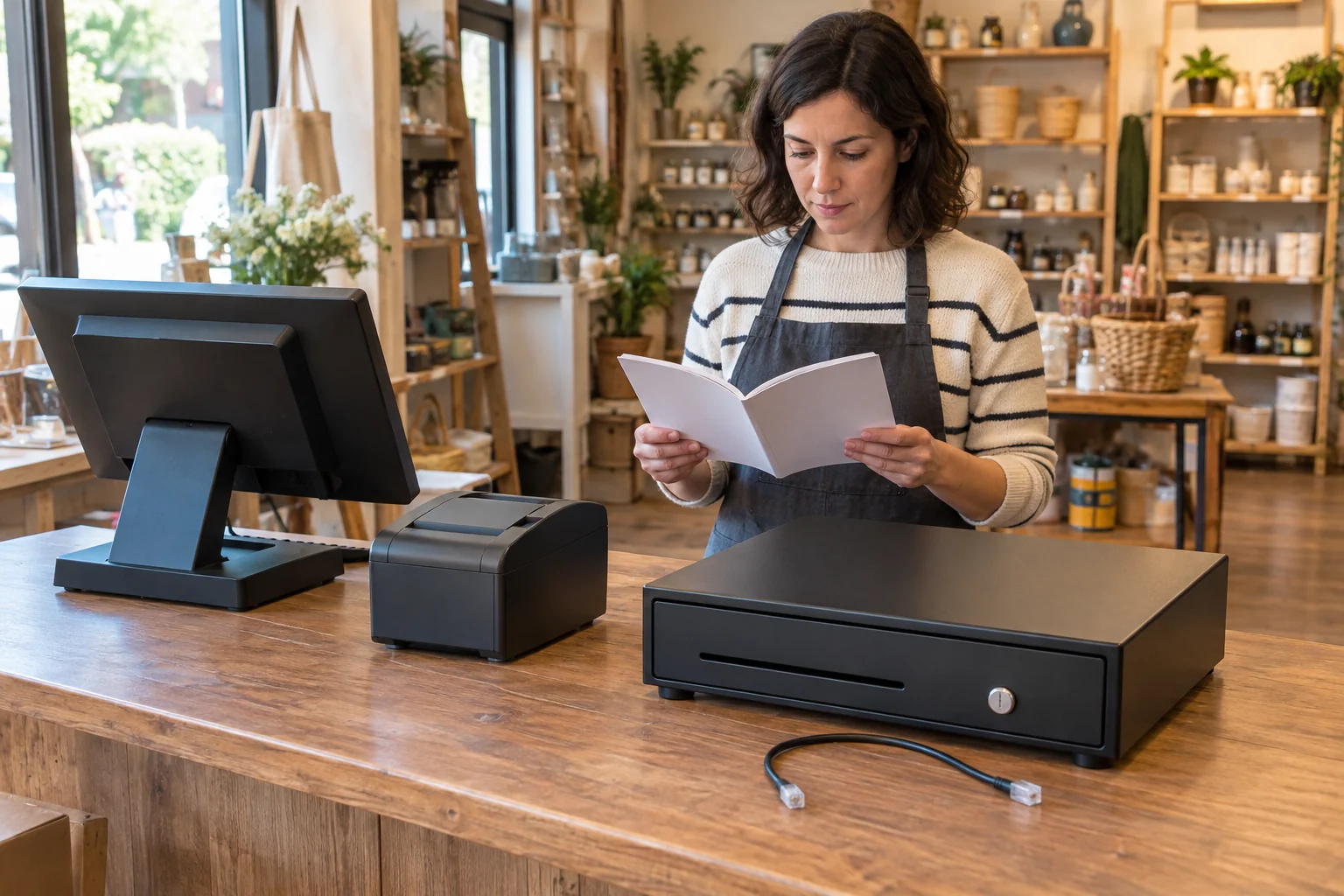
Cash drawer printer compatibility concerns the path that will request an opening. Before choosing a drawer, identify whether that path belongs through a receipt printer or directly to a host device. Then investigate the exact equipment and software involved. The two retail drawers below both describe a printer connection, with different information available about their electrical and operating requirements. Their similar front trays do not settle the integration decision.
This guide helps you decide what combination to investigate before buying a drawer. It supplies no wiring diagram, connection sequence or software command to try on unidentified equipment. A drawer that opens with its key and a drawer that responds to a supported electronic request answer different questions. Keep those questions separate while deciding whether an offer can serve your intended checkout arrangement.
Identify the opening path for a printer-driven cash drawer
A printer-driven cash drawer needs to be considered with the printer that will control it. Star Micronics separates printer-driven and USB connections in its support guidance for its own cash-drawer models. Its printer-driven section identifies the printer's DK port and the drawer's supplied cable. That is evidence about the documented Star arrangement, without certifying either retail drawer selected here or providing instructions for an unknown printer.
Write down what you expect to happen during the transaction. Does the application need to request a drawer opening, and through which supported device will that request travel? Keep the answer specific enough to investigate. A screen showing the checkout application does not identify the drawer connection. Likewise, a receipt appearing on paper does not demonstrate that a compatible drawer-opening request has reached the drawer.
Consider a fictional shop owner, Lea, who already has a computer and a receipt printer. Lea is considering adding a drawer and initially thinks of it as another object under the counter. The useful question is how the existing application would control that added device. Lea can ask about the complete proposed combination before choosing a product, instead of discovering after delivery that the connection has never been established.
Read the NOBRAND offer's stated printer route
The NOBRAND cash drawer, SKU 18774370224 is described as a 13-inch, 24V drawer with a supplied RJ11/RJ12 cable for connection through a receipt printer. Its description explicitly says there is no USB port for a direct POS connection. Retain this route when assessing the controlling equipment.
The same listing distinguishes manual opening, automatic opening through a printer or POS, and a locked position. Those are separate operating states to clarify for the actual item. A key-operated opening would not establish that the intended electronic path works. Obtain the applicable instructions for the selected hardware before interpreting its control markings or using a test procedure found for another drawer.
The current catalogue identity is NOBRAND, while the retail image carries Volcora lettering. Preserve that distinction when asking which exact item and documentation the supplier will provide. The photograph alone does not authenticate a particular manufacturer's model or make an unrelated manual applicable. Use the selected offer's identity and actual supplied hardware to resolve that question before accepting model-specific integration advice.
Keep the second drawer's missing electrical information open
The Unbranded 13-inch POS cash drawer describes an RJ11/RJ12 cable and electrical opening from a receipt printer, alongside key and manual-release operation. Its selected description supplies no voltage figure. That omission must remain open when comparing the proposed electrical arrangement. The first drawer's stated 24V cannot supply a specification for this second offer.
Ask the supplier to identify the actual electrical requirements and supported printer arrangement for this item. If the answer names a different model, establish whether it really applies to the product being offered. You can keep the drawer on a shortlist while the question is investigated. You should not record the voltage as confirmed simply because another similarly sized drawer has a stated value.
Both descriptions name receipt-printer brands in broad compatibility wording. That is a starting point for a question about an exact model, rather than acceptance of every product carrying one of those names. Identify the printer you actually intend to use and the drawer configuration being supplied. A brand-level statement cannot fill a missing detail in the proposed combination or establish that the checkout application supports it.
Give the RJ11/RJ12 cash drawer cable a defined role
The phrase RJ11/RJ12 cash drawer cable identifies a cable description in these offers. Keep it alongside the drawer's stated requirements and the printer's applicable interface information. Do not let the cable label stand in for that complete assessment. Neither selected description establishes the other drawer's electrical details, and this article supplies no pin assignments, adapter recommendation or permission to connect an unverified pair.
Ask whether the proposed cable is the one specified for the actual drawer and controlling printer. A replacement cable can become another item requiring confirmation. Retain any direction or connection instructions with the equipment they actually describe. Star's reference to labelled ends on its own supplied cables does not establish that the two selected retail cables have the same labels, wiring or intended orientation.
Lea can describe the intended route without drawing a guessed wiring diagram: the application would use a supported printer connection, and that printer would control a confirmed compatible drawer through its specified accessory interface. Each part of that statement remains a question until supported for the actual combination. Lea has identified the proposed arrangement, without predicting that buying a cable will make it work.
Separate the printer's host connection from its drawer interface
A printer can have a connection to the device sending print jobs and a separate documented drawer connection. In the Star guidance, the printer-driven path uses the printer's DK port. Keep that role distinct from a USB connection elsewhere in the checkout arrangement. This does not establish any port on an unidentified printer or turn a printer-driven drawer into a direct USB peripheral.
The Honeywell RP4 and Intermec PW50 mobile printer guide examines the host device, application, media and connection path needed for portable printing. Read it if the printer itself is also under consideration. Its printer discussion does not confirm a drawer interface on either model. Establishing that a device can print the required receipt is a separate decision from confirming how it would control a drawer.
For Lea's proposed checkout, keep the two questions visible when talking to a supplier. The application may already send print jobs successfully, while the drawer-opening function remains unconfirmed. Ask about that missing function directly. A general assurance that the printer works with the computer would answer a different question and leave the intended drawer arrangement just as uncertain.
Identify where the checkout application actually runs
The Elo 2002L and Raypodo touch-display guide distinguishes a display used with an external host from an offer that describes computing hardware and operating-system options. That is relevant when identifying the device that runs the checkout application. Its display and peripheral discussion supplies no approval for either drawer here. Keep the application's host decision separate from the drawer's printer connection.
If several devices sit at the counter, identify them by role in the proposal. The display might show the interface while another device runs the application. The receipt printer has its own job, and the drawer is the device you want to open through a supported request. Describe the actual arrangement you have instead of assigning every function to the screen because it is the most visible part.
In the fictional shop, Lea can give the software provider the actual host and application information alongside the proposed printer and drawer. The question is whether that specific arrangement supports the intended opening behaviour. This article gives no application menu path or automatic opening rule. Those details must come from documentation or support that applies to the real system.
Keep manual access and electronic acceptance as separate questions
The selected descriptions mention more than one way to open a drawer. Read the actual operating instructions before interpreting those modes. Do not transfer Star's model-specific release or troubleshooting methods to either offer. Its support article explicitly identifies its own supported models and separates procedures by connection type. A method appropriate to one documented drawer is not established for an unidentified mechanism.
When discussing acceptance with a supplier, distinguish the intended electronic function from ordinary key access. If an applicable test is offered, ask what combination it covers and what result it establishes. A demonstration using another printer or application would leave your own integration question open. This guide describes no performed test and reports no opening result for either selected retail item.
Lea might receive a video showing a drawer opening beside a printer. Before treating that as an answer, Lea can ask which models and application were used and whether they match the proposal. An unexplained demonstration is still useful as something to discuss, but it does not identify the hidden connection or establish that the same behaviour is supported on Lea's equipment.
Reassess the arrangement when a component changes
Suppose Lea receives a clear answer about the original proposed printer, then chooses a different model to fit the counter. The earlier answer still concerns the original combination. Bring the replacement printer into the enquiry before ordering the drawer. Ask which requirements remain applicable and which need a different answer. Keeping the drawer unchanged would not establish that a newly selected controlling device supports the same arrangement, and an earlier demonstration would still need to be understood in its original context.
A software change can also create a new question about the opening behaviour Lea intends to use. Describe that change to the provider responsible for the actual application, with the identified hardware still attached to the enquiry. The purpose is to establish support for the revised arrangement. This is an invented purchasing example, without a claim that an update broke a real checkout or that either drawer needs replacement. Preserve the earlier supported combination so the new question can be answered precisely.
Finish with an assessed combination
Make the purchase decision around the actual drawer, its electrical and cable requirements, the controlling printer and the application that would request an opening. Keep any unresolved point visible. If the offered drawer cannot be adequately identified or its proposed interface remains unsupported, choose a better documented combination or continue the investigation. Tray appearance and a familiar connector label cannot settle those missing requirements.
Cash drawer printer compatibility is established for a particular arrangement, not by borrowing another offer's specifications. For these two candidates, retain the NOBRAND listing's stated route and voltage separately from the Unbranded offer's unanswered electrical detail. Proceed using information applicable to the selected hardware and software, with any real acceptance result kept within the combination that was actually assessed.