Crypto Commerce
BTO HP ProDesk refurbished desktop with an OS conflict
The BTO HP ProDesk refurbished desktop has an unresolved operating-system discrepancy: its listing title says Windows 11 Pro, while its description specifies Windows 10 Professional 64bit. Those statements do not establish which version will arrive installed. Before choosing this bundle, ask for a written answer tied to the exact configuration being sold. Neither line should be treated as a correction of the other without clarification. For BTO HP ProDesk refurbished desktop , verify each step.
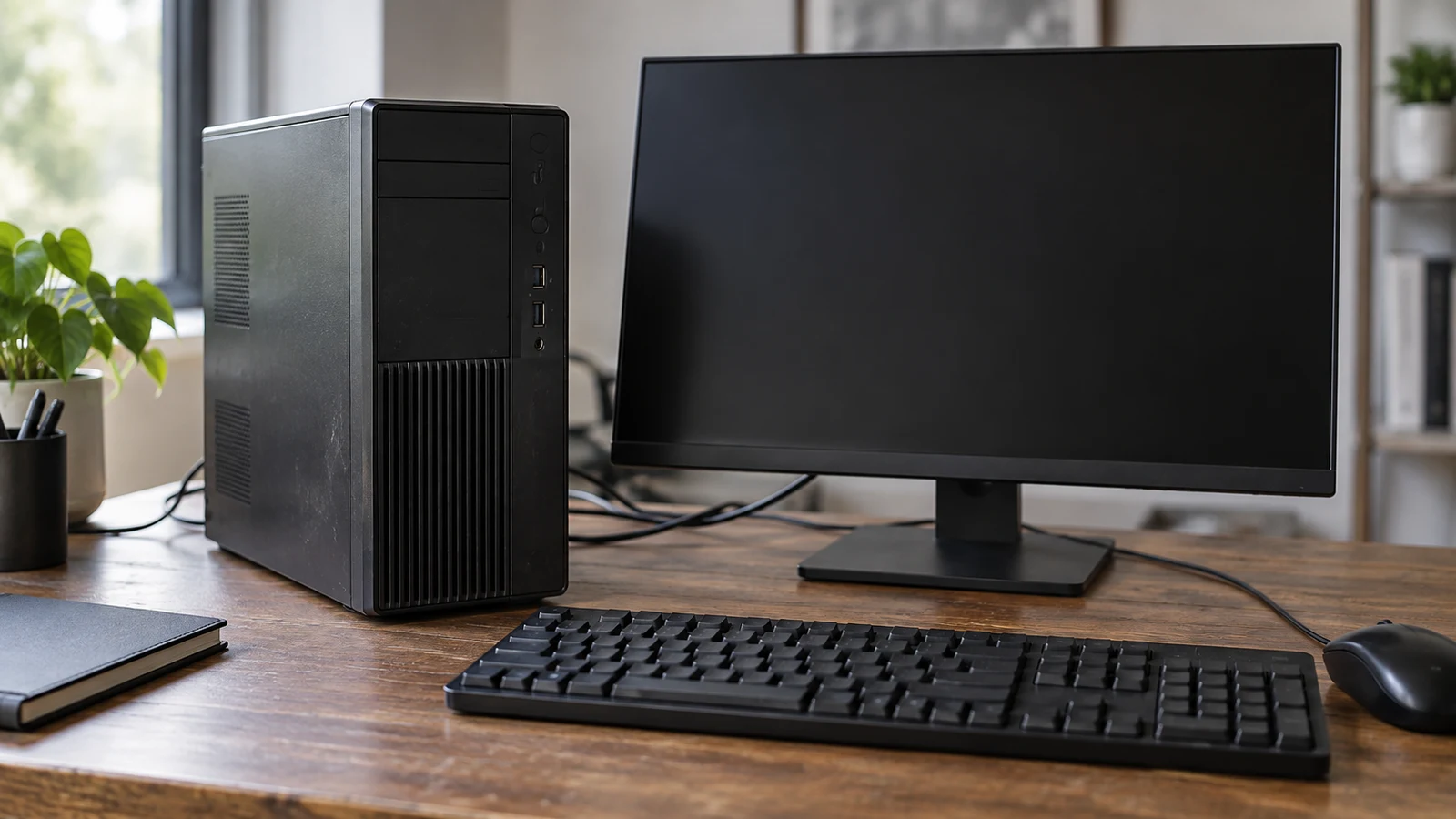
The BTO HP ProDesk refurbished desktop has an unresolved operating-system discrepancy: its listing title says Windows 11 Pro, while its description specifies Windows 10 Professional 64bit. Those statements do not establish which version will arrive installed. Before choosing this bundle, ask for a written answer tied to the exact configuration being sold. Neither line should be treated as a correction of the other without clarification. For BTO HP ProDesk refurbished desktop, verify each step.
The rest of the package deserves a separate look. The description lists an Intel Core i5-6500, 16GB DDR4 memory, a 1TB SSD and a 22-inch monitor whose brand may vary. That gives you a starting hardware specification, but it does not settle the Windows question. For someone replacing a work computer, the useful next step is to establish what software environment arrives with that hardware and whether the included screen connects as expected.
Compare Computer Memory And Storage Without Adding Them Together: Identify The BTO Configuration
Begin the inquiry with the product identity. This is the BTO-listed refurbished HP ProDesk RGB G2 desktop bundle, associated with UPC 810104862066. Include that identifier and the product link when asking about Windows. An answer about HP desktops generally, or about a different ProDesk configuration, would leave this particular contradiction unresolved. Ask the seller to identify the configuration its answer covers.
The product is described as refurbished. Its accessories include a new RGB keyboard, along with a mouse, speakers and a power cable. The word “new” attached to the keyboard should not be extended to the desktop or every other item. Likewise, an included monitor does not establish a particular monitor model: the description expressly allows its brand to vary. Keep those distinctions in your notes when discussing the bundle.
Record the operating-system wording exactly before contacting the seller. One field says Windows 11 Pro; another says Windows 10 Professional 64bit. Asking simply whether the computer “includes Windows” invites an answer that could agree with both. Ask which Windows version and edition will be installed when the specific system ships, and whether the answer changes with the available unit or selected configuration.
A useful message would read: “For the BTO HP ProDesk RGB G2 bundle, UPC 810104862066, which Windows version and edition will arrive installed? The title says Windows 11 Pro, but the description says Windows 10 Professional 64bit. Please confirm which statement applies to the configuration I would receive.” This names the conflict without guessing that either field is a typo or that an upgrade has already occurred.
Keep hardware capacity questions separate from that request. The related guide, Compare computer memory and storage without adding them together, addresses how to read those capacity figures. Here, the listed 16GB DDR4 and 1TB SSD help identify the bundle; neither establishes the installed operating system. A reply that repeats those specifications without addressing the conflicting Windows labels has not answered your question.
Compare Computer Memory And Storage Without Adding Them Together: Read The Windows Reply Precisely
Look for wording about the system as delivered. “Windows 11 available” leaves open whether it is already installed, an optional selection or something the buyer would arrange afterward. “Windows Pro included” leaves the version unresolved. If the answer uses either kind of wording, follow up on the missing detail. You need a delivery configuration you can evaluate against your requirements, not an interpretation of an abbreviated reply.
An installation statement also leaves other software questions open. Ask separately about activation and any setup the buyer must complete. If the seller proposes changing Windows before shipment, request confirmation of the resulting configuration and any additional cost before treating that proposal as part of the purchase. The supplied product description does not establish those details, so this guide cannot promise that a change is available or included.
If you need Windows 11 specifically, make that a stated purchase requirement. Ask about support and compatibility for the exact machine being offered, including the listed Intel Core i5-6500 configuration. Do not infer suitability from the RGB styling, the size of the SSD or the presence of the word “Pro.” The listing discrepancy provides no basis for concluding that your required software environment is ready.
If your employer or a particular application imposes requirements, write them down before evaluating the seller’s response. You might need a specified Windows edition or permission from your workplace to use a personally purchased machine. Give whoever manages those requirements the exact proposed configuration. A general assurance that a desktop is suitable for office work would not resolve a specific software or workplace restriction.
There are several possible outcomes. A clear Windows 10 answer lets you assess that configuration on its own terms. A clear Windows 11 answer lets you investigate the support questions relevant to that installation. An answer that still repeats both labels leaves the product specification uncertain. In that last case, keep the computer under consideration only if you are comfortable leaving the decision open while the discrepancy is clarified.
Retain the written response with the product description you used. If you later receive the computer, compare the installed system information with the configuration you agreed to buy before moving your regular work onto it. Any difference would be a reason to contact the seller about the discrepancy. This is a practical recordkeeping suggestion, not a claim about a particular return entitlement or remedy.
Periphio Computer Alternative: Compare The Bundle After The OS Question
The BTO hardware description lists the Intel Core i5-6500 at 3.20GHz base speed and up to 3.60GHz. It also lists DisplayPort, HDMI, USB 3.0, USB 2.0 and RJ-45 Ethernet, with Wi-Fi built in. These are useful connection details, but the description does not give every port count, wireless specification or display limitation. Ask about the connections your actual equipment requires instead of treating a port-name list as a complete setup plan.
The included 22-inch LED monitor needs particular attention because its brand may vary. Ask which monitor model is expected with your unit, what inputs it has and what display cable is included, if any. The stated power cable does not identify a monitor-to-desktop cable. A desktop HDMI or DisplayPort listing alone also does not tell you which input the supplied monitor has.
For a desk that already has a screen, decide whether you intend to use that screen, the bundled monitor or both. Then request the connection details for that arrangement. If you want two displays, ask whether the exact configuration supports your intended pair at the settings you need. The presence of two named display connection types should not be expanded into an unsupported promise about simultaneous display operation.
The Periphio computer alternative is the White Warp-5600, identified by SKU sku-5356013359. Its description lists an AMD Ryzen 5 5600G processor, Radeon Vega 7 graphics, 16GB RAM and a 1TB M.2 NVMe SSD. Those are the supplied comparison facts. The Periphio description does not specify an installed operating system, so it does not provide an already-resolved Windows alternative to the BTO bundle.
That difference matters when comparing the listings. BTO supplies conflicting Windows statements; Periphio’s supplied description leaves Windows unspecified. Ask the same delivered-OS question of the Periphio configuration if it remains a candidate. An omitted operating-system specification cannot establish that it includes your preferred version, and it would be misleading to recommend switching solely to escape the visible contradiction on the BTO page.
The two descriptions also differ in how they describe storage. BTO specifies a 1TB SSD without naming its interface in the supplied text. Periphio specifies a 1TB M.2 NVMe SSD. Preserve that distinction when comparing them; do not silently assign the Periphio storage specification to the BTO system. Neither description, on its own, establishes how quickly your particular applications will open or complete their work.
Package contents are another comparison limit. BTO expressly lists a monitor and the accompanying peripherals. The supplied Periphio description does not establish an equivalent monitor bundle. If you are equipping an empty desk, ask what the Periphio purchase includes before comparing complete setup costs. If you already own a suitable screen and accessories, decide how much use you would make of the BTO extras.
Periphio also lists room for a later discrete graphics card and additional SATA connections for storage. Those details may be relevant if expansion is part of your plan, but they do not answer the immediate Windows question. Keep a future upgrade discussion separate from the configuration you need on arrival. No application benchmark or performance ranking between these two computers is established here.
Periphio Computer Alternative: Set A Purchase Threshold For Either System
For the BTO HP ProDesk refurbished desktop, a useful purchase threshold is a clear answer about the delivered Windows version, followed by a workable monitor connection and confirmation that the proposed setup meets your own software requirements. You can then decide whether the listed bundle suits your desk. This keeps the decision focused on the specific discrepancy without requiring every possible specification to become a separate research project.
Consider a buyer whose workplace requires a particular Windows edition and who has no spare display cable. For that buyer, a response confirming the operating system would resolve one issue, while the monitor model and included cable would resolve another. Someone who already has a compatible display may have less interest in the bundled monitor, but still needs the Windows answer. The same listing can leave different practical gaps for different buyers.
Once those product questions are settled to your satisfaction, review the current purchase terms independently. Check the selected configuration and displayed total, along with any delivery information or applicable warranty and return terms. Do not transfer a statement from the Periphio listing to the BTO bundle. A policy phrase associated with one product is not evidence that another product has the same coverage.
If you intend to pay with cryptocurrency, read the payment instructions shown for that purchase. Confirm the offered currency and network, the requested amount and any displayed fee or timing conditions before sending funds. Neither computer’s hardware description establishes those transaction details. There is no need to make a test payment to resolve a question about which Windows version comes installed.
Open the BTO product page and send the focused Windows question with the product identifier. Add the monitor connection question if you plan to use the included screen. If you also evaluate the Periphio, request its operating-system and package details separately. Choose once the answers describe a configuration you want to receive, and keep those answers with your purchase records.