Troubleshooting & Repairs
Bread stuck in a toaster: clear cooled loose pieces
Use the Cuisinart CPT-740 care method for cooled loose bread, distinguish lift and Cancel functions, and recognize when a toaster needs service.
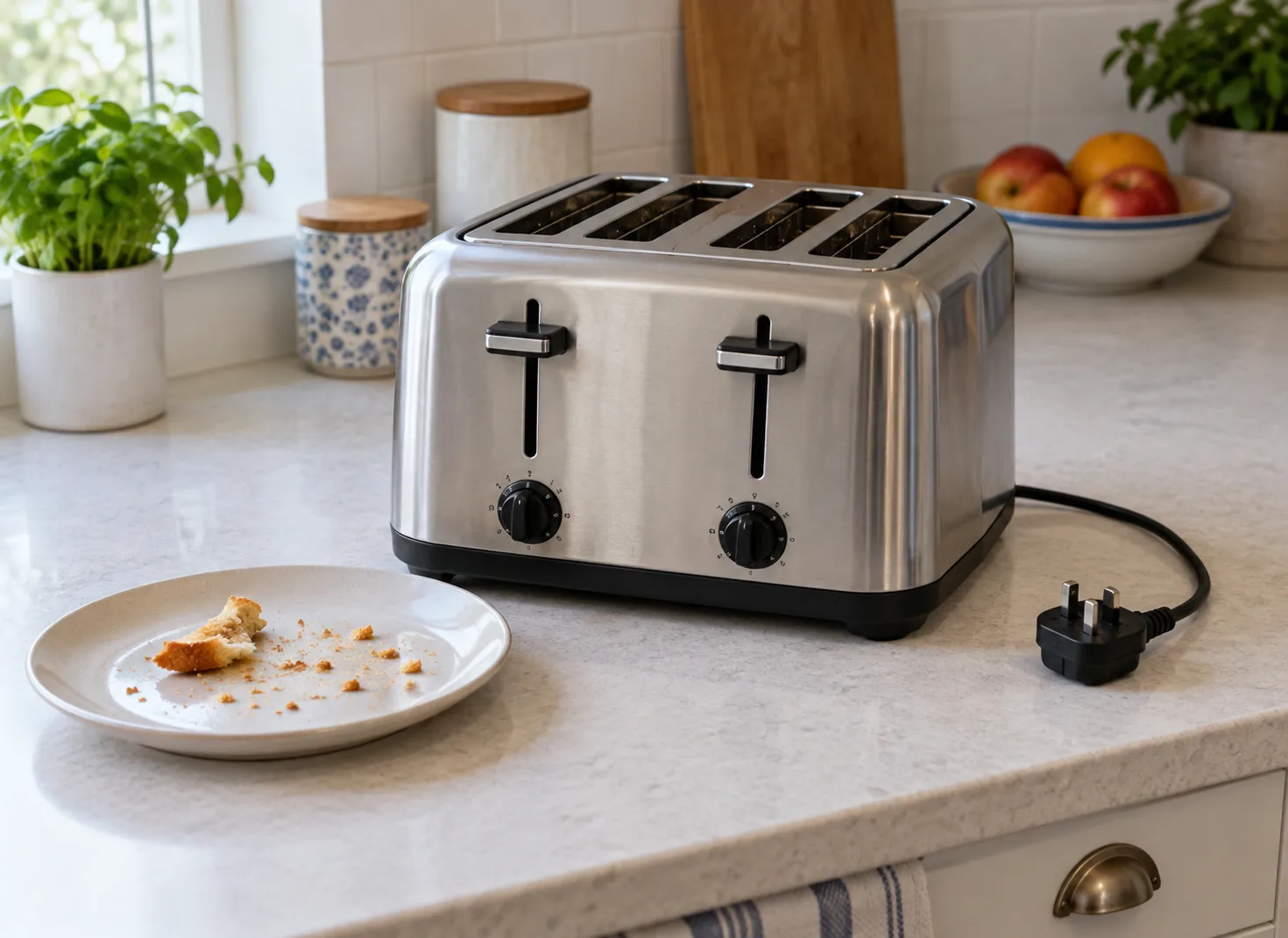
With bread stuck in a toaster, describe what remains inside before choosing a response. A loose fragment, a crumb-filled tray and a cycle that will not stop are different observations. The documented CPT-740 care method below handles remaining bread pieces. No hands-on appliance trial is claimed.
Use the Cuisinart toaster bread removal procedure
The Cuisinart CPT-740 four-slice toaster has a manufacturer-linked CPT-740 booklet that supplies the relevant toaster bread removal method on page seven.
Unplug the toaster and let it cool completely. Cuisinart directs gentle upside-down shaking to remove remaining bread. Never insert hard or sharp instruments into its slots. Empty and wipe the slide-out crumb tray, then replace it; do not operate without the trays. Other servicing requires an authorized representative.
Food must fit freely between the guide wires. Never force it into the slots. This applies to the next loading decision: pushing or compressing a piece into place would conflict with that instruction.
A dark display and a stranded slice are different observations
After five minutes without operation, the CPT-740 LCD turns off; pressing a button or the carriage lever wakes it. That documented idle state explains a dark screen. It does not clear bread or resolve a cycle that failed to release.
Use the display to identify selected settings
The CPT-740 offer identifies Memory-Set, a digital countdown and seven bread selections: White, Grain, Bagel, Sweet, Waffles, English Muffin and Gluten Free. Its shade selector runs from one to seven, with Defrost and Single Slice options. These features describe the selected cooking program and the displayed progress. They do not provide the separate physical care method described above.
If two breakfasts used different selections, calling both operations the same setting loses useful information. The bread selection and shade number are separate fields. A note saying setting four, for example, leaves the bread selection unstated. Record the labels actually selected when describing an unexpected cooking result, without converting that record into an instruction to repeat a jammed or otherwise unsafe operation.
A countdown can also be mistaken for a successful release. It describes displayed progress; the remaining physical piece is an observation of its own. Keep both facts when explaining the event. No timer reading in this article is presented as a test of the lifting mechanism, an internal blockage sensor or the electrical condition of either toaster.
Keep the clearing space separate from breakfast preparation
Clear an area for the cooled appliance and the debris being discarded. Keep unused bread, serving plates and breakfast scraps elsewhere so you can distinguish what came out of the toaster. Decide where the loose pieces will fall before beginning the permitted movement.
If a second person is preparing food, agree which area is being used for cleaning. This avoids dropping newly released crumbs onto food or confusing an old scrap with the original stranded piece. Arrange the work before handling the appliance, rather than balancing it over utensils halfway through.
Toaster crumb tray cleaning addresses a particular collection point
Smartwares Group's support article on crumbs remaining after tray emptying explains that some crumbs can remain elsewhere inside a toaster. An emptied tray therefore does not establish that the whole interior is clear. Its guidance distinguishes loose debris from burnt-on residue or uncertainty about damage to heating parts; those latter conditions require stopping use and appropriate checking.
For toaster crumb tray cleaning, keep those observations separate. “The tray is empty” describes the tray. “A piece remains in the slot” describes another location. Writing the first as though it answers the second can send you back to the same unresolved problem. Smartwares' general support account does not replace the CPT-740 instructions or establish a cleaning method for the Oster offer.
For example, a person may finish emptying the tray and then notice the original bread fragment still visible above it. The useful result is that the tray task is complete while the fragment remains unresolved. Calling the entire job finished would lose the observation that matters.
Read a complete method before borrowing one movement
Manufacturer guidance is not uniform. GE Appliances' care article titled “2 & 4 Slice Toaster Ovens - Care and Cleaning” specifically says not to hold the appliance upside down or shake it to remove crumbs or bread. That differs from Cuisinart's documented CPT-740 bread-piece method. GE also requires unplugging and cooling before cleaning or removing stuck toast.
This is a concrete reason to keep instructions attached to the appliance they cover. The presence of an apparently familiar word such as toaster does not make two care sequences interchangeable. GE permits a damp cloth for the body and forbids immersion or dishwasher washing. Its exterior-cleaning instruction does not authorize washing the inside of another appliance. Keep the named part attached to the permitted cleaning action. Do not combine Cuisinart's inversion step with unrelated handling or cleaning directions and present the combination as a manufacturer procedure.
A remembered image of an inverted toaster leaves out its operating state and the restrictions governing the movement. Use the whole applicable method. The picture alone cannot settle care for a differently identified appliance.
The Oster offer supplies its own features
The Oster OTST-IMPWT2S-GB21 white Impressions toaster is a two-slice model with extra-wide slots, a quick-check lever, a lift lever and a removable crumb tray. Those are the offer's actual features. They do not establish that the Cuisinart inversion procedure applies to it. This guide gives no Oster extraction sequence.
The waffle batter overflow guide makes a related loading distinction: an appliance's advertised serving arrangement does not replace its particular fill instructions. Apply that distinction when deciding what the toaster's slot count tells you. Two or four slices describes an arrangement; it does not approve forcing a particular piece into a slot.
Quick-check, lifting and Cancel have different jobs
For the selected Oster, quick-check lets the user inspect browning without stopping the toasting cycle. Cancel stops the cycle. The lift lever helps remove finished toast. Treating these descriptions as equivalent would erase an important distinction: raising food to look at it is not the same operation as ending the cycle.
That matters when describing what happened. An account that says the toast was lifted does not, by itself, establish whether the person checked its progress, the cycle ended or the food remained trapped afterward. Keep the actual control and observed result together. The offer's feature descriptions supply no force, tool or movement for extracting a jammed piece, and extra-wide slots do not approve an arbitrary food size. This article does not supply an Oster jam-clearance procedure.
A control that cannot stop a cycle needs a separate response
Smartwares Group's separate article on a Cancel button appearing unresponsive identifies timing, a jammed mechanism and a control problem as possible explanations. Those alternatives mean the symptom does not select one internal cause. Its stopping conditions include a cycle that cannot be interrupted safely, a sticking lever, unreliable controls or overheating. Note whether the reported button press occurred during active toasting; an inactive press describes a different event. Do not start a potentially unsafe cycle merely to complete that account.
Those conditions differ from finding loose crumbs after an otherwise ordinary session. If the event involved a cycle that would not stop, preserve that fact after cleaning. Removing debris does not demonstrate that the control now releases correctly. This guide adopts no active test or repeated test of a potentially faulty appliance from that general support article, and it transfers no Smartwares control sequence to either featured model.
Describe the event using its direction: failure to start, failure to end and food remaining after an ended cycle are different outcomes. Choosing the right account keeps a cleaning instruction from being offered as the answer to every control complaint.
Keep cooled maintenance distinct from cooking on a side
London Fire Brigade reported a February 2023 fire at student accommodation in Avery Hill after a resident placed a toaster on its side, inserted bread and cheese and left it cooking unattended. The Brigade warned that this use can direct heat onto the work surface and allow dry crumbs to reach hot elements. It also advised keeping nearby work surfaces free of clutter and checking appliances are off and unplugged when not in use, unless designed to remain on.
That account concerns unsafe cooking. It is not an account of the cooled, unplugged CPT-740 care instruction. Keep both the appliance state and the purpose of the movement visible when explaining the task to someone else. “Turn it over” by itself is a poor household instruction because it leaves those decisive conditions unstated.
Do not turn an appliance sideways to finish breakfast while a bread-removal problem remains. Moving food preparation to an appropriate alternative is a different decision from trying to make a jammed toaster keep cooking.
Separate an electrical warning from a cleaning result
Electrical Safety First advises stopping use when a toaster produces odd smells, sparks or smoke, or trips circuit breakers or blows fuses. It also identifies burn marks, unusual buzzing or crackling and excessive heat around plugs, sockets or cables as signs requiring attention. Do not treat a successful crumb-emptying task as an answer to one of those electrical warning signs. Never put metal cutlery or fingers into the toaster.
A fault that was present before cleaning remains a separate unresolved condition afterward. Crumbs coming out demonstrates that debris was removed; it cannot establish that a damaged connection, a failed control or another electrical problem has been repaired. This guide provides no investigation of those internal parts and no instruction to recreate a dangerous event to see whether it happens again.
When a smoke alarm sounds, address the possible emergency instead of continuing appliance maintenance. The smoke alarm fault guide keeps emergency response ahead of later device troubleshooting. A breakfast explanation does not cancel a warning.
Keep liquid cleaners out of the interior
Electrical Safety First warns against water or any cleaner inside a toaster. Do not flush crumbs away or treat the slots as a washable food container. Its advice to wipe an unplugged toaster concerns routine care; it does not turn interior soaking into an acceptable way to remove a lodged piece.
Describe the result precisely when sharing the task
After permitted care, describe the actual result: the loose piece came out, or a piece remains and the appliance is still out of use. Avoid assigning an unseen spring, wire or latch a diagnosis simply to name the problem. A mechanical label unsupported by observation can send the next person toward the wrong task.
Tell other users if work is incomplete. An emptied tray that has not been replaced remains an outstanding task. Keep unresolved equipment out of the next cooking plan and arrange the permitted next action for the actual unit. Another appropriate way to prepare breakfast keeps the meal moving without turning incomplete maintenance into an improvised repair.