Keyboards & Input Devices
Bluetooth keyboard troubleshooting when typing reaches the wrong device
A symptom-first guide to wrong-device keyboard input, with model-specific connection limits, a harmless sample and a record for unresolved support questions.
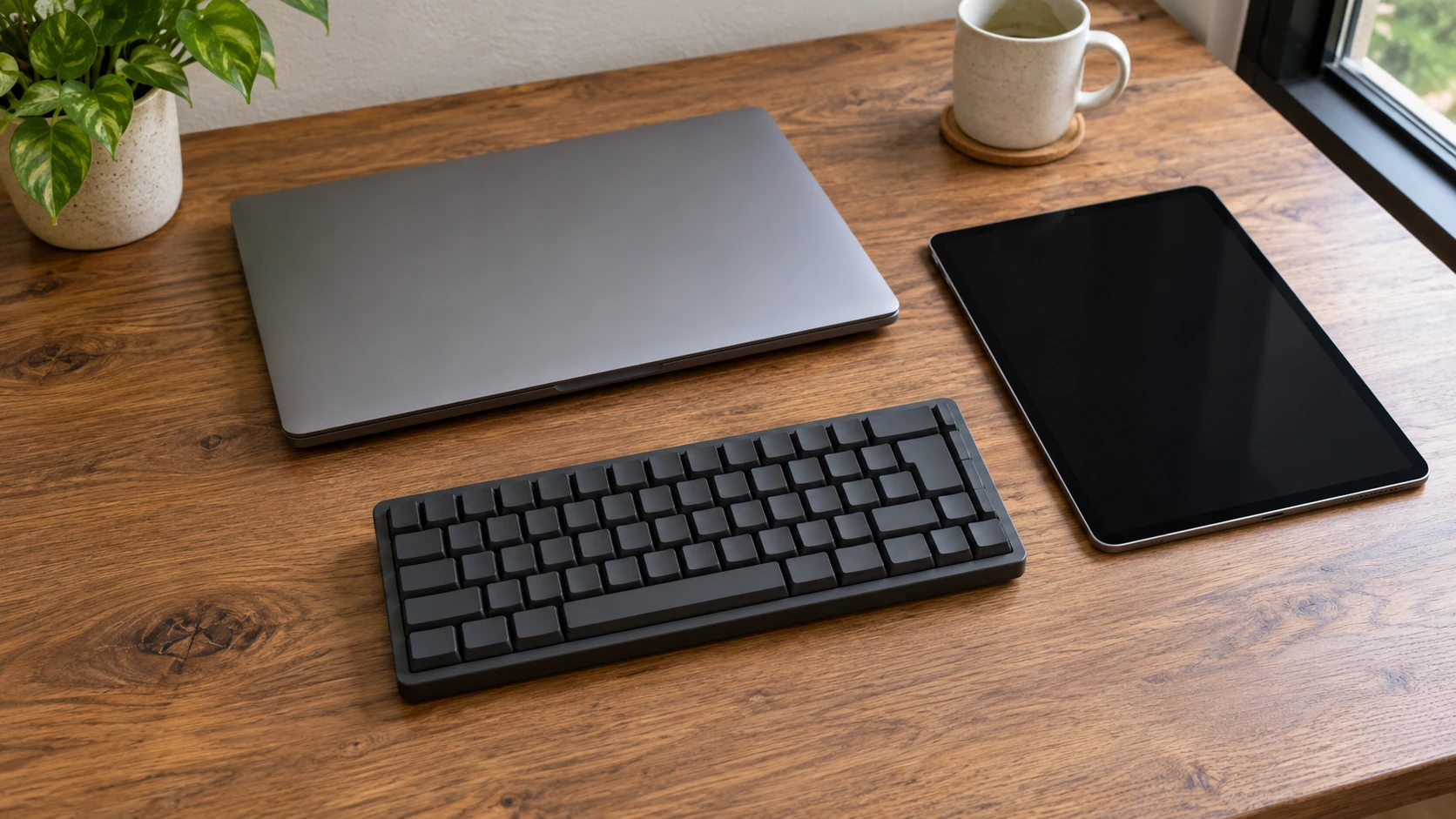
Bluetooth keyboard troubleshooting starts with a precise observation when typing appears on a device you did not intend to use. Stop entering private text, set up a harmless sample and identify the screen that receives it. Keep the expected destination and the observed destination separate while you work out what to check next.
This guide addresses wrong-device input. It does not supply a universal pairing shortcut, reset sequence or repair for damaged hardware. The two keyboard listings provide examples of documented connection features. Their descriptions are not operating instructions for every version of a similarly named keyboard, and no switching test is reported here.
You might be able to see typing arrive on a tablet while you expected it on a laptop. You might instead see no sample anywhere. Record the result you actually observe. An unavailable second screen cannot establish where typing went, even if an earlier session makes one explanation seem plausible.
Write down the symptom before choosing a cause
A useful note names the keyboard, the intended device and what appeared during the sample. You could write, "The sample appeared on the tablet while I expected it on the laptop." That is an observation. Saying that the keyboard has selected the wrong Bluetooth slot adds an explanation that still needs supporting evidence.
Add what happened immediately beforehand. You may have attached a cable, returned to a desk or used another device. These details can help someone understand the sequence without proving its cause. A cable on the desk does not by itself establish that the keyboard is sending data through it.
Choose a place for the sample that you intend to use for testing and that will not send a message or alter important work. Keep the sample free of names, credentials and other private information. The purpose is to establish the input destination, so there is no need to reproduce the text you were originally trying to enter.
Identify the exact keyboard before borrowing instructions
Read the model identity on your keyboard or its own documentation. Record the version where it is stated, along with the intended device and its operating system. Similar appearance does not establish identical controls. If the version remains unclear, keep that as an information gap instead of guessing a shortcut from a related model.
The Royal Kludge RK61 wired/Bluetooth keyboard listing describes wired and Bluetooth connections. It also identifies a supplied grey coiled USB-C cable measuring 4.7 feet. These details support asking which connection route you intend to use. They do not supply a model-bound pairing or reset procedure.
The Keychron K2 Version 2 keyboard description identifies a wired USB-C connection and Bluetooth 5.1. It says the keyboard connects to up to three devices and switches among them. That makes host selection a relevant question for this model, while leaving the actual selection procedure to its instructions.
Do not transfer the K2 description's multi-device claim to the RK61 listing. Keep each feature with its exact product. Likewise, the existence of a switching feature does not tell you which host is currently selected or which control will select the device you want. Those are the questions your model-specific instructions need to answer.
Start by checking a keyboard connection mode
When checking a keyboard connection mode, write down your intended route before changing anything. "I want to use the cable" expresses an intention. "A cable is attached" records something visible. A documented mode selection, followed by an observed result, would provide more information about whether that intended route is actually in use.
Trace an attached cable to the device it reaches, without assuming its presence changes the keyboard's active connection. Look for the exact keyboard's explanation of mode selection. Record any visible label in its own words. If you cannot interpret the label from the documentation, leave its meaning unresolved rather than translating it into a setting you expect.
If the instructions establish how to select wired operation, use that model-bound procedure when you are ready to test. This article does not assign a switch position or key combination. Keep the action you take in your notes, including the instruction you followed, so the next result can be compared with the original observation.
If you intend to continue using Bluetooth, state that choice just as clearly. An attached cable may still be present in the setup, but its appearance alone does not settle the route question. Establish the documented mode and the current state you can verify before combining that question with a change of host.
Continue by confirming the intended Bluetooth host
The purpose of confirming the intended Bluetooth host is to connect your observed result to a particular device. Name the laptop, tablet or other host in your record using a label you can distinguish without exposing personal information. A note that says only "my computer" may become ambiguous when several devices are involved.
For the K2 Version 2, look for its own instructions explaining device switching. Check how those instructions identify the available host selections before making a change. This guide does not assign a number to your laptop or infer your pairing arrangement from another person's example. Your existing setup needs its own documented interpretation.
A remembered pairing is useful background. The screen receiving your harmless sample is evidence of what happened during the current test. Keep both in the record. If they disagree, describe the disagreement without deciding that the remembered arrangement must still be active or that the keyboard has necessarily developed a hardware fault.
If you cannot observe another device, record that limitation. You can still say the intended screen did not receive the sample under the conditions you checked. You cannot say that a hidden screen received it. That narrower conclusion gives support a usable symptom without adding an unobserved destination to the account.
Change one documented setting and compare the result
Once you understand a relevant instruction, choose one change that addresses the question you are investigating. For example, a documented host selection could be relevant after you have established that Bluetooth is the intended route. Keep the mode question and the host question distinct enough that you can explain which one you changed.
Repeat the harmless sample in the same intended test context, then record where it appeared. If the expected screen now receives it, say what worked under those conditions. One result does not establish that every future reconnection will work or that a different operating system, keyboard version or device arrangement will behave identically.
If the result remains unchanged, preserve that result and the exact instruction you followed. Do not rewrite the earlier observation as though the change had worked. You have learned something about this attempted correction, and the unresolved symptom can move to a more specific question for the device or keyboard supplier.
A reset or removal of a remembered connection would be a further action with its own consequences. This guide provides no authority or procedure for it. Obtain the exact model's instructions and understand what the action changes before considering it. Repeating guessed combinations would make it harder to reconstruct the setup you started with.
Separate wrong characters from the wrong destination
Typing on the intended device while seeing unexpected characters is a different observation from typing on another device. Record it separately. The destination may now be established while the character result remains unresolved. Avoid declaring that the original host question is still the cause merely because some part of the typing experience remains wrong.
The K2 description includes Mac and Windows layout information. That feature does not prove that your intended host currently uses the matching configuration. Look for the exact keyboard and operating system guidance applicable to the mismatch you observe. This article does not prescribe a layout setting from the appearance of one keycap.
Keep changes made for character layout out of the earlier connection test unless you explicitly record them. If someone later reads the sequence, they should be able to tell whether the sample changed destination, changed characters or failed to appear. Those results give different starting points for the next piece of support advice.
Use related guides without borrowing their controls
The Logitech Alto and MageGee keyboard guide distinguishes connection features of its selected products. Any device-slot controls discussed there belong to those keyboards. They cannot supply a missing RK61 or K2 instruction. Use that distinction to keep the exact model attached to each control you consider.
If your intended host is a desktop, the Dell OptiPlex and HP ProDesk guide concerns those selected desktop offers. Their product information does not establish the Bluetooth equipment, configuration or current input state of your own machine. Identify your actual host before treating a desktop feature as available for this test.
A related buying guide can help identify a product question, but it cannot report the outcome of your troubleshooting session. Keep your observed destination, your exact device information and the documented action together. Otherwise a feature mentioned in another guide can quietly become an explanation that no test in your setup has established.
If the session is interrupted, leave the notes at the last result you actually checked. On returning, identify the intended host and current visible setup again before drawing a conclusion from the earlier sample. Another person may have used the equipment, or you may simply be unable to confirm that the setup remained the same.
A helper should be able to distinguish an instruction you have read from an action you have completed. Mark an unanswered documentation question as pending. Keep a planned change out of the results column until you have performed it and observed the sample. This makes an unfinished investigation useful without representing it as a completed repair.
Give support a record they can use
When the symptom remains unresolved, provide the keyboard's identified model and version, the intended host and operating system, the route you meant to use and the sample's observed destination. Include the documented change you tried and its result. Exclude private sample text; its contents are unnecessary for explaining which screen received input.
State any missing information directly. You may not know the keyboard version, the meaning of a control label or the state of an unavailable second device. Those limits tell support which question still needs answering. A confident explanation built from guesses would conceal the gap and could send the next investigation down the wrong path.
Retain the original observation alongside the latest result. If a documented change restores typing to the intended host, the record explains what happened in that setup. If it does not, you still have a precise symptom and a bounded attempted correction to discuss, without claiming a successful repair or an unobserved cause.
If troubleshooting leads to a replacement
If the checks above leave you considering a replacement keyboard, keep that purchase separate from the unresolved connection question. Write down the exact model you investigated, the host you wanted to use and the observation that remains unexplained. Use that note to ask a seller which connection and host arrangement the proposed replacement supports. A different listing title alone should not settle that question for you. If you consider buying through republeq.com and want to use crypto such as USDT, ask for the instructions for that specific order before transferring anything. Request the exact payment asset, network and destination details in writing, and ask how the order reference should be associated with the payment. Treat those as questions to resolve, rather than assuming the answers from this guide. Also ask what records you should retain and whom to contact if the payment and order records do not line up. Keep a copy of the product identity, the seller's answer to your compatibility question, the order reference and the instructions you actually received. Before proceeding, compare the proposed keyboard with the particular host and connection you intend to use; do not turn an unresolved wrong-device symptom into an assumption that any replacement will behave differently. If an instruction is unclear, stop and clarify it while you still have the original question in front of you. After any purchase, retain the confirmation separately from the troubleshooting log so that a payment record does not become evidence of a successful connection. This is a way to organize your next questions and records if you choose to shop. It does not establish which payment methods a particular order offers or resolve the keyboard fault.