Crypto Commerce
Barco ClickShare vs Logitech MeetUp: Camera Setup Checks
A small meeting room needs a camera setup that lets people join a call, be seen and hear the conversation. For Barco ClickShare vs Logitech MeetUp , the supplied descriptions establish a shared starting point: both list 4K video and 120-degree coverage. Their documented audio and connection details differ. Barco lists a direct USB host connection and network options; Logitech describes microphones, a speaker and Bluetooth mobile calling. Those differences give you specific questions to resolve before choosing either device.
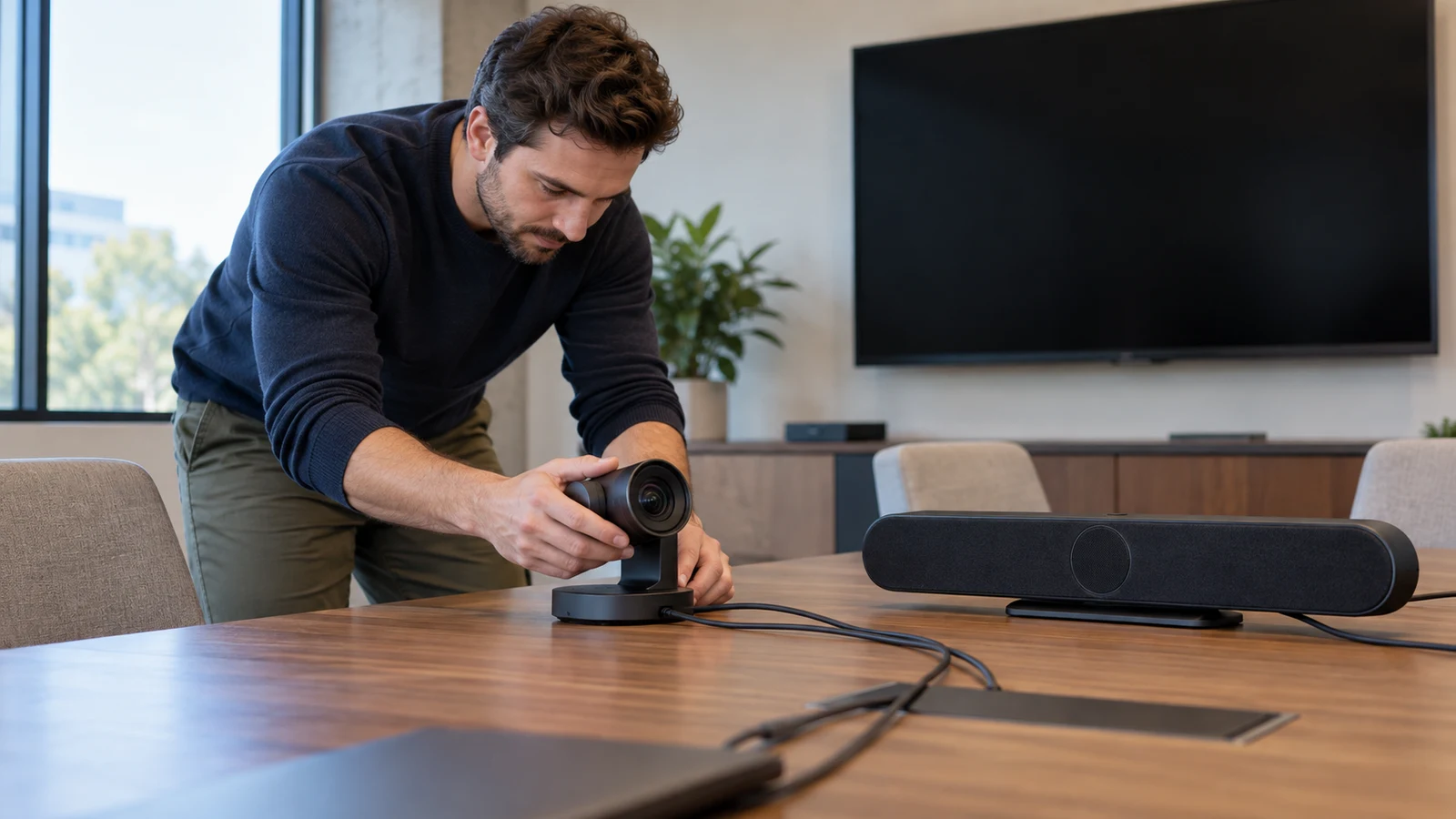
A small meeting room needs a camera setup that lets people join a call, be seen and hear the conversation. For Barco ClickShare vs Logitech MeetUp, the supplied descriptions establish a shared starting point: both list 4K video and 120-degree coverage. Their documented audio and connection details differ. Barco lists a direct USB host connection and network options; Logitech describes microphones, a speaker and Bluetooth mobile calling. Those differences give you specific questions to resolve before choosing either device.
This comparison concerns the two Republeq listings identified below. It does not establish how other products in either brand's range behave. Neither description settles every part of a working room installation, so the useful decision is which documented features match your needs and which missing details could affect the purchase. Begin with the computer and meeting application you intend to use, then examine the video and audio paths separately.
Identify The Listings Before Choosing A Logitech Camera Alternative
The Barco product is listed as the ClickShare Video Conferencing Camera. Its description states 4K capture at 3840 x 2160, a 120-degree angle and a built-in microphone. It also names USB 3.1 Type C for a direct host link, Wireless LAN and Network (RJ-45). Windows 10 and macOS Ventura are the operating systems expressly identified in that description.
To inspect the Barco side of the Barco ClickShare vs Logitech MeetUp comparison, use that specific product listing when asking about configuration. Request the manufacturer's model or part number for the offered unit. Keep that identifier with the seller's answers so information about a different ClickShare product does not enter your purchase decision.
The second listing identifies the black Logitech MeetUp as model 960001101, also written 960-001101, with SKU sku-913709690. Its description expressly places it in huddle rooms and small conference rooms. It lists support for 4K, 1080p and 720p video, a 120-degree field of view, three microphones and a speaker. It also describes speakerphone use and wireless connections to Bluetooth mobile devices for hands-free calls.
If you want to assess a Logitech camera alternative to the Barco listing, this is the particular MeetUp model under discussion. The small-room description makes it relevant to the comparison, but it does not specify a room-size limit or guarantee coverage at every seat. Ask about your intended layout without assuming that a room label supplies those measurements.
Plan Interview Camera Framing For A Seated Conversation: Compare The Video Claims
The video specifications have enough overlap to prevent a simple resolution-based choice. Barco states 4K capture at 3840 x 2160; Logitech states support for 4K as well as 1080p and 720p. Both descriptions give an angle of 120 degrees. These statements do not establish equal picture quality, identical framing or the resolution a remote participant will receive in your chosen application.
Ask which video modes are available through the proposed connection and in the intended meeting software. Neither supplied description gives a frame rate, explains application-specific resolution limits or documents the result through a particular laptop and adapter. If your room has a fixed computer, include its exact configuration in the question. If participants bring their own laptops, identify the configurations the room actually needs to accommodate.
Keep image assessment tied to a meeting task. For example, decide whether the remote participant mainly needs to follow faces around a table or also read material someone holds up. During a demonstration, ask to see that task through the proposed setup. A specification alone does not answer whether the resulting view will meet your expectations, and this comparison does not attribute superior detail or low-light performance to either product.
Plan Interview Camera Framing For A Seated Conversation: Check The Intended View
The matching coverage figures are a reason to compare the actual views under similar conditions. Ask whether each stated angle describes horizontal, diagonal or another measurement, since the supplied descriptions do not identify the convention. Also establish whether the demonstrated view uses the full image or a selected crop. Without those details, treating both numbers as proof of interchangeable coverage would go beyond the evidence.
For a room sometimes used for a seated interview, Plan interview camera framing for a seated conversation is a separate guide to that framing task. Here, the purchase question is whether the proposed camera setup can provide the view you intend to use. Ask for an example from your planned camera position, with the relevant seats occupied, rather than accepting a demonstration from an unrelated layout.
Check any adjustment you expect to make during meetings. Neither description establishes automatic framing, speaker tracking, adjustable viewing angles or particular camera controls. If one of those functions is important, ask about it explicitly and identify how it is operated. A requirement for a fixed view can lead to a different shortlist from a requirement for frequent changes between a whole-room view and a closer conversation.
Evaluate Audio And Connections In A Logitech Camera Alternative
Audio is the clearest difference in the amount of information supplied. The Barco description identifies a built-in microphone but does not state a microphone count or mention a speaker. The Logitech description identifies three microphones and a speaker, as well as speakerphone use. An omitted feature remains unknown; it should not be recorded as absent without further confirmation.
For a room that needs both voice pickup and playback through the conferencing unit, MeetUp therefore has more explicit supporting detail in this comparison. That is a documentation difference, not a finding that its audio sounds better. Microphone count does not establish intelligibility at the farthest seat, and the presence of a speaker does not establish how comfortably everyone will hear it in your room.
Ask for a conversation test that includes someone at the nearest intended seat and someone at the farthest. Have a remote listener report whether each person is understandable at their normal speaking level. Then listen to the remote person's voice in the room. Keep pickup and playback observations separate so an acceptable microphone result does not conceal an unsuitable playback arrangement, or vice versa.
The Logitech description also lists microphone frequency response and sensitivity. Those figures alone do not provide a comparative listening result against Barco, whose supplied description does not offer corresponding measurements. Avoid turning the extra numerical detail into an audio-quality ranking. If speech clarity is the deciding requirement, seek an example using the proposed equipment and a room arrangement relevant to yours.
Connection terminology needs similarly careful reading. Barco's description supports a direct host link through USB 3.1 Type C and network connectivity through Wireless LAN or RJ-45. It does not explain what every network connection carries or how a meeting application accesses the camera through it. Ask which connection is required for the intended call and what role the remaining connections serve.
Logitech's stated wireless capability concerns Bluetooth mobile devices and hands-free calls. That does not establish wireless camera video to a computer. The supplied MeetUp description leaves its computer video connection unspecified. If wireless video is a purchase requirement, neither a Bluetooth calling statement nor a general network statement resolves it. Request an explicit explanation for the exact unit and workflow.
Check Host And Room Fit For A Logitech Camera Alternative
Write a short description of the installation before contacting the seller: the host computer, operating-system version, meeting application and intended equipment position. Include any dock or adapter you expect to keep using. This gives the seller a specific setup to address and helps distinguish a general product statement from an answer about the configuration you plan to install.
Barco expressly names Windows 10 and macOS Ventura. That supports those compatibility statements in the listing, but it does not establish compatibility with every other version or every conferencing application on those systems. The supplied Logitech description names no computer operating system. Ask about the exact host for either device, and do not transfer Barco's operating-system claims to MeetUp.
Application compatibility is a separate question. Neither description establishes certification for a named conferencing platform, an installation procedure or whether additional software is necessary. Ask how the intended application selects the camera and audio devices, and whether setup requires administrator access. If your organization restricts software installation, include that restriction before accepting a proposed configuration.
Physical installation also remains open. The descriptions do not establish dimensions, mounting hardware, included cable lengths or power arrangements. Request those details for the offered package before deciding where the unit will sit. In particular, do not infer that Barco's USB connection supplies all required power or that its RJ-45 connection supports a particular power method.
A useful seller response should address the following practical questions for the exact product being considered:
- Which connection carries camera video to the intended computer?
- Which microphone and playback device will the meeting application use?
- What power supply, cables and mounting parts come with the offered unit?
- Will any additional hardware or software be needed for the proposed arrangement?
- Which video modes are supported in that configuration, and can the seller demonstrate them?
For a shared room, describe how people will start a meeting. A permanently connected room computer and a succession of visitor laptops present different setup questions. Ask what users must connect or select each time, and what remains configured between sessions. Neither listing establishes a one-step joining process or automatic switching, so those conveniences should remain requirements to investigate.
If a demonstration is available, follow the ordinary meeting sequence from joining the call through ending it. Observe device selection, the outgoing picture and both directions of audio. For a room that must support mobile calls, request a separate demonstration of that use. Logitech's Bluetooth calling statement makes the question relevant, but it does not establish how mobile calling interacts with an active computer meeting.
Choose A Logitech Camera Alternative According To The Unresolved Setup Questions
The Barco ClickShare vs Logitech MeetUp decision should turn on the features your installation needs and the answers still outstanding. Barco deserves closer examination when its documented USB host link, network options or named operating-system compatibility matter to the room plan. Confirm the purpose of each connection and the playback arrangement before treating those details as a complete conferencing setup.
MeetUp deserves closer examination when the documented combination of microphones and a speaker, or Bluetooth mobile speakerphone use, matches the intended room function. Its description also expressly identifies small conference rooms and lists several video resolutions. The remaining questions include the computer connection, host compatibility and the behavior of the intended meeting application. Those gaps should be resolved on their own terms.
Neither description supports an overall winner on image quality, microphone performance or ease of use. Shared 4K and coverage specifications leave meaningful differences untested, while the unequal detail in the descriptions can make one product appear more complete on paper. Give each candidate the same practical requirements and distinguish a documented capability from an unanswered question.
Before choosing, return to the two product listings with your room's host configuration and the questions that could change your decision. Ask for answers tied to the offered model and package, then use any available demonstration to assess the intended meeting experience. A choice is easier to justify when you can explain how video reaches the call, how conversation travels in both directions and what the room still needs installed.