Crypto Commerce
Avigilon 1.3C-H4M-D1 mini dome for discreet coverage
The Avigilon 1.3C-H4M-D1 mini dome deserves consideration when you want a low-profile surveillance camera and the proposed location may be outdoors. Republeq's listing describes a compact dome intended for indoor and outdoor use. The Axis P1264 comparator is listed as an indoor pinhole IP camera. That difference gives you a starting point: consider the Avigilon for an exposed location, subject to confirming its environmental limits; compare both for an indoor installation where appearance and mounting arrangements matter. For Avigilon 1.3C-H4M-D1 mini dome , verify each step.
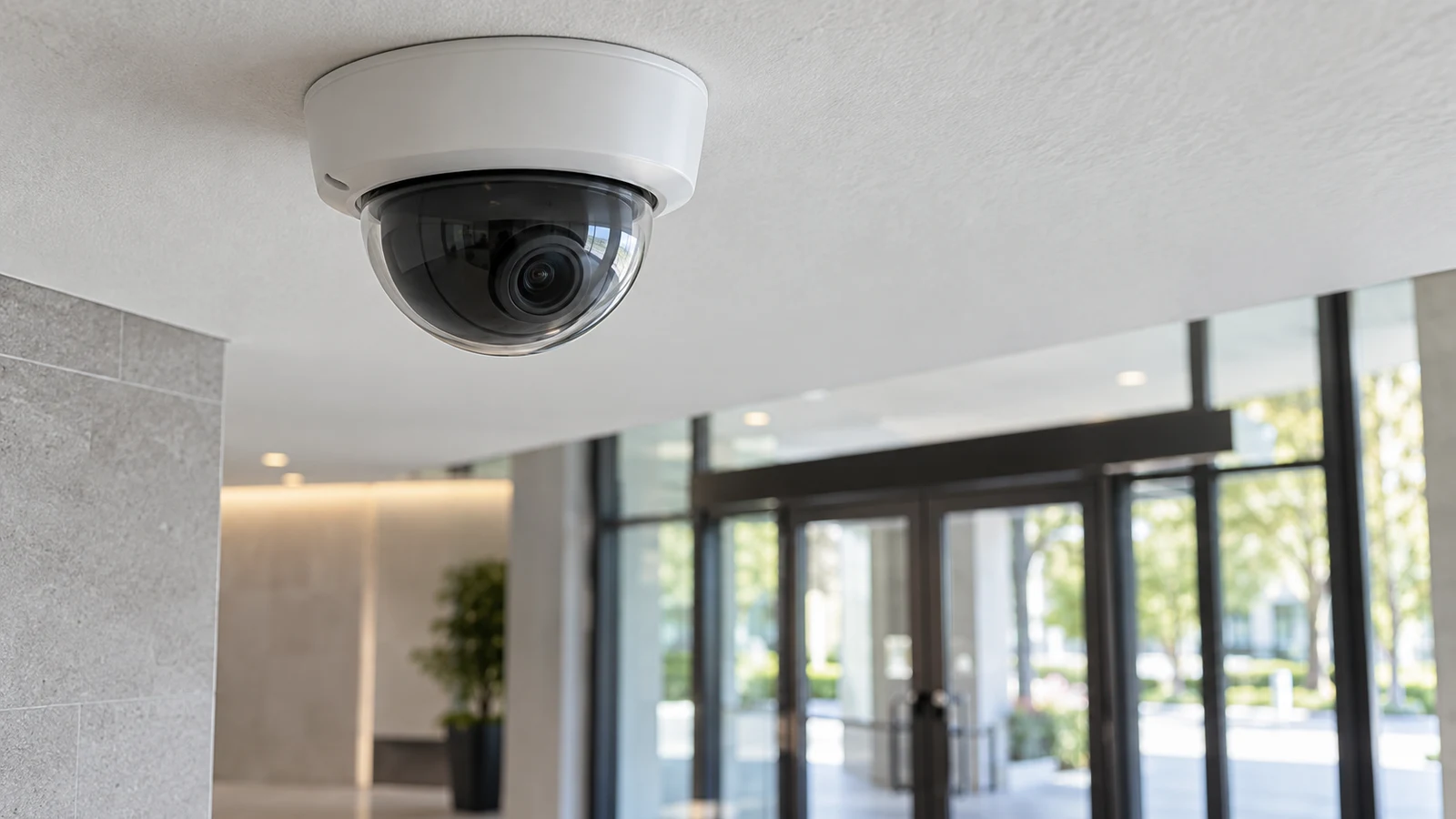
The Avigilon 1.3C-H4M-D1 mini dome deserves consideration when you want a low-profile surveillance camera and the proposed location may be outdoors. Republeq's listing describes a compact dome intended for indoor and outdoor use. The Axis P1264 comparator is listed as an indoor pinhole IP camera. That difference gives you a starting point: consider the Avigilon for an exposed location, subject to confirming its environmental limits; compare both for an indoor installation where appearance and mounting arrangements matter. For Avigilon 1.3C-H4M-D1 mini dome, verify each step.
Neither description settles whether the camera will deliver the view you need or work with your recording equipment. The Avigilon listing supplies a resolution, compression format and motion-detection claim, but leaves several installation details unspecified. Your choice should connect the proposed mounting position to a usable recorded image. A discreet housing is useful only if the installation also suits the space and the recording system.
For this comparison, keep the exact model identifiers in view: Avigilon 1.3C-H4M-D1 and Axis P1264, identified as 0925-001. Ask for documentation matching those identifiers when resolving missing details. A specification for another dome in the same brand's range, or another Axis pinhole camera, does not establish what these particular listings include.
Axis Camera Alternative: Start With The Mounting Location
Decide what discreet coverage means for your room or exterior position. You might want a camera that does not visually dominate a finished ceiling, or you might be considering a pinhole installation within an approved interior fixture. Those are different installation briefs. Write down the acceptable visible footprint and the surface available for mounting before comparing product photographs.
The Avigilon description supports considering a small dome for this task. It describes the form factor as low profile and unobtrusive, but provides no housing dimensions or mounting drawing. Ask for its actual width, depth and mounting requirements. If appearance is important, mark the documented dimensions on the proposed surface with a removable paper outline. This is a suggested planning exercise, not a claim about the camera's size.
Include the cable entry and any required mounting accessory in that outline. A product photograph may show the camera alone, while your installation could require additional hardware. Find out which fittings are included and which would need to be purchased separately. Ask how the cable reaches the housing at your chosen position, especially if you are trying to avoid a visible cable run across a finished surface.
For an outdoor position, the Avigilon listing's indoor/outdoor description is relevant, but its limits remain important. The description mentions resistance to weather exposure and potential tampering without specifying an environmental rating, impact rating or operating temperature range. Confirm those details against the actual exposure at the mounting point. Do not interpret the description as approval for every exterior location or installation method.
Consider a proposed entrance installation as an example. A camera inside the entrance and a camera outside above it need separate assessments, even if they are intended to observe the same doorway. For the exterior position, establish the housing and cable-entry requirements. For the interior position, assess the available mounting surface and intended view. This example does not establish that either camera suits a particular entrance.
The mounting conversation should also cover access after installation. Ask how someone would reach the camera for adjustment or service without disturbing nearby fittings. If the position is difficult to access, clarify which adjustments can be made remotely and which require physical access. Neither supplied listing establishes remote adjustment capability, so leave that question open until you have model-specific information.
Axis Camera Alternative: Compare The Dome's Recording Details
Republeq lists the Avigilon at 1.3MP and describes it as suitable for monitoring and identification. Treat those statements as product-description claims, not a guarantee that a person or object will be identifiable anywhere in your intended scene. The supplied description does not state the lens specification, field of view or performance under different lighting conditions. Those omissions matter when you are selecting a position for a compact camera.
Define what you need to see in the recorded image. For example, your requirement might be to review activity at a single entrance rather than observe an entire room. Ask whether the documented lens and proposed mounting position support that requirement. Where a demonstration is available, request a view representative of your intended distance and lighting. A general promotional image cannot answer a specific coverage question.
The listing also states that the Avigilon uses H.264 compression. This gives you a named format to discuss with the person responsible for your recorder or video-management software. It does not establish full compatibility by itself. Ask whether your exact recording system supports this camera model, which software or firmware versions are involved, and whether any additional license or integration component is required.
Separate live viewing from the recording functions you expect to use. Ask whether the proposed combination supports continuous recording, event recording and playback in the way your site requires. If exporting a clip is part of the job, include that in the compatibility discussion. These are buyer checks, not confirmed functions of the Avigilon or Axis products in this comparison.
Motion detection is another listed Avigilon feature. The description does not explain its available settings or how motion events interact with an external recorder. Ask where detection is configured, whether the recording system receives those events, and how you would confirm that the desired event was retained. Avoid assuming that a motion-detection claim establishes object classification, a particular alert method or recording without other equipment.
Storage planning needs information beyond the compression label. Ask the installer or system provider to size storage for your intended recording settings and retention period. The supplied listing gives no bitrate, frame rate or storage capacity from which to make a model-specific estimate. Keep any proposed capacity tied to a documented configuration, and clarify whether that estimate assumes continuous recording or recording triggered by events.
Power and connectivity are unresolved too. The Avigilon description supplied here does not specify its power input or connection requirements. Do not assume battery operation, wireless connectivity or a particular power-delivery method from the small housing. Before selecting an installation position, establish what services must reach it and whether the necessary equipment is included in the proposed purchase.
Use Camera Battery Planning For Time Away From Charging: A Separate Equipment Question
If your wider camera project also includes portable equipment that uses rechargeable batteries, Use camera battery planning for time away from charging addresses that separate task. It does not establish a power specification for either surveillance camera discussed here. Keep the fixed-camera installation decision tied to the documented supply requirements of the exact model you choose.
Axis Camera Alternative: Decide Whether The Indoor Pinhole Fits Better
The Axis camera alternative is the P1264 indoor pinhole IP camera, model 0925-001. Republeq describes it as compact, adjustable and vandal resistant, with HD video. Its pinhole format makes it relevant when you are considering a different physical approach to discreet indoor coverage. The description does not establish that it will be less noticeable in your specific installation.
Compare the complete installed arrangement. Ask what parts of the Axis system need space, how they are mounted and which components remain visible. Obtain the equivalent installation information for the Avigilon dome. The supplied descriptions do not provide enough dimensions or component detail to decide which uses less space overall. A small visible opening and a compact dome are different forms, not measurements of the finished installation.
The Axis listing explicitly describes indoor use. If your requirement is outside, it does not provide a basis for treating the P1264 as interchangeable with the Avigilon. For an indoor requirement, both remain candidates while you resolve the physical layout. Do not assume that a sheltered outdoor position becomes suitable for an indoor-listed product simply because the camera would be under a cover.
Image quality cannot be ranked from these descriptions alone. Avigilon's listing gives 1.3MP, while the Axis description uses HD without supplying a precise resolution in the provided text. Neither supplies comparable lens, low-light or frame-rate information. Ask each candidate to answer the same coverage requirement, and compare documented specifications or representative footage before declaring one more suitable for your scene.
Apply the same care to durability language. The Avigilon description mentions weather exposure and potential tampering; Axis is described as vandal resistant. Neither supplied description gives a numerical impact rating. If resistance to damage is a purchase requirement, ask for the relevant rating and approved mounting conditions. These descriptions support further investigation, but they do not establish that one camera can withstand a specific incident.
Axis's description also mentions adjustability without explaining its range or method. Establish how its view can be positioned in the intended installation and whether adjustment remains accessible afterward. Ask the corresponding question about the Avigilon. This could decide an awkward indoor mounting choice, but no adjustment advantage can be assigned to either model from the supplied descriptions alone.
For recording compatibility, give your system provider both exact model names and the existing recorder or software details. Request a separate answer for each camera. If one requires a change to the recording setup, include that change in the comparison alongside mounting work. A camera that meets the appearance requirement may still involve more integration work than you intended.
Before choosing, assemble a short purchase note for the preferred installation. Include the camera model, proposed position, required recorded view and the recording system it must work with. Record any unresolved installation detail beside the person who can answer it. This gives a supplier or installer a specific request and avoids turning a broad description such as “discreet coverage” into an assumed specification.
Then check the current product selection and purchase terms. Confirm the exact variant, included accessories and current total, along with any delivery, warranty or return detail that affects your decision. This article does not establish those terms. If you choose a cryptocurrency payment option, follow the currency and network instructions actually presented at checkout; do not infer payment conditions from the camera listing.
Consider the Avigilon 1.3C-H4M-D1 mini dome for a position where a low-profile dome suits the space and its documented environmental limits meet the exposure. For an indoor installation that favors a pinhole arrangement, keep the Axis P1264 in the comparison. Return to the product details with your proposed mounting position and recorder information, and resolve the remaining fit questions before selecting the camera and any installation accessories.