Crypto Commerce
Angel Broking Inc. mini projector mini projector vs ZuHou TS_1 for room setup
Compare Angel Broking Inc. mini projector by input claims, room distance, focus, keystone, stand, and connections.
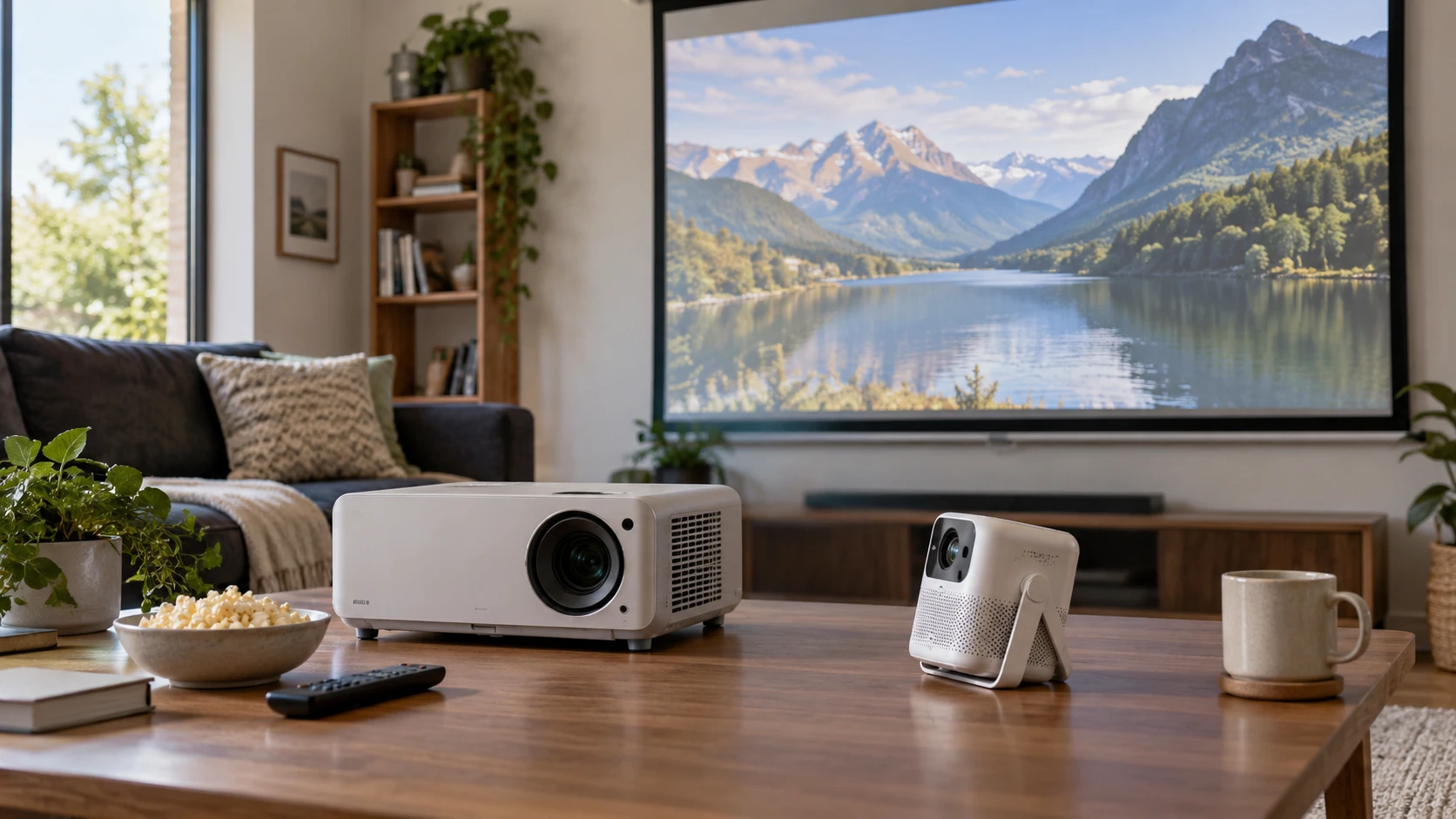
The Angel Broking Inc. mini projector is advertised with an 8K label, but its listed physical imaging resolution is 1920 by 1080. The ZuHou TS_1 listing says it supports 1080p content without stating its native panel resolution. Those are different kinds of claims. A source format describes what a projector may accept; the imaging panel determines how much detail it can place on the screen. Ask for the exact native resolution of both units, then choose the room position and input device you plan to use rather than shopping from the largest resolution word in a title.
The published guide on projector screen aspect ratio planning is useful when measuring a wall or portable screen. An image that fits the available width can still leave bars above or beside some video, depending on the content and screen shape. Mark the usable width and height before choosing an image-size setting. Neither saved product excerpt supplies a complete throw-ratio chart by aspect ratio. Treat its image-size range as a boundary to investigate, then check the manual or a live demonstration for the picture size at your actual projection distance.
The ZuHouziqiW TS_1 projector pairs electric focus and stated automatic correction with a folding telescopic stand. The Angel unit lists manual focus, four-way electronic keystone adjustment, and a possibility of hoisting it. These setup methods lead to different routines. A projector moved between rooms benefits from controls that are easy to repeat. A projector kept in one place can be positioned carefully once. Neither listing proves that its correction preserves full image sharpness at a steep angle, so start by placing the lens as squarely to the screen as the room allows.
Read resolution claims in order — projector screen aspect ratio planning
Angel gives three different descriptions that should not be collapsed into one specification. Its title says Ultra HD 8K. The saved excerpt says it accepts 8K content and lists video formats including 8K and 4K. It separately describes an Amlogic video decoder capable of 4K by 2K at 75 frames, while naming a 1920-by-1080 physical imaging system. The last number is the relevant published native resolution. Confirm with Republeq which input, frame rate, and file format the 8K claim refers to. The decoder statement does not, by itself, confirm that every advertised 8K signal will play from an HDMI source.
ZuHou says it supports 1080p content. The excerpt does not identify a physical pixel count, panel type, or tested video-input matrix. A supported 1080p signal could be displayed at a different native resolution, so request the specification sheet or photograph of the exact model's settings screen. Compare native-to-native resolution if image detail is decisive. Send a familiar 1080p test image through the intended source device and look at small text near the edges as well as the center. That trial can reveal focus and scaling behavior without pretending that an accepted signal is a native-pixel claim.
Angel lists 230 ANSI lumens and a 1000:1 contrast ratio. ZuHou's pinned description gives no comparable brightness or contrast measurement. The Angel numbers are Republeq's product specifications without matching test conditions in these sources. Test the image in the room at the time of day you will watch it. Curtains, wall color, and screen size can change the experience. A large picture spreads the same projected light over more area; the listings do not establish how either projector looks on your particular screen. If daylight viewing matters, request comparable measured brightness information for ZuHou before treating the pair as equivalent.
Place the lens before using correction — ZuHouziqiW TS_1 projector
Angel states a projection distance from 1.8 to 6.6 meters and an image-size range from 35 to 200 inches. ZuHou states 6.3 to 12.8 feet and 49 to 140 inches. Each range joins two endpoints, but neither excerpt specifies the exact distance that produces each intermediate size. Measure from the planned lens position to the screen and check whether the desired diagonal lies within the maker's chart. Leave room behind the projector for its cables and ventilation. A shelf may have enough depth for the case yet put the lens too close to make the picture you want.
Angel uses an all-glass lens with manual focus. Set it in the chosen location, focus a still image with fine details, and check all four corners. A center that looks crisp while a corner stays soft could indicate placement or optical limits; a keystone control will not necessarily fix the underlying focus. The listed four-way electronic correction may help square a slightly offset image. Ask how much of the pixel area is used after a strong correction, and avoid relying on a severe setting to rescue an awkward shelf position.
ZuHou's electric focus and stated automatic correction of plus or minus 15 degrees may be convenient when the stand changes height. The excerpt does not say which axis receives that correction or how it selects the image boundary. Test focus and geometry after raising the stand, then after lowering it. Save the settings if the manual permits. Its telescopic stand is listed as adjustable from 9 to 29 inches high, with a folding design. Verify that measurement on the actual product and check stability on the floor or table you will use. A narrow stand footprint may matter more than adjustment range if a pet or passerby could brush against it.
Angel says the unit can be hoisted, but the saved description does not specify mounting-hole spacing, bracket type, ceiling clearance, or whether an image-flip option is available. Obtain the manual before buying a ceiling mount. ZuHou's integrated stand suggests a portable setup, yet its listing does not rule out other mounting options. If a permanent installation is the goal, request a mounting diagram rather than assuming that a folding stand can replace a rated bracket. In either case, keep the projector where the manufacturer allows airflow and where cables will not pull it out of alignment.
Check the source and audio path — ZuHouziqiW TS_1 projector
Angel names two HDMI inputs, two USB ports, one AV input, Bluetooth, infrared controls, and a headphone connection. It lists Android 9.0, 2GB of running memory, and 16GB of storage. Those details suggest several ways to bring media to the projector, but the excerpt does not say which streaming apps are supported now or whether software updates are available. Use the HDMI device you already own for the first demonstration. Check that picture and audio both arrive, that the remote switches inputs, and that the file format you expect actually plays from USB if local playback matters.
ZuHou lists USB, AV, and another unspecified port. The product description names TV boxes, computers, tablets, DVD players, USB sticks, and media players as possible sources. It also describes built-in "5G WiFi" and elsewhere "5 Wi-Fi" for screen mirroring from iOS, Android, and Windows devices. That wording does not establish a specific wireless standard or cellular 5G capability. Ask for the exact network band and mirroring protocol. More importantly, test the app you intend to watch: the listing itself warns that Hulu and some other video services may block mirroring because of content restrictions.
The ZuHou product URL contains "Unitedtime," while the live title and pinned product row identify ZuHouziqiW TS_1. The saved description also mentions Unitedtime. Confirm the actual maker and model on the rating label, packaging, and manual before relying on a stand or remote accessory that might vary by version. Angel Broking Inc. is likewise an unusual name for a projector brand, and its title and technical claims need confirmation against the delivered unit. A Republeq's catalog model photograph and a readable label are better identity evidence than a URL slug or a search result title.
Angel has a built-in five-watt speaker according to its description. ZuHou lists a built-in speaker and calls out "5.1 connectivity" for external speakers or headphones, without defining the port, codec, or decoding support behind that phrase. Listen to dialogue at the intended seating distance and try your actual external audio device. If you need surround output, ask for a connection diagram and a supported-format list. Do not infer a working multichannel home-theater path from the bare words "5.1 connectivity." Bluetooth on the Angel side also needs an exact audio-device pairing test, since the listing does not identify every supported profile.
Choose for the room you have — ZuHouziqiW TS_1 projector
Angel supplies a stated native 1080p panel resolution, a brightness figure, two HDMI inputs, manual focus, and a larger claimed image-size ceiling. Its 8K title is an input-support question to resolve, not a promise of 8K pixels on the wall. ZuHou supplies a stand with adjustable height, electric focus, a shorter stated maximum projection distance, and explicit wireless-mirroring claims. Its native resolution and brightness remain unspecified in the saved excerpt. Those omissions could matter more than its portable design if you plan to watch detailed video in a bright room.
Tape off the intended screen area, put the source device where it will normally sit, and measure the lens-to-screen distance. Request each exact manual, then confirm model identity, native resolution, input compatibility, and power and mounting instructions. In a demonstration, use the same familiar scene on both projectors if possible. Check small text, edges, dialogue, and whether the source app will play. The projector that fits the room and source chain with less corrective setup is the one to consider further, regardless of which title advertises the larger video format.