Crypto Commerce
Acadia Android station vs Novatech gaming desktop
The Acadia Android station is not a documented substitute for the Novatech Prism when the job requires Windows software. Acadia's description specifies Android 8 and an integrated touchscreen; Novatech's specifies Windows 11 Pro and Radeon RX580 graphics. Substitution is worth considering only if your intended task can run on the chosen operating system with the controls you need. Before comparing hardware specifications, decide whether you want an Android touch station or a Windows gaming computer. Those are different starting points, even though both products appear in the computer category.
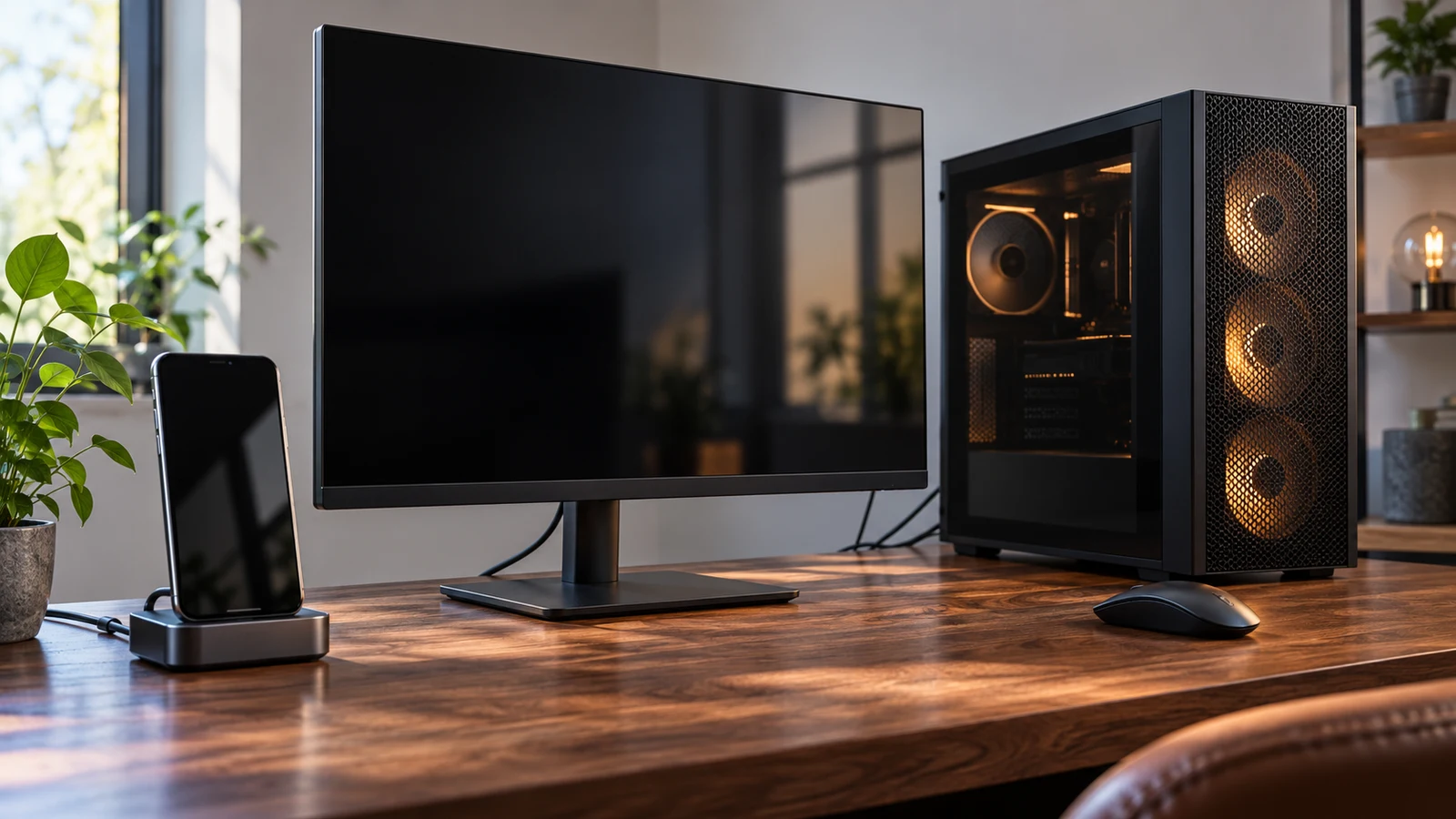
The Acadia Android station is not a documented substitute for the Novatech Prism when the job requires Windows software. Acadia's description specifies Android 8 and an integrated touchscreen; Novatech's specifies Windows 11 Pro and Radeon RX580 graphics. Substitution is worth considering only if your intended task can run on the chosen operating system with the controls you need. Before comparing hardware specifications, decide whether you want an Android touch station or a Windows gaming computer. Those are different starting points, even though both products appear in the computer category.
A useful way to frame this purchase is to describe what someone must do at the screen. Perhaps you want to open a particular Android application and operate it by touch. Alternatively, you may want to install a Windows game and use your existing desk equipment. These are hypothetical uses, not confirmed capabilities of either configuration. They give you a way to judge the descriptions without treating every computer as interchangeable or assuming that a screen, an operating system and a gaming label establish the same things.
Novatech Computer Alternative: Decide Whether The Task Can Change Platforms
Consider the Acadia Android station as a complete Android device with its own display. Its description identifies a Black Series 3.0 all-in-one station in Grade B condition, running Android 8 with 4 GB RAM. That establishes the advertised platform and physical format. It does not establish that your chosen application is installed, available to download or supported on this particular device. Keep those questions separate from the confirmed presence of Android and touch input.
If your intended task already depends on a Windows application, changing to Acadia would require a supported way to perform that task on Android. Do not base the purchase on an assumed emulator, remote desktop arrangement or replacement application. None of those capabilities is established by the supplied Acadia description. You could investigate such an arrangement separately, but it would introduce dependencies beyond this product comparison. For a purchase intended to run Windows software directly, Novatech is the relevant candidate of these two because Windows 11 Pro is explicitly listed.
The reverse question matters as well. A Windows gaming desktop should not be assumed to reproduce an Android touch workflow merely because its description includes more RAM and named graphics hardware. If touch operation is essential, decide whether you are willing to change how the task works. An application used with a keyboard and mouse may be acceptable to you, or it may defeat the reason you wanted a station. The decision belongs to the intended user; the component list cannot settle it.
For a task that you expect to perform through a website, examine the actual steps you need before treating the operating systems as equivalent. Ask whether the required browser is available and whether signing in, entering information and completing the task work on the proposed device. These are suggested checks, not claims about the products. Neither description establishes a particular browser version or compatibility with your chosen service. A familiar website name alone leaves the device-specific experience unresolved.
Novatech Computer Alternative: Separate A Touchscreen Station From A Gaming Setup
Acadia's integrated screen is described as a 15.6-inch LED touchscreen with 1920 x 1080 Full HD resolution and a 60 Hz refresh rate. The supplied description also notes that the source title calls it a 15-inch station. Preserve that difference when checking the exact unit; do not silently replace one measurement with the other. If screen size affects your placement decision, ask which measurement applies and request overall dimensions. Neither diagonal figure tells you the complete space the station will occupy.
Novatech's description identifies a prebuilt gaming PC, but it does not specify an included monitor, keyboard or mouse. Treat package contents as unresolved rather than assuming a complete desk setup arrives with the computer. If you already own a display, its connection to the PC still needs checking because the supplied Novatech description does not enumerate video outputs. This creates a practical difference in the comparison: Acadia has a described integrated display, while the screen arrangement for a Novatech purchase requires further detail.
Do not assume Acadia's touchscreen can serve as an external monitor for Novatech. The Acadia description establishes a display within an Android all-in-one, but it does not establish a video input or a mode for displaying another computer's output. Buying both devices would therefore not establish a working desktop-and-monitor combination. If that combination is your plan, obtain confirmation of the exact input and operating arrangement before treating the station as part of the Windows setup.
A proposed Novatech computer alternative should be judged against the controls and display arrangement you actually intend to use. A reader who wants the listed Windows platform and Radeon graphics has a reason to investigate the Prism. Someone who specifically wants Android on an integrated touchscreen has a reason to investigate Acadia. Neither conclusion confirms an entire installation. It identifies which product leaves fewer basic changes to the intended task.
Compare Computer Memory And Storage Without Adding Them Together: Read The Hardware After Choosing The Platform
Once the operating system and physical format fit, the listed hardware becomes useful for narrowing the choice. Acadia specifies 4 GB RAM. Novatech specifies 16GB DDR4 RAM and a 512GB M.2 SSD. These figures describe different configurations, but they do not establish comparative responsiveness or a measured gaming result. The Acadia description does not supply a storage capacity, so a complete capacity comparison is unavailable. Leave that entry unanswered instead of assigning the station a capacity from its RAM figure or another model.
The guide Compare computer memory and storage without adding them together provides a separate place to examine those capacity labels. For this choice, record each product's stated values in its own column and preserve the missing Acadia storage entry. Then decide whether that missing detail affects the Android task you have selected. If you need to install applications or keep files on the station, ask for its storage specification and available capacity before relying on it for that purpose.
Novatech's graphics entry is Radeon RX580. Its description mentions 1080p gaming, 4K streaming, titles such as CS2 and VR experiences. Those are listing descriptions, not measured results for your game, settings or headset. They do not establish a particular frame rate or confirm every VR arrangement. If gaming is the reason for choosing Windows here, use the named graphics hardware as a starting point for checking the intended game. Keep any performance expectation conditional until you have evidence specific to the configuration and use.
Acadia's Full HD screen specification answers a different question from Novatech's gaming description. It describes the integrated display's resolution; it does not demonstrate how a game would run. Likewise, the screen's listed 60 Hz refresh rate is not a measured application result. The supplied Acadia description does not name its processor or graphics hardware. That limits the comparison: you can discuss its documented screen, Android version and RAM, but you cannot construct a supported graphics ranking between these two computers from those details.
The Novatech processor wording also deserves care. The description reads "Intel XEON E3 V6 i7" and gives a speed of 3.5GHz. That wording does not provide a sufficiently precise processor identity for a detailed comparison. Ask for the exact processor model before using it to check a requirement or compare benchmark results. Do not silently choose one interpretation of the combined naming. RGB fans are also listed, but their presence does not establish cooling performance, operating noise or sustained gaming behavior.
Connections provide another uneven comparison. Acadia explicitly lists GigE Ethernet, Bluetooth 5.0 and WLAN supporting 802.11a/b/g/n/ac. Novatech lists WiFi and Bluetooth without versions in the supplied description. You can retain those stated differences without assuming equivalent wireless specifications. Neither description gives a complete inventory of physical ports. If the planned setup needs a wired controller, printer or other peripheral, ask about the specific connector and software support involved. A general wireless capability does not settle whether a particular accessory will work.
Novatech Computer Alternative: Match The Exact Unit To The Proposed Setup
The Acadia Android station remains a candidate for an Android touch task only after its unresolved details are considered alongside its stated features. Its Grade B designation is part of the description, but the supplied text does not define that grade or document the condition of the individual screen. For this comparison, focus any condition question on the part you intend to use: ask about the touchscreen's operation and the particular unit being offered. Avoid assigning a cosmetic standard or testing history that the description does not provide.
For an Acadia inquiry, identify SKU sku-16485320627 and ask whether the exact application you intend to use is supported on the supplied Android 8 configuration. Include the way you expect to interact with it and any peripheral it requires. If placement depends on dimensions, resolve the 15-inch title reference and 15.6-inch description at the same time. This gives the seller a concrete proposed use to respond to, without implying that the station is certified for an application or installation that has not been documented.
For Novatech, identify SKU sku-18384972955 and request the exact processor model, relevant display outputs and package contents. Its description includes a one-year limited manufacturer warranty. That statement does not specify the full coverage or service process, so consult the applicable terms if warranty support affects your decision. There is no corresponding warranty statement in the supplied Acadia description. Avoid treating that silence as proof that Acadia has no warranty, just as you should avoid inventing coverage for it.
Before buying, revisit the selected listing for the current configuration, availability and price. A saved product description should not be treated as a promise that the offer is unchanged. Check that the item selected matches the model you evaluated and that any separately needed equipment is accounted for. Review the displayed checkout total and payment instructions before committing. This purchase decision does not require assuming a particular payment network, fee, delivery schedule or return outcome, and none of those details establishes whether the computer suits your software.
Choose which listing to investigate by writing one short purchase condition: the task, its required platform and the intended method of control. For an Android task that needs an integrated touchscreen, follow up on Acadia's application support and exact unit details. For Windows gaming, follow up on Novatech's precise configuration and the display setup you plan to connect. If either choice depends on an unconfirmed workaround, leave that dependency visible in your decision. The next useful step is a specific model question, not an assumption that both computers can fill the same role.