Crypto Commerce
Westinghouse WR43QX400 43-inch Roku TV vs VIZIO V4K43M-08: choose the room and interface
Compare Westinghouse WR43QX400 43-inch Roku TV by Roku and VIZIO software, HDR formats, games, private listening, placement and the VIZIO offer's unclear…
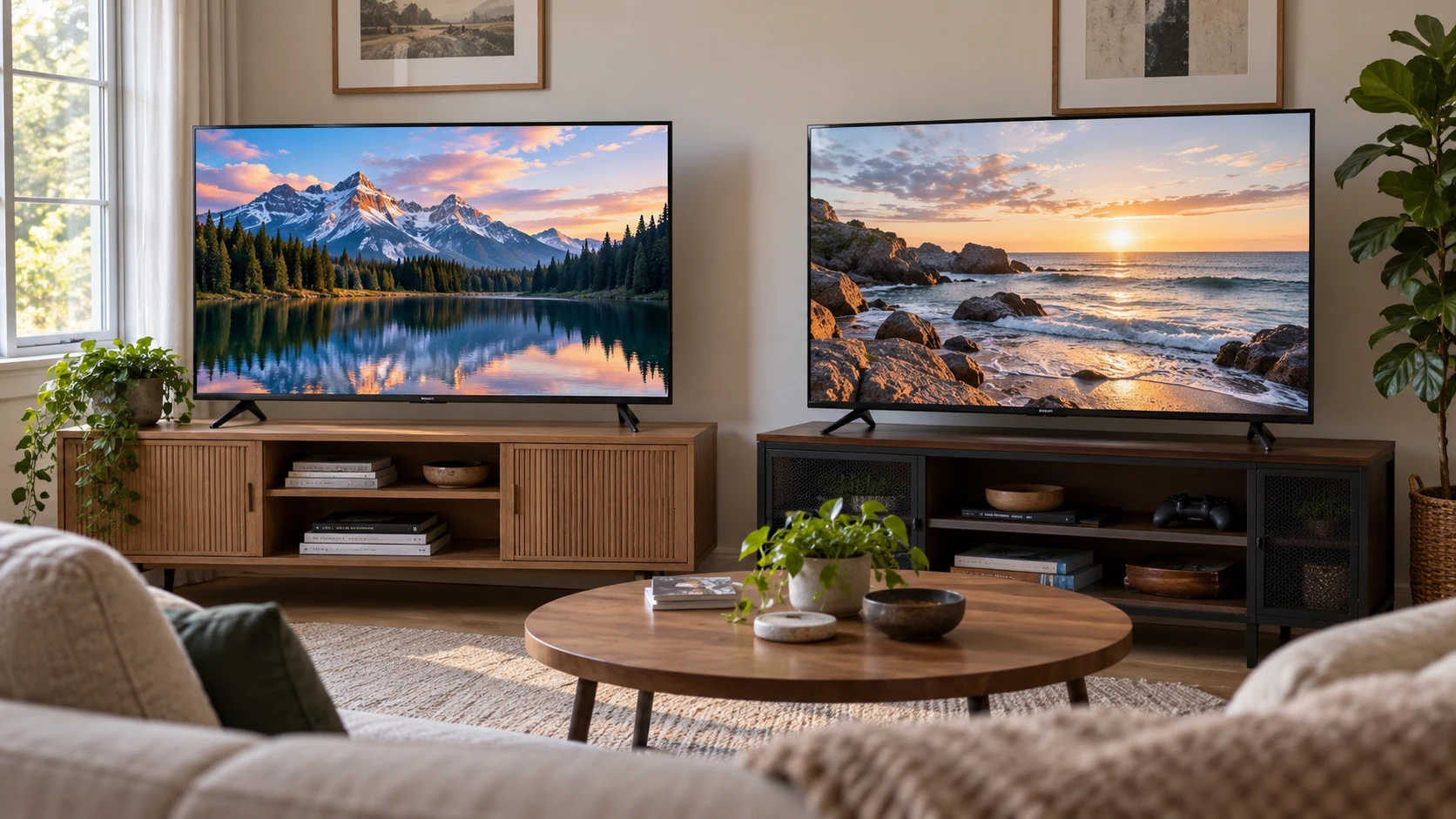
The Westinghouse WR43QX400 43-inch Roku TV is listed as a 4K QLED model with Dolby Vision, HDR10+ and Roku streaming. The VIZIO V4K43M-08 listing is another 43-inch 4K HDR smart TV, with Wi-Fi 6, Bluetooth headphone pairing, automatic low-latency mode and several ways to cast or control content. Both could fit a compact living room, yet the interface and the exact condition of the unit may matter more than their shared diagonal.
These are catalog descriptions rather than a matched picture test. The Westinghouse row has little information about ports, refresh rate or sound output. The VIZIO title says “Restored” and also says “New, Refurbished,” which leaves the selected unit's condition unclear. Confirm the exact variant, included remote, warranty and return terms before treating either listing as a complete specification sheet.
Place a 43-inch screen in the actual room — a Westinghouse 43-inch Roku TV for a compact room
The two titles both say 43 inches, but neither saved row gives the outer width, height, stand footprint or wall-mount pattern for the selected TV. A 43-inch diagonal is the visible screen class, not the width of the cabinet space it needs. Measure the shelf or wall opening and leave space for the stand, cables and ventilation specified by the manufacturer. If the screen sits near a doorway, check whether an open door or someone walking past will obstruct the view.
Westinghouse describes an “edgeless” or bezel-less appearance. That is a design claim, not a measurement of cabinet clearance. VIZIO describes a three-sided ThinFrame. Neither phrase says how far the screen sits from a wall when mounted, or whether the stand fits a narrow console. Request dimensions and the exact mounting instructions. The size of the remote, access to a power outlet and the path for an HDMI cable may be just as important as the bezel when the TV is in a tight room.
The published guide on a Westinghouse 43-inch Roku TV for a compact room covers another Westinghouse model. It is a useful prompt to check seating distance, sight line and furniture before shopping, but it does not provide dimensions or performance evidence for the WR43QX400 or this VIZIO. Mark the proposed screen on the wall with removable tape and sit where you normally watch. A screen that looks right on a product page can feel too high above a cabinet or too close to the nearest chair.
Roku and VIZIO offer different daily paths — VIZIO V4K43M-08 43-inch smart TV
The Westinghouse listing says its Roku TV software provides access to more than 350 free live TV channels and many streaming apps. It names major services such as Netflix, Prime Video, Disney+, YouTube TV and Pluto TV. That is a broad catalog claim; a particular service may require a subscription, may change its app support, or may not carry the same content in every location. Check the few services your household actually uses on the current Roku platform instead of valuing a long app list equally.
VIZIO's row describes apps added and updated through the TV, plus WatchFree+ with more than 275 free channels and over 15,000 on-demand movies and shows. It also names a VIZIO Voice Remote and a mobile app for search, browsing and casting. The two free-channel counts are drawn from different services and are not a measure of which shows you want to watch. Compare the channel or app names that matter to you, then try the search and navigation path if you can. A shorter route to a familiar program often matters more than a larger advertised count.
The VIZIO row also mentions a VIZIO Account for subscriptions, payments and streaming-service management. That may help a household that wants those services in one place, but confirm which features require account creation and what can be used without it. The Westinghouse row gives no comparable account details. If the TV will be shared by children or guests, inspect how profiles, purchases and recommendations work on the selected platform. The saved descriptions do not document those controls.
Picture labels need a content and lighting check — VIZIO V4K43M-08 43-inch smart TV
Westinghouse calls its panel QLED and credits quantum-dot technology with wider color and brighter hues than a conventional LED panel. The saved row also names Dolby Vision and HDR10+. VIZIO's row names Dolby Vision Bright+, HDR10+, HDR10 and HLG. Both therefore advertise more than one HDR format, but the rows do not provide measured peak brightness, contrast, black level or color error. Format support alone does not guarantee that an HDR film will look equally bright on both screens.
Watch the kind of material you already enjoy. A bright sports broadcast in daylight, a dark film at night and a children's animated show stress different parts of a display. Consider how much daylight reaches the screen and whether curtains can reduce reflections. Neither row provides reflection measurements or a matched viewing-angle test. Westinghouse's claim about wide-angle color is a Republeq's catalog assertion; see the picture from the side seats if that affects a family room.
The VIZIO listing says Dolby Vision Bright+ expands contrast and makes detail more visible. That describes an intended effect, not a verified advantage over Westinghouse. Ask which picture modes enable each HDR format and whether the streaming app or external player sends it. If the main source is ordinary HD television, good upscaling and motion handling matter too, but the saved rows do not supply comparable results. Keep the final judgment tied to a real source and a familiar scene.
Games and network connections — VIZIO V4K43M-08 43-inch smart TV
VIZIO's row says the TV detects a console or PC and enables Auto Low Latency Mode, with an integrated gaming menu. It also names Dolby Vision HDR Gaming. Those features could reduce menu hunting for someone who switches between films and games. The saved row does not state the HDMI version, supported refresh rate, measured input lag or variable-refresh support. Check the exact console's output settings against the VIZIO manual before assuming a particular gaming mode will work.
The Westinghouse row gives no matching game-mode or input-lag details. That silence does not establish that games cannot be played; it means this catalog snapshot cannot substantiate a gaming comparison. Request the current port and refresh specifications for the WR43QX400 if a console is an important input. Count how many devices must stay connected, including a game console, soundbar and streaming box. A 43-inch screen with too few accessible ports may add a switch or frequent cable changes to the setup.
VIZIO lists Wi-Fi 6 and says it can help streaming and gaming in a connected home. That standard is a connection capability, not a promise of uninterrupted video. Distance from the router, interference, internet service and app performance still matter. The Westinghouse row does not state its Wi-Fi version or Ethernet availability. If the room is at the edge of coverage, check the actual network connection options on both models before deciding based on software features.
Sound and private listening — VIZIO V4K43M-08 43-inch smart TV
VIZIO lists Dolby Audio, DTS:X and DTS Virtual:X, and says Dolby Atmos pass-through is supported with a compatible soundbar. It also mentions an integrated menu when paired with VIZIO soundbars. Those names describe formats and controls, not a measured quality of the built-in speakers. The saved row does not provide speaker power or a listening test. If dialogue is hard to hear in your room, listen to a familiar program or plan for a soundbar after confirming the TV's exact audio outputs.
The VIZIO V4K43M-08 43-inch smart TV row specifically says Bluetooth headphones can be paired for private listening. That could help someone watching after others have gone to bed. Check whether the selected headphones connect and whether TV speakers can play at the same time if another person needs them. The Westinghouse row does not address private listening or audio connections. Its Roku identity alone cannot establish which listening features this exact hardware supports.
AirPlay 2 and Chromecast are also named in the VIZIO description, along with integration with Apple Home, Google Assistant and Alexa-enabled devices. These could simplify sharing a photo or video from a phone. Ask which functions require the VIZIO mobile app, an account or a device on the same network. If casting is central to the household's use, demonstrate it with the phone models already owned. The Westinghouse saved row does not give equivalent casting details.
Resolve the VIZIO condition before comparing prices — VIZIO V4K43M-08 43-inch smart TV
The VIZIO title combines “Restored,” “New” and “Refurbished.” Those words can describe materially different offers. The body lists features and customer support, but does not tell us which condition applies to the unit selected at checkout, what was tested, whether original packaging is present or how warranty coverage is handled. Ask for the exact condition grade and a written account of what the Republeq's catalog supplies. An ambiguous title should be cleared before placing the TV on the same price line as another listing.
For the Westinghouse, request its own condition and warranty statement too. The saved row concentrates on picture and Roku features rather than sales terms. Compare the final cart totals only after accounting for delivery, possible wall hardware, a soundbar and any return costs. A return window matters because the most important unknowns here, including room reflections and menu usability, are easiest to assess with the screen in its intended place.
Westinghouse is the listing to investigate if a Roku interface and a QLED 4K panel with Dolby Vision and HDR10+ match the household's priorities. VIZIO provides more saved detail about gaming modes, Wi-Fi, soundbar integration, Bluetooth listening and casting, but its condition needs an explicit answer. Measure the room, check the ports and services you actually need, and confirm the selected VIZIO offer before using either feature list as a buying decision.