Troubleshooting & Repairs
Staple ends point outward: check the pinning option
Check a documented pinning option when staple ends point outward. Keep the Swingline 74732 setting, capacity discrepancy and BOSTITCH tacking features distinct.
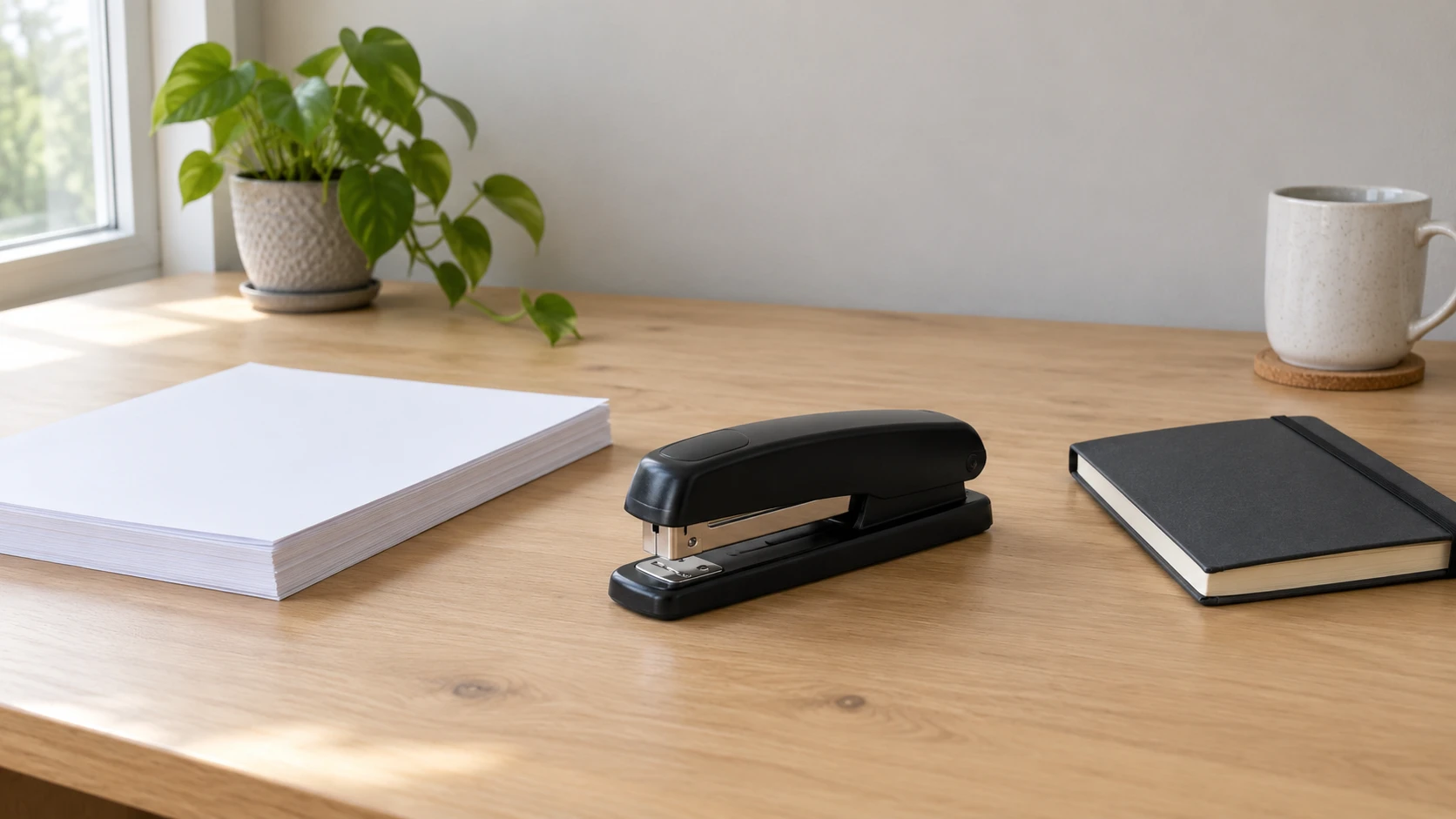
When staple ends point outward, check whether the actual stapler has a documented pinning function before treating the result as a broken mechanism. Swingline describes temporary staples that point out as an intentional option on its 74732 Business model. That possibility gives you a specific setting question to resolve. It does not diagnose every unusual fastening or establish that every desktop stapler offers the same option.
Compare the fastening you wanted with the options documented for the equipment. A temporary pinning option can be wrong for your intended document while still being a designed function. A torn sheet, one bent leg or a staple that never reached the paper is a different observation and needs its own explanation.
Read the underside of the existing fastening
Describe the fastening already present in the paper without creating more test staples just to reproduce it. Note whether both ends point outward, whether only one looks unusual, and whether the paper has been fastened as intended. If the view is unclear, retain that uncertainty. A description based on what is actually visible is enough to begin the setting enquiry.
Keep the symptom specific. A staple has appeared in the paper, with its ends pointing outward, describes a different result from the stapler did not feed. A general label such as jammed can hide that distinction. The outward-pointing result described by Swingline is a documented pinning outcome for a particular model, rather than proof of an obstruction.
If several people use the equipment, ask whether anyone intentionally chose a temporary fastening setting. Treat an answer as information about that person's action, with the exact stapler identified. A colleague's memory of a different model does not establish the state of this one. You can investigate the intended setting without guessing how an unfamiliar control moves.
Temporary pinning and ordinary stapling serve different intentions
For temporary pinning and ordinary stapling, first establish which result the document needs. Swingline's official 74732 page says its anvil rotates to create temporary staples that point out for easier removal. That description provides a plausible explanation for an outward-pointing result on a correctly identified example. It supplies no conclusion about an unseen stapler's current position or condition.
The anvil in this discussion is the named component in the manufacturer's description. Its documented position is relevant to the fastening option. Magazine quantity and sheet capacity describe other features. Reading those other specifications cannot identify which fastening option was selected.
Choose the intended outcome before seeking the applicable setting instructions. A temporary attachment during a paper-sorting task and a document intended to remain assembled are different plans. This article assigns no retention period, archival suitability or guarantee of damage-free removal to either. It explains why an intentional temporary function can look wrong when someone expected the other result.
For equipment with a confirmed pinning function, use the matching instructions to identify its present setting and the permitted change. This guide gives no universal rotation angle, latch location or force to apply. Do not bend a metal part or dismantle the base to imitate a feature described for another model. If the control or its instructions cannot be identified, ask the manufacturer about the exact item.
Keep the Swingline 74732 identity with its documented option
The Swingline black 747 listing identifies model 74732, SKU sku-18546601494. Its native description names an all-metal body, an inner rail designed to resist jams, a 210-staple full strip and a low-staple indicator. It says the stapler fastens up to 30 sheets and works best with standard Swingline S.F. 4 Premium Staples with quarter-inch legs.
The official Swingline page for S7074732 names a 25-sheet Business model. It separately specifies 25 sheets of 20-pound paper, a 210-staple capacity and S.F. 4 Premium Staples with quarter-inch legs. Preserve the difference between the native 30-sheet statement and that official 25-sheet account. Do not silently substitute a capacity or assume that another 747 variant supplies the answer.
That matching 74732 manufacturer page explicitly names rotating the anvil for temporary outward-pointing staples. This is the feature relevant to the symptom here. Confirm the identity of the stapler in hand and obtain its applicable instructions before relying on a setting change. A retail title referring generally to the 747 family does not identify every variant's capacity or operating details.
Jam-resistant wording remains a product claim, without an independent test here. It is not a reason to dismiss an actual feeding problem or to assign every unusual paper result to the anvil. A low-staple indicator concerns remaining supply; it does not identify the intended clinch. Keep the questions separate so one named feature does not become a diagnosis of another.
Tacking is separate from a pinning setting
Tacking is separate from a pinning setting in the manufacturer's descriptions. Swingline lists opening the stapler for tacking and rotating the anvil for temporary pinning as different features. Do not treat a statement that a stapler opens for bulletin-board work as evidence that its base also offers the temporary fastening option.
The BOSTITCH Ascend black stapler listing describes a 20-sheet capacity, a 210-staple full strip and quarter-inch staple size in its title. It is offered as a bundle of ten each. Its short description names a built-in staple remover, storage in the base and opening through 180 degrees for bulletin-board tacking and crafting.
Those native features do not establish a rotating pinning anvil. The built-in remover is described as a staple-removal aid, without an internal jam-extraction procedure. Storage in the base identifies another feature with its own purpose. Neither should be treated as the location of a setting simply because a different stapler has a component there.
Bostitch's official black Ascend page identifies B210-BLK and confirms its tacking opening, built-in remover and storage compartment. It does not name a pinning function in that account. This leaves the feature unestablished for the selected listing; it does not prove that every unlisted function is absent. Ask about the exact model when the answer matters instead of transferring the Swingline setting to it.
A small document example keeps the setting question narrow
Imagine a shared desk where one person wanted temporary paper attachments and another later expected an ordinary assembled document. The later user sees both staple ends pointing outward on an existing fastening. If the exact stapler is documented to offer pinning, its selected anvil position becomes a relevant question. The observation alone still does not establish who changed it or whether the mechanism is damaged.
Suppose the applicable instructions establish that the temporary position was selected. That explains the setting in this example. The user can then choose the documented option appropriate to the intended document. This is an imagined sequence of findings, without an actual trial, an operating instruction or a claim that either selected retail unit has been inspected.
If the instructions instead show that the intended position was already selected, the pinning explanation has not settled the symptom. Preserve that result and seek the next applicable check. Do not keep changing a setting repeatedly while treating each unusual result as the same known cause. A useful explanation has to agree with the actual setting evidence.
Match a setting observation to the time of the fastening
The present setting and an older document need not describe the same moment. If someone has changed the stapler since that document was assembled, its current position cannot establish the earlier position. Keep the date or sequence of the fastening with the observation whenever that information is known. An old outward-pointing staple may illustrate a previous result without describing what the equipment is set to do now.
Likewise, a photograph supplied by a colleague may show the intended setting on their own stapler. Ask which item it depicts and when it was taken before treating it as evidence about yours. A shared model name can make the photograph a useful question for the manufacturer, while its actual scope remains a different person's equipment. Keep that distinction when comparing a support reply with the existing document.
Use the fastener specification without making it a complete diagnosis
The selected Swingline native account names S.F. 4 Premium Staples and quarter-inch legs. Keep both parts of that description when checking the supplied fastener information. A matching leg length alone does not reproduce the complete named staple recommendation. The BOSTITCH title gives a quarter-inch size, without the same explicit S.F. 4 recommendation.
The guide to tape-measure numbers explains why measurements and package counts need their own labels. Here, 210 describes magazine capacity while a quarter inch describes a staple leg. Neither identifies the anvil setting. The same digits in an unrelated specification would answer a different question.
If the paper result also includes a feeding problem, treat that additional symptom separately. The office stapler troubleshooting guide organises failed feeding, actual paper results and model-specific indications. Its Avanternity and figatia details provide no pinning setting for these offers. Use it for the broader event record while keeping this anvil question tied to the documented mechanism.
A verified setting answer can therefore be useful even when another question remains. Knowing that temporary pinning was intentionally selected explains one expected form of fastening. It does not certify the stapler's long-term condition, resolve a conflicting capacity statement or approve an unfamiliar paper stack. Leave those separate issues visible when asking for further help.
Keep the equipment decision attached to the confirmed function
If this investigation leads you to consider a stapler purchase through republeq, settle the exact model and required fastening options before choosing how to pay. A buyer interested in crypto, including USDT, still needs the same product answers. For the Swingline 74732 offer, preserve the difference between its native sheet-count statement and the matching manufacturer's account while confirming the applicable model details. For the BOSTITCH Ascend bundle, confirm the supplied quantity and any function needed for the actual task. Its tacking description cannot establish the Swingline pinning arrangement. Review the payment choices presented for the selected basket after those equipment questions are clear. The native records identify cryptocurrency as an accepted payment category, which does not establish every token or network available for a later order. Follow the instructions actually provided by the checkout for the method you choose, and obtain clarification if an essential payment detail is missing. This article supplies no receiving address, wallet procedure or network selection. A reference to USDT cannot complete instructions for an unspecified transaction. Keep the current delivery and return information with the offer you intend to purchase. Neither a capacity figure nor an available payment route guarantees that a new stapler will resolve a fault in the equipment already on your desk. Retain the eventual order confirmation alongside the confirmation produced by the chosen payment route, with any supplier answer about model identity or function. If the offer changes before submission, review its own supplied contents and payment choices. The cause of the outward-pointing fastening remains a separate evidence question.
Begin with the observed staple ends, identify the exact stapler and check whether its documentation establishes a temporary pinning option. Use the applicable setting instructions when that option exists. If the documented setting does not explain the result, keep the question open for the next model-specific check.