Educational & Explainer Articles
Relative humidity and temperature: read the two together
Read relative humidity with temperature and dew point, using actual TP50 and PCE-555BT descriptions while keeping accuracy, updates, and memory separate.
Relative humidity and temperature belong together when you read a room monitor. A percentage alone does not tell you the amount of water vapour present independently of temperature. If the air becomes warmer while its moisture content stays the same, its relative humidity becomes lower. A falling percentage therefore needs context before you describe it as evidence that moisture has been removed.
The two actual offers here illustrate what a display can provide. An Unbranded TP50 pack describes temperature, humidity, memory, and named comfort icons. The PCE Instruments PCE-555BT offer also names dew point and wet-bulb temperatures. Their descriptions identify different information, with no shared accuracy test supplied. Choose the reading that answers your question before comparing features.
The percentage has a temperature condition
The National Weather Service's Louisville discussion defines relative humidity as a comparison between the water vapour present and the amount associated with saturation at the current air temperature. It is expressed as a percentage. The temperature condition is part of the quantity's meaning. The same amount of moisture can correspond to a higher relative humidity in cooler air and a lower relative humidity in warmer air.
Imagine a simplified parcel of air whose moisture content is unchanged while its temperature rises. Its relative humidity falls under the condition just described. That example changes the temperature, not the amount of moisture. It does not establish the behaviour of a real room where air may also enter, leave, or gain water vapour. Use the example to understand the relationship, while keeping the conditions of an actual observation separate.
Conversely, cooling that simplified air without changing its moisture content raises its relative humidity. With moisture content unchanged, warming lowers the percentage and cooling raises it. Neither direction tells you that a particular domestic appliance has operated. The reading describes the air at the measurement, while identifying a cause requires more information.
Relative humidity versus dew point answers a different question
For relative humidity versus dew point, keep the units visible. Relative humidity is a percentage. Dew point is a temperature: the National Weather Service describes it as the temperature to which the air must be cooled to reach saturation. It is not the current air temperature simply because the display places both values near each other. Read the label before identifying which temperature a number represents.
The weather service uses dew point to discuss moisture content and explains why a relative-humidity percentage alone can be misleading when comparing air at different temperatures. A dew-point value provides another way to describe the moisture conditions. Use a suitable documented calculation if you need to derive dew point from observations. It explains why the additional named value on an instrument can be relevant.
At saturation, dew point and actual air temperature are the same and relative humidity is one hundred percent, as the weather service states. That relationship does not make a domestic hygrometer a rain forecast. The same discussion expressly says that one hundred percent relative humidity does not necessarily mean precipitation will occur. A percentage near the end of a scale still needs to be understood as the quantity it names.
The weather service also distinguishes absolute and specific humidity. Absolute humidity is expressed as grams of water vapour per cubic metre of air, while specific humidity uses grams per kilogram of air. Those units describe different ways of relating moisture to air. Neither is the percentage shown by the selected offers. Naming the quantity helps prevent a relative-humidity display from being read as though it reports a mass of water in the whole room.
That distinction matters if your question is how much moisture an appliance removed. The two native descriptions do not promise a measurement of the room's total water-vapour mass, and a percentage change cannot supply that quantity on its own. You would need appropriate information for the actual question, including what volume or mass of air and conditions are being considered. Keep the observed percentage as an observation instead of converting it into an unsupported amount of collected water.
The weather service's teaching questions include saturated air at forty degrees Fahrenheit and saturated air at seventy degrees Fahrenheit. Both situations have one hundred percent relative humidity because each air temperature equals its dew point. The matching percentages do not establish equal moisture amounts at the two different temperatures. This is an illustration of the definition, not a pair of readings from either selected instrument or a proposed room setting.
Read the actual TP50 information as a room observation
The Unbranded TP50 three-pack offer identifies SKU sku-18801402163 and UPC 757047152062. Its actual catalog brand is Unbranded and its category is Restored Tools, while its description identifies three digital hygrometers. The text mentions ThermoPro and TempPro names, but those references do not change the actual catalog brand. Keep the exact offer identity when asking about its specifications.
The description gives humidity accuracy as plus or minus two to three percent RH and temperature accuracy as plus or minus one degree Fahrenheit. It states that readings update every ten seconds and that high and low memory records extremes. The humidity wording does not give a complete set of conditions explaining when the two-percent or three-percent allowance applies. Obtain those conditions if the distinction matters to your decision.
The TP50 also names DRY, COMFORT, and WET humidity icons. The offer does not state the thresholds behind those labels. An icon can accompany a measurement without establishing a suitable target for every room, stored material, person, or animal. Read the numerical temperature and humidity together, and consult the applicable instructions for the device's exact icon convention. This explanation supplies no target-setting recommendation.
Keep the PCE-555BT additional values with their labels
The PCE Instruments PCE-555BT offer identifies SKU sku-18093312189 in Temperature and Humidity. Its description states temperature measurement up to sixty degrees Celsius or 140 degrees Fahrenheit, humidity up to one hundred percent RH, and wet-bulb and dew-point temperatures. Those are the stated upper limits and named quantities. The short description does not provide lower endpoints or a complete accuracy specification.
PCE also names a backlit LC display, Bluetooth for Android and iOS, MIN, MAX, and HOLD functions, and automatic shutdown. These are feature names in the offer, not a complete operating sequence. The description does not explain the internal measurement or calculation method behind each additional temperature. Retain wet bulb and dew point as separately named values instead of treating them as duplicate air-temperature readings.
If your question requires a dew-point entry, the PCE description explicitly names that feature. The selected TP50 description does not. Choose a named dew-point feature when you need that entry; its presence does not establish an accuracy ranking. A feature list and a documented error allowance answer different questions.
Hygrometer accuracy and display updates are separate
For hygrometer accuracy and display updates, distinguish the error specification from the refresh interval. An accuracy allowance concerns how a reported result relates to an applicable reference under stated conditions. An update interval concerns when information refreshes. The TP50's ten-second statement does not mean its humidity reading has an error of ten percent, and it does not prove that air conditions change only every ten seconds.
Look for the accuracy specification separately from the number of displayed digits. A display capable of showing a particular increment has not thereby demonstrated that its result is exact to that increment. Keep the documented accuracy conditions with the device. The two native offers provide different levels of detail, so a missing specification for the PCE should remain a question instead of being filled by borrowing the TP50 allowance.
A comparison needs to distinguish different locations and times as well. Two instruments showing different percentages have not necessarily measured identical air at an identical instant. Consult the applicable instructions for their use and the conditions of a valid comparison. This guide does not prescribe a calibration, a salt test, a placement distance, or an acceptance tolerance for a particular installed instrument.
Memory values describe an observation history
The TP50 description says its high and low memory records temperature and humidity extremes. A stored maximum differs from a current observation. Read which value is displayed before describing it as the room's present condition. The short offer does not define every reset boundary or prove that the temperature maximum and humidity maximum occurred at the same moment.
Suppose a memory display includes a high temperature and a high humidity value. Do not combine them into an invented simultaneous measurement simply because both are maxima. Each describes its own stored extreme within whatever interval the actual device uses. Find that interval and its reset behaviour in the matching instructions if the history matters. A pair of extreme labels supplies less information than a time-stamped set of joint observations.
Likewise, a HOLD feature is named separately from a continuously updating observation. The PCE offer lists HOLD without detailing its control sequence here. Check the actual display state when deciding what you are reading. A held number can be useful for a specific task, but the feature name alone does not establish when that number was obtained or how the device indicates its state.
Use paired observations for a question about change
If you are describing a change, retain both temperature and humidity from each actual observation, along with its location and time. You can then state what changed without pretending to know why. A lower humidity percentage accompanied by a higher temperature raises a different interpretation question from a lower percentage at the same temperature. Interpret the percentage alongside the change in temperature.
A note that says only “humidity went down” removes the temperature condition and the amount of change. Say which percentage you actually saw and what the paired temperature showed, using the device's stated units. Keep a remembered reading distinguishable from one you recorded at the time. You do not need to turn an informal household observation into a claim about a controlled experiment.
Separate a room reading from an appliance specification
The actual humidifier capacity and timer explainer separates Vornado and Danby tank volumes, daily output, timer options, and selected humidity levels. Those appliance specifications concern stored water, output, or controls. They do not establish the current temperature and humidity at an independent monitor, and a monitor reading does not supply a missing hourly water-use account for an appliance.
The actual weather station readings explainer distinguishes AcuRite measurement ranges, channel update times, accumulated rainfall, and forecasts. Its discussion of comfort values supplies context for reading labelled entries. Here, keep relative humidity and temperature paired before drawing a conclusion about moisture. Choose the quantity your question needs, preserve its conditions, and leave an unestablished cause or accuracy claim open.
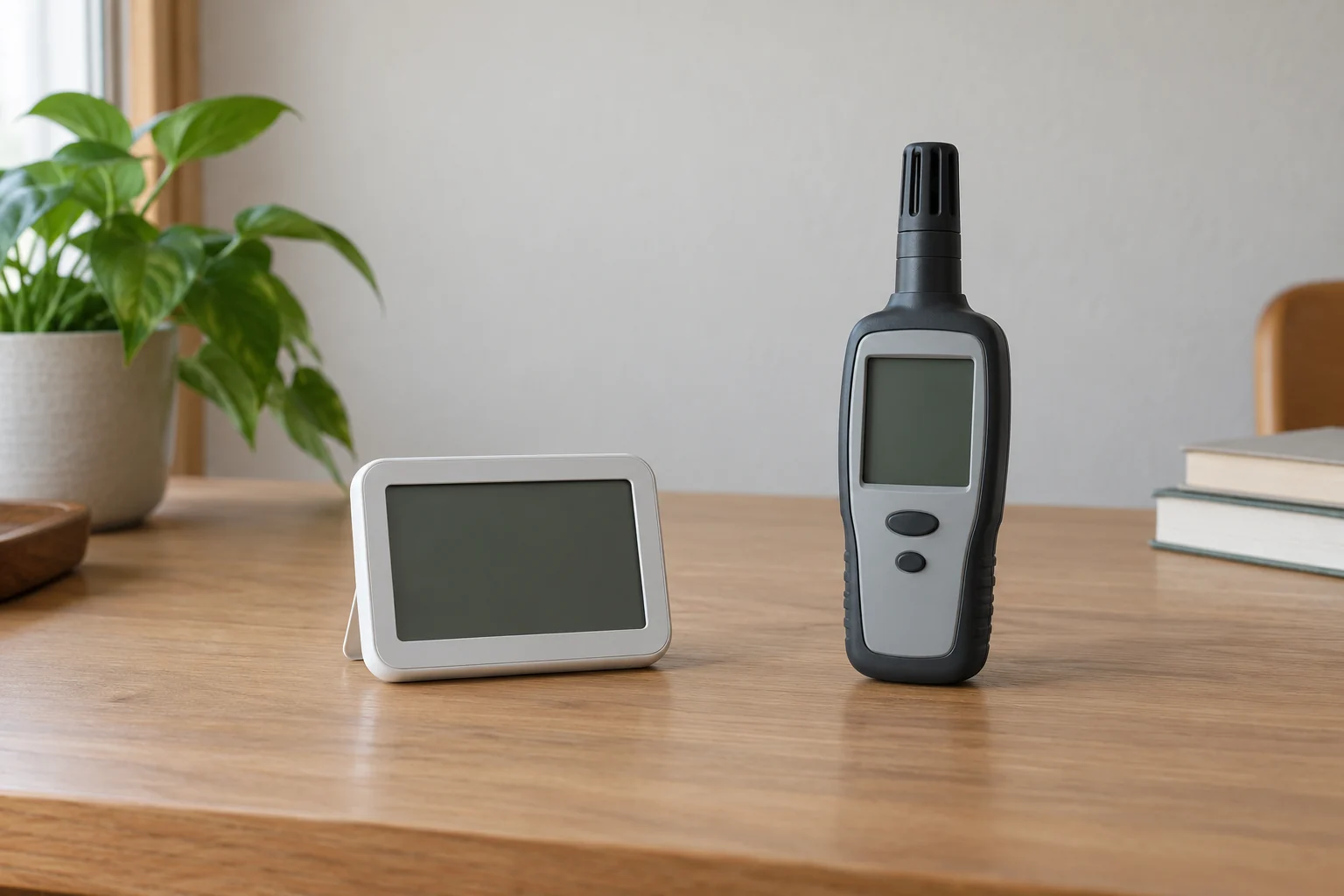
Conceptual relative humidity and temperature cover with whole generic inactive monitors; no exact retail instruments, readings, calibration, or approved room condition is shown.