Crypto Commerce
Plan diagram connector routing for unambiguous paths
A diagram can preserve every intended relationship and still make a reader follow the wrong line. To revise an existing drawing, first record which shapes are supposed to connect. Then trace the visible paths against that record, looking closely at crowded endpoints, crossings, and arrowheads. Move shapes or reroute lines only after you know which connections must remain unchanged. The test is whether a reader can follow each path from its stated origin to its stated destination without mistaking a nearby line for part of it.
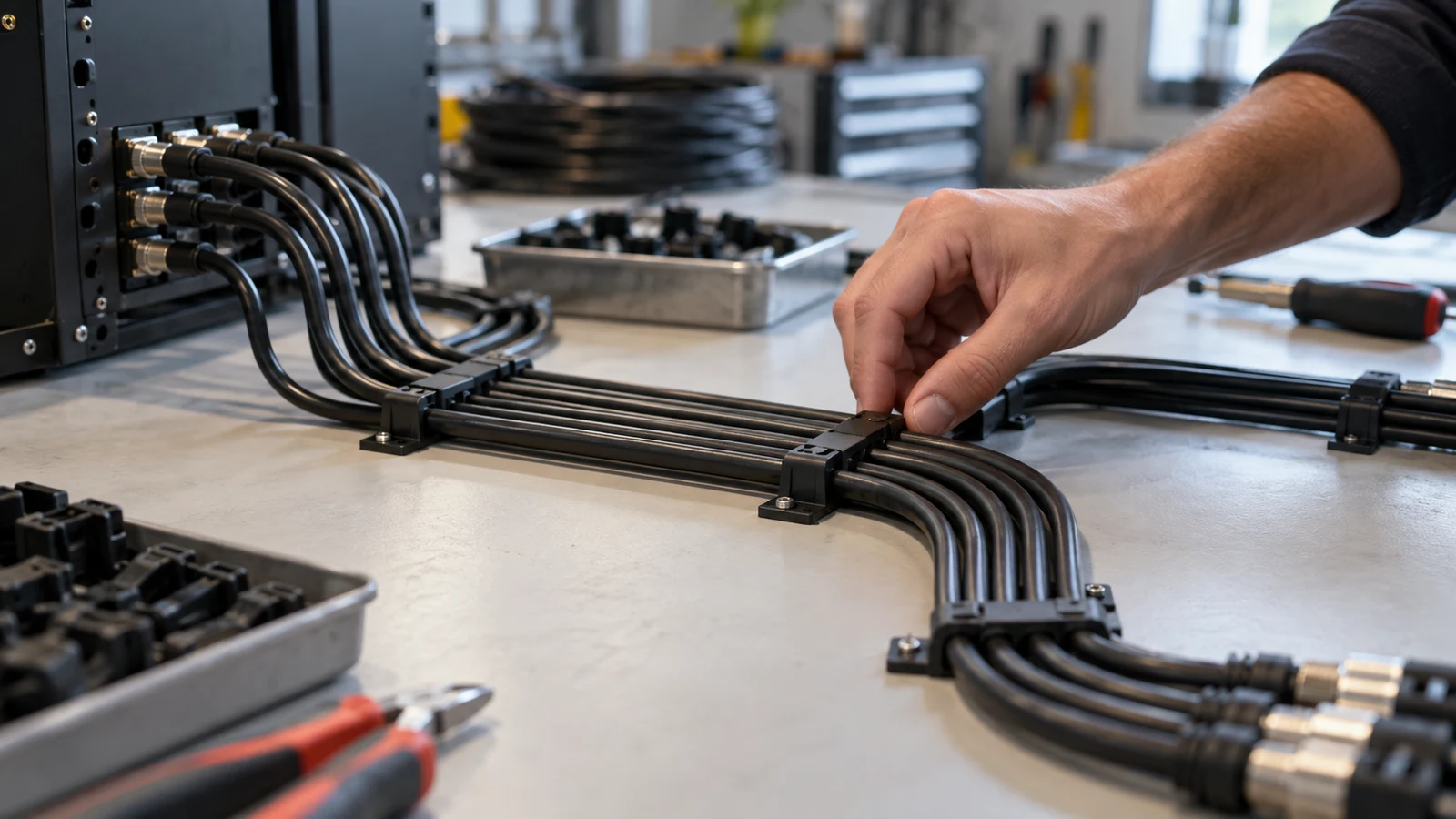
A diagram can preserve every intended relationship and still make a reader follow the wrong line. To revise an existing drawing, first record which shapes are supposed to connect. Then trace the visible paths against that record, looking closely at crowded endpoints, crossings, and arrowheads. Move shapes or reroute lines only after you know which connections must remain unchanged. The test is whether a reader can follow each path from its stated origin to its stated destination without mistaking a nearby line for part of it.
Consider a fictional drawing of document movement between four labeled work areas: Mail Table, Copy Station, Records Shelf, and Reading Desk. For this example, the diagram's author has already established three directed connections: Mail Table to Copy Station, Copy Station to Records Shelf, and Mail Table to Reading Desk. Those pairs are given solely to test the drawing; they are not instructions about how any workplace handles documents. If the paths look tangled, the editor may change their placement, but none of the three endpoint pairs or their directions should change.
Figure Legend Writing Does Not Replace Endpoint Checks
Write the established pairs outside the diagram before touching a line. Keep the origin and destination in separate columns if that helps you compare them. Include the direction where the drawing uses arrows. A connector that begins at Mail Table and ends at Reading Desk is a different visible claim from one whose arrow points back toward Mail Table. Recording this distinction makes an accidental reversal easier to catch after shapes move. If the original diagram has an unlabeled shape, resolve its identity with the person responsible for the content rather than guessing from where the line seems to lead.
A useful inventory describes the relationships, not the current route. Do not write "the line that goes behind Copy Station" as the sole identifier; that description will stop being true when you improve the layout. Refer instead to the intended pair, such as "Mail Table to Reading Desk," and mark where its line currently appears. The inventory is a fixed reference for this edit. It is not an opportunity to add a convenient shortcut between areas or remove a connection because it takes space on the page.
Now trace each path with your eye from the source shape to the destination shape. Pause at each bend and check whether you can tell which segment continues the line. Where several connectors leave one shape, look at their attachment points individually. A line may appear to emerge from an adjacent shape when their borders nearly touch. At the other end, check where the arrowhead actually lands. A point that stops in the gap between two boxes can make the destination uncertain even when the line's general direction seems obvious.
Try the same trace in reverse as a visual check, without changing the connection's direction. Starting at the destination can expose a line that seems to join a different path halfway across the page. If you have to rely on knowing the intended answer to find the correct branch, a new reader may have the same problem. Mark the exact spot of confusion rather than labeling the entire diagram unclear. That gives you a local editing target: a bend, a crowded border, a crossing, or an arrowhead that needs more room.
In the fictional drawing, imagine that the Mail Table to Reading Desk line passes close to the Copy Station box before turning toward the desk. It might look like a connection from Copy Station if the turn begins at the box's edge. The established pair tells you what to preserve, while the visible misreading tells you what to change. This is the practical job of diagram connector routing: give the path enough separation from the other shape that its actual starting point remains apparent.
When Figure Legend Writing Becomes A Separate Question
At an intersection, ask two different questions. Can you see which segment belongs to which endpoint pair? And does the drawing's established notation say whether intersecting lines connect? You can often fix the first problem by separating the paths. You cannot answer the second merely by moving them around or assuming a convention. If the mark's meaning has not been agreed, flag it for a notation decision. The related guide to figure legend writing addresses the separate task of explaining marks to readers.
For example, suppose the Copy Station to Records Shelf line crosses the Mail Table to Reading Desk line. A reader might see a crossing, a junction, or two segments whose continuations are hard to follow. First consult the notation already approved for that drawing, if there is one. If it establishes the meaning, make the paths visually consistent with it. If it does not, record the intersection as unresolved; do not quietly decide that every crossing is a junction or that none is. A routing edit can reduce visual ambiguity while leaving a notation question open for the appropriate reviewer.
Look also for near-intersections. Two lines that almost meet can appear connected at one viewing size and separate at another. An arrowhead laid over a crossing may hide where one path ends and the other continues. In each case, describe what a reader might misread: "the shelf arrow appears to terminate at the crossing" is more useful than "the middle is messy." That observation points toward a specific adjustment while keeping the diagram's underlying relationships untouched.
Figure Legend Writing Can Wait While You Clear A Crowded Route
Choose one congested area and revise it against the fixed inventory. You might move the Reading Desk shape farther from Copy Station, give the Mail Table's outgoing lines distinct exit points, or change one line's bends so its middle segment stays away from another arrowhead. These are layout proposals, not new connections. After each small change, retrace both the edited path and its neighbors. Clearing room for one arrow can unintentionally crowd another endpoint, so inspect the whole local cluster rather than judging only the line you moved.
Suppose you move Reading Desk lower in the fictional drawing. The Mail Table to Reading Desk connector can then travel through open space instead of skimming the Copy Station border. The movement may create a clearer source and destination, but only if the arrow still reaches Reading Desk and the Copy Station to Records Shelf path remains intact. If one long detour introduces more crossings than it removes, try another placement. The choice is not between the shortest line and the most decorative one; it is between routes a reader can trace accurately.
When two connectors run alongside each other, leave enough visual distinction that the reader does not mistake them for a single path with a branch. If they share a shape as an origin, separate their visible departures before directing them toward different destinations. If they only happen to pass close together, check whether their bends create the appearance of an unapproved junction. The exact spacing depends on the drawing's scale and the final way it will be seen. Inspect the actual presentation size instead of trusting a close zoom while editing.
Arrowheads need their own space. A head touching a box border may be clear when enlarged but seem to point at the neighboring box in a smaller copy. A line that stops just short of its destination can cause a different misreading. Adjust the shape placement or the line's final approach while preserving the same destination. If an arrowhead belongs at a precise point according to an existing convention, follow that convention; otherwise, ask the diagram owner before implying a rule that has not been established.
After the local revision, compare every visible connector with the inventory. Read each recorded pair aloud while tracing its path on the new drawing. Check for a path that disappeared when a shape moved, an arrow that reversed, or a line that now touches an unintended box. Also scan for a new apparent connection that is absent from the inventory. This second direction of comparison matters: checking only that every intended pair still appears will not reveal an extra junction created by the edit.
Keep a copy of the earlier layout long enough to compare the readings, rather than trusting a vague impression that the new version looks tidier. Ask someone who was not involved in the edit to trace one or two deliberately selected paths and name their endpoints. If their reading differs from the fixed inventory, note the point where they changed course. The purpose of the check is to find remaining path ambiguity, not to ask the reader to approve the underlying document relationships.
Diagram Review On A Smart Board After The Routing Edit
A shared display can help a group point to the same crossing or crowded border, but the diagram should first stand up to an individual trace. For a preparation workspace, a listed Dell Inspiron laptop is one possible place to keep the endpoint inventory beside diagram connector routing sketches. Check the software you plan to use separately; the laptop listing alone does not establish that a particular diagramming application is included or suitable for your file.
For a group session, the listed Tiburn interactive display is an optional setting for diagram review on a smart board. Bring the fixed endpoint pairs to the conversation and ask participants to trace the displayed paths before showing them your inventory. Verify how you will display and annotate the diagram with your chosen tools; no connection method or compatibility between that board and the listed laptop follows from these listings. A printout or another available display can serve the same visual review purpose.
Diagram Review On A Smart Board Should Record Where Readers Hesitate
Ask a reviewer to identify the source and destination of a line without prompting them with the expected pair. If they pause at a crossing, have them point to the two segments they think belong together. If they hesitate near a box, find out whether the uncertainty is at the start, the arrowhead, or the middle of the route. Different hesitations suggest different edits. An unclear arrowhead needs attention at its destination; a mistaken branch may call for more separation farther upstream.
Keep proposed geometry changes separate from unresolved meaning questions. Someone may ask whether an intersection means the documents travel through a shared point. If that meaning is not already established, the group should not answer it by redrawing a crossing as a junction. Record the question for the diagram owner, then continue checking the paths whose intended endpoint pairs are known. This keeps the review focused on visible routing without turning a layout discussion into an unapproved change to the diagram's content.
A brief before-and-after note can make the result inspectable. For the fictional drawing, a note might read: "Before: the Mail Table to Reading Desk line ran beside Copy Station and appeared to begin there. After: Reading Desk was moved lower, giving that line a separate route; all three recorded endpoint pairs were retraced. The meaning of the remaining intersection is still awaiting a notation decision." That note claims only what the editor actually checked. It does not declare the drawing correct simply because the new layout has fewer bends.
A final diagram connector routing check should cover every recorded pair and any intersection left in place. If a reader still cannot follow a path without consulting the inventory, adjust the route again or mark the ambiguity for review. If the only open issue is what an unexplained intersection means, leave that question explicit rather than assigning it an answer through layout. The finished drawing should let readers see the relationships already established, while making clear which notation question remains unresolved.