Crypto Commerce
MESWAO 14.1-inch Android tablet vs Veidoo 13 Android tablets for shared screens and travel
Compare MESWAO 14.1-inch Android tablet by screen, storage, Wi-Fi, advertised SIM support, and everyday setup questions.
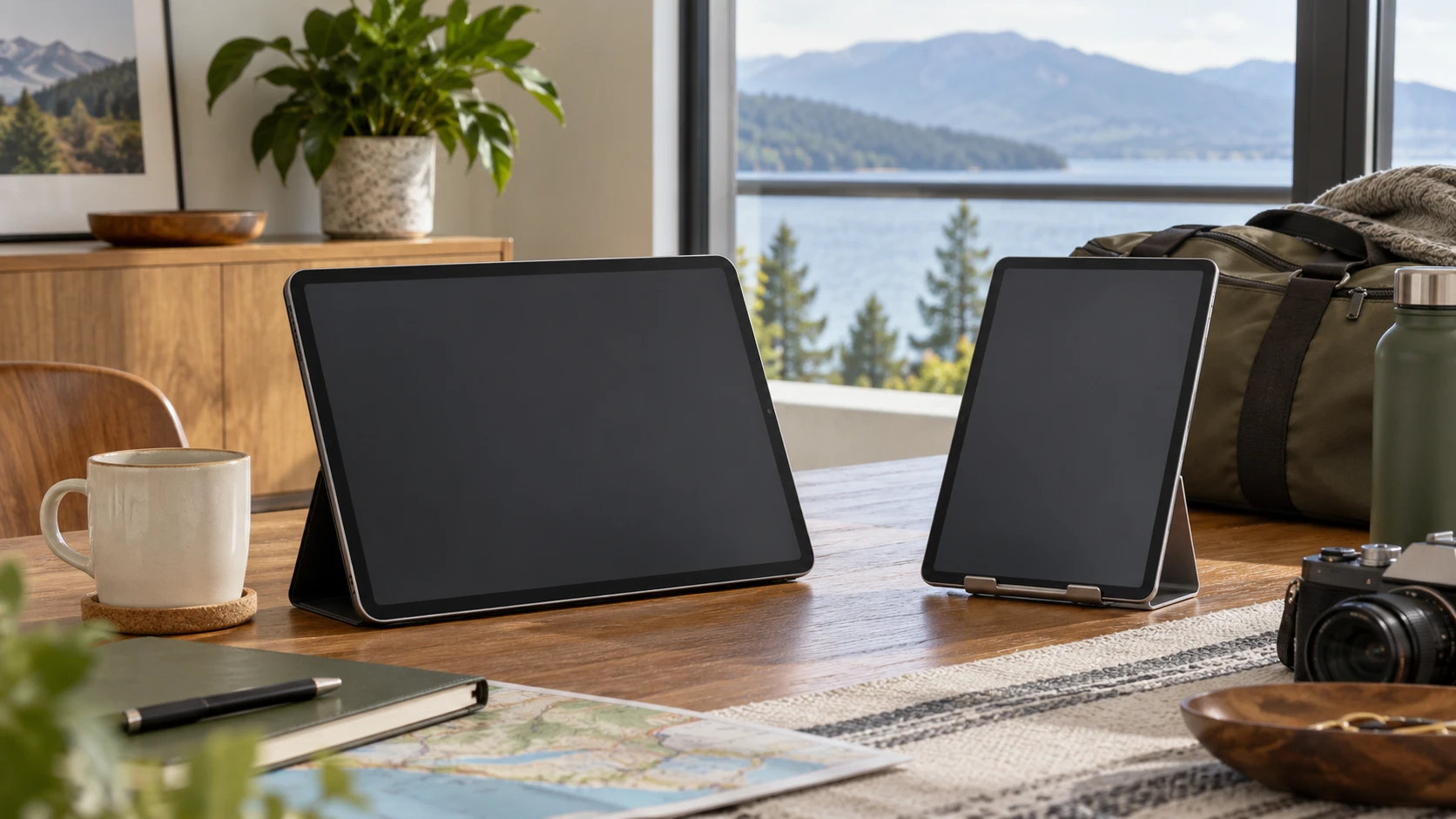
A large Android tablet can make a video call easier to follow from across a table. It can also become awkward when you have to hold it through a train ride or carry it with a laptop. The MESWAO 14.1-inch tablet and the Veidoo 13-inch tablet invite different questions: how much screen you want in one place, and whether you need a connection when Wi-Fi is unavailable. Their saved listings give enough detail to build a useful checklist, though they do not substitute for handling either tablet or testing a mobile carrier.
The MESWAO listing specifies a 14.1-inch 1920-by-1080 IPS display, Android 13, 6GB of RAM, 128GB of internal storage, and a 10,000mAh battery. It describes dual-band Wi-Fi 5 and Bluetooth 5. The Veidoo listing describes a 13-inch 2160-by-1440 display, Android 13, 8GB of RAM, 256GB of internal storage, and the same stated battery capacity. It also advertises dual-band Wi-Fi, Bluetooth 5.0, and two SIM slots or a SIM-plus-SD arrangement for 4G connectivity. These are catalog claims for two exact products, not measurements of screen quality, runtime, or cellular service.
Decide where the tablet will be used — Veidoo 13-inch Android tablet
The MESWAO 14.1-inch Android tablet is easier to consider for a mostly fixed setting: a kitchen counter, a home desk, or a shared table during a call. Its larger diagonal may give a document or video more physical room, but a diagonal alone does not tell you the visible text size at your preferred distance. Its listing does not advertise a SIM connection. Plan on a known Wi-Fi connection unless the Republeq's catalog supplies a verified alternative for the exact model.
Veidoo's smaller listed screen could make it easier to pack, and its listing gives a possible mobile-data route. That is especially relevant if the tablet will move between places with unreliable Wi-Fi. Yet the catalog does not name supported 4G bands, carriers, countries, eSIM support, or activation terms. A slot in a product description is a reason to check those details, not evidence that your existing data plan will work. If cellular access is central to the purchase, check Republeq's product page for the exact model's band list and confirm it with the carrier before placing the order.
Write down two ordinary sessions. For a home session, include where the device sits, how far you view it from, and whether another person needs to see it. For a travel session, include the bag, hotspot or SIM plan, charger, and the place where you will set it down. That small exercise may make a larger screen valuable for one buyer and a supported mobile-data path essential for another. Neither saved listing gives complete physical dimensions or weight, so the packing decision still needs current specifications or a hands-on look.
Read the screen specifications carefully — Veidoo 13-inch Android tablet
MESWAO's saved description says its display is 14.1 inches with 1920-by-1080 pixels and an IPS panel. Veidoo states 13 inches and 2160-by-1440 pixels. The higher listed pixel count on the smaller Veidoo screen suggests a denser image, but the actual appearance of text and pictures also depends on brightness, scaling, color, reflections, and the quality of the content. The descriptions do not give a comparable brightness measurement or an independent display test.
Try the task that makes you want a large tablet. Open a typical video call beside a document, read a recipe from the usual counter position, or view a page of study notes without zooming. Check the text size you will actually use. On a shared table, more physical area can matter more than fine detail; when reading closely, sharper text may matter more. The product figures alone cannot settle either preference.
Veidoo advertises four speakers and automatic brightness adjustment. MESWAO describes wide viewing angles and Bluetooth support for headphones and other accessories. Those features are useful leads for a media or call setup, but neither listing includes comparable sound tests, microphone measurements, or viewing-angle measurements. For calls, listen to a recorded voice sample through the speakers and try headphones if the room is noisy. Check the microphone with the calling app you use, because neither product description establishes how well other people will hear you.
Both tablets list 13MP rear and 5MP front cameras. A megapixel count cannot tell you how a face will look in indoor light or how the camera handles movement. If video calls are a primary use, ask for a current sample or test the front camera under your usual lighting. A bright window behind you can overwhelm a decent camera; position and light may improve the result more than a catalog number suggests. The camera listing is enough to know each has a front camera, but it is not a quality ranking.
Separate Android version from app access — Android versions and SIM checks for tablets
Both listings name Android 13 and describe Google Mobile Services or Google Play access. That helps identify the advertised software environment at the time of the catalog capture. It does not establish the current security-patch level, the number of future operating-system upgrades, or whether every app you need remains compatible. MESWAO refers to online OTA updates without a support schedule. Veidoo describes interface features such as split-screen use, screenshots, and dark theme; those are listed functions rather than evidence of long-term updates.
For a work or study purchase, name the exact apps before comparing storage or processor claims. Check whether the current versions install from the store, whether any account or organization policy allows the device, and whether files can be moved in the form you need. A household buying for streaming should check the particular services and download rules it uses. A GMS claim is helpful, but it is not a promise that every subscription's playback, offline mode, or protected video quality will be identical.
The related Republeq guide on Android versions and SIM checks for tablets compares other models. Its useful method here is to keep software version and cellular compatibility as separate questions. An Android version does not establish network-band support, and a SIM claim does not establish an update policy. Apply that separation to the MESWAO and Veidoo before deciding which specification carries the purchase.
Storage numbers need a second look — Veidoo 13-inch Android tablet
MESWAO lists 6GB of RAM and 128GB of internal storage. Its description says a microSD card, sold separately, can expand storage by up to 1TB. Veidoo lists 8GB of RAM and 256GB of internal storage and says an SD card can expand storage by up to 2TB. The built-in storage difference is clear in the saved listings. Usable space after system files and preinstalled apps is not given, and card capacity does not make an app behave as though the tablet had that much built-in storage.
Think about what fills the tablet. Downloaded films, saved course material, photos, and large drawing files consume space differently. If you mostly stream and browse, the larger number may have little immediate value. If the tablet must keep media or work files offline, calculate the size of a representative collection, then leave room for the operating system and updates. Confirm which file types an app can save to a card; some app data may stay in internal storage even when a card is installed.
Veidoo's listing says its card arrangement can be two SIMs or one SIM and one SD card. If you need both local file storage and cellular access, that tradeoff deserves a close read of the current manual. Do not assume two SIMs, an expansion card, and every network function can operate together. MESWAO's card claim is separate from its Wi-Fi description. Neither saved listing identifies the card format, speed class, or whether a card is included in the box.
RAM helps the device keep more work ready, but the 6GB-to-8GB comparison does not provide a measured app-switching result. The descriptions use broad phrases about responsiveness. A simple trial would open the exact apps you alternate between, move back to an unfinished form or call, and see what reloads. The result depends on the apps and software version as well as memory. If Republeq's available product details do not offer a trial, treat the numbers as specifications to check against your use rather than a performance verdict.
Power claims need a matching activity — Veidoo 13-inch Android tablet
Both products state a 10,000mAh battery. MESWAO's description claims up to eight hours of video playback, while Veidoo claims up to ten hours of mixed reading, video, music, and browsing. Those are different activities and test conditions. The figures cannot be compared as though they were the same battery test. Screen brightness, wireless signal, speaker volume, and background apps can change runtime considerably, particularly during video calls or mobile-data use.
Choose a realistic session length and ask whether the tablet must finish it without charging. A two-hour call at a desk is a different problem from a full day of intermittent navigation and reading. Ask for the charging connector, charger rating, and charge time for the exact product. The saved descriptions do not provide a complete, comparable charging specification. If travel is central, account for the charger and a suitable power source rather than relying on a large battery-capacity number alone.
The processor details also resist a neat ranking. MESWAO lists an eight-core processor without a clearly named chip in the saved text; Veidoo says an octa-core chip with frequencies up to 2.0GHz. Core count and maximum frequency say little about sustained behavior in demanding apps. If you edit video or run a specific creative app, ask for the exact chipset and application requirements. For video calls, reading, and streaming, test those activities directly when possible.
Compare the purchase as a whole — Veidoo 13-inch Android tablet
The September 30 catalog snapshot marked both products available and listed a minimum price of $543 for MESWAO and $380 for Veidoo. Those amounts are historical saved prices, not a live cart quote. The apparent $163 gap should prompt a current check of variant, Republeq's catalog, shipping, taxes, and included accessories. A difference in display size alone does not explain the full price, and a cheaper saved price does not guarantee the better fit.
For MESWAO, the larger listed screen and Wi-Fi-focused setup are reasons to examine a fixed-position media or shared-table use. Confirm the stand or case you would use, because the catalog does not establish an included support accessory. For Veidoo, the higher listed display resolution, larger built-in storage, and advertised cellular path make it attractive to investigate for travel. Confirm carrier support and the SIM/card arrangement before counting that path as usable.
The Veidoo 13-inch Android tablet should be assessed with the same files and apps as the MESWAO, at the viewing distance and network conditions that matter to you. Verify current software information, package contents, warranty, and return terms for each exact listing. A short hands-on check of screen legibility, app access, and connection setup will answer more of this choice than an extra line of promotional specifications.