Crypto Commerce
LG UltraGear 27GR75QB-B gaming monitor 27GR75QB-B or restored Acer Nitro for a 27-inch QHD desk?
Compare LG UltraGear 27GR75QB-B gaming monitor: two 27-inch QHD IPS gaming monitor listings at 165Hz and 180Hz, including price, ports, restored condition,…
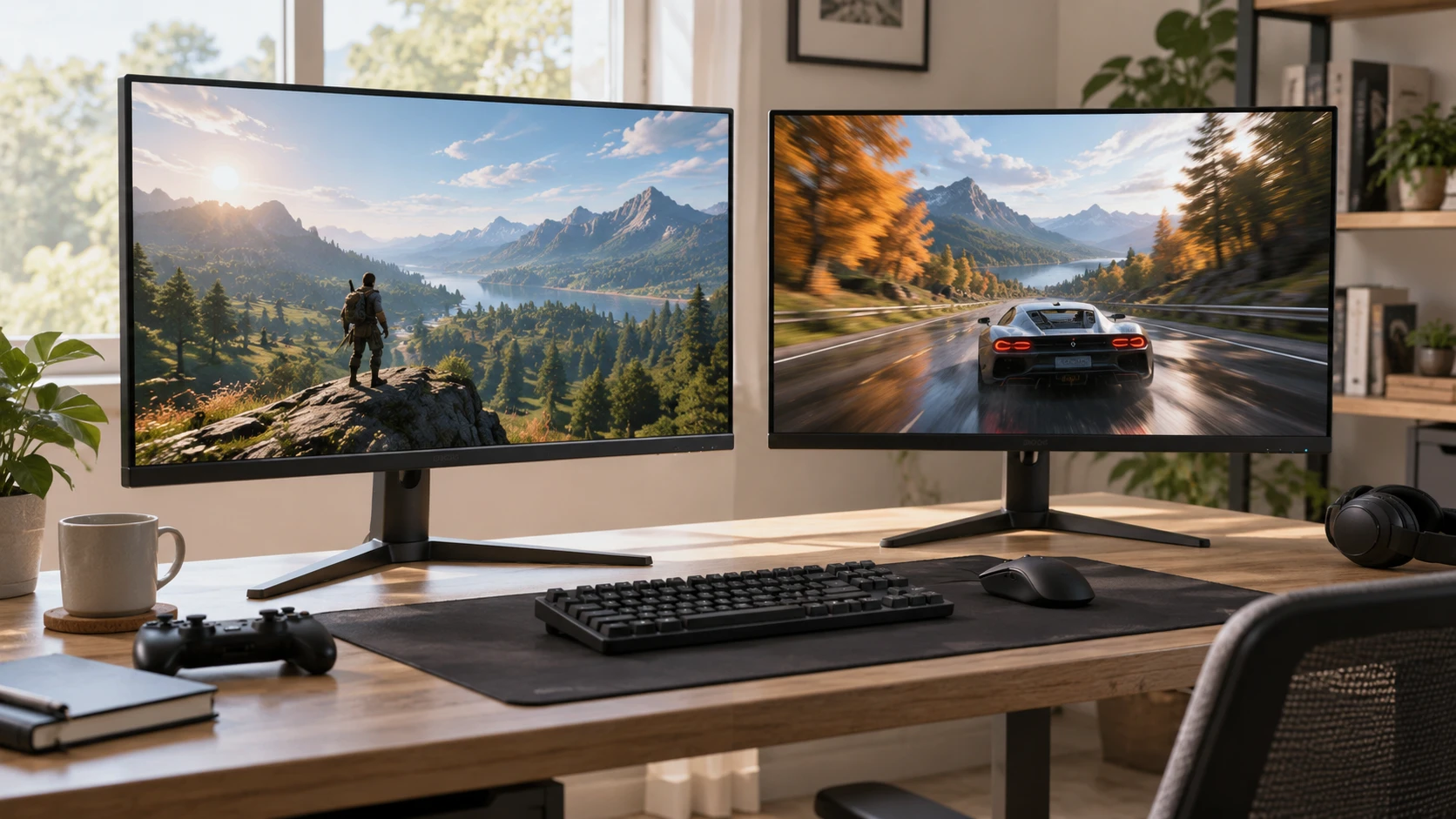
The LG UltraGear 27GR75QB-B gaming monitor and the guide 27-inch WQHD gaming monitors both concern fast 27-inch screens. The guide covers a different model, so its specifications should not be carried over to either product here. The Restored Acer Nitro 27-inch WQHD monitor is the other exact listing in this comparison. Both product entries state a 27-inch IPS panel with 2560-by-1440 resolution. LG lists 165Hz and a saved minimum price of $436.25. The restored Acer lists 180Hz, 250-nit brightness, HDMI and DisplayPort, and a saved minimum price of $222. Those prices describe the saved entries, not a guarantee of a current checkout total.
The $214.25 difference is large enough to warrant checking what the cheaper restored unit includes. The Acer entry calls it “Restored Premium” and refurbished, but does not specify a warranty term, return window, included stand or cables, or the test criteria used during restoration. The LG entry contains a long feature table, much of it marked unavailable, and does not provide a clear condition statement in the excerpt. Get the exact Republeq's catalog terms and box contents for both listings before treating the price gap as a measure of display value.
Start with the panel and the game — Restored Acer Nitro 27-inch WQHD monitor
At the same 27-inch diagonal and 2560-by-1440 resolution, the two screens offer the same stated pixel count. A document, browser window, or game interface can use a similar amount of screen space at the same operating-system scaling. The IPS label says something about panel type, but does not establish that these particular units have the same color accuracy, contrast, uniformity, or viewing-angle behavior. Neither saved entry contains a matched independent panel test. If color-sensitive work matters, look for measurements of the exact models rather than treating their shared IPS description as a tie.
The refresh-rate difference is 15Hz on paper: 165Hz for LG and 180Hz for the restored Acer. A game must deliver enough frames, and the computer must use a supported output mode, before either number becomes useful. If a favorite game usually runs well below 165 frames per second at QHD, the larger 180Hz label may have little practical effect. Check actual frame rates at the settings you use, then confirm each monitor's supported timing with the input and cable you intend to connect. The saved Acer entry names HDMI and DisplayPort inputs but gives no per-port mode table. The LG excerpt does not give a complete video-input map.
LG's title states a 1ms response time. That figure in Republeq's catalog does not identify a matched test method against the Acer, whose saved entry does not state a response-time number. Response time and refresh rate are separate properties: a high refresh ceiling alone does not prove that moving objects stay equally clear. Independent response-time and overshoot measurements at the refresh settings you plan to use would help more than comparing one unpaired “1ms” label with silence in the other listing.
Sort out LG's feature table — Restored Acer Nitro 27-inch WQHD monitor
The LG record is unusually dense with fields marked “unavailable.” It names 165Hz, IPS LCD, QHD resolution, and a gray 27GR75QBB listing. It also says motion blur reduction supports 144Hz and 165Hz, while another part of the excerpt groups motion-blur-related and overclocking fields among unavailable features. This is a reason to check the exact manual or on-screen menu, not to assume every field describes an active mode. If blur reduction interests you, verify what the mode does at 144Hz and 165Hz, whether it works with the input you use, and what image tradeoffs the manual lists.
The excerpt marks Radeon FreeSync and low-frame-compensation fields unavailable. That saved data is not enough to settle every adaptive-sync question for the physical monitor. Check Republeq's product page for the exact manufacturer model and revision, then compare its current manual with your graphics card's supported output. Verify the variable-refresh range and connection requirements instead of inferring them from a series name. A screen can accept a high fixed refresh rate while leaving a particular sync setup unsupported or undocumented.
The LG table also marks picture-in-picture, picture-by-picture, several USB connections, and various control or calibration features unavailable. Such fields are useful as prompts for verification if those functions matter to your desk. They should not be read as a complete inventory of what is in the box. The Acer description is much shorter and does not address most of those features at all. Silence in a listing is not proof of absence. Request a current port diagram and manual for the two exact product identities if you need a USB hub, multiple active video sources, or monitor software.
Treat the Acer's restored condition as a separate decision — guide 27-inch WQHD gaming monitors
The Acer entry explicitly calls the monitor refurbished and “Restored Premium.” It claims the core 27-inch WQHD IPS and 180Hz specifications of the Acer Nitro series, and names 250-nit brightness. It does not explain whether the restoration includes a new panel, a replacement housing, a particular grading standard, or a display test report. Ask for the Republeq's catalog written condition criteria. A claim that a unit is professionally restored is useful context, but its practical value depends on what was inspected and what remedy applies if a fault appears after delivery.
Inspect the exact offer for dead-pixel policy, cosmetic grading, return shipping, warranty coverage, and whether the original stand and power supply are included. These are shopping checks, not promises supplied by the saved entry. A missing stand or adapter can erase part of the apparent savings. If buying for a monitor arm, confirm mounting pattern and weight with the manual. Neither excerpt provides the dimensions and mounting details needed to guarantee an arm fit. The same caution applies to cable length and the amount of desk depth required by the stand.
The $222 saved minimum may be attractive for someone building a lower-cost QHD setup, but compare the complete delivered package against the $436.25 LG listing. The $214.25 saved gap could narrow once missing accessories, shipping, or a different terms in Republeq's offer enter the calculation. Neither catalog excerpt provides an itemized checkout price. Recheck the live product option immediately before purchase, including whether the selected offer is still the refurbished configuration described here.
Brightness and image quality need context — Restored Acer Nitro 27-inch WQHD monitor
The Acer description states 250 nits. That is a claim in Republeq's catalog for a maximum brightness figure, not a measurement under your room lighting. LG's saved excerpt does not state a comparable brightness value. It also marks wide color gamut, Nano IPS, VESA DisplayHDR, and several other image-related fields unavailable. Avoid using those absent fields to infer that Acer has better color or that either screen offers a particular HDR experience. Look for measured sustained brightness, contrast, uniformity, and color behavior for the exact models if image quality drives the choice.
A 250-nit claim alone cannot tell you how the restored Acer will look near a bright window, and the catalog does not describe its coating. LG's excerpt mentions hard coating and haze treatment in a list of unavailable fields, without a usable comparative measurement. If possible, check a screen in lighting similar to your desk. Reading dark text on a white page and playing a familiar game will reveal different concerns. The first may expose unevenness or a coating you dislike; the second may reveal motion trails or dark-scene behavior. Neither result can be predicted from the saved feature labels alone.
Both screens have the same stated resolution, so the main image-quality question is how the panels reproduce that image, not how many pixels they contain. Factory settings and monitor modes can shift color and contrast. If photo work is part of the plan, find color-accuracy measurements and see whether a useful calibrated mode is documented. If gaming is the priority, look for motion tests at the settings the computer can actually drive. The supplied descriptions offer a starting point for those checks, not a substitute for them.
Plan the connection before valuing 180Hz — Restored Acer Nitro 27-inch WQHD monitor
The restored Acer entry lists HDMI and DisplayPort. It does not say which port reaches 180Hz at 2560 by 1440, or which cable is supplied. A desktop graphics card may offer several outputs, while a laptop or dock may expose a different set of modes. Confirm the monitor's timing table and the computer's output capability as one path. If a dock sits between them, check its video specification too. A dock's presence on a desk does not make every monitor mode available through it.
LG's title promises 165Hz, and the excerpt names some features by their supported frequency. Its saved data still does not provide a complete connection chart. Do not buy an adapter simply because its connector shape fits. Confirm that its data path supports the resolution and refresh rate you need. If the monitor will share a desk with a console, verify the console's supported 1440p modes separately. The PC-oriented 165Hz and 180Hz numbers in these listings do not describe console output.
A second input can matter more than 15Hz when a work laptop and gaming PC share the display. Acer at least names two input types; LG's excerpt leaves the exact video ports to verify. Check how many of each connector are present and whether switching input is easy on the unit you would receive. The entries do not give enough detail to promise simultaneous views, USB switching, or automatic source detection for either product.
Make the price decision with complete offers — Restored Acer Nitro 27-inch WQHD monitor
The clearest sourced comparison is narrow: 27-inch QHD IPS on both; 165Hz and a $436.25 saved minimum for LG; 180Hz, stated 250-nit brightness, HDMI and DisplayPort, refurbished condition, and a $222 saved minimum for Acer. The Acer's extra 15Hz is a small specification difference beside the $214.25 saved price gap and the uncertainty around a restored unit's coverage and accessories. Those questions have concrete answers in the terms in Republeq's offer, manual, and box list. Gather them before choosing.
For a buyer comfortable with a refurbished display, the Acer may be worth inspecting first if the exact offer includes acceptable return and warranty terms. That is a purchasing judgment, not a performance claim. A buyer who wants the LG model should confirm its live condition, ports, and desired gaming modes because the saved feature table leaves those details muddy. Either choice still depends on the same final test: the exact unit and connection must work at the resolution, refresh setting, and desk arrangement the buyer intends to use.