Crypto Commerce
LG UltraGear 27G810A-B dual-mode monitor 27G810A-B vs Acer X28: choosing between 4K detail and dual-mode speed
Compare LG UltraGear 27G810A-B dual-mode monitor by refresh modes, desk fit, adaptive sync, connection evidence, restored condition, and saved price.
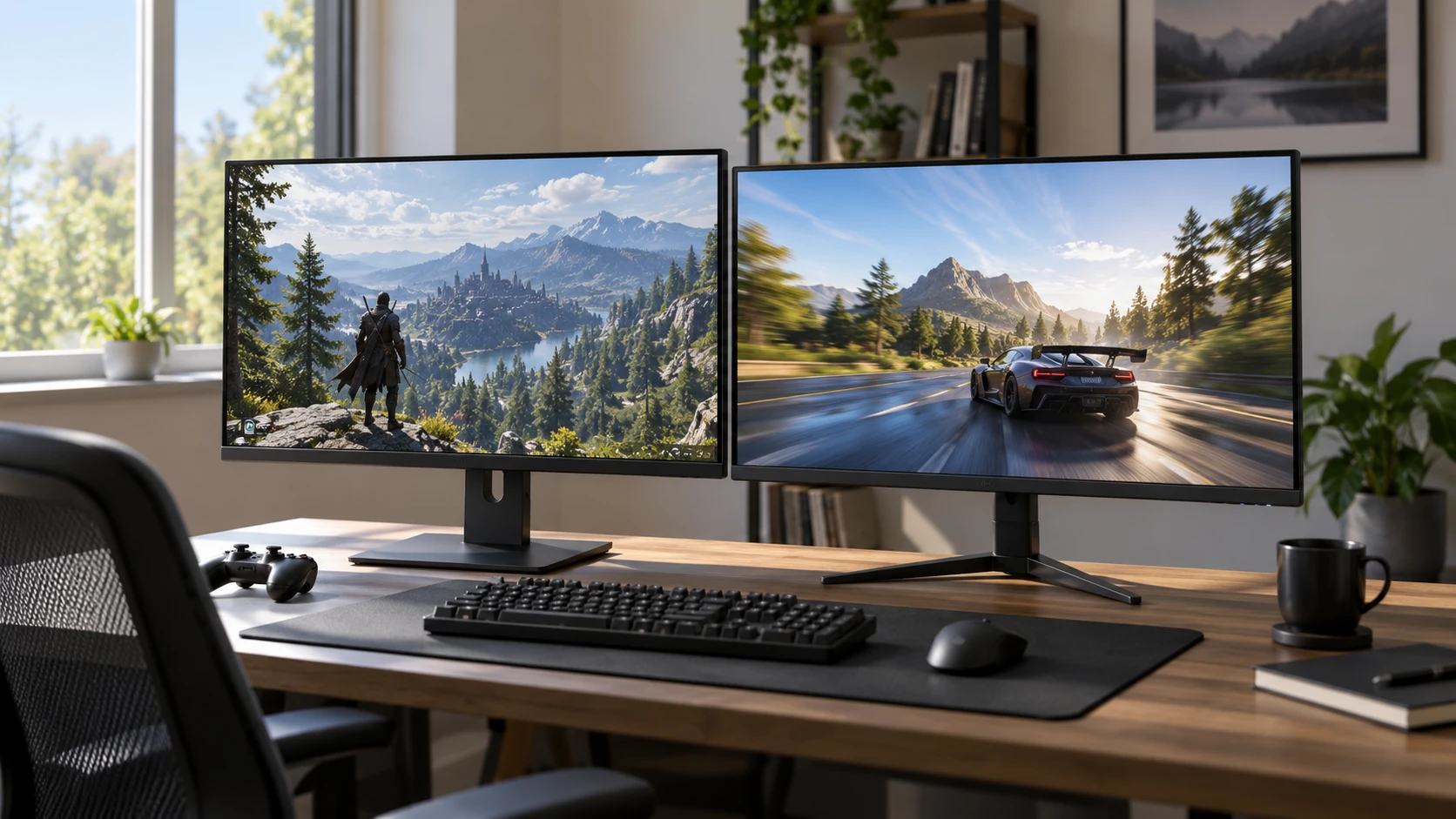
A gaming monitor's advertised refresh rate matters only at the resolution and connection the player will use. The LG UltraGear 27G810A-B dual-mode monitor lists a 27-inch IPS panel that can run 4K UHD at 180Hz or Full HD at 360Hz. The related guide to 4K gaming-monitor setup discusses a different display and offers useful setup questions; it does not test these two. The Acer X28 restored 4K monitor lists a 28-inch IPS panel, 3,840-by-2,160 resolution, 152Hz refresh rate, and a 400-nit peak-brightness claim. One offers a high-refresh Full HD option; the other is a restored 4K display whose exact condition needs verification.
Decide which games will use which resolution — Acer X28 restored 4K monitor
The LG's two named modes are separate: 4K UHD at 180Hz and Full HD at 360Hz. A buyer should not combine them into a claim of 4K at 360Hz. The ability to change modes could suit a person who plays visually detailed single-player games at high resolution and fast competitive games at a lower resolution. That benefit depends on whether the user actually wants both modes and whether the computer can supply the corresponding frames. Check how the monitor switches modes, whether the chosen input supports both, and whether desktop scaling remains comfortable after the change.
Acer's X28 is listed as a 4K UHD monitor at 152Hz. That may cover a household that prefers to leave the display at one resolution and does not need a separate 360Hz setting. The saved row does not specify lower-resolution high-refresh modes or the complete list of supported timing combinations. Ask for the current X28 manual and test the actual restored unit. A 152Hz monitor can already feel responsive compared with a standard office display, but the visual result depends on the game, graphics card, and user's sensitivity to motion.
Before paying for either refresh claim, check how the games run on the current computer. Record frame rates at the intended graphics settings in a demanding game and in the competitive title that matters most. A screen can refresh more often than the computer delivers a new frame. Lowering resolution can increase frame rate, but the amount varies by game and hardware. If the current computer rarely reaches 180 frames per second at 4K or 360 at Full HD, other monitor qualities may carry more value than the maximum mode on the box.
Translate the specifications into a desk setup — guide to 4K gaming-monitor setup
LG is listed at 27 inches, Acer at 28. The one-inch diagonal difference is unlikely to settle the decision on its own. At 4K, both can show fine desktop text and detailed images when the operating system's scaling suits the viewer. A 27-inch panel may require larger interface scaling for someone who sits far back. Measure the desk depth and the normal eye-to-screen distance, then test text size in the applications used every day. A gaming monitor often also becomes the work display.
Both rows call their panels IPS. Acer's excerpt emphasizes wide viewing angles and color reproduction for collaborative work and media, while LG mentions UHD detail, deep blacks, and HDR. These are broad product descriptions without matched contrast, color-accuracy, or viewing-angle tests. Do not assume identical image quality because both use IPS. A dark game can reveal black-level and backlight differences; a photo-editing task may demand calibration information not present in either listing. Seek measured reviews or inspect the actual panel under familiar content.
The LG row says the stand adjusts height, tilt, swivel, and pivot. That is useful for matching eye level and for a desk shared by people of different heights. The Acer excerpt does not describe its stand adjustments or VESA pattern. Check those details before ordering a monitor arm or planning a vertical orientation. A restored unit might arrive with a different stand or missing accessory, so check with Republeq to list exactly what is included. A panel that cannot be positioned comfortably can strain a long session even if its picture looks sharp.
Check the connection path for high refresh — Acer X28 restored 4K monitor
LG's saved row lists two HDMI ports, DisplayPort 1.4, a USB upstream port, and two downstream USB ports. Those connectors could simplify a desk with a gaming computer, a second source, and peripherals. The listing does not state which combinations of resolution, refresh, color depth, and HDR each HDMI input supports. Check the current manual's timing table and use a suitable cable for the source device. A port with the right physical shape does not guarantee every advertised mode under every signal format.
Acer's saved description mentions HDMI but is incomplete about port count and version, DisplayPort, USB, and the cables included. Do not assume it has the same connection flexibility as LG. Get photographs of the exact restored unit's rear panel and a current manual. If a console and a computer will share the screen, count required ports and check each device's output modes. A switch, adapter, or dock can limit bandwidth. Test the monitor directly with the intended graphics card before blaming the display for a lower-than-expected refresh rate.
The LG's USB ports may be useful for a keyboard, mouse, or other accessories, but the saved row does not state their power output or speed. Ask whether the upstream connection is needed for the downstream ports and whether it carries video. USB on a monitor is often a convenience hub rather than a replacement for a video cable. The Acer row gives no comparable USB detail. Plan cables and power outlets on the desk before installation so the monitor can be moved without pulling connectors loose.
Motion claims need a real game test — Acer X28 restored 4K monitor
Both listings name a 1ms response time. LG specifies 1ms GtG, while the Acer excerpt simply says 1ms. These may use different measurement methods or overdrive settings. A fast number can coexist with overshoot or ghosting at some refresh rates. The saved rows do not provide a common response-time test or show how motion looks when the frame rate changes. Try a game with fast camera pans and read small moving text, then inspect for blur, trails, and bright inverse halos.
LG lists AMD FreeSync Premium and NVIDIA G-SYNC compatibility. These technologies can help smooth variable frame rates when the graphics card and input path support them. Check the exact activation steps and supported refresh range for the chosen source. Acer's excerpt does not state a comparable adaptive-sync feature; that is an evidence gap, not proof that the restored X28 lacks it. Find the precise product specification and test its on-screen menu. A buyer whose frame rate varies widely may care more about verified adaptive sync than the maximum fixed refresh number.
LG's row also lists DTS Headphone:X 3D audio and a four-pole jack for sound and in-game chat. Confirm how that jack interacts with the computer or console, microphone support, and any software requirement. The Acer row does not specify audio features. If headphones or speakers connect directly to the computer, monitor audio may be a minor concern. If the display serves a console at a shared desk, a convenient headset path can matter. Test the whole setup before deciding that a logo solves the audio routing.
HDR and brightness claims are not a complete picture — Acer X28 restored 4K monitor
LG mentions HDR and deep blacks, but its saved excerpt does not give peak brightness, local dimming, contrast ratio, or a certification level. Acer lists peak brightness of 400 nits, without a matched HDR capability or test method in the saved row. The numbers are therefore insufficient for a fair HDR ranking. Look at actual HDR games and films using the intended device, and check whether highlights, dark areas, and text look right to the viewer. A display can accept an HDR signal without producing the dramatic range someone expects from the label.
Room lighting changes the evaluation. A bright window behind the user can wash out a screen; a lamp reflected in the panel can be distracting even if the pixel output is strong. Neither saved row describes coating or reflection measurements. Place the monitor where it will be used, adjust room light, and compare several types of content. If color work is part of the job, request independent color-gamut and accuracy measurements. The catalog's general color language cannot replace a calibrated result.
Inspect the restored Acer as an individual unit — Acer X28 restored 4K monitor
The Acer X28 listing explicitly says restored. The saved description does not give a restoration grade, hours of use, dead-pixel policy, warranty, or accessory list. Those are purchase-critical facts for a display. Check with Republeq whether the exact unit was tested for stuck pixels, uniformity, port operation, and stand function. Confirm the return period and who pays return shipping if the panel fails inspection. The current price should be weighed against that condition and support, not against a new-unit assumption.
On arrival, run the restored Acer at 4K and its stated 152Hz through the intended input. Display solid dark and light backgrounds to inspect for obvious defects and check every needed port. Let it warm up and repeat the test after a normal session. Save the order's model and serial information. LG's saved row does not call its unit restored, but its warranty and return terms also need checking with the current Republeq's catalog. A new-looking box is not a test receipt for any individual panel.
The snapshot lists LG at $749.99 and Acer at $634 in USD, a $115.99 gap. Current availability and checkout may differ. LG's named dual-mode operation, stand adjustment, adaptive-sync support, and detailed port list may justify more money for a buyer who will use them. Acer's larger listed diagonal and lower saved price may suit a steady 4K setup after its restored condition is verified. Include any missing cable, arm, or warranty difference in the total rather than comparing the two stickers alone.
Choose LG when the user will switch between 4K detail and Full HD high refresh and can confirm the computer and port deliver those modes. Choose Acer when a consistent 4K 152Hz display meets the task and the exact restored panel passes inspection. Before either purchase, measure the desk, verify the connection timing table, and test a demanding game at realistic frame rates. That practical evidence will determine whether the impressive refresh figures actually change the experience at this desk.