Crypto Commerce
Lenovo Tab M11 tablet with pen vs ALLDOCUBE iPlay40 Pro: the tablet you will actually carry
Compare Lenovo Tab M11 tablet with pen by listed Android version, screen, memory, storage, ports, included accessories and travel use.
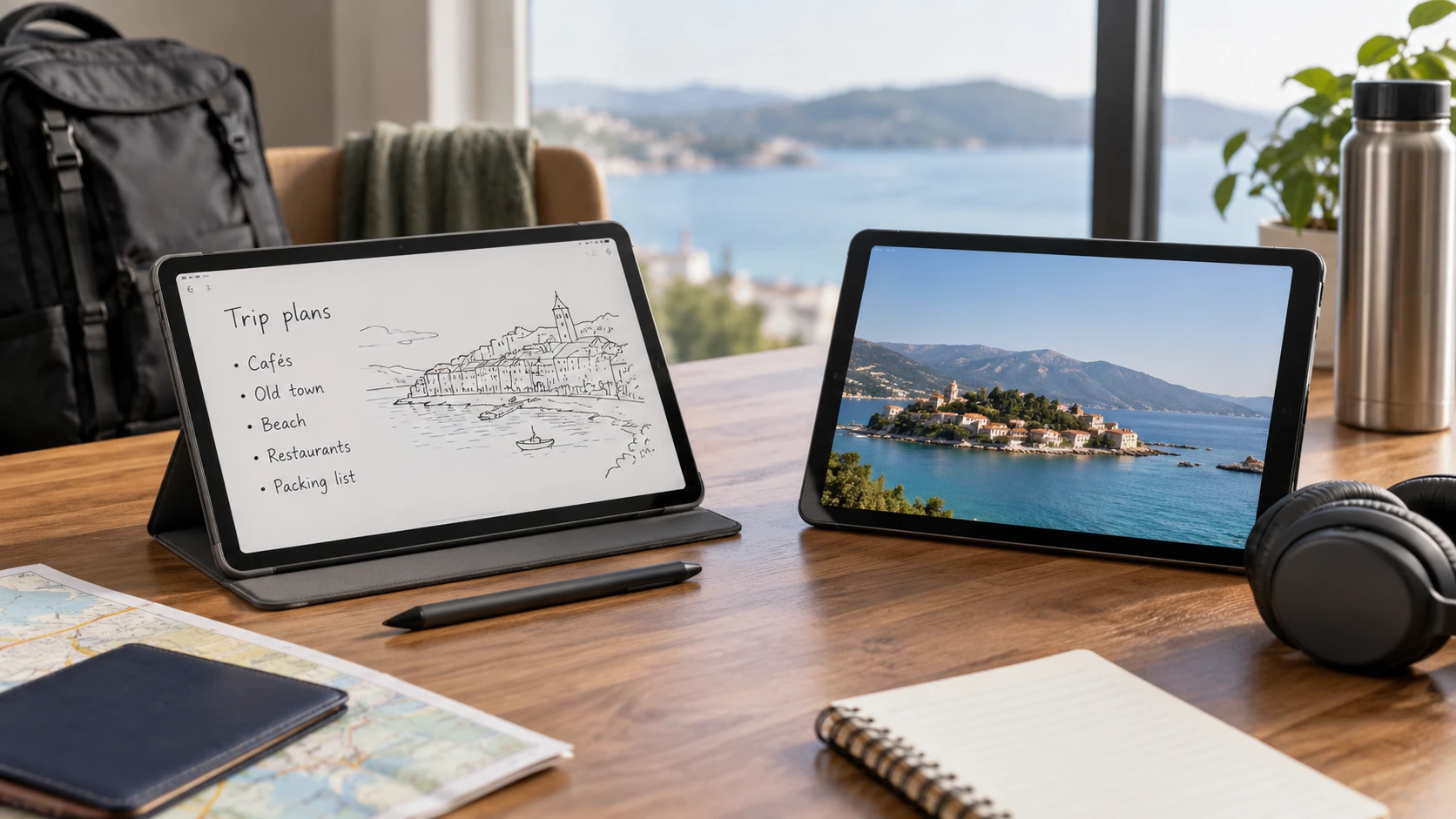
The Lenovo Tab M11 tablet with pen is listed as an 11-inch Android 13 device with a Tab Pen and folio case in the selected bundle. The ALLDOCUBE iPlay40 Pro is listed as a 10.4-inch Android 11 tablet with 8 GB of RAM, 256 GB of storage, and a microSD expansion option. Both descriptions emphasize everyday media and apps. The useful comparison starts with the job: handwritten notes and a ready-to-carry case, or more listed memory and local space for media files?
These are saved Republeq's product descriptions, not a test of speed, battery life, or software support. The Lenovo entry calls its 128 GB of storage an SSD, wording that deserves confirmation on a tablet listing; compare usable capacity and storage behavior from the current manufacturer specifications instead. Neither saved description establishes cellular SIM support. If a tablet must connect away from Wi-Fi, settle that question for the exact model and variant before judging the rest of the feature list.
Read the Android version as a starting point — tablet Android version and SIM checks
The Lenovo listing says Android 13, while the ALLDOCUBE entry says Android 11. That is a difference in the software version stated for each offer. It does not establish the date of the latest security update, how long either maker will provide patches, or whether an upgrade is available now. Check the current manufacturer support page and the exact device settings for the model you would receive. If one essential app requires a minimum Android version, use that app's current requirements rather than assuming a newer number automatically solves every compatibility problem.
An older base version can still run many everyday apps, but buyers should verify those they use most: banking, video calls, note-taking, streaming, or school software. A tablet that lacks a needed update can become inconvenient even when its screen and memory look attractive. Ask how updates arrive, whether they are region-specific, and whether the selected offer is a new or older stock variant. The saved listings do not answer those questions, and software policies may differ from an operating-system version printed in a title.
The published guide on tablet Android version and SIM checks uses other tablet models to explain why a buyer should verify software and connectivity separately. Apply that method here. The guide does not claim that the Tab M11 or iPlay40 Pro has a SIM slot. Write down the apps and network situations you actually need, then seek exact manufacturer or Republeq's catalog evidence for each requirement. If mobile service is essential, confirm the supported cellular variant, carrier bands, and activation path; Wi-Fi specifications alone are insufficient.
Lenovo's saved description mentions Google Lens for translating text, identifying objects, and homework-related use. Treat that as an available software example, not a promise that a particular classroom workflow is supported. Check whether the feature and your other Google services work on the selected tablet in your region. The ALLDOCUBE description names Android 11 and media use but does not list equivalent software tools. Missing catalog detail is a question to resolve, not evidence that the device lacks ordinary Android features.
Compare screens with the same content — ALLDOCUBE iPlay40 Pro tablet
Lenovo lists an 11-inch display at 1920 by 1200 pixels. ALLDOCUBE lists a 10.4-inch IPS display at 2000 by 1200 pixels. The iPlay40 Pro has a slightly smaller listed diagonal and a higher horizontal pixel count, but those figures alone do not rank brightness, color, touch response, or text comfort. Ask for actual panel brightness, aspect ratio, and viewing conditions if the tablet will be used near windows or outdoors. If possible, view the same document and video scene on each at a comfortable brightness rather than relying on marketing images.
The screen size difference can change how a tablet feels in a bag and in the hand. An 11-inch panel may provide more room for a document beside notes, while a 10.4-inch panel may be easier to hold during a long reading session. Those are use cases to test, not measurements of the two devices' weight or bezels. The ALLDOCUBE description says it has an 8-millimeter profile and lightweight construction; it does not provide a weight for a direct comparison. The Lenovo summary gives neither thickness nor weight. Check current dimension sheets before choosing a travel sleeve or stand.
For video, the ALLDOCUBE listing says four built-in speakers, while the Lenovo summary mentions a 3.5-millimeter headphone jack. Neither line by itself proves better audio quality. If you watch with headphones in a shared room, the Lenovo jack may make wired listening straightforward; check what audio output options the ALLDOCUBE variant actually supports. If you listen through the tablet speakers, try a spoken dialogue sample at the volume you use. The catalog gives no comparable speaker test, and speaker count alone does not establish clarity.
If drawing or handwriting is part of the purchase, ask about pen feel, latency, palm rejection, and supported apps. The Lenovo bundle explicitly lists a Tab Pen and folio case. The saved ALLDOCUBE entry does not mention a pen in the package. Verify stylus compatibility separately rather than assuming any capacitive stylus will provide the same writing experience. A case can change the tablet's carrying weight and how it stands on a desk, so compare the whole bundle you would use.
Memory and storage should match the tasks — ALLDOCUBE iPlay40 Pro tablet
Lenovo lists 4 GB of RAM and 128 GB of storage. ALLDOCUBE lists 8 GB of RAM and 256 GB onboard, plus a TF or microSD card expansion option. More listed memory and space may appeal to someone keeping large videos or many apps offline. They do not prove that every app runs faster on the iPlay40 Pro. Processor behavior, storage speed, software, and background tasks also matter. If performance is critical, look for a comparable test of the specific apps you use. The memory figure in the product title does not establish their speed.
The Lenovo entry names a MediaTek Helio G88 octa-core processor. The ALLDOCUBE description calls its processor octa-core without identifying a comparable chipset in the saved text. Do not rank them by the shared word octa-core. Ask for a detailed specification and current software behavior if gaming, video editing, or large document work is a deciding task. For ordinary browsing and streaming, test whether the selected device opens and switches among your usual apps smoothly.
Storage planning is more concrete. List the apps that cannot move to a memory card, the movies or maps you want offline, and the photos you expect to keep. Ask how much of the advertised capacity remains available after the operating system and preinstalled software. ALLDOCUBE's microSD option may help with files, but card support does not guarantee that every app or download can live there. The Lenovo description does not mention card expansion; consult its current manual if expansion is required. Do not treat the listing's unusual SSD wording as evidence of laptop-style storage hardware.
ALLDOCUBE lists 5 MP and 8 MP cameras with a flash; Lenovo's saved summary does not provide camera specifications. A camera count and megapixel rating cannot tell you whether a video call looks good in your room. If calls matter, test the front-facing camera, microphone, speaker or headset, and the exact calling app. Ask whether a case holds the tablet at a comfortable angle. The Lenovo folio may help, but the listing does not specify its stand positions or how well it supports video calls.
Connectivity, ports and time away from a charger — ALLDOCUBE iPlay40 Pro tablet
Both descriptions mention USB-C. Lenovo says the port supports peripherals and data transfer, while ALLDOCUBE lists USB Type-C 2.0 for charging and data transfer. Confirm charger and cable contents with each offer. A USB-C shape does not establish the charging wattage, video output, or compatibility with a dock. If you plan to connect a keyboard, storage drive, or external display, seek explicit support for that function. The saved listings do not supply a complete port capability table.
ALLDOCUBE specifies dual-band 2.4 and 5 GHz Wi-Fi, Bluetooth 5.0, and GPS. Lenovo's saved summary names USB-C and the headphone jack but does not give a comparable Wi-Fi or Bluetooth version. Ask for the exact connectivity specifications of the selected Tab M11 variant. The absence of a Wi-Fi detail in a short catalog entry is not proof of a limitation. For both tablets, Wi-Fi and GPS do not establish cellular service. If you travel where no trusted network is available, plan for a hotspot or independently verify an appropriate cellular model.
The ALLDOCUBE listing gives a 6,200 mAh battery and describes extended playback time without a measured duration. Lenovo's saved description supplies no capacity or runtime figure. Battery capacity is useful context, but it cannot be converted into a reliable hours comparison across two screens and processors. Look for testing at the brightness and app load you expect. A long flight with downloaded video differs from a day of video calls on Wi-Fi. Include the charging cable and power bank you would actually carry.
Check the return policy for the exact bundle. The Lenovo offer explicitly includes a pen and folio; ALLDOCUBE's saved description does not enumerate comparable accessories. A separate case, keyboard, stylus, or memory card changes the cost of the usable setup. Ask which items are in the box, what each replacement costs, and whether a return requires every accessory. These details can matter more than a small difference in the tablet's listed price.
Decide with a week's routine — ALLDOCUBE iPlay40 Pro tablet
The Lenovo Tab M11 deserves a closer look when a pen-and-folio bundle and the listed Android 13 version fit your note-taking or school routine. Verify current updates, the exact pen model, screen comfort, and storage capacity. Its 4 GB RAM figure should be assessed with the apps you run, while the listing's SSD phrase should be checked rather than copied into a performance claim.
The ALLDOCUBE iPlay40 Pro tablet deserves a closer look when local media storage, a microSD option, and its listed 8 GB of RAM are priorities. Confirm the current Android update position, actual card behavior, audio and camera quality, and which accessories come with the offer. Its 6,200 mAh battery figure needs a use-based runtime test before it becomes a travel promise.
Write down three ordinary days: one at a desk, one on public transport or in a waiting room, and one away from a reliable network. Identify the apps, files, headphones, pen, and connection each day requires. That list will show which unanswered specifications must be verified before either tablet becomes a practical choice.