Office Supplies & Stationery
Check a laminator release control mismatch before recovery
Compare the actual machine controls with the right model documentation before a pouch-recovery attempt. Keep conflicting catalog and manual details unresolved until clarified.
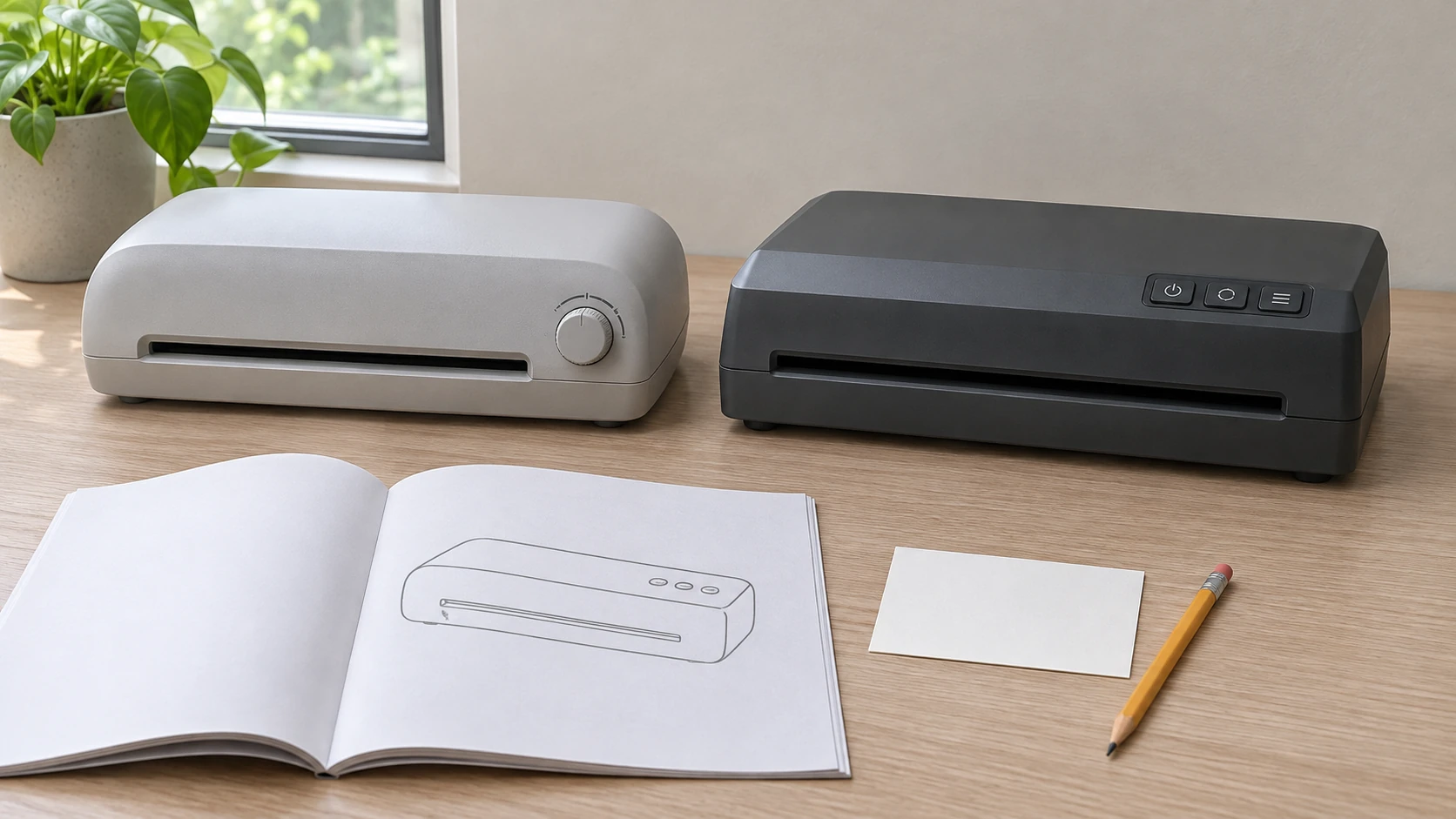
A laminator release control mismatch leaves an important question unanswered before a pouch-recovery attempt: does the instruction in front of you apply to the machine involved? A manual may identify a lever that you cannot recognize on the unit, or its diagram may show a different arrangement of controls. Preserve that difference while checking the documentation. A matching name in a shopping account does not settle every question about the actual model or version.
Begin laminator manual identification with the unit
Start with the identity information you already have, such as a label photograph, purchase record or supplied booklet. Distinguish a number recorded from the unit from a number copied from a product page. If a label cannot be checked without moving or handling the affected machine, obtain the applicable handling guidance first. This document-comparison task supplies no power-state change, extraction direction or instruction to reach around a hot machine.
For laminator manual identification, retain the complete model designation and any regional or revision information the source provides. Keep the document's cover with its operating pages. A saved troubleshooting screenshot can lose the model reference that made it useful. If someone sent you only that screenshot, ask for the document it came from before treating the cropped passage as the complete instruction.
When a support reply supplies a replacement manual, retain the earlier reference and identify the replacement clearly. Compare its model and revision details before using the newly supplied passage. The fact that a file arrived later does not explain which earlier uncertainty it resolves. Ask that question if the connection is missing, and pass the replacement reference to anyone who was working from the earlier copy.
Describe the mismatch in terms another person can check. For example, identify the control letter in the diagram and explain which view of the machine you compared with it. An unresolved view question should remain a view question. Saying that a control is not visible in one photograph is narrower than declaring that the machine has no such control anywhere.
Keep the catalog identity separate from the pictured controls
The MONIPA-titled laminator account has a truncated Mon… brand field. Its single image shows a complete white machine with a wide platform, a control knob and three red switches. The generic word LAMINATOR is legible. That view does not authenticate a maker or factory model, identify a release procedure or establish which direction a switch moves the material. Its short description supplies no recovery sequence.
The MyOfficeInnovations ST62551-US account names model ST62551-US and item 1171104. Its single photograph shows a curved white or grey housing with controls on the right side. No readable maker or model label authenticates those identifiers in the picture. The account calls the color white in its prose and Gray in its metadata. Keep those entries as encountered when asking which documentation applies.
Neither photograph demonstrates a jam, a released roller or a completed extraction. A control's appearance can help formulate a question without proving what it does. Leave its function unresolved if the applicable instructions have not identified it. The same restraint applies to a familiar-looking casing: visual resemblance can guide a search, while the eventual procedure still needs a supported connection to the actual unit.
Read pouch release instructions as a complete passage
The official Staples manual labeled ST62551 describes a release lever on the front and removal through the entry slot when that lever is activated. Its diagram has a boxier housing and a different control arrangement from the MyOffice catalog photograph. Width and speed entries also differ between the two accounts. The shared model string therefore leaves an applicability question; it does not establish that Staples and MyOffice identify an authenticated common unit here.
When reading pouch release instructions, keep the control location, its diagram reference and the surrounding conditions together. Ask the responsible contact to explain an observed difference before selecting the instruction you prefer. A document can be authentic and still require clarification about its applicability. Record the missing connection as an applicability question while you wait for an identifiable control reference.
The Fellowes Saturn 3i A4/A3 manual provides a different named example. Its control legend and features section identify a rear release lever, with pouch removal through the entry slot when activated. The complete English instructions include the relevant diagrams and separate troubleshooting entries. That rear location belongs to those documented models. It does not identify a control on either selected catalog machine.
Fellowes also distinguishes its lamination feed-sensor indication from its automatic standby indication. Read the applicable entry for the observation actually made. A light description cannot be shortened to "the machine says reverse" unless the source says that. Here the source describes a release function, not a verified powered-reverse function for the native offers. Their own control meanings remain unconfirmed.
Read the action behind a reverse label
The GBC Inspire+ A4 set manual uses the phrase manual reverse lever in its jam table. It explains that this separates the rollers so the pouch can be pulled out by hand. Its specification calls the feature a manual ABS release lever. Read those statements together: the word reverse in that passage does not describe a demonstrated motor driving the pouch backward.
The same GBC work gives a particular jam-recovery order and separate exterior-cleaning instructions. Those passages have different jobs and conditions. Preserve that distinction when consulting the applicable document; a cleaning warning cannot automatically supply the power-state sequence for recovery. This article provides no common extraction sequence across GBC, Fellowes, Staples or the two catalog accounts. Each named example remains with its own model and complete instructions.
If the instruction uses a term you do not understand, quote the sentence in the enquiry. Ask what action the named control performs and which diagram identifies it. That asks what the named control does, beyond the short label "reverse." The answer might need to distinguish a hand-operated release from another mechanism. Leave the distinction open until the responsible source actually explains the control involved.
Follow a fictional shared-machine handoff
Imagine Nia helping to organize documents in a shared office. A colleague reports that a pouch has stopped inside a laminator and sends a cropped manual passage. The control named in the passage cannot be identified from the photograph in their message. This is an invented documentation example. It reports no real jam, operation, repair or successful recovery of either catalog machine.
Nia first asks which model information came from the unit and which came from an earlier purchasing note. Her colleague finds that the note contains a shortened product name, while the supplied booklet has a fuller designation. They preserve both references and the cropped passage. That difference gives them a specific document question before anyone adds a recovery instruction to the office handoff.
The colleagues then label the photograph's viewing direction in their message. They had been discussing "the front" without establishing whether they meant the document-entry side or the side facing the person at the desk. Clarifying their description does not prove which control to use. It makes their question understandable without asking the recipient to reconstruct the viewpoint from a short sentence.
Suppose the complete document still shows a control arrangement they cannot match. Nia records the diagram reference and asks the responsible support contact which model or revision it represents. She includes the exact identifier available from their records and states that the pouch remains inside. She leaves out an assumed cause. The question concerns applicable recovery information, with the result still unresolved.
Another colleague later takes responsibility for the enquiry. Nia passes on the original references and the current question together. The new person can see that no extraction was reported and that the earlier screenshot did not settle applicability. The handoff does not become a completed recovery report simply because the documentation has been collected in one place.
In a possible continuation of the fictional exchange, support asks for additional identity information. That request becomes the next task, subject to appropriate handling guidance for the actual machine. Nia does not fill the missing field from a similar offer. If the required information cannot yet be obtained, the record can say so while the recovery question remains open.
Keep the finished-result guides with their own problems
The published Halo 95 incomplete-seal guide examines thickness, setting and material questions for an item that did not seal completely. It explicitly separates that result from a pouch still inside the machine. A refeeding entry for an emerged item should not replace the applicable jam-recovery reference. A control mismatch needs its own answer before that reference can be used.
The lamination wrinkles and feed-check guide considers finished creases, alignment and permitted spare-material comparisons. It defers caught-film handling to the exact machine's guidance. Its one-change trial does not identify an unknown release lever or authorize a recovery movement. Keep the failed-result investigation separate while the material remains caught and the recovery instructions are unresolved.
Keep the eventual purchase and payment identifiable
If the documentation enquiry eventually leads to a purchase on republeq.com, base the order on the item you actually chose after resolving its relevant requirements. A reply identifying a release lever does not establish that another machine is needed or that a replacement will suit your documents. Keep that purchasing decision separate from any cryptocurrency payment preference. This article has not tested a checkout and does not establish that USDT is available for a particular order. If the current checkout offers it, read the instructions presented for that transaction and confirm the asset, supported network, amount and receiving destination before authorizing a transfer. Give anyone placing the order on your behalf the exact agreed item reference and any unresolved product question. A shortened name from an old manual should not become the purchasing instruction by accident. Keep the order reference with the payment request and the confirmation actually received. If the transfer or order status remains uncertain, ask the responsible service to reconcile it before considering a further payment. Missing confirmation does not establish that the earlier action never occurred. Treat an unsolicited change of payment destination as a question to verify through the order's established support channel. This guide supplies no wallet address, transfer route, fee estimate, exchange-rate forecast or recovery promise. Review the delivery and return terms that apply to the chosen purchase, including any limits relevant to the intended work. Retain those terms with the order information. A transfer record concerns the transfer it records; the corresponding merchant order still needs its own status confirmation. Neither the fictional office example nor a model-specific operating manual establishes a completed payment, shipment or suitable replacement for your actual situation.
Ask for an answer that resolves the actual gap
A useful enquiry identifies the unit as far as established, names the document and points to the control or passage that does not match. Say whether the concern comes from your observation, another person's report or a catalog photograph. This lets the recipient address the evidence you actually have. It also prevents an answer about a product picture being mistaken for an assessment of a physical machine they have not examined.
If photographs are already available, include a whole-machine view alongside a relevant control close-up so the recipient can understand the viewpoint. Keep the photograph connected to the particular unit or catalog account it represents. A close-up detached from that context can leave the same identification problem as the cropped manual. Obtain handling guidance before making a new image that would require moving or approaching the affected machine.
Keep the reply's qualifications with the instruction it addresses. An explanation of a diagram may leave the exact version question open. Confirmation of a model may still require the appropriate operating document. Read what was answered before marking the enquiry complete. If the reply describes a different product, ask for the connection to be clarified instead of carrying its procedure into the current record.
Close the documentation question only as far as the evidence permits. A resolved laminator release control mismatch would give the responsible person an applicable reference and an identifiable control, with its conditions intact. It would not itself prove that the pouch was removed, the document survived or the machine is ready for use. Record those outcomes only when they have actually been established.
Conceptual closed office laminators beside separate instruction pages; no exact retail model, fault diagnosis or recovery action is demonstrated.