Crypto Commerce
KTC H32S17F curved gaming monitor vs RCA M27PG135F 240Hz Monitors
Compare KTC H32S17F curved gaming monitor by 32-inch Full HD curve versus 27-inch QHD detail, port modes, motion, color claims, and desk fit.
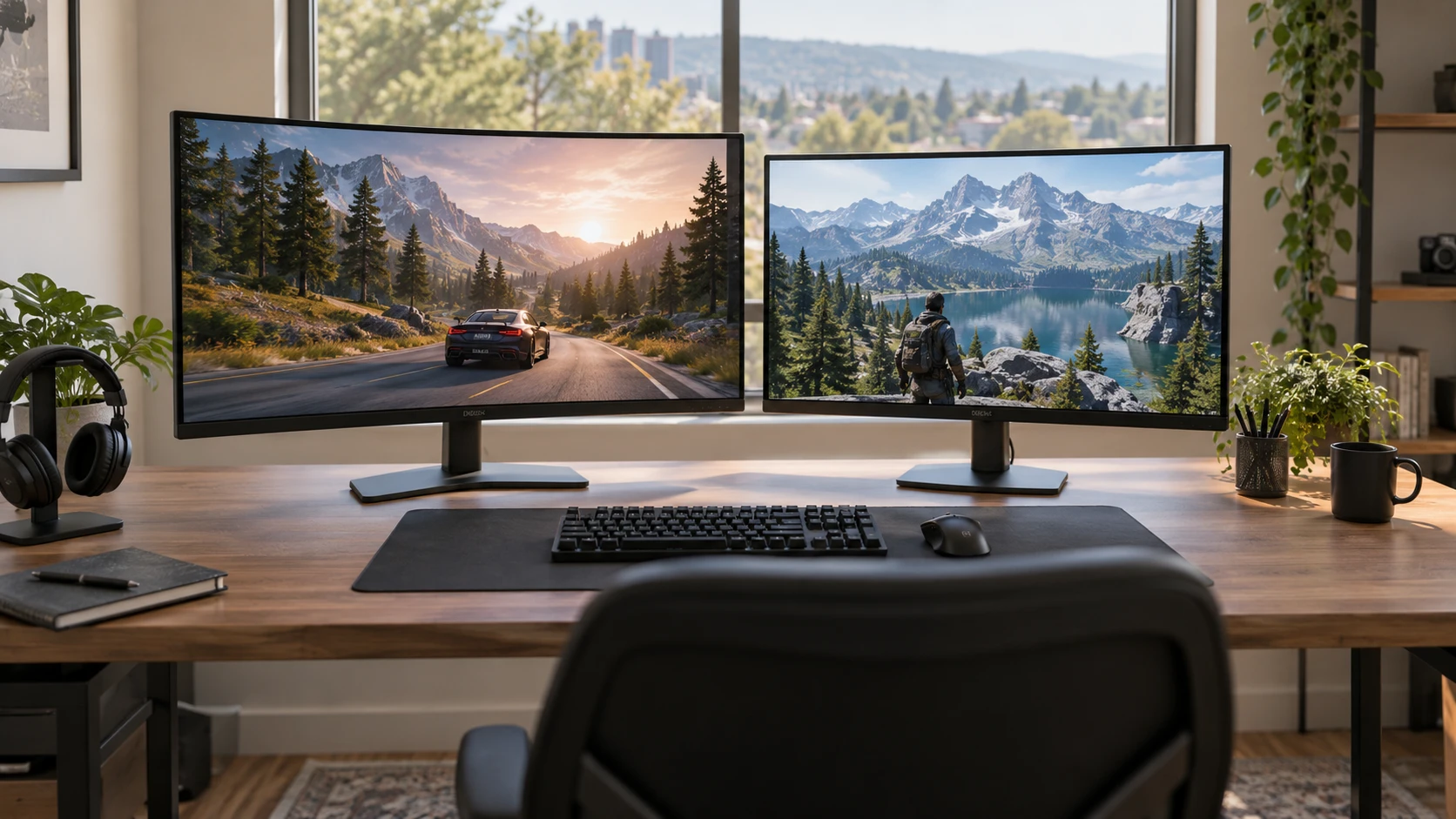
Both the KTC H32S17F and RCA M27PG135F advertise a refresh rate up to 240 Hz, yet they ask a gaming computer to produce very different pictures. KTC pairs a 32-inch curved panel with 1920 by 1080 pixels. RCA pairs a 27-inch fast IPS panel with 2560 by 1440 pixels. A buyer deciding between them should look at viewing distance, graphics performance, and how the desk is used between games.
These comparisons use saved catalog descriptions, not measurements of individual monitors. Neither row supplies a complete timing table or an independent motion and color test. Check the current manual and test the exact input mode you plan to use before treating a maximum specification as everyday performance.
Size, curve, and image detail — RCA M27PG135F QHD gaming monitor
The KTC H32S17F curved gaming monitor is described as a 32-inch HVA panel with a 1500R curve. Its large surface can fill more of one person’s view from a desk, while the curve changes how the edges face that seated viewer. Measure the eye-to-screen distance and the physical depth of the stand before deciding that a 32-inch screen fits. The saved row gives no assembled dimensions, stand adjustment range, or curve-viewing guidance for people seated off to one side.
KTC’s native-resolution claim is Full HD at 1920 by 1080 pixels. Spreading that grid across 32 inches means larger individual pixels than on a smaller screen with the same grid. At a close desk distance, text and fine game interface elements may look coarse to someone accustomed to a sharper display. Try an ordinary web page, a game’s menus, and small map labels at the distance you actually sit. Moving the monitor farther away may help comfort, but only if the desk leaves enough room.
The RCA M27PG135F is a 27-inch fast IPS display at 2560 by 1440 pixels. It offers more pixels on a smaller area, so its pixel density is substantially higher. That can help small text and fine edges look more defined, subject to the panel, rendering, and scaling settings. In a game, however, the computer has to render about 3.7 million pixels per frame at QHD instead of about 2.1 million at Full HD. Check frame rates for the games and quality settings you use rather than assuming that a graphics card will sustain 240 frames per second at both resolutions.
RCA’s row describes thin bezels and an adjustable tilt-and-pivot stand. Its stated dimensions are 24.25 by 11.5 by 20.64 inches with the base and 24.25 by 2.35 by 14.34 inches without it, with width, depth, and height in that order. The listing refers to height adjustment but does not give its travel range. Measure the actual base against your keyboard, speakers, and mouse area. A 27-inch screen can still consume substantial depth if its stand projects forward.
For a multi-monitor setup, KTC’s curvature and RCA’s pivot capability point to different layouts. A curved 32-inch primary display may be easiest to judge from one central chair. A pivoting 27-inch display may suit someone who wants a portrait view for chat or documentation when not gaming. Confirm how far the RCA stand actually rotates and how cables move with it. The saved KTC row mentions VESA mounting but not a pivoting stand.
What 240 Hz requires — WQHD gaming monitor planning guide
Both rows give 240 Hz as a top refresh figure. A high refresh setting can make a fast game feel more responsive when the computer produces enough frames, the cable carries the selected signal, and the monitor accepts that resolution and refresh combination. Open the display settings and verify the actual mode after connection. A game running at 80 frames per second on a 240 Hz desktop will not show 240 distinct game frames each second.
KTC lists two HDMI 2.0 ports and one DisplayPort 1.4 input. Those version labels are useful when planning connections to a computer or console, but the row does not provide a mode table for each port. Ask whether Full HD at 240 Hz is available through the specific input you intend to use and whether adaptive refresh works there. A dock or adapter can impose its own limit even when the monitor and graphics card each advertise higher modes.
RCA’s saved row does not specify port types or versions. It lists computers and several console families as compatible, but compatibility is not proof that every listed console outputs QHD at 240 Hz. Check the exact console’s supported resolutions and frame rates and the monitor’s input modes. For a computer, confirm what cable and graphics output are required for 2560 by 1440 at the refresh setting you want. A product page’s 240 Hz label is only the beginning of that check.
RCA’s response-time claim is 1 ms gray-to-gray when overclocked. The qualifier matters. Find out how to enable that mode and look for artifacts such as bright trails or overshoot in a fast scene. The KTC row does not provide a comparable response-time measurement, so the saved evidence cannot rank their motion clarity from milliseconds alone. Try a familiar game with the same frame-rate cap and note which overdrive setting gives clean movement without obvious halos.
The published WQHD gaming monitor planning guide discusses a different 27-inch monitor. Its resolution-and-speed questions are relevant to RCA’s QHD choice, but it is not test evidence for either product here. Use it to frame a check of graphics performance, input mode, and viewing distance on the exact KTC or RCA unit.
Variable refresh and game settings — RCA M27PG135F QHD gaming monitor
KTC names Adaptive Sync. RCA names variable-refresh technology plus G-Sync and FreeSync support. These features can reduce tearing or stutter when the graphics system and monitor negotiate a compatible range. The saved rows do not give that range, how it differs by input, or any certification details. Check the current manufacturer documentation and the graphics driver’s status panel, then test with a game that moves between high and lower frame rates.
Do not let an enabled badge stand in for a visual test. Look at panning scenes, frame pacing, and whether the screen flickers when menus switch to gameplay. If you use a console, check that its variable-refresh option is actually available through the selected port and resolution. If you use a laptop, confirm the output path through any dock or adapter supports the feature. These checks are especially useful when both candidates claim high refresh but differ in pixel load.
RCA lists a selectable crosshair overlay. Some players may find a monitor overlay useful for particular games, though game rules or personal preference can make it unwelcome. Find out whether the overlay can be disabled and whether its position is adjustable. RCA also names RGB LED backlights; check their brightness and off switch if the desk is used in a dark room. KTC’s saved row does not mention comparable overlay or lighting controls.
Color, HDR, and room light — RCA M27PG135F QHD gaming monitor
KTC claims HDR10 support, 350 cd/m² peak brightness, a 3500:1 contrast ratio, 98 percent DCI-P3 coverage, and 125 percent sRGB coverage. RCA claims HDR-10 support and 95 percent DCI-P3 coverage. These numbers describe different aspects of image output and do not, by themselves, tell us which monitor renders a game more faithfully. Gamut coverage is not color accuracy, and an HDR signal can be accepted without giving a particularly dramatic HDR image.
The KTC row does not state the test method for its contrast and brightness numbers. The RCA row gives no brightness or contrast figure. Compare familiar dark and bright scenes under the room’s normal lighting, with HDR and SDR settings noted. Look for detail in shadows without washing out highlights. If color work shares the same desk, seek an independent measurement or calibrate the individual display rather than relying on a marketing coverage percentage.
RCA names a flicker-free panel and low-blue-light filter. Those settings may be worth trying during long desktop sessions, but they can also change the screen’s appearance. Test with text and ordinary documents at the brightness you will use. KTC’s saved row does not specify an equivalent comfort mode. A missing catalog field is a reason to check the manual, not proof that a feature is absent.
Viewing position changes the comparison too. KTC’s 1500R curve is aimed at a person seated near the center; RCA’s IPS panel may behave differently when another person looks from the side, although the saved row supplies no measured viewing angles. If you sometimes show a game or project to someone beside you, test both seats. Do not infer the outcome from panel labels alone.
Desk hardware and shared devices — RCA M27PG135F QHD gaming monitor
KTC says the screen supports VESA mounting but does not state the mounting pattern or weight in the saved row. Check both before buying an arm, and make sure the arm can position a 32-inch curved panel at the desired distance. The RCA stand already provides tilt and pivot according to its listing; verify the adjustment range and whether an arm would improve the desk layout. Neither row tells us that the required arm screws are included.
RCA lists KVM support. That could be useful when switching a keyboard and mouse between two computers, but the saved description does not explain the USB ports, upstream connection, switching sequence, or whether video input selection follows the peripherals. Draw the intended two-computer hookup and check a current port diagram. KTC’s row lists video inputs but does not name a KVM feature. If the desk uses only one computer, that distinction may not matter.
Neither saved row clearly states built-in speaker specifications. Plan the audio path separately if sound from a console or computer is important. Verify whether an audio output is available, how it follows input switching, and whether headphones or external speakers are already part of the setup. A high-refresh picture does not solve a missing sound connection at a shared desk.
The catalog snapshots show both products as available, but stock and price can change. Compare the current Republeq's catalog listing, warranty, return conditions, and included cables at checkout. The saved rows do not provide a complete in-box list for either monitor. Ask before ordering a special cable, stand, or power accessory on the assumption that it is supplied.
Which screen fits the system — RCA M27PG135F QHD gaming monitor
KTC is a plausible first test for someone who wants a large curved view and can accept Full HD detail at 32 inches. Its 240 Hz, Adaptive Sync, HDMI 2.0, and DisplayPort 1.4 claims give a clear starting point for checking the actual computer connection. The RCA M27PG135F QHD gaming monitor is the sharper-grid candidate with an adjustable stand, variable-refresh claims, and KVM support, subject to verifying its port modes and overclocked response setting.
Test each candidate with one demanding game and one ordinary desktop task. Record the cable, selected resolution, refresh rate, graphics settings, and average frame rate. Then look at fine text, moving scenes, color, desk fit, and whether the controls are easy to use.