Crypto Commerce
Kipvvo V3 robot vacuum vs TP-Link Tapo RV30C robot vacuum controls
Compare Kipvvo V3 robot vacuum: Kipvvo's listed cleaning modes and mop tank with Tapo RV30C's room mapping, floor changes, charging behavior, and feature…
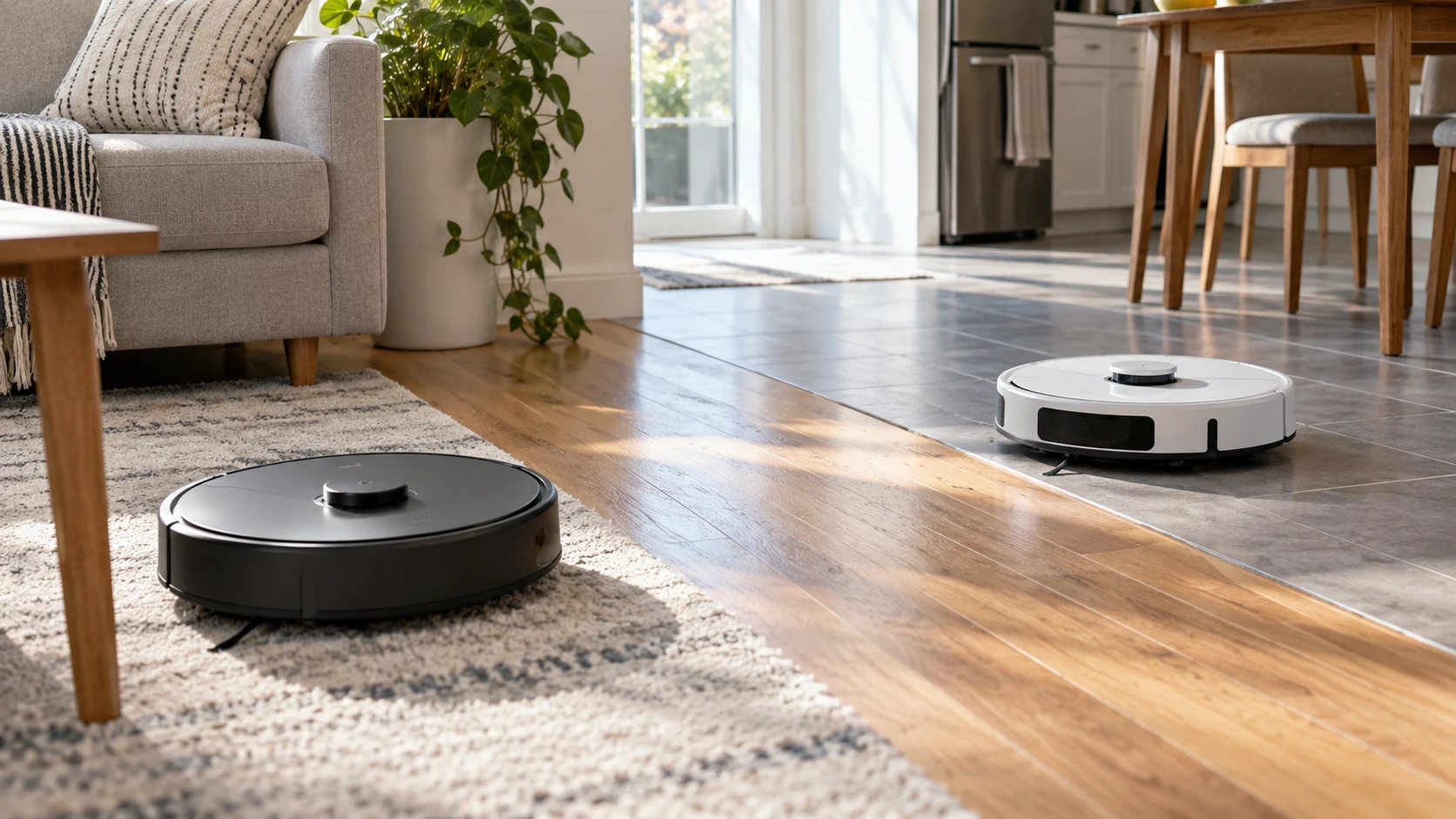
Robot vacuum listings can make several different actions sound like one feature. A machine may follow a route, let you choose an edge-cleaning mode, display a map, or accept a command to clean a named room. The Kipvvo V3 source lists five cleaning modes, a remote, voice assistants, and a small water tank for mopping. The TP-Link Tapo RV30C source names LiDAR and gyro navigation, room-based app settings, and a return-and-resume behavior when the battery runs low. Those details point to different questions for a buyer. Neither catalog description is an independent record of how well the machines clean your floors.
The Kipvvo V3 robot vacuum is described as a three-in-one sweeper and mop with a 650 ml dust box and 100 ml water tank. Its listing names automatic, fixed-point, edge, timed, and manual modes. Tapo's RV30C is described primarily as a Wi-Fi vacuum with app choices for cleaning modes by room and a mapped route. Before comparing their headline suction or running times, write down an instruction you would actually give: clean just the dining room, follow the baseboards, or pick up the kitchen crumbs now. Each request needs a different control.
Separate route, mode, and room choice — TP-Link Tapo RV30C vacuum
The published guide to robot vacuum mapping controls distinguishes the route a machine takes from the areas you can tell it to clean. That distinction is useful here. Kipvvo's saved excerpt names a timed mode and edge and fixed-point options, but does not state that it saves a floor plan or accepts a named-room instruction. A fixed-point mode could help with a localized mess; it does not, by itself, establish that you can select the dining room from a map. Ask for the exact command flow if room choice is a purchase requirement.
The TP-Link Tapo RV30C vacuum description explicitly names LiDAR and gyro navigation. It says the robot can map a home and that the Tapo app can merge or separate areas, set schedules, and choose modes for rooms. That is stronger evidence for planned room-by-room cleaning than a general automatic mode. The saved source does not explain the smallest selectable area, the number of maps retained, or what happens when furniture moves. It also makes a fast mapping claim without stating the floor plan or conditions used. Check current model documentation or a demonstration of the particular rooms you want to assign. If two areas meet through a wide opening, ask how the app draws that division and whether you can adjust it after the first map.
Think about your routine before evaluating the map screen. If you clean the whole floor every morning, Kipvvo's automatic and timed modes may address that task without a room picker. If one room needs an extra pass after a meal while the rest of the house should stay undisturbed, the Tapo room controls are more directly described. If you want to exclude a pet feeding area, neither saved excerpt explicitly gives a named exclusion-zone feature for these exact models. Do not assume it from LiDAR, an app, or a picture of a map. Ask how the precise boundary you need would be set.
Compare the dry-cleaning claims carefully — TP-Link Tapo RV30C vacuum
Kipvvo lists 5,000 Pa suction for dust, debris, pet hair, and dirt on hard floors and low-pile carpets. Tapo lists 4,200 Pa and says suction rises automatically when the robot moves from hard floor to carpet. These are claims from separate listings, with no common test surface or method provided. The larger number does not prove better pickup on the rug by your front door. A brush, airflow path, height over the carpet, and a full or empty bin can all change the result. Seek exact-model tests on the surface that matters rather than treating the Pa values as a ranked cleaning score.
The Kipvvo page names a 650 ml dust box and a high-efficiency filter. Those details can help you ask how often the bin must be emptied and when the filter needs care. They do not provide an emptying interval for a house with shedding pets. The Tapo excerpt gives no bin capacity in the saved source. It includes broader references to self-emptying, but the same source identifies RV30C as a vacuum and does not clearly describe the dock or bag needed for that function. Verify the exact package and dock features before counting automatic emptying as part of the RV30C offer.
For both machines, check the spaces that are hardest to clean by hand. A low sofa, raised doorway threshold, or thick rug can affect whether the robot reaches a spot at all. The Kipvvo and Tapo descriptions here do not give enough clearance or climbing measurements to approve those obstacles. Measure the gap and inspect exact-model dimensions and operating limits. A floor-cleaning claim should not be stretched into a promise about every piece of furniture. Watch the first run and move loose cords or fragile items that could obstruct the path.
Treat mopping as a model-specific question — TP-Link Tapo RV30C vacuum
Kipvvo's listing supplies a concrete 100 ml water-tank figure and calls the unit a three-in-one sweeper and mop. That tells you it can carry water for a wet pass, but the saved excerpt does not specify water-flow settings, pad motion, or a way to keep the pad off carpet. If you have a mix of tile and rugs, ask what happens when the robot crosses the boundary with the mop attached. A small tank also raises a practical question about refilling during your intended hard-floor run; the source gives no area-per-fill result.
Tapo's saved listing is less consistent on mopping. Its main description calls the RV30C a vacuum, while another part mentions a mop combo. The source does not identify a water tank, mop attachment, or wet-cleaning controls for the exact package. Do not build a comparison around an unverified mop feature. If you need wet cleaning, ask for the manufacturer's model number, box contents, and instructions showing that the unit sold on this page supports it. Until then, compare Tapo on the vacuum and room-control functions actually described with detail.
Neither listing reports a measured result on a dried spill, and neither says which floor finishes are suitable for a wet pad. Even if the mop function is confirmed, keep expectations tied to the everyday job: a light pass on a hard floor differs from scrubbing a stuck-on mark. Check the floor maker's care instructions, the robot's manual, and the effort required to clean or replace the pad. A wet attachment adds preparation and cleanup. Decide whether you would use it often enough to justify those tasks.
Plan around charging and controls — robot vacuum mapping controls
Kipvvo advertises up to 120 minutes per charge and says it returns to its charging station when the battery is low. Tapo lists a 3,200 mAh battery and a claim of three hours of continuous cleaning; it says the robot returns to charge and later resumes where it stopped. Those figures have different units and no shared test conditions, so they do not provide a reliable runtime winner. More useful is the functional difference stated in the source: the Tapo excerpt explicitly names resumption after charging, while the Kipvvo excerpt only names return to the station. Ask whether Kipvvo resumes an unfinished run if that matters for your floor plan.
Kipvvo offers app, remote, Alexa, and Google Assistant control according to its listing. A remote may be convenient for a quick local start, although the saved text does not say which of its modes can be selected without the app. Tapo names its app and smart-speaker voice control. The source also mentions firmware updates and possible future features; purchase only on functions documented for the unit now. Check network requirements, account setup, and which household members can change schedules for the exact product. Neither excerpt supplies those details comprehensively.
Try turning the feature list into three sample commands. For a small spill, ask how fixed-point mode starts and how the robot finds that spot. For a routine whole-floor run, ask what timed mode schedules and how it behaves after a low-battery return. For a room-only job, ask how Tapo's map divides rooms and how a mode is assigned. The answers should come from current instructions or a working demonstration of the exact model, not from an unrelated robot's app screen. This makes it easier to see which advertised function actually solves your problem.
Choose the cleaning work you will keep using — TP-Link Tapo RV30C vacuum
Kipvvo gives a stated bin and tank size, several named cleaning modes, and a remote. Those are useful if you want manual choices for a whole-floor or focused pass and are prepared to handle the bin and mop pad. Tapo gives more explicit room-level map controls, automatic suction changes at carpet, and a documented charge-and-resume claim. Its listing leaves the mop and self-emptying package uncertain. Resolve those questions directly before paying for an expected feature. Then compare the machines against the real rooms, rugs, and maintenance routine in your home rather than the longest feature list.