Crypto Commerce
IonVac SmartClean 2000 robot vacuum vs TECBOT S1 for mapped floor cleaning
Compare IonVac SmartClean 2000 robot vacuum by navigation, brushes, controls, runtime information, maintenance, and home layout.
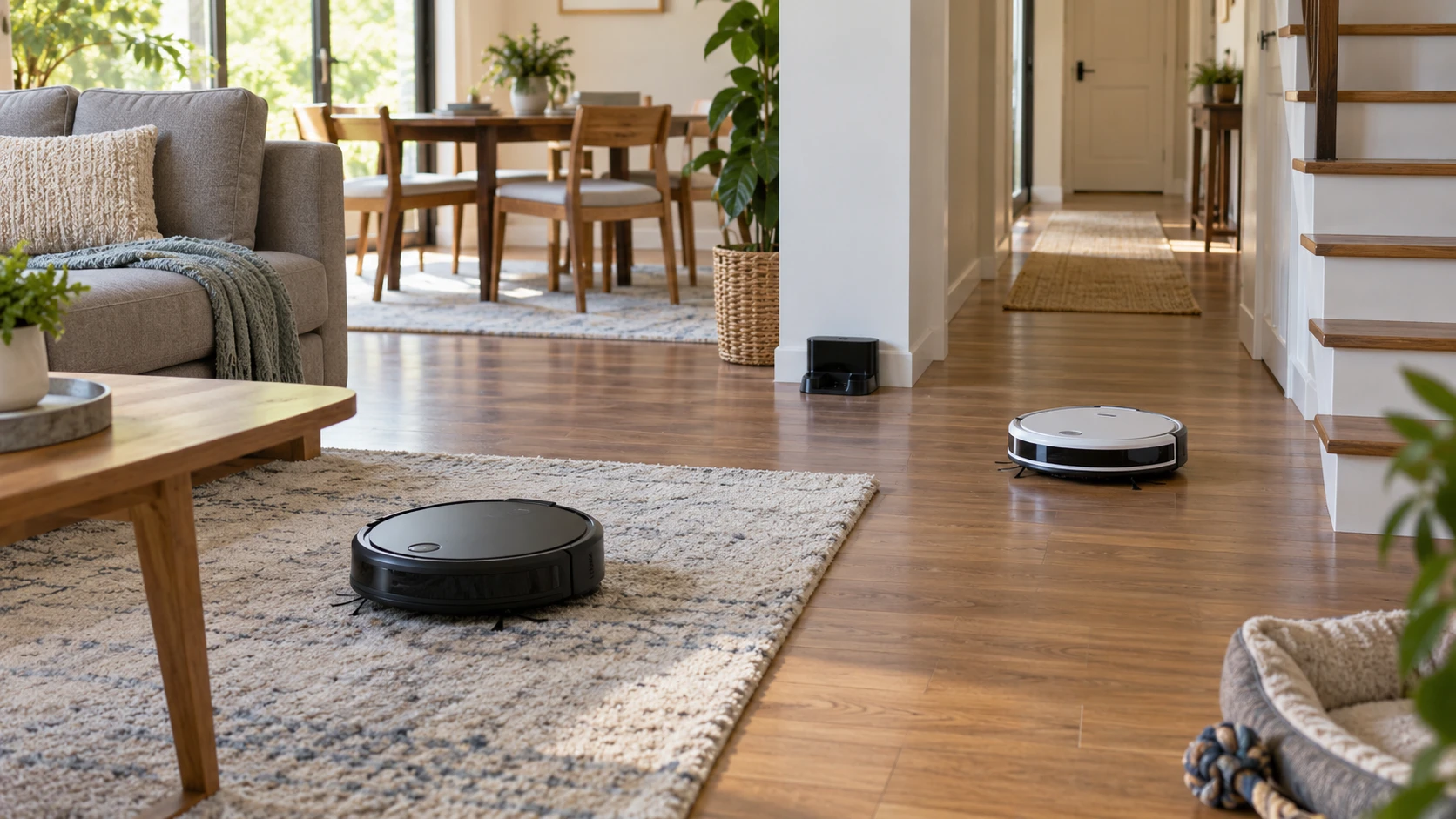
The IonVac SmartClean 2000 robot vacuum lists smart mapping, app and remote control, four cleaning modes, and a 600 ml dustbin. TECBOT S1 lists a gyroscope-guided zigzag route, cleaning memory, an adjusting smart map, app control, and automatic recharging. Both descriptions promise help with routine floor care. They do not show how either machine handles your particular room layout, so the practical comparison starts with the route each robot must clean and the maintenance you are prepared to do.
The published robot vacuum mapping guide gives a way to think about room controls and boundaries. It is not a test of these two products. Draw your rooms, dock location, rugs, thresholds, and stair edges before choosing. A robot that navigates an open living room may behave differently among chair legs, loose cables, and a hallway with several doorways. Ask which of those obstacles the listing actually addresses and which require an owner to prepare the floor.
Look past the map label — robot vacuum mapping guide
IonVac describes smart mapping and names anti-collision and cliff sensors. TECBOT says its gyroscope supports a zigzag cleaning pattern, retains cleaning memory, and adjusts a smart map for the home. These are different descriptions, but neither saved excerpt gives a sample map, sensor diagram, map-storage contract, or measured coverage result. Do not infer that either robot can recognize every small object or maintain multiple floor plans merely because the word “smart” appears in its listing.
A useful map question is what you can do after the first run. Can you name rooms, send the robot to one area, exclude a pet bowl, or change its route when furniture moves? The saved source for neither model confirms those exact controls. Check current app instructions or a live demonstration for the feature you need. If a room must be kept out, confirm the required boundary method before purchase. Moving the dock or switching phones may also affect map behavior; the excerpts do not settle that point.
Watch an initial cleaning run before relying on a schedule. Put the dock where the manual requires, clear cords and small toys, and notice whether the robot reaches both sides of furniture. IonVac's anti-collision and cliff sensors are intended to help it navigate, while TECBOT's description says it avoids obstacles and collisions. Those claims still leave room for missed corners or a robot trapped beneath low furniture. A map is useful when it supports a reliable route, not merely when it looks detailed on a screen.
Navigation labels also hide recovery work. If a door closes after the robot has mapped a room, check whether the app shows a missed area and whether you can send the robot back without repeating the whole route. If children move stools or a pet leaves a toy in a doorway, the robot may need an owner to clear the obstruction. The saved descriptions do not explain either product’s response to an interrupted run. Confirm that behavior during setup, especially if you expect cleaning to happen while the home is empty.
Match the floor and brush arrangement — TECBOT S1 robot vacuum
IonVac lists side brushes and a roller brush, plus 2000Pa suction, with four modes across multiple surfaces. Its description includes homes with pets. TECBOT says it cleans marble, hardwood, tile, and carpet, and collects pet hair and other dirt. The TECBOT excerpt does not provide a suction number or brush design. The absence of that detail is an information gap, not evidence that it lacks a roller or performs worse on rugs. Ask for the exact floor and brush specifications before comparing performance claims.
A Pascal value is one part of a suction claim, not a measured result for your carpet. Brush contact, debris size, floor texture, and cleaning path all affect what is picked up. If fine litter at a tile edge or pet hair embedded in a rug is your problem, look for a test on that material. Check whether a particular mode changes suction and whether the robot can transition between your hard floor and rugs. The saved descriptions provide no controlled, side-by-side pickup test.
Make a list of surfaces where a robot might struggle: thick rugs, dark mats, loose fringe, floor vents, or uneven thresholds. Then consult the maker's limits for the exact model. Neither excerpt confirms maximum threshold height, rug-pile range, or safe operation on every floor finish. A product's broad “carpet” claim should not replace checking the material under your feet. If a delicate floor requires a particular wheel or brush setting, verify that requirement directly.
Hair maintenance also matters even if a listing says the robot handles pets. IonVac's roller and side brushes have to remain clear enough to touch the floor. TECBOT's brush assembly is not described in the short source. Ask how to remove and clean the brush, side brushes, wheels, and intake on each model. Check that replacement brushes and filters for the exact model can be purchased. Regular cleaning is still part of owning a robot vacuum, especially when long hair or thread is common.
Plan the run around battery and docking — TECBOT S1 robot vacuum
IonVac states up to 100 minutes of cleaning and says it returns to its dock to recharge. TECBOT says it recharges automatically but gives no runtime in its saved excerpt. These statements cannot tell you whether either robot will finish your home in one session. Runtime depends on a cleaning mode, obstacles, floor type, and how often a route must be repeated. Compare the area you want cleaned with a representative run rather than turning the advertised minute count into a guaranteed coverage figure.
Ask what happens when the battery runs low halfway through a room. Does the machine recharge and resume the unfinished area, or does it need a fresh command? TECBOT lists cleaning memory, but the short source does not define whether that includes post-charge resumption. IonVac's return-to-dock claim likewise does not establish resume behavior. This is worth checking if cleaning must finish while nobody is home. A machine that reliably resumes can be easier to live with than one that only reports a longer uninterrupted run.
The dock needs a reachable outlet and room for the robot to enter without shifting furniture. Check the maker's clearance instructions and power-cord placement for each package. If a dock will sit beneath a shelf or inside a cabinet, confirm the height and access required rather than judging by a product photo. The saved excerpts do not give dock dimensions. Also ask whether a different floor or distant room requires carrying the robot and how that affects its saved route.
Keep expectations realistic about edges and stairs. Side brushes can direct loose debris toward an intake, but a round machine may still need help at a tight corner or along a tall baseboard. Cliff sensors are designed for drop detection, not for carrying the unit between floors. If your home has two levels, decide where the dock will live and whether the mapping and controls support the way you plan to move the robot. Neither source promises complete multi-floor coverage or replaces occasional manual cleaning.
Count bin work and controls — TECBOT S1 robot vacuum
IonVac gives a 600 ml dustbin size. The TECBOT description does not state bin capacity. Neither saved source mentions a self-emptying base. That means the actual emptying interval in a home with pets, crumbs, or fine dust remains a practical question. Look at how each bin is removed, how the filter is cleaned or replaced, and whether emptying releases dust near someone who is sensitive to it. A numerical bin volume cannot predict how quickly hair fills it.
IonVac states a 62 dB noise level. TECBOT's saved source offers no comparable noise measurement, so the two cannot be ranked for quietness from these excerpts. Listen during a normal cleaning mode if calls, sleep, or television time shape your schedule. Noise may change when a robot crosses a threshold, brushes pick up grit, or the bin becomes full. Choose a schedule that fits household routines rather than assuming the app's timer makes sound irrelevant.
IonVac lists Wi-Fi, app, and remote control. TECBOT lists Wi-Fi and app control, with no remote mentioned in its brief source. If someone in the home prefers a physical control, confirm what arrives in the box and what the buttons on the robot can do. Ask whether schedules, maps, and cleaning modes require an account or an internet connection. Neither listing settles offline operation or the length of app support. Try the controls for starting, pausing, and docking during setup, since those are the commands you will use most often.
The TECBOT S1 robot vacuum offers a described gyroscope route and cleaning memory across several floor types. IonVac provides more stated details about its brushes, bin, suction, runtime, and remote. Those extra numbers make its offer easier to check, but they are not a substitute for a cleaning run in your rooms. Compare the exact box contents and maintenance parts, verify the map controls you need, and let the route through your home decide which set of claims is more useful.