How-To Guides & Tutorials
How to find the right slow cooker manual before setup
Learn how to find the right slow cooker manual: record identifiers, use the verified Hamilton Beach lookup and save model-to-document match status.
Finding a manual starts with identifying the cooker the document must cover. This guide explains how to find the right slow cooker manual by building a model-to-document record before setup. Follow the eight steps in order, using the listing as an initial identifier source and the appliance's actual identification when available. The record shows whether the document is matched or remains a candidate.
The worked examples are a Crock-Pot programmable six-quart listing identified as 2139005 and a Hamilton Beach listing identified as 33867. They illustrate two individual identification records. This article does not choose a cooker or provide Alexa, temperature-probe, cooking or cleaning instructions. The verified lookup behavior described below belongs to Hamilton Beach's official Use & Care page; no specific manual match for either example is claimed here.
Step 1: Begin recording slow cooker model identifiers
For recording slow cooker model identifiers, create a record before searching for a document. Give the record fields for brand, complete product title, listing identifier, manufacturer model, retailer SKU and UPC where stated. Add a field describing where each entry came from. Mark an uncertain entry unconfirmed so that an assumed identifier does not redirect the search.
Use the Crock-Pot 2139005 programmable slow cooker listing as one identifier example. Its title includes Crock-Pot, six-quart capacity, programmable stainless steel, the number 2139005 and Works with Alexa. Copy the number as a listing identifier first. The title alone does not establish that the manufacturer uses that number as the manual's model reference.
For the second example, the Hamilton Beach 33867 slow cooker listing explicitly names Hamilton Beach 33867. It also states SKU 385703562 and UPC 040094338672. Place those identifiers in separate fields. The model, SKU and UPC are different entries in this account; retain their actual labels so that a later lookup uses the identifier it requests.
Step 2: Separate the retail record from the appliance identity
Review the entries you just copied and label their source. A number copied from the retail title belongs in the listing-identifier field until its manufacturer role is confirmed. A number explicitly labelled SKU remains a retail SKU. Keeping those fields distinct lets you check the identifier used before concluding that a search failed because documentation is missing.
When the appliance and its supplied paperwork are available, record the model information actually provided with that item. Keep that entry separate from the earlier title transcription until you have checked whether they agree. This is an identification task; it supplies no procedure for moving, opening or disassembling a cooker to inspect it. If you cannot establish the model from accessible information, keep that question unresolved.
For Crock-Pot, the working record can therefore contain 2139005 in the listing-identifier field while the manufacturer-model field remains unconfirmed. For Hamilton Beach, the listing gives 33867 as its model and the two other identifiers separately. Both records are useful even before a manual has been found. Their completeness comes from accurate labelling, rather than from declaring every field confirmed.
Step 3: Write down the instruction task you need covered
Add a short task statement to the record. In this guide, the immediate task is finding the documentation applicable before setup. Include a listed feature only if it explains why the document's scope needs checking. The Crock-Pot description mentions Alexa-related controls and remote programming. Those names are relevant to a documentation inquiry without becoming instructions for connecting or operating the appliance.
The Hamilton Beach description mentions a temperature probe and removable stoneware. It also names low, medium and high settings working with or without the probe. Record the features that matter to the question you intend to resolve. A document that appears to cover a slow cooker generally may still leave the listed probe or the actual model identity unaddressed.
Keep the task statement narrow enough to check. “Documentation for the listed Hamilton Beach 33867 before setup” is a clearer request than “all slow cooker information.” For Crock-Pot, an honest request can name the full retail title and ask which manufacturer model and instructions cover it. Include any uncertainty from the identifier fields in that request.
Step 4: Use the verified Hamilton Beach lookup for that brand
Hamilton Beach's official Use & Care page says to enter the Model Number to access a specific Use & Care Guide or other product documentation. Its address is hamiltonbeach.com/use-and-care. For a Hamilton Beach identification record, use the model field when following that lookup. The page also offers help finding the model number, which is relevant when the identification itself remains incomplete.
The page's text describes document results and says to click a file's name to download it. It also describes checking search criteria when documents are not found. These are the verified generic lookup instructions. They do not establish that entering 33867 produces a particular file, because this guide reports no completed model-specific lookup or downloaded manual for that example.
The verified behavior belongs to that Hamilton Beach page. Apply it to the Hamilton Beach record rather than treating it as a universal portal method. No Crock-Pot manual portal behavior is established by this article. For the Crock-Pot example, keep the manufacturer-document route unconfirmed and request the applicable reference through the brand's actual support information or the information supplied with the cooker.
The Bosch HMCP0252UC and Dacor DMW2420S documentation-scope discussion keeps named microwave functions and placement labels separate from complete model-specific instructions. That distinction also applies to this document search: a listed feature identifies what the reader needs explained, while the applicable manual must supply its actual scope. The microwave modes and placement accounts remain with those products. They provide no setup, cooking or installation procedure for either slow cooker in this record.
Step 5: Record a returned document before accepting it
When a lookup returns a document, add its title, file reference and stated model scope to your record. Record the actual source from which it was obtained. Record the file reference independently of the model so you can compare the two. A plausible filename is a candidate reference, not a completed demonstration that the file covers the appliance in your record.
Read the document's identification information and compare it with the model you have recorded. Copy the full model group stated by the document. If the title uses a product-family name while the applicability information lists specific models, retain both. This avoids treating a broad family name as enough evidence for a cooker whose particular identifier has not yet been matched.
For the two examples here, the document fields remain unfilled. The retail descriptions supply identification and feature information, but neither is the matched operating document. Do not enter an imagined filename to make the example appear finished. Marking the document match as pending gives the next person a specific, truthful task to complete.
Step 6: Start matching appliance documentation to a model
For matching appliance documentation to a model, compare the recorded brand and model with the document's actual applicability statement. Then check whether the instruction task recorded in Step 3 falls within that document. These are related checks with different purposes: the identifier comparison addresses which appliance the file covers, while the task comparison addresses what the file explains.
Use the listed features as scope questions rather than proof of a match. In the Crock-Pot record, Works with Alexa provides a reason to check the relevant documentation. In the Hamilton Beach record, the temperature-probe description provides another. A generic image or similar capacity cannot substitute for an explicit model relationship. The example features should never transfer instructions from one cooker to the other.
If the model relationship or task scope remains ambiguous, label the file candidate and write down the ambiguity. For example, note that the retail identifier has not been confirmed as a manufacturer model, or that the document's listed models do not yet establish a match. The written ambiguity tells support what needs resolving and lets you check the eventual answer.
Step 7: Make the unresolved question usable for support
Build the inquiry from the record, with the brand, full title, actual model entry and document reference kept in their named fields. State what remains unresolved. For the Crock-Pot example, the first question is which manufacturer model corresponds to the listing identifier 2139005 and which documentation applies. The request should not imply that a particular manual has already been found.
Hamilton Beach's Use & Care page explicitly says to contact Customer Service if there are problems accessing a guide. For that brand's record, include the model entry and explain whether the problem concerns identification, a returned document's scope or access to the file. These are separate issues. An answer about downloading a file may leave the model match unresolved, so retain the specific question.
Keep the response with the same record when one is received. Note what it actually confirms, with any remaining uncertainty visible. A response naming the applicable manual can resolve a document question; a reply giving only a general support destination may leave that question open. Update the record with what the answer establishes; the fact that contact occurred does not confirm a match.
Step 8: Save the model-to-document record before setup
Your blank record can read: Brand: unfilled. Complete listing title: unfilled. Listing identifier: unfilled. Manufacturer model and its source: unconfirmed. Retail SKU: unfilled. UPC: unfilled. Instruction task: unfilled. Official document title and reference: pending. Stated model scope: pending. Match status: unresolved. Remaining question and response: unfilled. Use these fields for one appliance at a time.
A filled inventory example reads: Brand: Hamilton Beach. Listing model: 33867. Listing description: Silver six-quart programmable slow cooker with a temperature probe and removable stoneware. Retail SKU: 385703562. UPC: 040094338672. Identifier source: the selected product listing. Requested task: identify applicable documentation before setup. Official lookup route: Hamilton Beach Use & Care. Document reference and exact model match: not completed in this example.
The Crock-Pot companion record would retain the full programmable six-quart Works with Alexa title and listing identifier 2139005, with the manufacturer-model and document fields unconfirmed. The remaining identification question gives this partial record its next action. It does not borrow the Hamilton Beach document route or instructions, and it does not present a familiar-looking number as a confirmed manufacturer model.
Give the record a status that describes what has actually been established. Unresolved means the identity or applicable document remains open. Candidate means a particular file has been identified but its model relationship still needs checking. Confirmed means the recorded evidence establishes the model relationship and the task scope you asked about. These are record labels for this process, rather than claims about either worked example. When changing the status, keep the reference or answer that justified the change with the record so it can be checked again.
The space-heater title, manual and control-label guide explains why an offer's brand and title must be retained when identifying its manual, especially when those entries differ. It also distinguishes control labels from a complete control sequence. Use that identification discipline in the slow-cooker record: keep a retail number in its stated field until the manufacturer-model relationship is established. No heater control method or operating permission transfers to the cooker.
Keep a purchase record alongside the document record
If you consider buying a slow cooker with crypto through republeq.com, keep the purchase record alongside the model record rather than using a payment option to settle product identity. The selected listings display a crypto checkout context that names USDT among the supported examples. That display does not establish which token, network or payment route will be available for a particular order when checkout opens. Read the order and payment information at that time. Preserve the complete product title and the identifiers shown for the selected item, then keep the destination order reference with them if a purchase is completed. A transaction record and a manual reference answer different questions. The first concerns the order; the second concerns which instructions cover the appliance. Neither should replace the other in your notes. For the Crock-Pot example, a payment receipt would not independently confirm that the listing number is the manufacturer model. For Hamilton Beach, paying for an item would not prove that a candidate document applies to model 33867. Keep those documentation questions open until the relevant identification and document evidence addresses them. Before authorizing a transfer, check the payment instructions actually presented for the order, including the token and network named there. Do not infer them solely from a familiar USDT label or from another checkout. This article makes no claim about transaction completion, fees, delivery, refunds or support for an unplaced order. Record only the information supplied for the transaction you make, with any unresolved purchase question kept separate from the manual inquiry. When the appliance arrives, the identity information accessible with the supplied item can be added to the same record. Retain the earlier listing entries so that any disagreement remains visible. The documentation task still ends with a confirmed model relationship, alongside the separate purchase record.
How to find the right slow cooker manual is an identification process that produces a checkable record. Keep the model's source, the document's stated scope and the unresolved question together. A confirmed match can be recorded when the evidence establishes it. Until then, preserve candidate documents as candidates and leave the instruction task open rather than transferring procedures from a similarly named appliance.
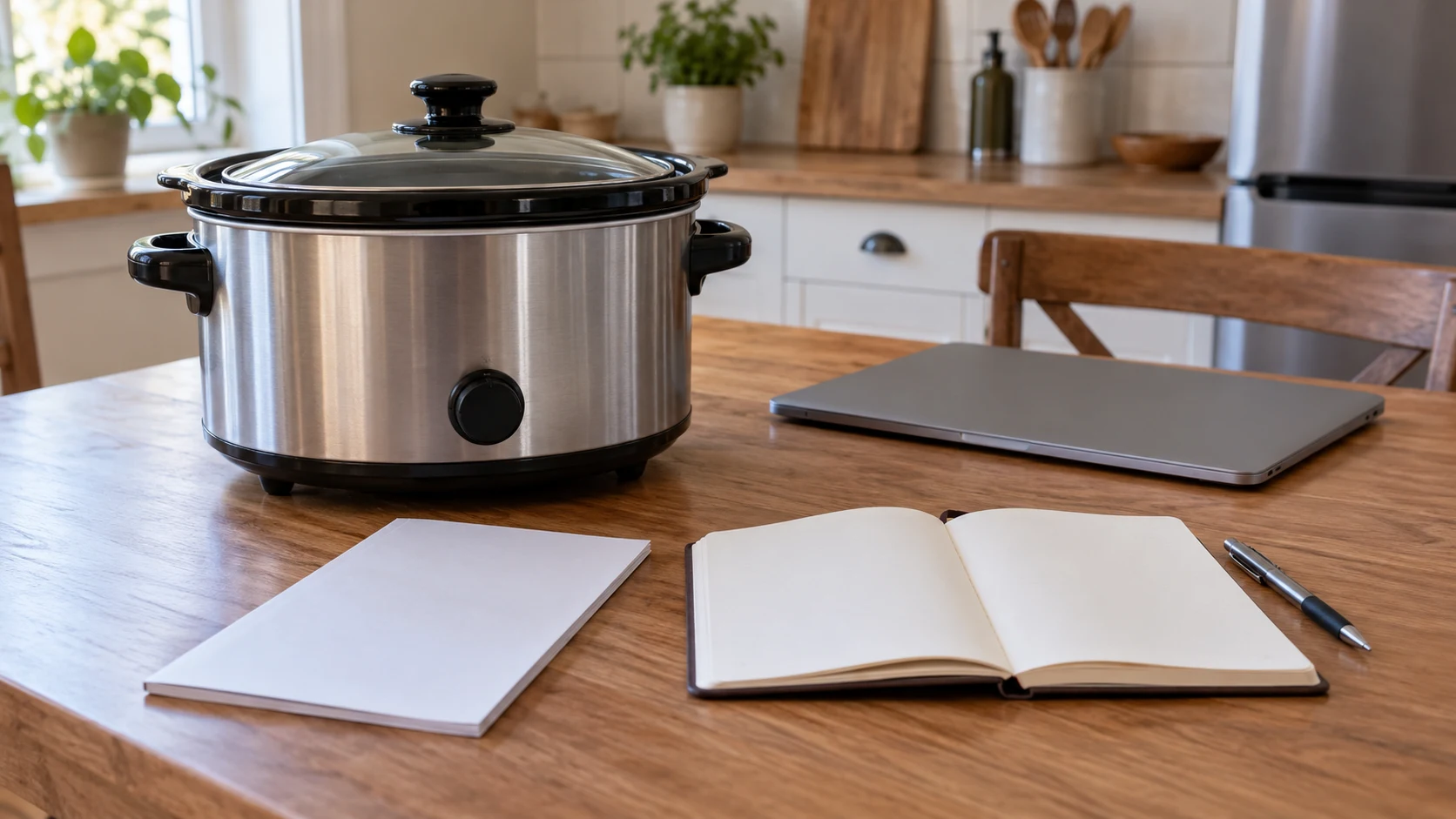
Conceptual photograph for how to find the right slow cooker manual, showing a complete generic switched-off cooker beside a blank booklet, notebook, pen and closed laptop. The scene illustrates identification and record keeping without depicting an actual model, matching manual or operating method.