Educational & Explainer Articles
Guitar tuner readings: note, cents and reference pitch
Separate note identity, cents, reference frequency and tuning targets before interpreting an electronic tuner display.
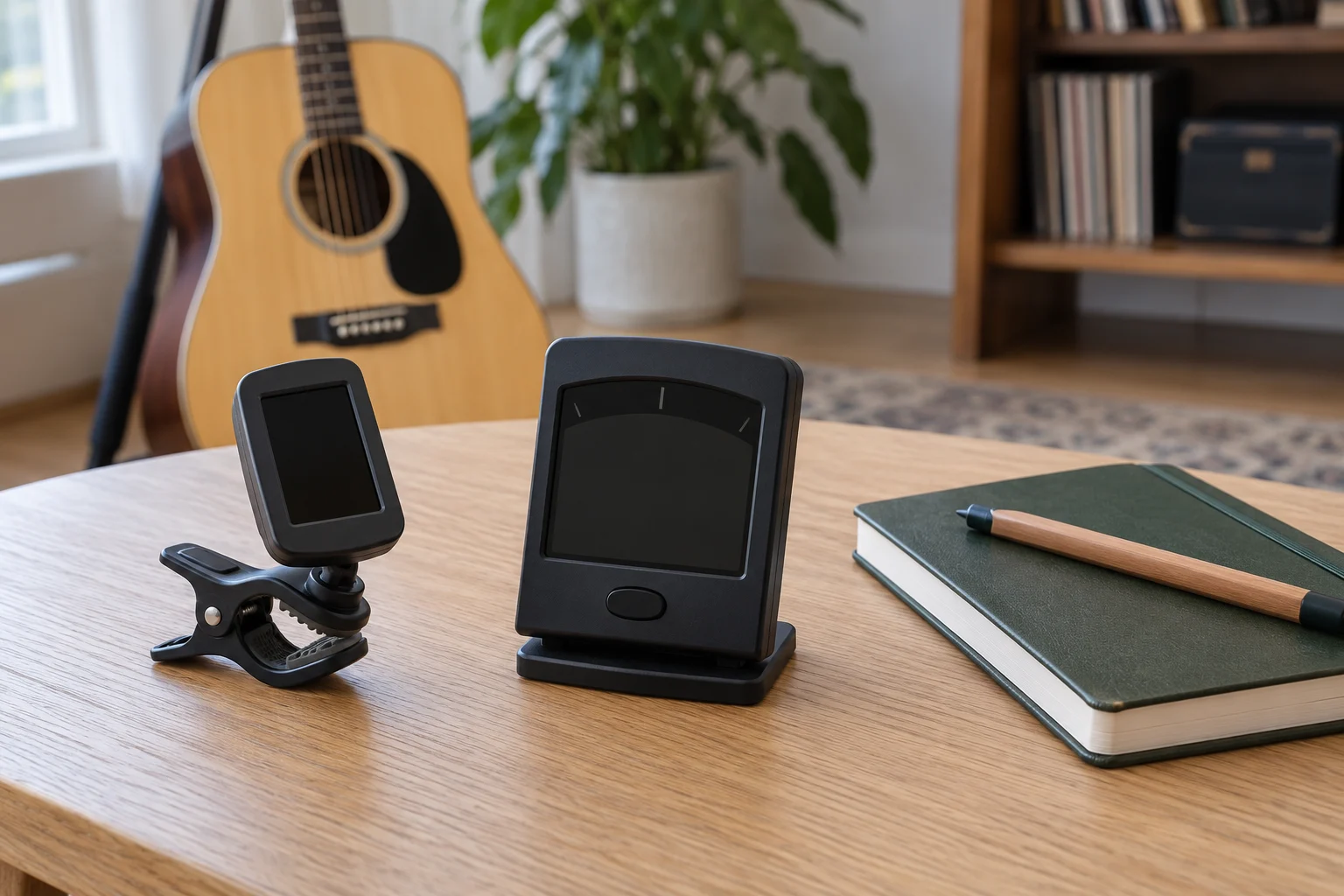
Read guitar tuner readings by identifying what each part of the display describes. A note name, a position beside a center mark and an A-reference setting answer different questions. Before treating a centered display as the answer you wanted, check the note and the tuning target selected on the actual tuner.
NIST's Time and Frequency from A to Z explains A440 and the frequency ratios behind cents. Those definitions help separate the quantities in a tuner description. The selected Peterson StroboClip HD and Korg OT120 have different displays and settings; their manufacturers' descriptions remain specific to those models.
Start with the note you intended to check
A target must be identified before an indication of agreement is useful. Write down the tuning you intend to use and the string being checked, using appropriate instructions for the instrument. If you are following a teacher, ensemble or arrangement, confirm that the target in front of you is the one they mean.
A tuner may identify the note it detects automatically, or operate with a target selected by the user, depending on the model and mode. Read the applicable instructions to establish what your actual display means. The note appearing on screen should be checked alongside the intended target instead of being accepted simply because an indicator is near its center.
Keep a question about the intended tuning separate from a question about the instrument's present sound. If you do not know which note a particular string should have, an electronic indication cannot supply the missing musical decision on its own. Confirm that decision before changing string tension.
This matters when an instrument is handed from one player to another. A previous player's setup may have served another piece or tuning. Read the current requirements and the tuner's current settings. The previous session's successful result does not establish the target for this one.
Keep the octave with the note name
NIST identifies A440 as A above middle C, also called A4. Retain that octave information when you need to identify a frequency precisely. A letter alone can leave the octave unspecified. The A-reference setting is attached to that defined reference note; it is not an instruction to bring every string to A4.
Check how your actual tuner identifies notes and octaves. If the screen omits information needed for the question you are asking, consult its instructions instead of supplying the missing detail from appearance. Keep the instrument's intended tuning beside the device's actual indications when seeking help with a result.
Tuner cents versus hertz describe different quantities
For tuner cents versus hertz, begin with frequency and interval. NIST identifies A440, also called A4, as the tone at 440 hertz that serves as an internationally recognized musical pitch standard. It is A above middle C. The number is a frequency reference, not an indication that every note you play should produce the same frequency.
Cents describe a relative pitch interval. NIST gives the frequency ratio for a one-cent increase as the 1200th root of two, approximately 1.00057779. An octave corresponds to a doubling of frequency and contains 1,200 cents. The equal-tempered semitone contains 100 cents. A cent value therefore describes a relationship between pitches rather than a fixed number of hertz.
That difference prevents a misleading shortcut: one cent does not mean one hertz. For the same relative interval, the absolute frequency difference depends on the starting frequency. Use the quantity stated by the instrument or specification instead of replacing one unit with the other because both appear beside small numbers.
A tuner specification in cents and a reference-A setting in hertz can both be relevant while describing different things. The first may describe an accuracy claim or a displayed offset; the second identifies the chosen reference frequency. Check the label and context of each number before comparing them.
There is no need to perform a frequency calculation during every tuning session. Understanding the distinction helps you ask a better question when two screens show different numbers. Establish whether each number is a target setting, an observed value or a specification before concluding that the equipment disagrees.
Keep reference pitch and tuning target together
For reference pitch and tuning target, NIST's A440 definition provides a common starting point. A tuner with an adjustable reference may support other choices. Follow the required musical reference for your situation and the actual device instructions; the availability of a setting does not tell you which choice your ensemble intends.
In a hypothetical comparison, two players can select different reference-A settings while each sees a display indicating agreement with their own setting. The displays are answering different target questions. Check that target before using the two results as evidence of a faulty instrument or tuner.
Record the actual reference if you need to compare observations later. “Centered” leaves out a setting that may affect the meaning of the result. A short record can include the instrument, intended note and reference, with the model and mode when those matter to interpreting the display.
The reference setting also belongs with any saved configuration you reuse. If another person prepared the tuner, ask which settings they selected and verify the current state using its instructions. A remembered setup and a currently displayed setup should not silently become the same thing.
Read the actual Peterson display description
The Peterson StroboClip HD offer identifies model 403868. Peterson describes a strobe pattern moving left for flat and right for sharp, with a near-still pattern as the target. Its stated detection and display accuracy is 0.1 cent. This is a manufacturer claim, without a comparative test here.
Peterson lists the HD's Concert A range as 390 to 490 Hz, default 440 Hz. Its EQU preset uses equal temperament with 100-cent intervals; Sweeteners use sets of cent offsets. These are different targets. Use the actual HD instructions for its settings. This account supplies no procedure for another Peterson model or an instrument adjustment.
When a display uses motion, identify the meaning of that motion from its applicable instructions. Do not substitute the behavior of a needle, another screen or a remembered older device. The useful comparison is between the current observation and the description for the actual equipment you have.
The Korg OT120 separates mode and meter information
The Korg OT120 offer identifies SKU 41780510 and an eight-octave detection range. Korg describes a needle meter and an LCD showing information including calibration and note name. Its Auto mode detects the played note; Manual mode lets the user specify a note, with a ±500-cent meter range.
Korg gives the OT120's A4 reference range as 349 to 499 Hz in 1 Hz steps. That reference range, the manual-mode meter range and the detection range describe separate functions. Consult the matching instructions for selecting a mode. None of these figures establishes the other selected tuner's controls or your instrument's condition.
Read the current mode beside the current indication. A number from a manual-mode description should not automatically be carried into an automatic mode. Likewise, a source that describes a range of detectable notes has not thereby given an accuracy figure for every situation within that range.
A target match depends on the target's definition
Equal temperament and a preset with intentional offsets do not define every interval in the same way. When a preset is part of the tuning plan, retain its identity when describing the result. A comparison that omits the selected target can make an intended difference look like an unexplained error.
Ask the person directing the session which tuning arrangement is wanted if that is unclear. This guide does not choose a temperament or a preset for a piece of music. A product's available choices provide options; the musical requirement determines which one you intend to use.
Keep that choice distinct from display readability. You may prefer a particular screen because you can interpret it comfortably, yet still need to verify its selected target. Being able to see an indication clearly and knowing what the indication refers to are both useful.
Distinguish an accuracy claim from an observation
NIST describes accuracy as conformity to a definition, related to offset from an ideal value, and notes that uncertainty is generally preferred when reporting a quantitative measurement result. That terminology helps frame the question you ask of a specification. Read what a manufacturer actually claims and the conditions stated with it.
A catalog claim does not establish that this article tested the device or reproduced the result on your guitar. If you need a verified measurement comparison, seek the actual method and relevant evidence. A screenshot of a single centered display leaves the reference and other conditions unresolved unless they are included.
Keep an observation modest and specific. You can report which note appeared, which mode was selected and how the indication behaved, if you actually observed them. Do not add a precise error value that the display did not provide, or treat the number of visible marks as a tested accuracy specification.
The same care applies to comparisons made at different times. If the instrument, settings or input changed, describe those differences before attributing a changed reading to one device. A useful record preserves the conditions you know and leaves genuinely missing information open.
Use related measurement guides for their own questions
The weather station readings guide separates ranges, totals and reporting periods. The connection here is reading a number with its subject and unit. Its weather examples provide no musical target or tuner operating sequence.
The insulated tumbler temperature-claims guide distinguishes an advertised performance period from a temperature observation and food-handling requirements. For a tuner, retain the same care about the question being answered: a manufacturer's stated figure and an observation made in your own session are separate evidence.
Keep playback and detection questions separate
A reference tone you listen to and a meter responding to an input have different roles in the session. Check which function the device is performing before describing what happened. If you heard a sound but did not obtain a displayed measurement, preserve that distinction when asking about the result.
The necessary information depends on the question. For a reference-setting question, identify the selected setting; for a display-interpretation question, identify the mode and what appeared. You need not invent a comprehensive measurement report to ask a useful question. Include the information you actually have and obtain the missing guidance for the specific device.
Leave the session with a readable account
When asking for help interpreting a result, identify the actual tuner and instrument, the intended note, the selected reference and the mode you used. Describe the indication you saw. If a setting is unknown, say so and consult the applicable instructions instead of reconstructing it from the result you hoped to obtain.
For guitar tuner readings, keep the note, target and displayed relationship together. The next useful action depends on the question still open: confirming the intended tuning, understanding the current mode or obtaining instrument-specific assistance. A clear account lets that question be addressed without treating every visible number as the same kind of information.