Televisions
Google TV library video won't play: check the device path
Identify the selected title and the device producing the screen. Use the applicable documented cache, update and restart options without claiming a successful playback result.
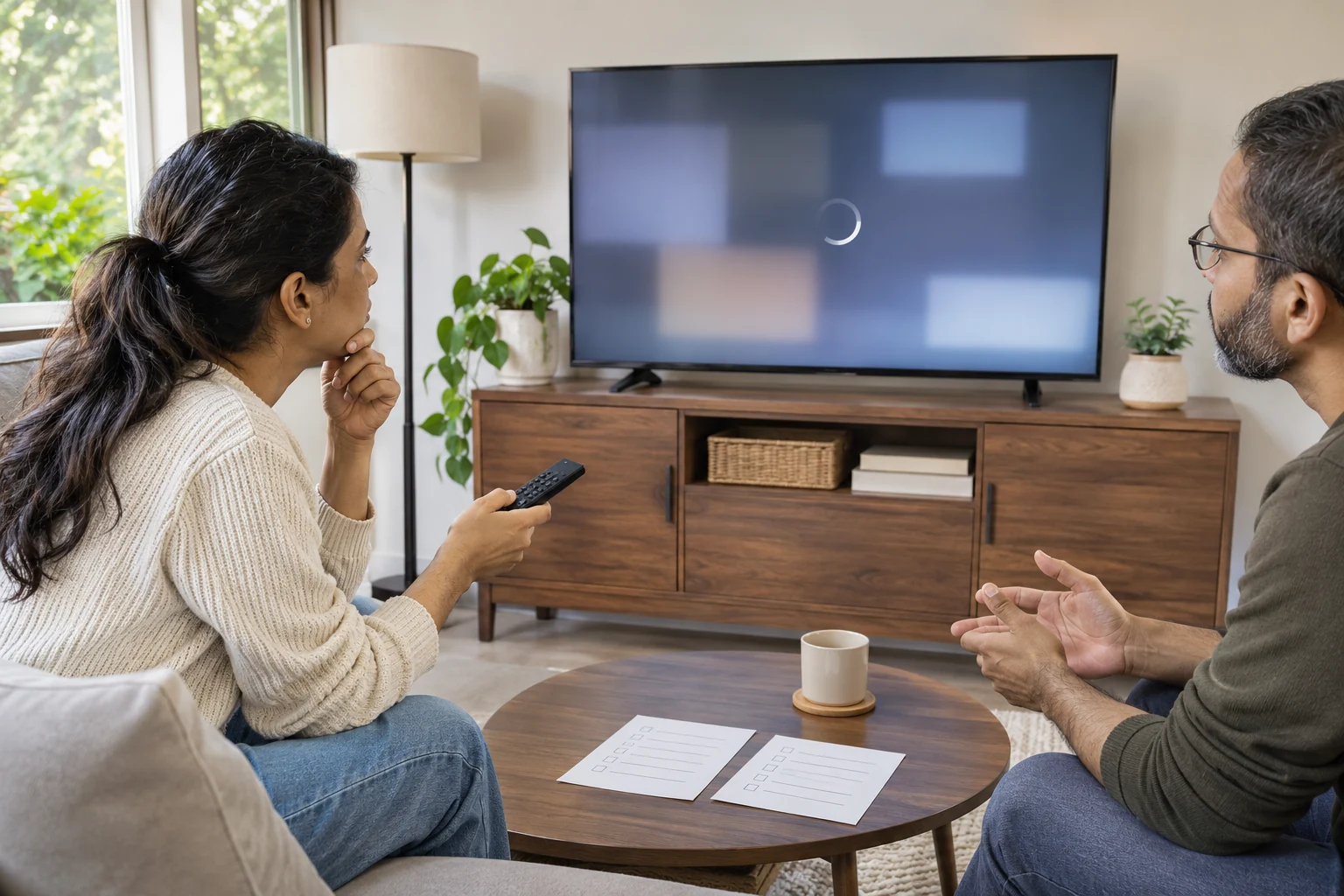
Illustrative playback troubleshooting; no exact software interface, purchased content or successful repair is demonstrated.
A Google TV library video that will not play needs a specific starting point: the selected movie or show and the device producing the screen. Use the applicable television instructions when following the device branch of Google's help. Phone-app instructions with a similar name belong to a different task.
Describe where playback stops
Imagine a viewer, Noor, who selects a film for an evening with her brother Dev. In this invented example, the library entry is visible but playback does not begin as expected. Noor can describe that observation without deciding that the entire television is broken. Dev can ask what she selected and what appeared next before offering a remedy.
Keep the observation attached to the attempted action. A note saying that the film was selected and then remained on the same screen is more useful than “nothing works.” If a message appears, retain its actual wording. Do not substitute a remembered message from a different application, or describe an imagined loading screen as something you have seen.
Also distinguish a title that cannot be found from one that can be selected but will not play. Noor's example concerns the second situation. If her observation changes, change the question you are investigating. This article does not provide an account-recovery procedure or establish that any film belongs to a particular person's library.
Identify the device before choosing its instructions
Google's complete library-video help work has separate sections for a Google TV device and the Google TV app on a phone or tablet. Keep the applicable section with the device being used.
Noor and Dev can begin by establishing what produces the television's home screen. If an additional streaming device is present, they can identify which equipment they are discussing before opening its settings. A shared platform name should not make their note silently change from the television to another device.
Ask the person who normally uses the arrangement if the equipment identity is unclear. Dev does not need to disconnect anything to complete that conversation. He can leave the proposed settings task unfinished while he obtains the appropriate information. An unanswered identity question is a reason to clarify the instructions, rather than improvise a hardware change.
Keep unrelated private details out of a casual troubleshooting note. Noor can identify the selected title and the relevant device without sharing a password or exposing other people's account information to Dev. If she wants to stop the discussion, leave the next decision with her instead of turning the proposed help into an unrequested settings session.
Use the applicable Clear cache choice
Google's device instructions give Settings, Apps, the affected app, Clear cache, OK. They say to use See all apps if the affected app is not visible.
Read the actual choice before acting. This article supplies no direction to choose a different command if the documented label is absent. If Noor cannot match the screen to the instructions, she can record where the mismatch occurs and seek the applicable device guidance. A familiar-looking menu is not a completed match.
Dev can read the next documented choice aloud if Noor asks him to help. She can retain the remote or ask him to perform that particular action. Agree which task he is taking before proceeding, so an offer to read the instructions does not become an assumption that he may change unrelated settings.
Keep the attempted action and its observed result together. Noor might decide to revisit the selected film afterward, or she might postpone the check. The example reports neither outcome. A note should not say playback is restored merely because someone reached the documented setting.
Keep System update and restart within the device branch
Google gives Settings, System, About, System update for device updates, following the onscreen instructions if an update is available. Its restart route is Settings, System, Restart, then Power after the device shuts down.
Those options remain attached to their documented context. Noor can check whether the applicable screen offers the choice described, without accepting Dev's guess about what a differently labelled control must do. This article establishes no current firmware version or exact menu layout for every television bearing the platform name.
If an actual update instruction needs attention, read it before deciding how to continue. Do not describe an available update as already installed, or a selected restart as already completed. Noor can record the point reached and stop there if she does not want to proceed with another step.
This article provides no factory-reset or Clear data procedure. It does not ask Noor to alter network equipment, erase an account, change wiring or download a phone copy of the film. Keep a proposed action within the applicable instructions rather than expanding a playback question into a different equipment task.
Keep the two television offers within their catalog accounts
The Sony KD-32W830K offer describes a thirty-two-inch smart television with Google TV. Its sole gallery shows one Sony television on attached feet with a promotional Google TV graphic. The picture demonstrates no library entitlement, current software screen or successful playback repair.
The Sony K85XR90 offer describes an eighty-five-inch Google TV model. Its sole gallery shows the television and attached stand. The account mentions an unpictured Premium Eco Remote and explicitly lists BRAVIA Cam as sold separately. The camera is not included stock for this article's selected offer.
Noor's troubleshooting request should stay with the equipment actually being used. Neither catalogue example establishes the identity of her television, and neither is a tested replacement for it. If she later considers a purchase, she can ask about that exact model without treating a new product description as evidence that the current playback problem has been diagnosed.
Dev can retain each shop reference with any supplier reply about it. A response concerning one model should not be filed under the other simply because both descriptions mention Google TV. The present examples provide bounded catalog context and report no private account, real software session or completed video test.
Keep the nearby guides attached to their own questions
The Google TV screen reader guide owns spoken-navigation preferences and documented TalkBack controls. It does not diagnose a library film that will not play. Preserve the viewer's chosen navigation support while investigating a separate playback request.
The VIZIO and Element television comparison owns screen size, platform and an open-box buying decision. Its named specifications and historical price discussion do not establish a playback result or software setting for either Sony offer here.
Noor may need navigation assistance to reach a setting while also asking about a film. Those are two requests in her own account of the task. Dev can ask which help she wants first without treating an accessibility preference as a fault, or claiming that resolving one request completes the other.
Choose what to observe next
Google also suggests trying a different library video or another device, when available, to examine whether the issue concerns a particular title or device.
For Noor, that becomes a choice about an actual next observation. She can identify which title she intends to try and which device she is using. If she tries something else later, keep that attempt separately described instead of combining several partly remembered outcomes into one report.
A different observation does not need an invented explanation. Noor could tell support which selection failed, what message appeared and what happened during another attempt. This example supplies no result and diagnoses no service outage, account restriction or hardware defect. The next relevant question should follow the evidence she actually has.
If Noor asks Dev to continue the enquiry another day, save the current stopping point. They can distinguish an action already performed from one merely discussed. That can prevent a new helper from assuming a change was completed or repeating an unwanted task because an informal note did not make the distinction clear.
Suppose their cousin Ana later offers to ask about the same film. Noor can choose which parts of the note Ana needs. An account of the attempt should distinguish Noor's observation from Dev's suggestion and Ana's new question. That keeps each person from accidentally reporting another person's proposed explanation as a fact.
Ana might suggest an action that Noor has already declined. Noor can say that she has not performed it and does not want it included as completed troubleshooting. Dev can correct his own note if its wording suggested otherwise. The shared record should describe the assistance Noor actually authorised, including a decision to pause.
If a reply arrives while nobody is ready to continue, save it with the unresolved question. Reading an answer later does not require pretending that an intervening attempt took place. Noor can return to the last observation she recognises and decide what she wants to do next.
Keep a possible purchase separate from the playback enquiry
If Noor later considers a television order on Republeq.com, she can keep that possible transaction separate from the library-video question on equipment already available. Before choosing a crypto payment such as USDT, she should review the methods and instructions actually presented for that order. This article establishes no checkout option for either Sony offer. Dev can help her retain the exact item reference and any supplier answer without presenting a purchase as the required next troubleshooting action. Noor may prefer to continue the applicable device enquiry, postpone a replacement decision or stop the discussion. Those choices remain hers. If a different model is proposed, she can ask which item the basket would contain before proceeding. A shared platform label would not settle that order identity or guarantee access to a particular film. Review the delivery and return information applicable to the actual selection. This example supplies no payment address, network selection or instruction to transfer funds. If an order is eventually placed, keeping its reference with the merchant's instructions can support relevant follow-up. Noor does not need to share unrelated wallet information to ask about the television being supplied. Someone offering to contribute can discuss that contribution separately from her decision about the existing playback enquiry. If a television later arrives, checking its identity against the order remains a receiving task. That observation would establish no library entitlement, firmware version or successful video playback. She can ask about a discrepancy without upgrading her original intention into proof of what arrived. These are proposed decisions in an invented example. No purchase, payment, delivery, account action or playback outcome is reported here.
Report the point actually reached
Return to the selected title and the identified device. Record the action actually taken and what appeared afterward, keeping an unresolved result unresolved. If the documented route does not match, identify that mismatch in the support question instead of filling it with a remembered phone-app instruction.
For Noor and Dev, a useful stopping note can name the device, selected film, observed message and last completed action. It need not predict whether another step will succeed. Let Noor decide whether to continue with the applicable guidance or ask for further help with the question that remains.