Crypto Commerce
Epson DS-410 document scanner vs ES-500W II for a paper backlog
Compare Epson DS-410 document scanner by feeder handling, duplex speed, wireless destinations, OCR, and indexing.
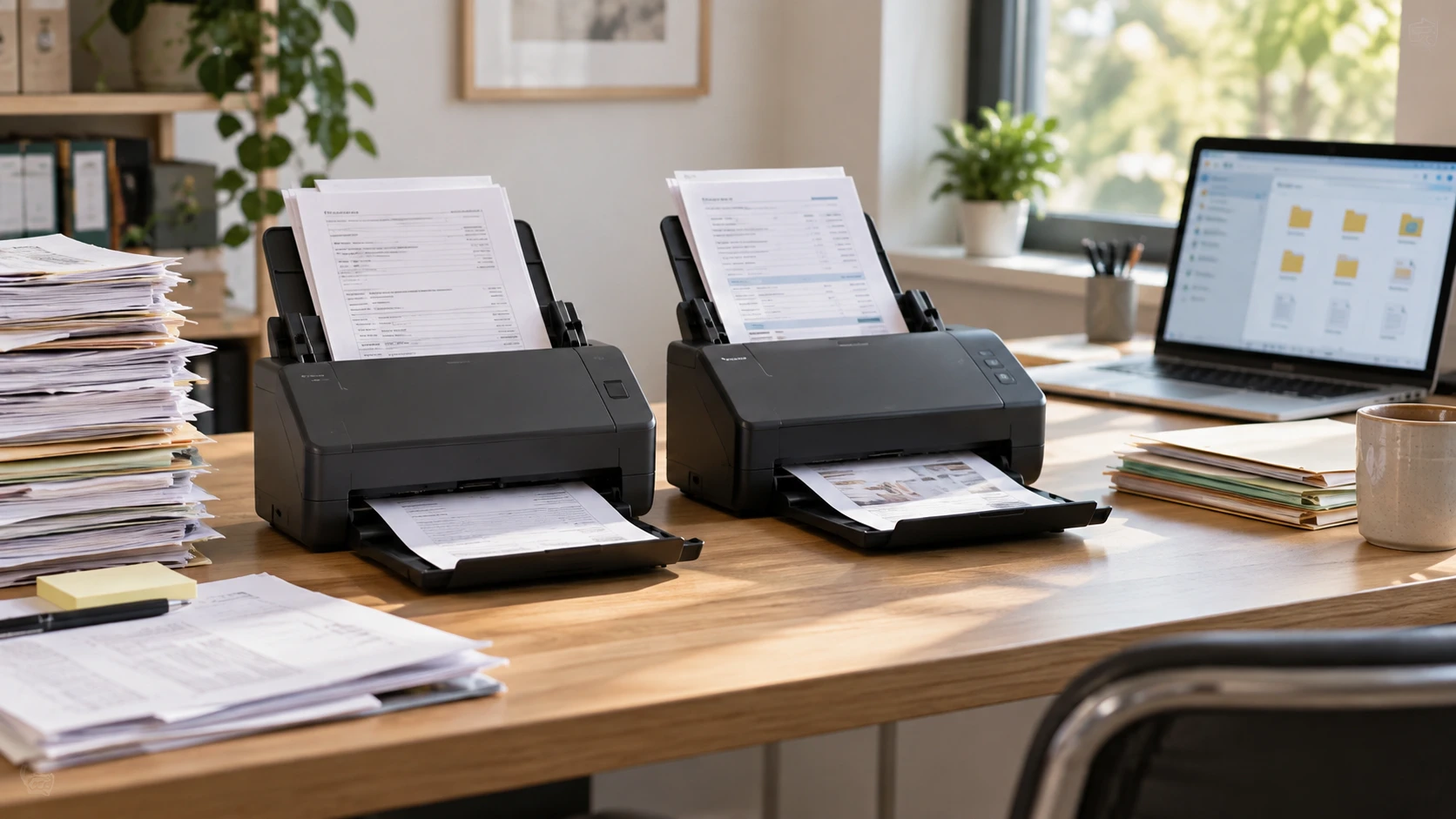
A scanner can turn a stack of paper into files quickly, but the job is unfinished if those files cannot be found later. A small office may need to process a backlog of invoices, contracts, and forms while continuing to scan new pages each week. Epson's DS-410 and ES-500W II listings both describe duplex document scanning and connections to document software. The DS-410 row gives speed, feed-protection, and daily-duty figures. The ES-500W II row gives a 50-sheet feeder, wireless workflows, searchable files, and an unusually long-original capability. Start with the papers and destination system rather than the fastest number.
The Epson DS-410 document scanner listing claims up to 26 pages per minute, or 52 images per minute when both sides are scanned. It names double-feed detection, protection for stapled or skewed pages, a peak daily duty cycle of up to 3,000 sheets, and TWAIN and ISIS drivers. The document indexing plan for finding subjects guide helps define what happens after capture. The Epson ES-500W II wireless document scanner row lists a 50-sheet automatic document feeder, wireless sending to phones, tablets, computers, or cloud storage, searchable PDFs, editable Word and Excel output, and originals up to 240 inches long.
Sort the pile before pressing scan — Epson ES-500W II wireless document scanner
Separate pages that have different handling needs: ordinary office sheets, receipts, folded letters, long forms, fragile originals, and anything with a staple or sticky note. The DS-410 listing emphasizes detection intended to prevent double feeds and damage from stapled or skewed pages. That is helpful, but it does not make a stapled packet safe to push through. Remove fasteners and inspect edges before loading. For an irreplaceable document, use the handling method the manufacturer's manual recommends and retain the original until the digital file is checked.
The ES-500W II row says its 50-sheet feeder accepts multiple paper types and sizes in a batch. That can reduce constant reloading, yet a mixed stack still deserves a test: thin receipts and heavier cards can behave differently. The listing does not promise that every item can be fed together without preparation. Start with a small representative batch, confirm page order, and check whether both sides appear where expected. Once the routine is stable, increase batch size gradually.
Long originals are a specific ES-500W II advantage in the saved row: it says it handles documents up to 240 inches. That could matter for long receipts or continuous forms. The figure alone does not confirm how every paper weight or width behaves at that length. Check the current manual's size and material limits, then test with a noncritical example. The DS-410 row gives no comparable maximum original length, so verify its present specification before deciding it cannot handle a particular form.
Read speed and capacity in context — Epson ES-500W II wireless document scanner
DS-410's 26 ppm and 52 ipm figures describe different counting units. A duplex sheet is one page of paper but can produce two page images. The higher image number does not mean the feeder moves twice as many sheets. The saved row does not say which resolution, color setting, or paper type produced the maximum. Time a stack resembling the office's usual documents, including loading, correcting any feed alert, naming the file, and checking it. That is the speed the staff will actually feel.
The DS-410 row also gives a peak daily duty cycle of up to 3,000 sheets. A peak is not a suggested everyday workload or a guarantee for every kind of paper. If a backlog requires several thousand sheets each day for weeks, confirm the manufacturer's current duty guidance and maintenance schedule. Feed rollers, paper dust, and staff time all become part of throughput. The ES-500W II row does not give a comparable duty figure, so the saved evidence cannot rank the machines for high-volume durability.
The ES-500W II's 50-sheet feeder gives a clearer reloading estimate for ordinary paper. If a project has 500 prepared sheets, that suggests multiple loads, but the real number may rise when small or delicate items must be separated. The DS-410 row does not state feeder capacity. Verify it from the exact model manual rather than importing a capacity from another Epson scanner. A larger tray can save handling time, yet a carefully checked batch is better than a full tray that produces a missing page nobody notices until later.
Choose where the files land — document indexing plan for finding subjects
ES-500W II's listing explicitly describes wireless scanning to a phone, tablet, computer, or cloud service with Epson's Smart Panel app. It also lists a TWAIN driver for document software. That flexibility is useful when the scanner sits away from the main desktop, but it creates more possible destinations. Decide whether staff will scan to a shared computer, a controlled folder, or a managed service. A personal phone can be convenient for a quick receipt but may be unsuitable for confidential business documents. Use the organization's approved account and retention rules.
DS-410's row lists TWAIN and ISIS drivers and names Dropbox, Evernote, Google Drive, and SharePoint as possible destinations. It does not describe its connection method in enough detail to rank it against the ES-500W II's wireless workflow. Check the current hardware and software requirements for the exact DS-410 package. If the office already has a document-management application that relies on ISIS, that listed driver support may matter. Test the destination inside the actual application rather than assuming a generic cloud logo proves integration with the organization's account.
Both rows mention cloud services, but a destination name does not establish access control, encryption settings, or who can delete a file. Set up a small test folder with the permissions the final archive will use. Scan a harmless document, sign in as a different authorized user, and verify that search and download behave correctly. Then check that an unauthorized user cannot see it. Keep a local or organizational backup plan independent of the scanner's upload screen.
Make searchable files worth searching — Epson ES-500W II wireless document scanner
The ES-500W II row says it can produce searchable PDFs and convert scans into editable Word and Excel files. That can save typing, especially for standard forms, but text recognition can misread faded ink, skewed pages, tables, or handwriting. Compare the output with the original for names, dates, amounts, and account numbers before using it as an authoritative record. A searchable PDF preserves the page image along with recognized text; an editable document may change layout. Choose based on the next use of the file, not merely on which export button looks more flexible.
DS-410's saved row does not explicitly promise searchable PDF or editable document output. Its TWAIN and ISIS support may allow software workflows that perform text recognition, but the catalog alone does not establish the included OCR tools or licenses. If searchable output is required, verify the exact software package and test it with a representative page. Do not assume the feature is absent, and do not assume it is included for free. The same distinction matters for ES-500W II if a cloud or app feature requires an account or current software version.
Before the first large batch, decide how files will be named and indexed. The related guide's subject-finding task could be implemented through a consistent project code, date, document type, and a short descriptive label. Avoid names like “scan001.pdf” if the archive will be used by someone who was not present at scanning. Put related pages into the intended document unit, then spot-check page count, order, orientation, and whether blank backs were intentionally omitted. A fast scanner cannot repair a naming scheme that makes every file indistinguishable.
Protect originals and the people named in them — Epson ES-500W II wireless document scanner
Paper backlogs often include addresses, signatures, health information, or payment details. Keep the staging tray and completed tray separate, and limit who can take originals home or put them into a recycling bin. Define when an original can be destroyed under the organization's retention policy. A successful scan preview is not enough: verify the saved file in the destination, confirm backup or synchronization, and have a second person check a sample of important records if the process is new.
Double-feed detection on the DS-410 is useful because two sheets pulled together can silently leave a gap in the archive. Train staff to resolve the alert by finding the exact pages and rechecking sequence. For either scanner, compare source-sheet counts with saved image counts when that check makes sense, allowing for duplex pages and intentionally skipped blanks. Reconcile unusual counts before the originals are put away. If a scan is unreadable, rescan it from the original while it is still available.
A clean scan starts with a clean path. Dust or adhesive from old receipts can make repeated streaks across every page. Follow the manufacturer's cleaning and roller-replacement instructions rather than trying a household chemical on the glass or feed mechanism. Keep a log of recurring jams and maintenance, especially during a large backlog. If the same document type jams repeatedly, change the handling method for that type instead of sending it through again unchanged.
A small pilot reveals the better fit — Epson ES-500W II wireless document scanner
Make a test packet of twenty typical pages, one two-sided form, a long receipt, and a delicate original. Record setup time, any driver or network steps, feed errors, total processing time, and the quality of the resulting files. Send those files to the real destination and ask someone who did not scan them to find one by subject. That last step is as important as the physical scan. Repeat with the settings and staff that will be used for the backlog.
The DS-410 is the catalog-backed candidate when specified scan speed, paper protection, and ISIS driver support are central to the project. The ES-500W II gives a clearer path for wireless capture, a named 50-sheet feeder, very long originals, and searchable or editable output. Neither listing guarantees that every page will be readable or correctly indexed. Choose after a pilot that tests the paper mix and the archive where the documents must actually be found.