How-To Guides & Tutorials
DR-40X loop playback: set, stop and clear a selected passage
Set IN and OUT points for DR-40X loop playback, suspend the loop, retain or clear its boundaries, and distinguish section looping from whole-file repeat.
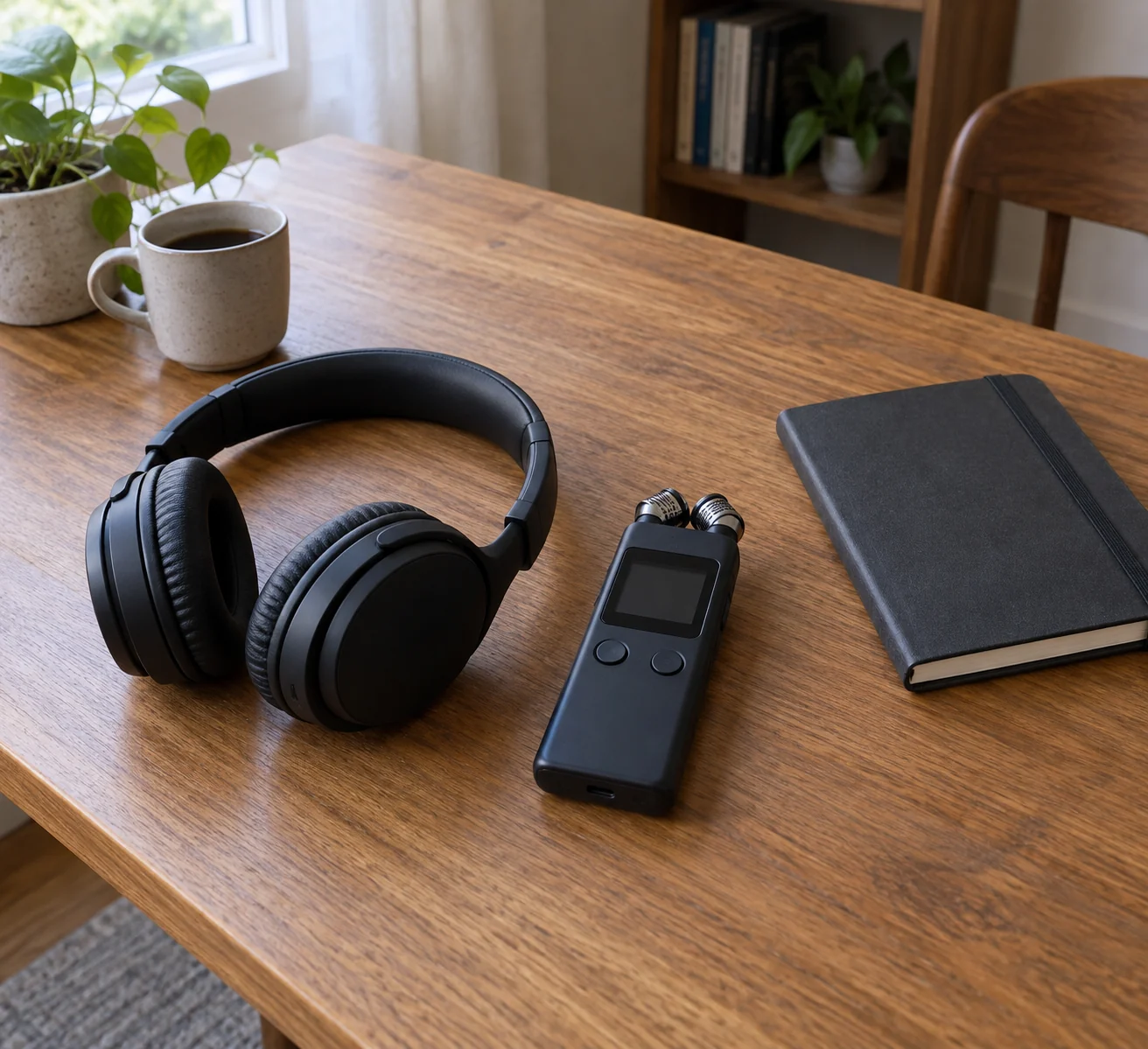
DR-40X loop playback repeats a selected part of one audio file. The start and end are IN and OUT points, set in the recorder's Playback Control screen. This tutorial follows the TASCAM DR-40X Reference Manual, revision D, pages 48–49. Match the actual recorder and applicable instructions before using its controls.
The task is to select a passage, hear it repeatedly, suspend that repeat while keeping its boundaries, and clear those boundaries when finished. Those are separate actions. Returning to the Home screen preserves the selection. Clearing the points removes it. Choose the state you want to leave when you finish listening.
Use the instructions for the actual recorder
The TASCAM DR-40X-002 offer identifies a four-channel, four-track portable recorder with built-in condenser microphones and mic/line inputs. Its bundle description names AA batteries and a 32GB SD card. The playback procedure here comes from the manufacturer's DR-40X manual, rather than an assumption that a channel count defines its controls.
The offer qualifies its battery statement: three included AA alkaline batteries provide up to eighteen hours of stereo recording at sixteen-bit, 44.1kHz. That is a recording statement under stated conditions. It supplies no measured duration for a loop-listening session. The included card capacity likewise does not say how long a particular passage will repeat or how its boundaries are set.
The innioasis R1 offer describes a different recorder with a 3.69-inch full touchscreen and physical controls. It also names Bluetooth, dual microphones and offline speech-to-text. Its native description does not establish the DR-40X button sequence below for that device. Use the R1 instructions to establish its own control sequence.
Keep the tutorial tied to the TASCAM model. The R1's listed transcription function does not make the DR-40X a transcription device, and the TASCAM manual does not establish an R1 IN/OUT procedure. If your recorder is the R1 or another model, use its own applicable instructions before setting any repeat control.
Choose a passage within one existing file
Begin with an existing file you are allowed to listen to and a passage you want to revisit. You might be checking an audible phrase or listening again to a short musical passage. Decide what surrounding sound you need to recognize the beginning and end. This tutorial does not cover making, importing or authorizing a recording.
The manufacturer's section loop operates within one file. IN and OUT cannot be set in different files. If the passage crosses a file boundary, these instructions do not establish a way to join those files into a loop. Choose a section that already belongs to one file, or consult a separate documented workflow for the different task.
For a fictional listening example, suppose an existing file contains a sentence followed by a short pause. You want the whole sentence and that pause in your repeat. The beginning of the sentence is the intended IN location and the end of the pause is the intended OUT location. This example gives no assumed timestamps or promise that the device will place a boundary exactly where you first intend.
Leave enough duration between the boundaries. TASCAM says the section should be one second or longer. Trying to isolate a tiny sound with an interval shorter than that can produce the I/O Too Short message. A complete phrase may also need more surrounding context than a single sound to make the repeated listening useful.
Set the start and end in Playback Control
With the Home screen open, while stopped or playing back, press PB CONT to open the Playback Control screen. Check which screen you have reached before continuing. The following ENTER/MARK actions belong to this screen and this loop-setting procedure. Keep these button instructions with the Playback Control screen.
Follow the manual's sequence: press PLAY to start playback, then press ENTER/MARK at the start of the section you want repeated. The current position becomes the IN start point. Continue listening toward your intended end. Your first press has established a beginning; it has not yet established a complete bounded section.
Press ENTER/MARK at the end of the section. That current position becomes OUT. During loop playback the manual identifies a loop indicator on the display. Listen to the resulting repeat and compare what you hear with the passage you intended to select. Check both the loop indicator and the passage you hear.
In the fictional sentence example, listen for the beginning word and the pause after the sentence. A repeating fragment that starts halfway through the sentence is not the same selection, even if it repeats successfully. If the sentence is incomplete, reconsider the selected boundaries.
Stopping loop playback while retaining IN and OUT points
For stopping loop playback, the manual specifies MENU while the Playback Control screen is open. Pressing MENU again starts loop playback between the same set IN and OUT points. This gives you a way to suspend the loop and resume that selection without deliberately clearing its boundaries.
Use that distinction when you want to pause repeated listening briefly and return to the same passage. The retained boundaries remain the relevant selection. Do not describe the action as making a new selection or deleting the old one. You have changed whether that selected section is looping.
Keep the screen condition attached to the instruction: MENU performs this loop action when Playback Control is open. The manual separately uses MENU to open the recorder's menu from another context. An instruction stripped of its screen can send the reader into the wrong operation despite naming the right physical button.
If you have returned to Home, PB CONT is the documented entry to Playback Control while Home is open and the recorder is stopped or playing. Check the actual screen before using the loop toggle. This tutorial does not assign MENU a universal stop function across all screens or recording states.
Clearing loop playback points and returning Home
Press PB CONT to return to the Home screen while maintaining IN, OUT and the loop settings. The manual explicitly preserves them on this return. Leaving the Playback Control screen therefore does not, by itself, mean you have discarded the selected passage.
That matters if you return Home to see the usual display and later expect ordinary listening. Check the retained loop state instead of assuming the screen change removed it. A passage repeating after that return is consistent with retained settings. It does not prove that a newly opened screen has created new boundaries.
For clearing loop playback points, TASCAM instructs you to press ENTER/MARK again in the loop procedure. This clears the IN and OUT points. Use the clear action when you intend to remove the selection, rather than MENU's suspend-and-resume behavior for the retained points.
When your purpose is to choose a different passage, make that intention explicit. Clear the previous points using the documented action, then set a new IN and OUT through the selection sequence. Listen to the new result. Do not treat a previously heard boundary as evidence that a later selection has retained the same location.
Interpret the documented limits before changing controls
If I/O Too Short appears, the manual says to set the points again and specifies a section of at least one second. Reconsider the interval you selected. The message identifies the selected section's duration problem; it is not evidence that the retail offer's battery, card size or channel count needs to be changed.
Setting an IN point on a different file loses the previous IN and OUT settings. Keep that consequence in mind before moving the work to another file. A note about the earlier passage can help you remember your listening purpose, but it is not a saved device boundary or proof that the previous loop remains available.
TASCAM also cautions that accurate assignment of IN and OUT is not always possible for variable-bit-rate MP3 files. If a boundary does not behave as precisely as expected with such a file, retain that format qualification. This guide gives no conversion procedure and promises no exact placement after converting or choosing another format.
These limits concern the selection and its playback. They do not establish anything about what the recording means. Repetition can make another listening attempt possible, but it cannot prove an indistinct word, identify a speaker or restore sound that the file never captured.
Keep section looping separate from whole-file repeat
The manual describes REPEAT settings separately from selection looping. SINGLE plays the selected file once. 1 REPEAT repeats the current file, while ALL REPEAT repeats the files in the selected playback area. Those choices answer different questions from repeating a bounded passage inside one file.
CONTINUOUS is the ordinary mode that plays files in the playback area once in sequence. The manual says starting loop playback automatically switches REPEAT to CONTINUOUS if it was set otherwise. Keep that documented setting change in mind when comparing your repeat configuration before and after section-loop work.
This tutorial concentrates on IN/OUT selection. It supplies no playback-speed adjustment, file-editing or recording procedure. Complete the section-loop steps before adding another playback function. Add another function only after consulting the applicable instructions for that function.
Walk through the three finishing states
Suppose the fictional sentence is now repeating with the whole opening word and the pause intact. You want a short break, followed by another listen to exactly that section. In Playback Control, use MENU to stop the loop, then MENU again when you want it to resume. The existing boundaries serve that purpose; clearing them would remove the selection you intended to keep.
In a second case, you want the same repeat to continue while returning to the usual Home display. PB CONT returns Home with the points and loop settings maintained. Check that continued repeat against your intention. A changed display and an unchanged passage are compatible outcomes in this documented operation.
In a third case, you have finished with the sentence and want to discard the boundaries. Use the documented ENTER/MARK clear action. Keep this choice separate from merely suspending the loop, so your next listening task begins with the intended selection state.
Use the repeated passage for the listening task you actually have
The CD interview transcription guide keeps audible speech separate from a transcriber's explanation and uncertainty. Its player discussion expressly avoids assuming repeat or variable-speed controls. Use its treatment of unclear words as a writing principle; it does not supply these TASCAM controls or a CD-to-recorder transfer method.
The Zoom H4essential and F3 interview-recorder guide concerns microphone plans, channels, power and checking a captured recording. Its selected products have their own interfaces. Those recording-kit questions remain separate from the DR-40X section-loop procedure, and no Zoom control sequence is inferred here.
Finish by identifying the state you want to leave: repeating the current selection, a suspended loop with retained points, or cleared IN and OUT points. Check the result in the applicable screen and by listening. DR-40X loop playback is useful when the selected boundaries and the retained state match the passage you mean to revisit.
DR-40X loop playback uses model-specific IN and OUT controls; this conceptual cover depicts generic inactive audio equipment without a control diagram or recording result.