Problem-Solving Articles
Record plays too fast or slow: check the disc and setting
Identify the disc's playback speed and the player setting before blaming hardware. Read Sony PS-LX310BT and Denon DP-29F information in its own scope.
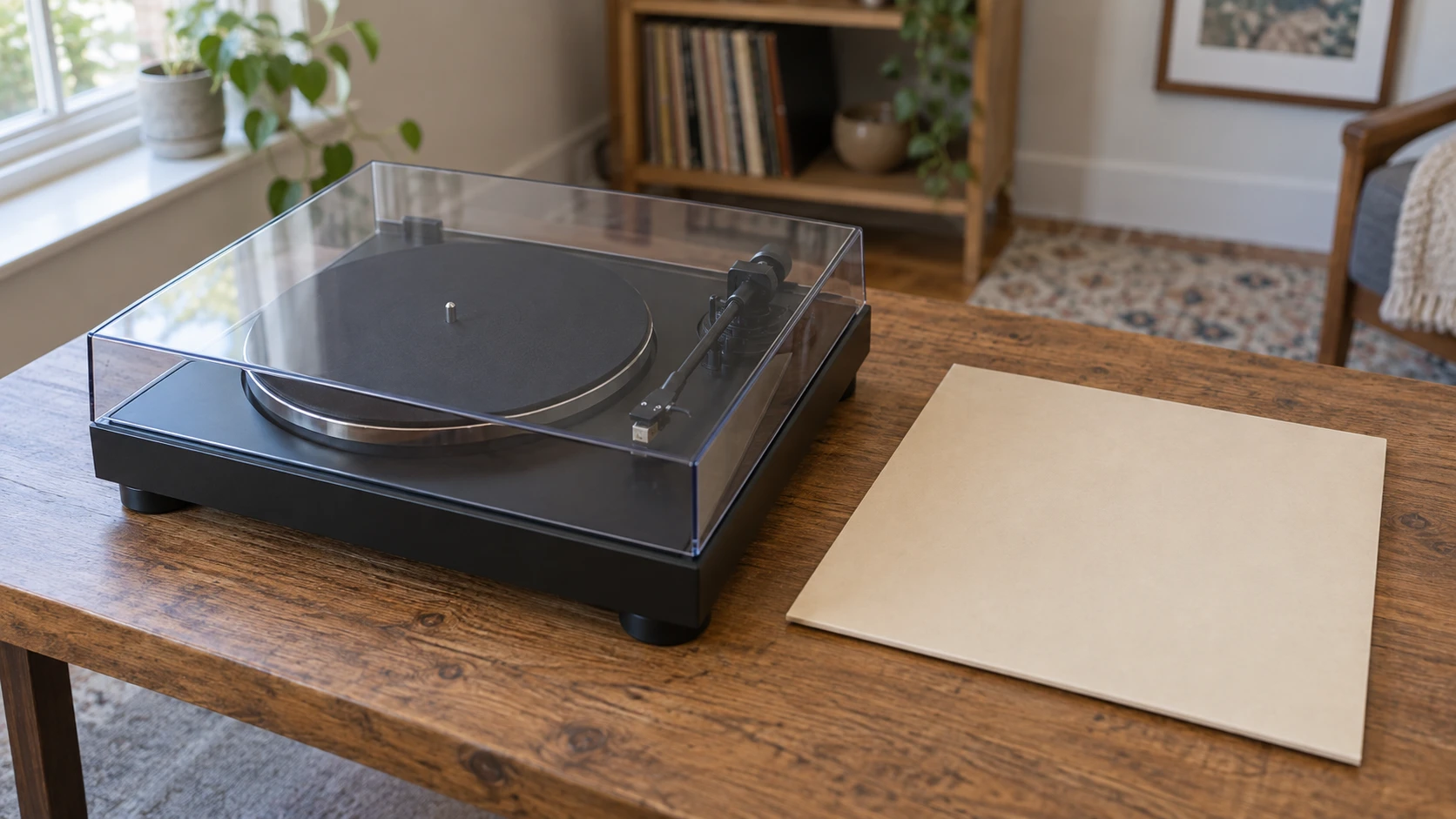
If a record plays too fast or slow, first establish the intended playback speed of that particular disc and the speed selected on the actual player. Keep a steady mismatch separate from a sound that speeds up and slows down during playback. Those observations lead to different questions, and a description of the symptom should come before a conclusion about the motor.
This guide works through the information needed for that first check. Sony's PS-LX310BT and Denon's DP-29F provide actual equipment examples. Their documented playback speeds can be compared with a disc's identified requirement. The article supplies no internal adjustment, belt-fitting, stylus replacement or measured accuracy test for either turntable.
Describe what seems wrong about the playback
Start with the sound you noticed. Does a familiar voice seem consistently higher and quicker, or does its speed seem to wander within the same passage? Is the concern about one disc, one side or a wider pattern you have already observed? Write what happened in plain terms, keeping a remembered impression distinct from an actual timing measurement.
State where the observation came from as well. A recollection of a song and a recording you can identify are different references. If another person helps you describe the issue, retain which observation each person made. Agreement that something sounds unusual still leaves the equipment and record information to check.
You can make that first note without deciding that a component needs replacing. The useful starting point is a symptom attached to the actual disc and player. If the equipment is behaving unexpectedly, follow its applicable instructions for stopping and investigating the issue. Keep its mechanical work with the manufacturer's directions and qualified support where required.
Find the record playback speed for the actual copy
For the record playback speed, inspect the information on the actual disc and its matching packaging or publication record. Retain the title, artist and edition information with the speed you establish. When a marking is unclear or missing, leave the requirement unresolved while consulting an appropriate source for that release.
The Library of Congress MARC format describes disc speeds in revolutions per minute, or RPM. Its speed field includes 33 1/3, 45 and 78 RPM, among other values. Its separate dimension field records disc diameter. These are distinct characteristics in the cataloging format, so knowing a disc's size does not complete the speed entry.
The same Library guidance explicitly says playback speed is not absolutely associated with a particular disc size. Familiar size-and-speed associations are therefore insufficient evidence for an unidentified copy. Look for the actual release information rather than filling the gap from a disc's apparent diameter. Leave an unsupported association out of the equipment check.
The personal vinyl collection catalog guide keeps an entry attached to the album actually in front of you. Its reading and credit-note activity supplies no speed-selection method. The useful connection here is preserving the copy's identity when you ask about a missing playback marking or compare information from another edition.
Keep turntable speed and record size separate
For turntable speed and record size, read the function named beside each control in the applicable manual. Denon's DP-29F manual identifies a SPEED button and a separate size-select lever. Its playback account addresses the record's speed and size as separate selections. Changing a size entry is not the same documented task as choosing a playback speed.
For this Denon model, the manual's playback table pairs a 33 1/3 RPM record with its 33 setting and a 45 RPM record with its 45 setting. Use the complete instructions for the actual equipment when operating it. This guide does not carry the Denon control layout or automatic-playback sequence over to Sony's different model.
Keep the record requirement and equipment setting in separate entries when checking the match. One describes the medium you intend to play; the other describes the player configuration you established. A statement that the turntable supports two speeds does not show which was selected for the observation you are investigating.
Read the Sony PS-LX310BT identity and speed information
The Sony PS-LX310BT turntable offer identifies SKU sku-743130229 and UPC 027242915008. Although the product address has different lettering, the actual product description names PSLX310BT. Keep that documented model identity when requesting matching instructions. The Black listing describes a belt-driven player with Bluetooth and a built-in RCA connection.
Sony's United States specification page names 33 1/3 and 45 RPM for PS-LX310BT. Its gain-selection entry separately gives low, mid and high audio-level settings. The corresponding gains are minus four, zero and plus six decibels. Keep those functions distinct in the information you collect. The gain labels concern level; the speed specification concerns rotation. A note containing only the word high would leave the relevant function unclear.
The retail description also names automatic tonearm movement and an aluminum die-cast platter. Those features do not establish a measured playback-speed result for a delivered unit. Request the applicable documentation for an actual control or setup question. The product's general automatic-playback wording does not supply every step required for using the player.
The Denon DP-29F has its own documented arrangement
The Denon DP-29F turntable offer describes a belt-driven, automated player, a die-cast aluminum body, a built-in phono equalizer and an included MM cartridge. Its claims about stable rotation remain the supplier's account. No comparative speed or sound trial between these two offers was performed for this article.
Denon's current product page and the matching DP-29F manual both identify 33 1/3 and 45 RPM. That establishes the documented speed choices, while the record's own requirement remains a separate input. Read the required speed and applicable equipment instructions alongside the retail description's broad any-record wording.
If the disc's identified requirement lies outside the documented choices, keep that mismatch visible. Obtain suitable equipment information for the disc instead of improvising an adjustment to make a listed setting mean something else. A model name and an unsupported operating assumption should remain separate while the question is resolved.
One ideal speed ratio shows why the match matters
Consider a hypothetical recording intended for 33 1/3 RPM but played at an ideal constant 45 RPM. Dividing 45 by 33 1/3 gives 1.35. In that simplified model, the recorded material passes through playback at 1.35 times its intended rate. This calculation uses the stated hypothetical speeds, with no measurement of either retail turntable.
The example explains why a speed mismatch is worth checking before assuming a new mechanical fault. It does not prove that a particular unfamiliar sound has that cause. A setting observation and information about the disc can establish a mismatch; an impression of faster music alone cannot identify a measured rotational speed.
Likewise, a correctly matched displayed selection leaves the actual performance question open. Record what you established: the release's stated speed and the setting you identified under the equipment instructions. If the problem persists, those details make a more useful support request than a bare statement that the player sounds wrong.
Identify the comparison before trusting its duration
If you compare playback with another version of the music, identify that reference. A matching song title can leave an introduction, edit or performance difference unresolved. Retain the release information you actually have and describe any visible difference in the track listing. If the reference has a different opening or ending, its whole-track duration cannot by itself measure the rotational speed of your disc. Resolve whether you are comparing the same recorded material before interpreting a time difference.
A timing note also needs its boundaries. Specify which audible point began the interval and which ended it, so another person understands what you compared. Time that includes silence before or after a track answers a different question from time confined to the recorded passage. This remains a description of your comparison, with no claimed calibrated speed result. Keep the identified boundaries and reference beside the observation when explaining why a duration seemed unusual.
Keep a changing-speed observation separate
If the sound seems to speed up and slow down, describe that variation as its own observation. A constant-ratio example does not explain every changing sound. Name the disc and passage involved, the player and the setting already established. Leave the mechanical cause unresolved unless an applicable diagnostic provides the evidence needed to identify it.
Denon's troubleshooting section asks a user with a persistent issue to retain the model and serial number, warranty information and a clear description of the trouble before contacting an authorized service station. That is the scope of the escalation adopted here. The manual's separate entries about noise, hum or a stationary platter should not silently become a diagnosis of the symptom you reported.
Return to the listening plan after the question is settled
The album-side listening evening guide concerns friends choosing records and giving each selection time. Its Victrola and Audio-Technica examples remain separate equipment offers. When planning such a visit, resolve the current playback question using the equipment actually involved before promising that another group's setup or another model will provide the answer.
Keep a replacement-player order attached to the unresolved question
A playback concern can lead to a purchase question after the record and current equipment have been identified. Before ordering through republeq.com, decide what information a proposed replacement would need to supply. Sony PS-LX310BT and Denon DP-29F each have documented speed choices, but paying with USDT would not establish the intended speed of an unidentified disc or verify a delivered player's performance. Resolve the medium and equipment requirements before treating either offer as an answer. Read the actual basket's available payment methods when you are ready to consider the transaction. If cryptocurrency is offered, take its supported asset, network and receiving details from that checkout. Retain the exact model reference with any supplier answer so a reply about one player stays attached to the right goods. Review the order's delivery conditions without treating a planned music evening as an arrival commitment. The merchant's posted return terms also belong in the decision: a cryptocurrency order cannot be returned for a refund, while an exchange depends on the stated conditions and availability. Consider whether that remedy fits the uncertainty remaining in your equipment choice. Keep the order confirmation and the record from your chosen payment route together. When a payment remains unconfirmed, investigate its status through the merchant's process before arranging a further transfer. After receipt, compare the supplied player identity and documented package with the order you authorized. Follow the applicable instructions and report an order discrepancy through the merchant's process. A transaction record concerns what was ordered and paid; an unresolved playback symptom still needs its own identified evidence. Keep the original record information available if a support conversation continues after the purchase decision.