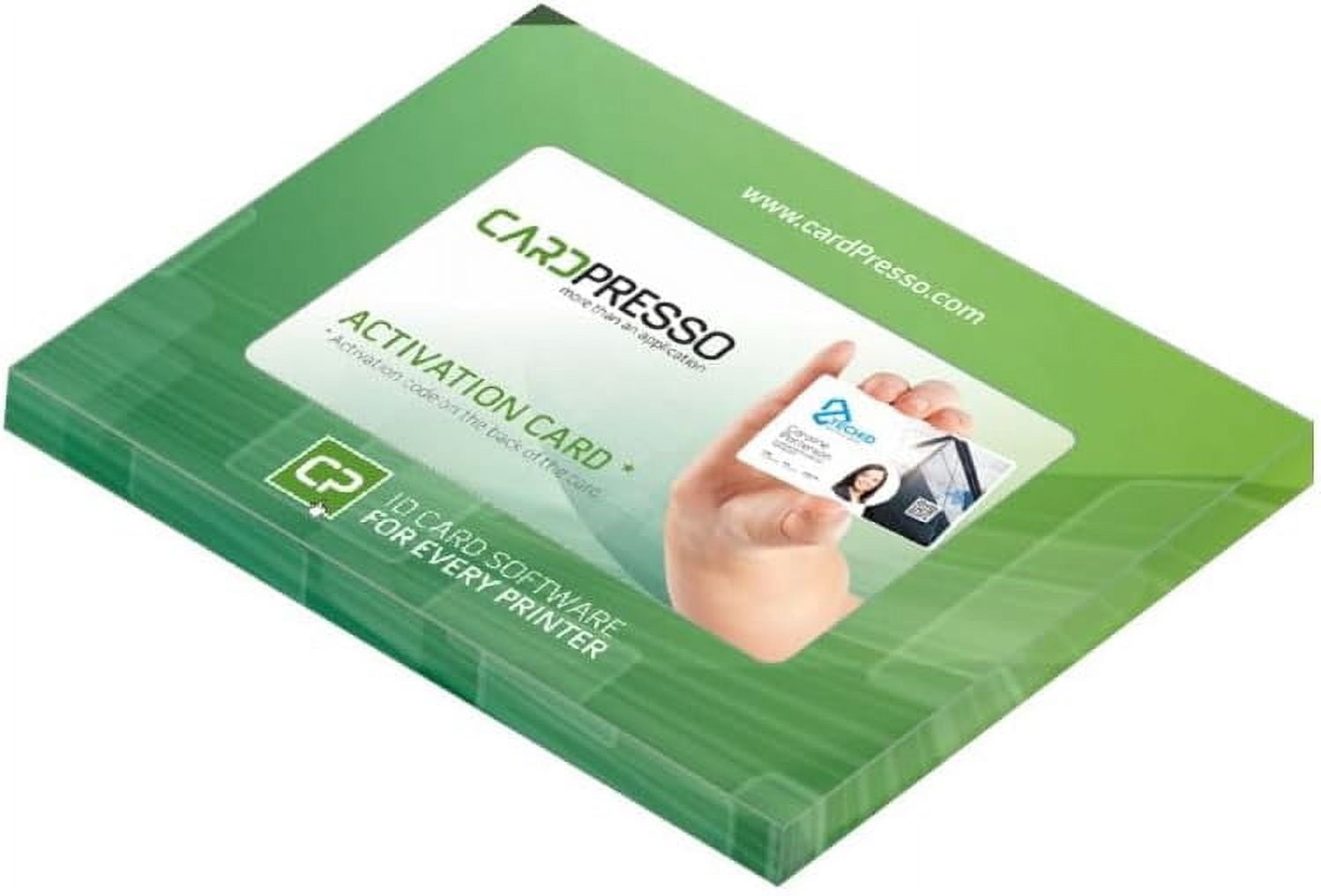
QuarkXPress - (v. 10) - License - 1 user - non-profit - ESD - Win, Mac
5.0(3 ratings)QuarkXPress 10 delivers a major update to layout and graphics performance, combining real-time high-resolution rendering with modern workflow tools for print and digital publishing. Built to take advantage of today’s CPUs and high-density displays, it speeds up design tasks while preserving fidelity for text, vectors and placed PDF content. Adaptive resolution and Xenon graphics engine Adaptive resolution automatically renders images at the precise resolution required for current zoom, crop and position so designers no longer see low-resolution placeholders. The new Xenon graphics engine was rebuilt to exploit processor capabilities: it uses the dedicated vector processors inside each core and supports multi-threading, SSE3 and advanced vector extensions (AVX) for faster, world-class graphics performance. Professional PDF handling QuarkXPress 10 natively interprets every element of placed PDFs—fonts, vectors, color spaces, layers, transparency, blends and gradients—by mapping them to the Xenon object model and rendering them in real time. The result: sharper on-screen display and quicker output without relying on low-res PDF previews. HiDPI / Retina and visual improvements All UI elements and artwork are optimized for HiDPI and Retina displays. A higher-contrast color scheme has been applied across the application so icons, buttons, radio boxes, checkboxes and input fields stand out clearly against palettes and the design canvas. Workspace and navigation Intelligent palettes and window behaviors minimize manual arrangement: dock palettes to screen edges, enable auto-hide, drag-and-drop, snap to windows and use shortcut keys. Enhanced palette sets let you save preferred layouts. Use the full-screen mode to dedicate an entire monitor to your layout (palettes can occupy a second display). The improved page navigator lets you jump directly to pages via thumbnails and command keys for faster navigation. Transparency and PDF pass-through QuarkXPress supports PDF pass-through transparency so you can avoid flattening, produce smaller device-independent PDFs, and retain complex transparency relationships. Placed PDFs can interact with native QuarkXPress objects—including blend modes and group transparency—without forcing flattening, allowing transparency information to persist to final output. QR codes, digital publishing and app integration Create scalable vector QR codes inside the application and style them with colors and formats; supported QR content includes URLs, SMS and vCards. For app and digital content, QuarkXPress integrates with App Studio, a cloud-based HTML5 solution for producing apps for iPad, iPhone, Android and other devices—ideal for digital magazines, interactive eBooks, catalogs, reports and brochures. eBook export and Word import The eBook Export feature converts QuarkXPress layouts into well-structured, reflowable ePub and Kindle files. Reflow view extracts text and images into components you can order and tag for consistent display on Kindle and any ePub-compatible reader. Microsoft Word documents (text, pictures and hyperlinks) can be placed directly into layouts; formatting and Style Sheets are retained and hyperlinks are automatically added to the Hyperlinks Palette. Layer workflow enhancements Layers are now supported on master pages and Paste operations remember layer assignments—QuarkXPress will create missing layers in the target layout automatically (this behavior can be toggled in palette preferences).
Description
Description
Shipping & Returns
Shipping & Returns

Ratings and customer reviews
3 ratings
0 reviews
Ratings (3).
Share your experience
Checking your account…
No customer reviews yet. Be the first to share your experience.
Customer questions and answers
Ask about this product. Shipping, orders, and account issues belong with customer support.
Sign in or register to ask or answer.
No matching approved questions. Be the first to ask.