Crypto Commerce
Sony ZV-1 II video zoom checks before choosing
Can you begin with a tabletop working area in view, then tighten the framing around one detail while the same video keeps recording? Before choosing either camera, establish whether the exact model permits that zoom action in your intended recording configuration. Then, if a representative recording is available, examine the whole change in framing. Two suitable endpoint views do not establish that the passage between them will suit your demonstration.
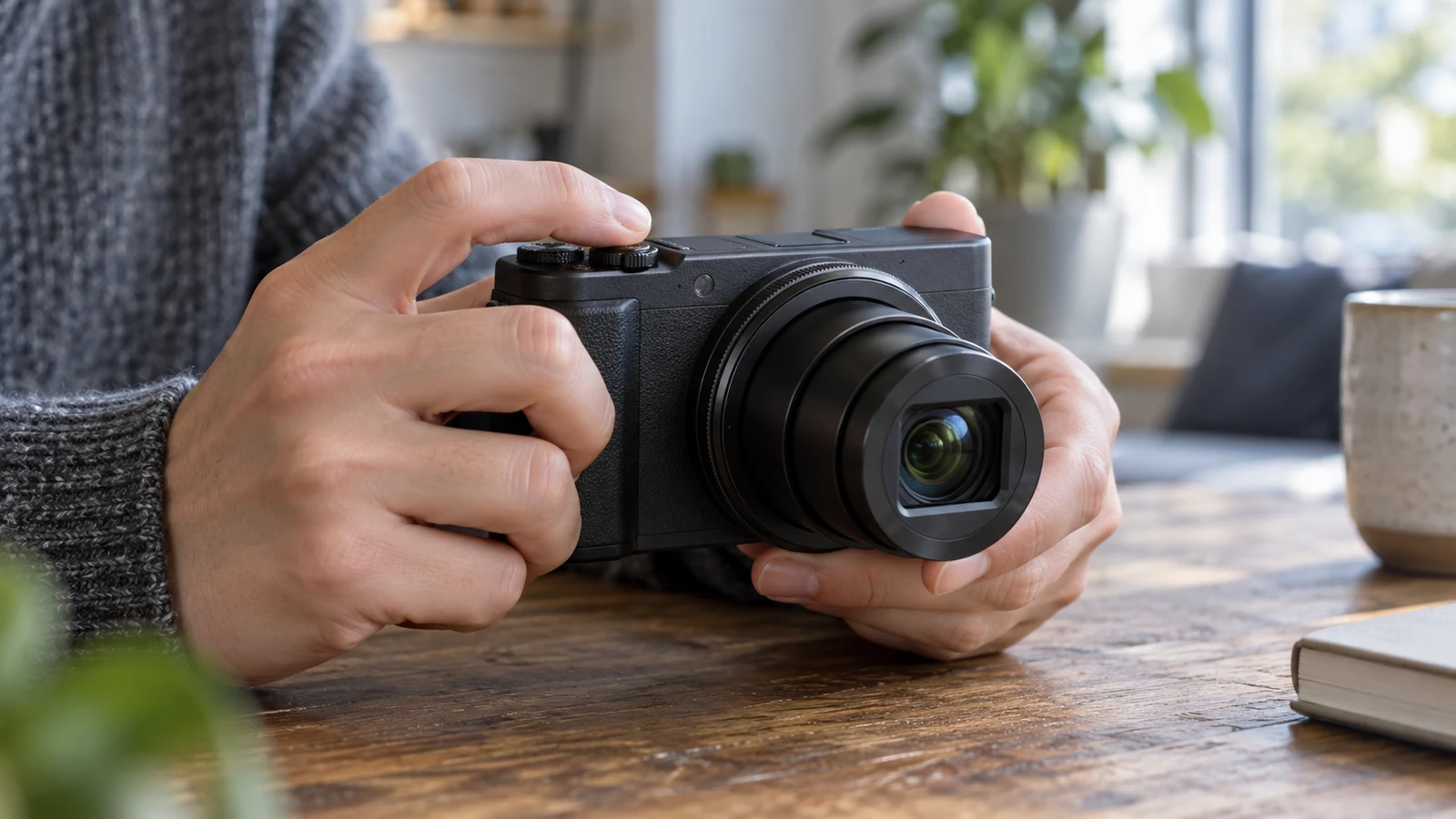
Can you begin with a tabletop working area in view, then tighten the framing around one detail while the same video keeps recording? Before choosing either camera, establish whether the exact model permits that zoom action in your intended recording configuration. Then, if a representative recording is available, examine the whole change in framing. Two suitable endpoint views do not establish that the passage between them will suit your demonstration.
For this purchase question, Sony ZV-1 II video zoom checks need to cover both documented operation and the recorded result. The supplied Sony listing identifies a white Sony ZV-1 II, model ZV1M2/W. It does not establish how zoom operates during an active recording. The Canon bundle discussed below needs its own assessment; its listing also leaves the intended recording-time operation unresolved.
Keep the requirement narrow: an authorized tabletop demonstration, a camera that stays in one position and direction, and a wider-to-tighter view within one continuous recording. The guidance below helps you specify that requirement and assess evidence without assuming either camera can deliver it.
Define The Framing Change Before Consulting Camera Zoom Ratios
Describe the starting frame by what the viewer must see. For example, suppose your demonstration uses a tabletop arrangement of sample tiles. The opening view needs to show the arrangement and enough surrounding work surface to explain where each tile belongs. Later, the viewer needs a tighter view of the joint between two selected tiles. This is a proposed filming requirement, not a claim about either camera's performance.
Write down what may leave the picture as the view tightens. The outer tiles might be dispensable once their positions have been introduced, while the selected pair must remain visible throughout. That distinction gives you something specific to inspect in a sample. A change that removes useful context before the viewer can identify the selected pair would not meet this particular brief.
Define the finishing frame just as carefully. Decide whether it must retain both tiles in full or show only their adjoining edges with a little surrounding area. Avoid making “as tight as possible” the objective unless that really describes the demonstration. A useful endpoint contains the content needed for the explanation, with a boundary you can recognize when reviewing the recording.
Keep the camera position and direction unchanged when describing both views. If the desired finishing view requires moving the camera or turning it toward another part of the table, that falls outside this zoom-only requirement. You would need to reconsider the proposed framing before treating that example as evidence for this purchase decision.
Also decide what the viewer should understand during the change. In the tile example, the narrowing view should let the viewer follow which joint is becoming the subject. This gives the intermediate framing a purpose. You can judge whether it preserves that connection instead of relying on a vague preference for a transition that looks “good.”
Keep Camera Zoom Ratios Separate From Recording-Time Operation
The contextual guide to camera zoom ratios addresses the interpretation of zoom specifications. For this task, the boundary is simpler: a ratio does not establish whether you can operate zoom while video is recording, how you would control that action, or what the intervening frames would look like. Leave specification interpretation to that guide and keep this assessment tied to the required recorded change.
A product description can mention video capture and zoom without explaining their operation together. Read those statements at their stated scope. To answer the present question, you need information that explicitly connects the intended zoom action with active video recording. A description of obtaining different framings before recording begins would leave the central requirement unanswered.
Gather Model Evidence Before Canon G7 X Mark II Video Zoom Checks
Begin the Sony inquiry with the identity shown in the Sony ZV-1 II video zoom checks product listing: Sony ZV-1 II, model ZV1M2/W. Use that identity when looking for an applicable operating explanation. A similarly named camera or a demonstration that never identifies its model leaves a gap between the evidence and the item you are considering.
Your Sony ZV-1 II video zoom checks should first answer a direct question: does applicable exact-model documentation describe the intended zoom action during video recording? Record the wording and where it appears if you find it. If the explanation covers only framing before capture, retain that limitation. Do not extend it to an operation that the explanation does not address.
Next, establish the documented input for that action. The supplied listing does not tell you which control, if any, performs the required operation during recording. Avoid choosing an input based on its appearance or assuming that a control mentioned for another purpose will behave the same way here. Follow the applicable instructions if suitable evidence becomes available.
Keep the proposed recording configuration beside the operating information. Look for restrictions that the documentation associates with zoom during recording, and determine whether they apply to the configuration you intend to use. If an explanation supports the action only under stated conditions, those conditions belong in your finding. A conditional answer should stay conditional.
You may find an operating explanation without finding a representative recording. That can answer whether the action is documented, but it leaves the appearance of the transition open. Conversely, a clip that appears to show a useful framing change may omit the model or configuration. Keep those gaps visible rather than combining incomplete pieces into a stronger conclusion than they support.
Use The Same Evidence Questions For Canon G7 X Mark II Video Zoom Checks
Prepare a separate set of questions for the Canon candidate: whether the intended action is documented during recording, how it is operated, and which relevant restrictions apply. Using the same questions makes the findings easier to compare. It does not mean the cameras share controls or behavior, and an answer found for Sony supplies no answer for Canon.
For each candidate, distinguish what a document establishes from what a recording demonstrates. A practical note might say that operation is described for a stated configuration while the wider-to-tighter passage remains unassessed. That is more informative than a single check mark beside “zoom,” because it identifies the exact part of the purchase question still awaiting an answer.
Review The Continuous Passage Beyond Camera Zoom Ratios
If you have access to a permitted, representative assessment, use the documented operation and the intended recording configuration. Keep the camera position and direction fixed throughout the wider-to-tighter passage. The useful evidence is the continuous recorded view of that change. Separate images of the beginning and end cannot show what the viewer encounters between them.
Inspect the opening frame against the content requirement you wrote earlier. In the tile example, can the viewer see the required arrangement and work surface? Do not quietly reduce the requirement to fit the example you happen to have. If the opening view omits a necessary part of the arrangement, record that mismatch even if the finishing view is suitable.
Then watch the entire transition at its ordinary playback pace. Follow the selected pair of tiles as the picture becomes tighter. Note whether the relevant joint remains within the frame and whether the surrounding tiles leave the picture in a way that preserves the intended explanation. The question is whether the viewer can follow this particular change of attention.
Pay attention to the intermediate view, where the opening context has begun to disappear but the finishing composition has not yet arrived. If that passage leaves the viewer looking at an unhelpful portion of the arrangement, identify what is missing. This gives you a concrete reason to reject that transition for the demonstration without making a broad judgment about the camera.
Consider whether the observed pace suits the passage you want to show. A change may feel too abrupt for the viewer to follow the selected detail, or may spend longer between useful views than your explanation needs. Describe the observed result. Do not assume that a different speed is available unless applicable documentation establishes a way to obtain it.
At the endpoint, assess whether the operator can stop at the intended view using the documented operation. In the example, the adjoining edges should occupy the planned part of the frame with the required surrounding area still present. If the recorded change passes beyond that composition before settling elsewhere, note the difference between the intended endpoint and the result.
A sample made by someone else may illustrate a transition while leaving your own operation untested. Likewise, a sample involving a different arrangement may help explain behavior without establishing that your required endpoints fit. Describe its relevance narrowly. If suitable evidence is unavailable, keep the transition unresolved; absence of a sample proves neither suitability nor inability.
Record Independent Canon G7 X Mark II Video Zoom Checks
Apply Canon G7 X Mark II video zoom checks to the supplied Canon PowerShot G7 X Mark II international-version bundle, model 1066C001_EDII0_4. That identity tells you which offered camera to investigate. The bundle description does not establish whether its camera performs the required zoom action during recording or whether a resulting transition would suit your tabletop demonstration.
Use the same starting and finishing content requirements for this assessment. Changing the requirement between cameras would make the comparison difficult to interpret. You can accept a different-looking passage if it still serves the demonstration, but record what changed and why it remains acceptable. Avoid treating visual similarity to the Sony example as a requirement of its own.
Keep each candidate's outcome specific. A supported finding needs applicable evidence for the operation and an adequately assessed transition for the stated task. An unsuitable finding needs a demonstrated mismatch, such as a required endpoint that the assessed setup cannot provide. An unresolved finding identifies a missing answer without presenting uncertainty as a camera defect.
Mixed findings are useful. You might establish documented recording-time operation while still lacking evidence about stopping at the desired view. Or a representative passage might preserve the intended content while its configuration remains unidentified. Preserve those distinctions in your notes so a later answer can resolve the remaining question without repeating the entire assessment.
Before choosing, return to the specific reason you need the change: the viewer must see the working area, follow the narrowing view, and arrive at the identified detail within one recording. Consult the linked product listings for the offered identities, then weigh the supported and unresolved findings separately for each camera. Neither listing alone settles that complete requirement.
If you consider a purchase with cryptocurrency, do so only where that option is offered at checkout. Payment availability does not establish filming suitability, and this assessment makes no promise about accepted assets or purchase terms. Keep the camera decision attached to the demonstrated framing change and any uncertainty you are willing to accept before choosing.