Crypto Commerce
Sony ZV-1 II match cut planning between different subjects
A circular paper decoration fills the end of one shot. A round clock face opens the next. The two objects have nothing to do with each other, yet their similar outlines can give the viewer a reason to follow the cut. To plan that transition, decide which part of each image should meet at the boundary, record both subjects separately, and compare the outgoing and incoming frames before choosing a cut. The shared shape should be easy to see without making the clock look like a transformed decoration.
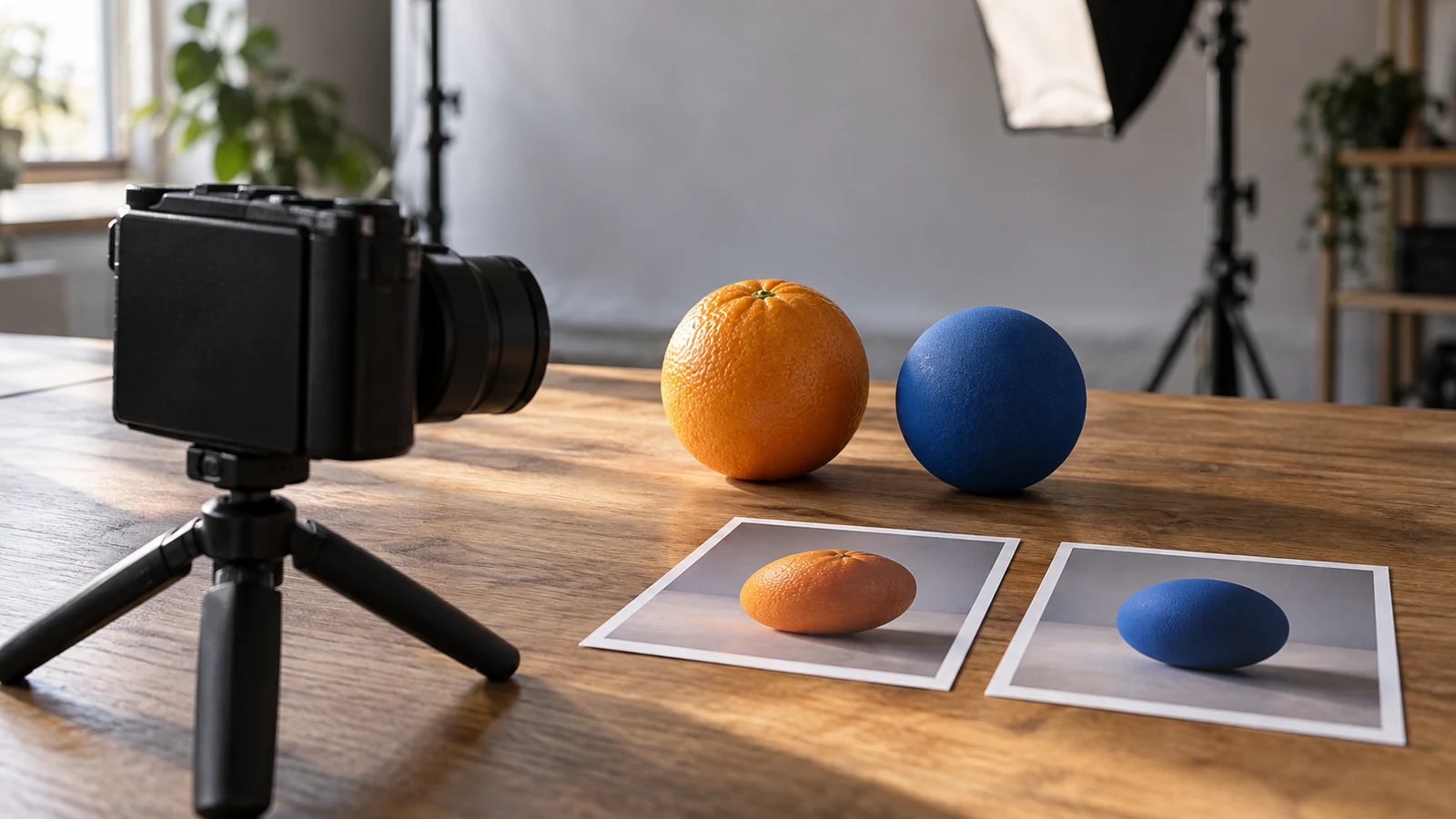
A circular paper decoration fills the end of one shot. A round clock face opens the next. The two objects have nothing to do with each other, yet their similar outlines can give the viewer a reason to follow the cut. To plan that transition, decide which part of each image should meet at the boundary, record both subjects separately, and compare the outgoing and incoming frames before choosing a cut. The shared shape should be easy to see without making the clock look like a transformed decoration.
This is a planning problem rather than a camera feature. The recording device gives you two pieces of footage; you still have to choose what each piece shows and judge whether their neighboring images make sense together. A useful plan includes the shape's position, its apparent size, and enough surrounding context for someone to recognize each subject. If that context disappears, the match might feel like a visual trick whose meaning the viewer cannot read.
Screen Direction Planning And Shape Matching Ask Different Questions
Start with the intended meaning of the sequence. Perhaps the decoration appears at the end of a scene about preparing a room, while the clock begins a later scene about time passing. Their circular outlines give the change of subject a visual hinge. Those scene ideas are fictional examples, not claims that the recordings happened at the same time or that the decoration caused anything to happen to the clock. Write down the change you want the viewer to understand before thinking about how neatly the circles line up.
In Sony ZV-1 II match cut planning, a shape match is a proposal for two adjacent images, not a promise that the finished cut will work. A viewer may register the circle immediately but misunderstand the relationship between the scenes. Ask what follows the clock shot: if the next images clarify that it is a different place or moment, the transition has room to be playful. If the surrounding sequence depends on a precise chronology, a conspicuous shape cut could distract from that information. The visual match earns its place only when the sequence can carry the intended change of subject.
Pick a single visible correspondence. For this example, use the outer edge of the paper circle and the outer edge of the clock face. Avoid asking the viewer to compare the decoration's small printed marks with the clock's hands as well. Those finer details invite a more specific connection than the plan needs. A simple outline leaves both objects identifiable while giving you a practical feature to compare at the boundary.
Screen Direction Planning If Movement Appears
Movement raises another question. If someone crosses either individual shot, decide whether that motion is relevant to the scene or merely catches the eye at the cut. The related guide on screen direction planning addresses how direction reads across a sequence. Here, the paper and the clock are different subjects; their circular shapes do not establish one person's continuous movement. You can leave movement out of the proposed boundary if it competes with the circle, without pretending the two recordings describe a single action.
Think of the intended cut as a handoff of attention. At the end of the decoration shot, the viewer's eye should have somewhere clear to settle. At the start of the clock shot, a comparable feature should be available promptly. This does not require the two frames to be identical. A clock has a face and surroundings that distinguish it from a hanging paper shape. Those differences tell the viewer that a new subject has arrived, while the approximate circular placement makes the transition legible.
Dell Inspiron Video Review Begins With A Recording Plan
Describe the outgoing image in words that someone else could recognize. For example: the paper circle sits slightly to the right of the frame's center and takes up roughly a third of the visible width; part of its hanging string and the wall remain visible. These are targets for the fictional exercise, not measurements dictated by the camera. The string helps identify the object as a decoration. A crop so tight that only a featureless disk remains would make the proposed match easier to align and harder to understand.
Now specify the incoming image independently. The clock's outer edge should occupy approximately the same area of the frame as the decoration, with its center close to the decoration's proposed position. Leave enough of the clock face and its setting visible for a viewer to recognize a clock instead of another paper circle. This is a useful tradeoff: some mismatch in detail can help announce the change of subject. The plan is successful when the two circular outlines connect at a glance and the objects remain distinct.
Use a brief written description for each boundary image before recording. Name what must be visible, what can vary, and what would spoil the intended cut. For the decoration, a clear outer edge matters more than any pattern printed on its surface. For the clock, legibility as a clock matters more than repeating the decoration's exact texture. This small set of priorities is easier to act on than a vague instruction to make the shots match. It also gives you a way to reject a take for a reason rather than for an unexamined feeling.
The listing linked for Sony ZV-1 II match cut planning describes a Sony ZV-1 II capable of recording 4K video. That makes it relevant to capturing the two short trial shots. It does not establish an automated match-cut tool or specify how your footage should be transferred or edited. Use the instructions for the particular camera and your chosen recording setup to make a test of each subject, and judge the proposed boundary from what you actually record.
Before the first trial, decide how the decoration shot will end. You might hold the composition long enough that the intended final image is unmistakable when you examine it later. For the clock, plan a beginning in which the face is already recognizable. These are editorial aims, not a prescription for a camera control or a duration. The point of a trial is to find out whether the planned images exist in the footage at all. If the decoration drifts out of the intended position or the clock begins before its face is visible, revise the shot rather than assume an edit can fix the idea.
Record the subjects as separate scenes. There is no need to suggest that one object changes into the other in physical space. A hanging decoration may move while the clock remains still, and that difference can be acceptable if the circular outline is easy to find at the chosen boundary. Watch for details that unexpectedly dominate attention, such as a bright patch beside one object or a partial shape that resembles a second circle. If a detail changes what the viewer notices first, alter the proposed composition and make another short trial.
Dell Inspiron Video Review Of The Boundary Frames
After recording, compare the proposed last image of the decoration shot with the proposed first image of the clock shot. A Dell Inspiron video review could provide a workspace for that comparison if you have verified a way to transfer the files and suitable software to view them. The laptop listing identifies a 15.6-inch Full HD display, but does not establish included editing software, a particular camera connection, or guaranteed playback for your files. A different suitable viewing setup can serve the same planning purpose.
Look at the two candidate frames separately first. Can you identify the outer edge of each circle without tracing it? Are the centers in approximately comparable parts of the frame? Does one circle occupy so much more space that the eye jumps to the size difference instead of the shared outline? Then look at the images in the intended order. If your available software permits placing them side by side or stepping between them, use that view; otherwise a simple consecutive comparison is enough to expose an obvious placement mismatch.
Do not judge only by where the circles fall. The decoration needs to read as a paper object in its setting; the clock needs to read as a clock. Imagine a viewer seeing the pair once at normal viewing pace. If they would have to pause to find the shared feature, the match is too subtle for its intended role. If they would conclude that the paper literally becomes the clock, the transition may be too insistent or lack the context needed to mark a new scene. Revise the image that causes the problem instead of forcing the interpretation in explanatory text.
Comparison before editing saves effort because it separates a recording problem from a timing choice. A circle that sits in the wrong part of the image will not move into place merely because you choose a neighboring frame, unless that position actually changes within the recorded shot. Conversely, if both shapes are well placed but the chosen frames obscure their edges, another available moment in the footage might be worth examining. What you can select or edit depends on the files and software you have checked, not on a presumed function of the camera or laptop.
Dell Inspiron Video Review Of A Revised Paper-To-Clock Cut
Suppose the first trial puts the paper circle near the upper right corner, while the clock face appears low and nearly centered. The circular resemblance is present, but the viewer's eye has to travel across the image to find it. Keep the clock shot if its setting makes the subject clear; revisit the paper shot with a more central placement as the new target. Alternatively, revise the clock shot if the decoration's placement is important to the preceding scene. The useful choice is the one that protects each shot's meaning as well as the handoff between them.
In the second paper trial, aim for a circular outline closer to the clock's proposed location and apparent size. Keep a little of the hanging string visible so the decoration remains a decoration. Then compare the newly proposed outgoing frame with the same incoming clock frame. If the eye follows the circle without losing the identity of either subject, the revised pair is a plausible candidate. If the string becomes the strongest visual feature or the clock is still much larger, the revision has not yet solved the specific mismatch you identified.
This exercise is easier when you change one planned element at a time. Here the issue was position, so compare position first; do not also redefine the transition's meaning and crop both subjects beyond recognition. Apparent size deserves its own check because a closely aligned center can conceal a large difference in scale. Surrounding context deserves another look because it tells the viewer that the two scenes are separate. These are judgments about the proposed cut, not universal numerical tolerances for how similar two shapes must be.
There is also a good reason to abandon the match. If the clock's placement must remain low to explain its setting and the paper circle must remain high to make sense in its scene, shifting either one may weaken the sequence. You can keep the two shots and use a straightforward change of subject instead. A match cut is a choice about how the viewer moves between images, not a requirement imposed by owning a camera. Preserve the clarity of the scenes when the visual correspondence starts asking them to do something unnatural.
Screen Direction Planning After The Shape Decision
Once you have a candidate pair, watch a short stretch before and after the boundary rather than evaluating two isolated still images alone. The decoration's place in the preceding scene and the clock's role in the following scene determine whether the transition reads as an intentional shift. If the neighboring material implies that a person has moved continuously between locations, reconsider that implication; the circle match itself provides no evidence of continuity, timing, or cause. The sequence should let the viewer understand that the subjects were recorded separately.
Use Sony ZV-1 II match cut planning as a way to ask a precise final question: can a viewer recognize the shared circular outline immediately while understanding that the paper decoration and the clock belong to different scenes? If yes, keep the candidate and proceed with whatever editing process your verified equipment and software support. If no, identify whether position, apparent size, subject recognition, or surrounding sequence caused the confusion, and change the relevant shot or the proposed transition. Let the images, rather than the neatness of the idea on paper, settle the choice.