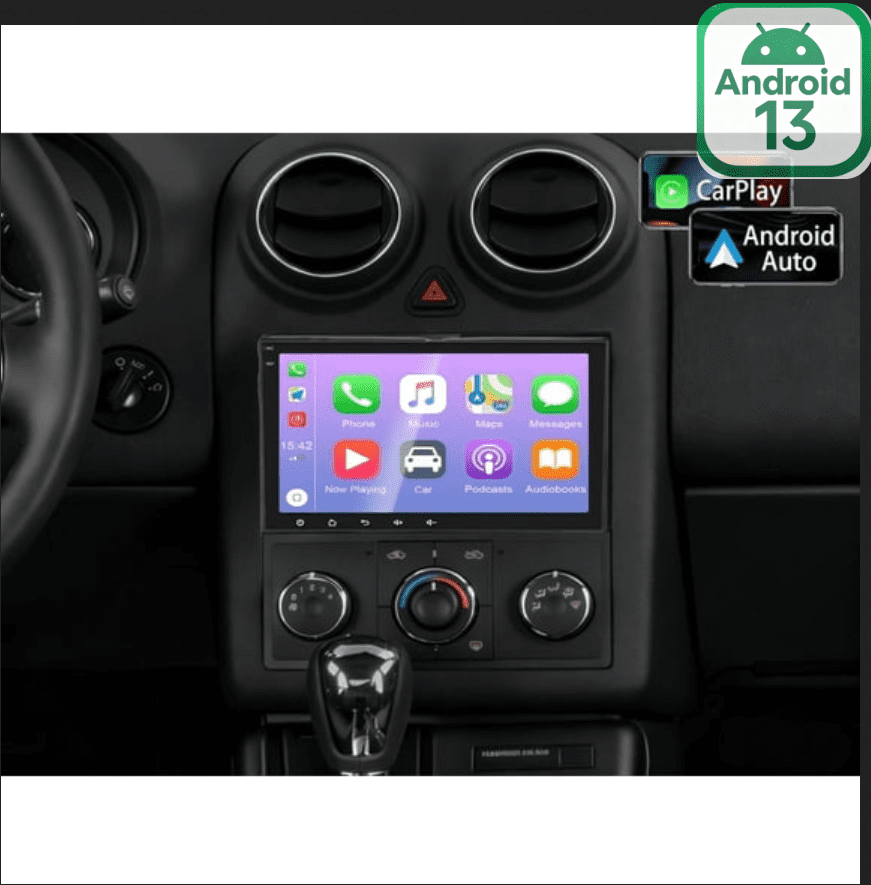
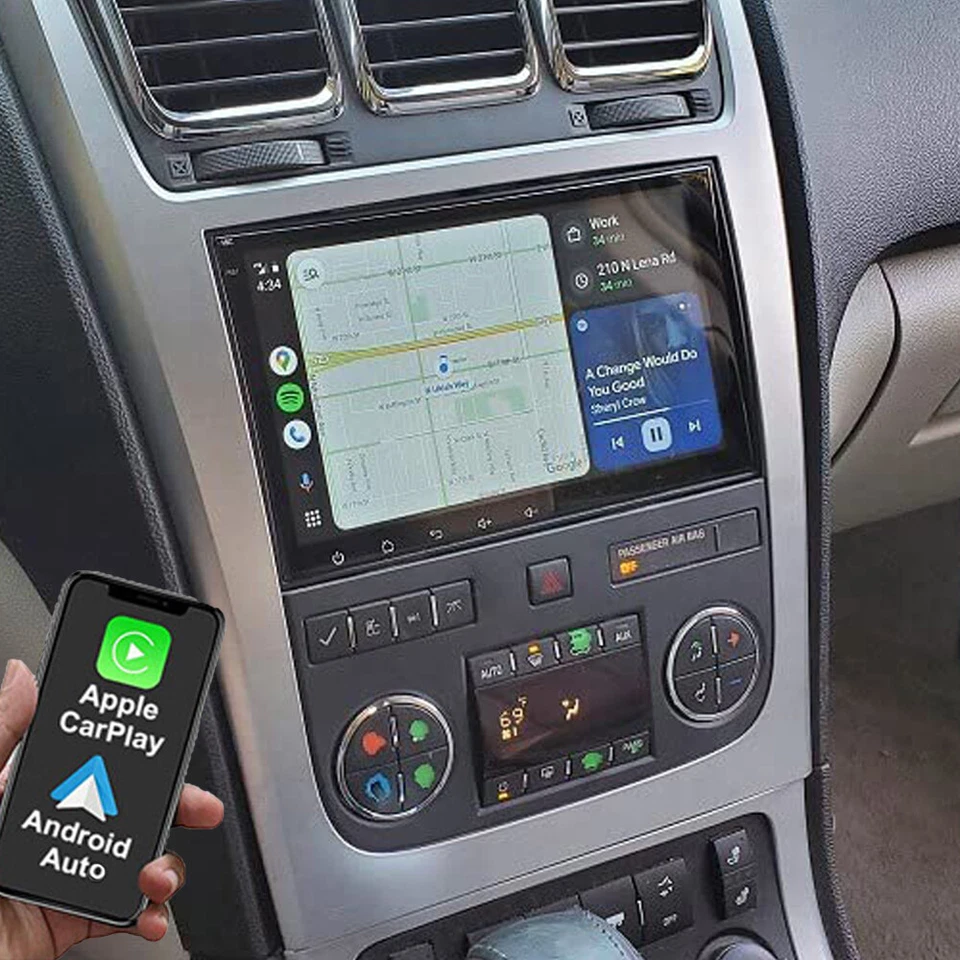
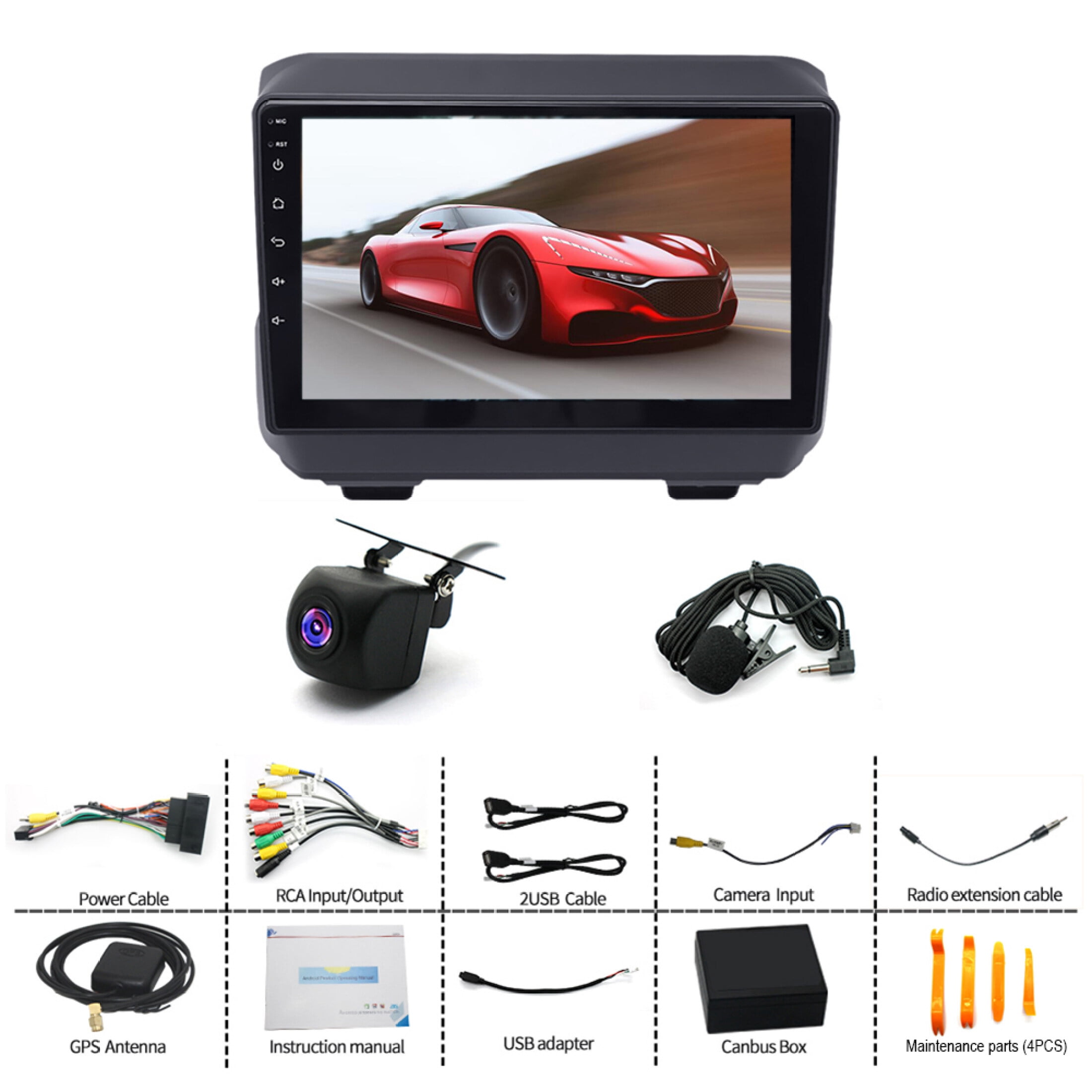
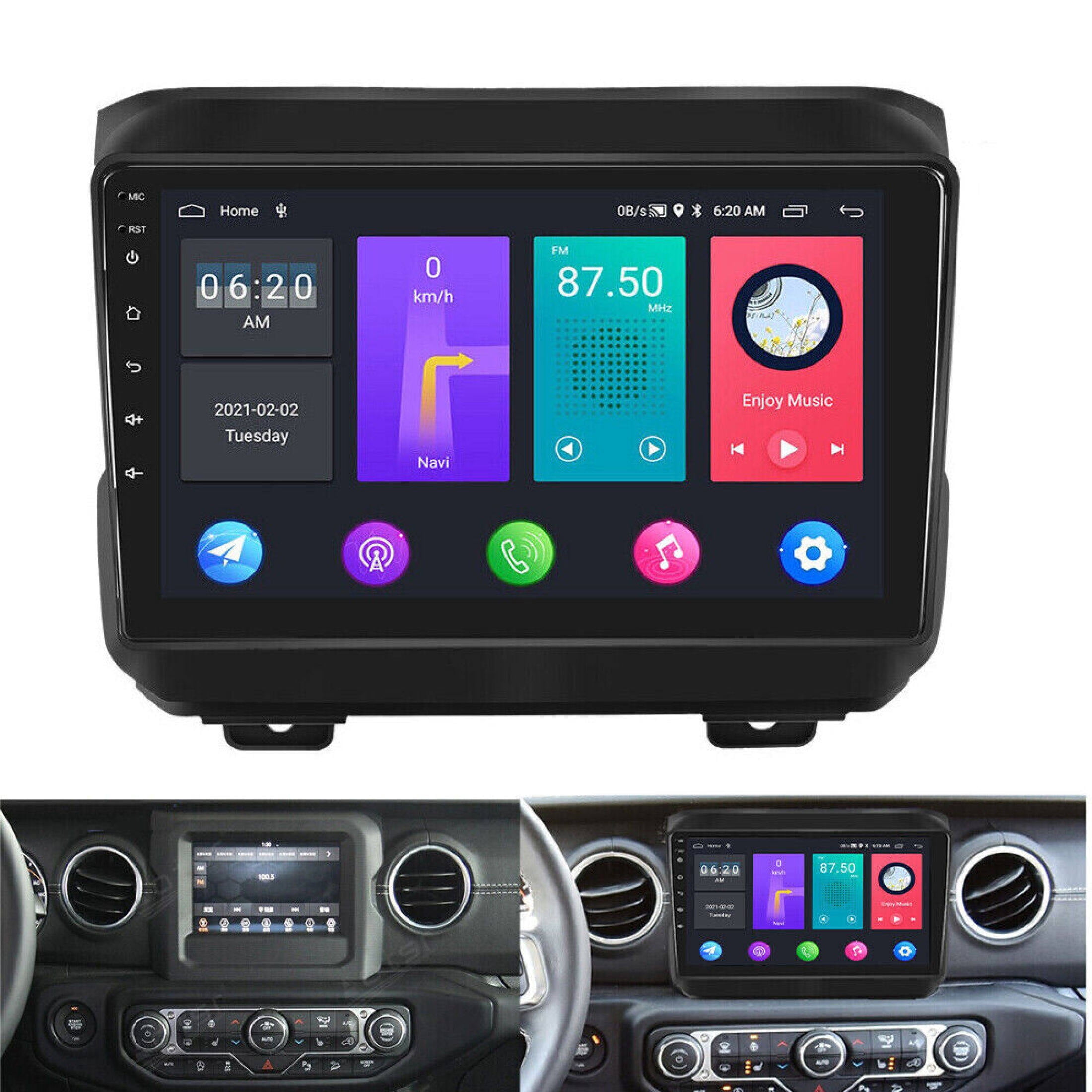
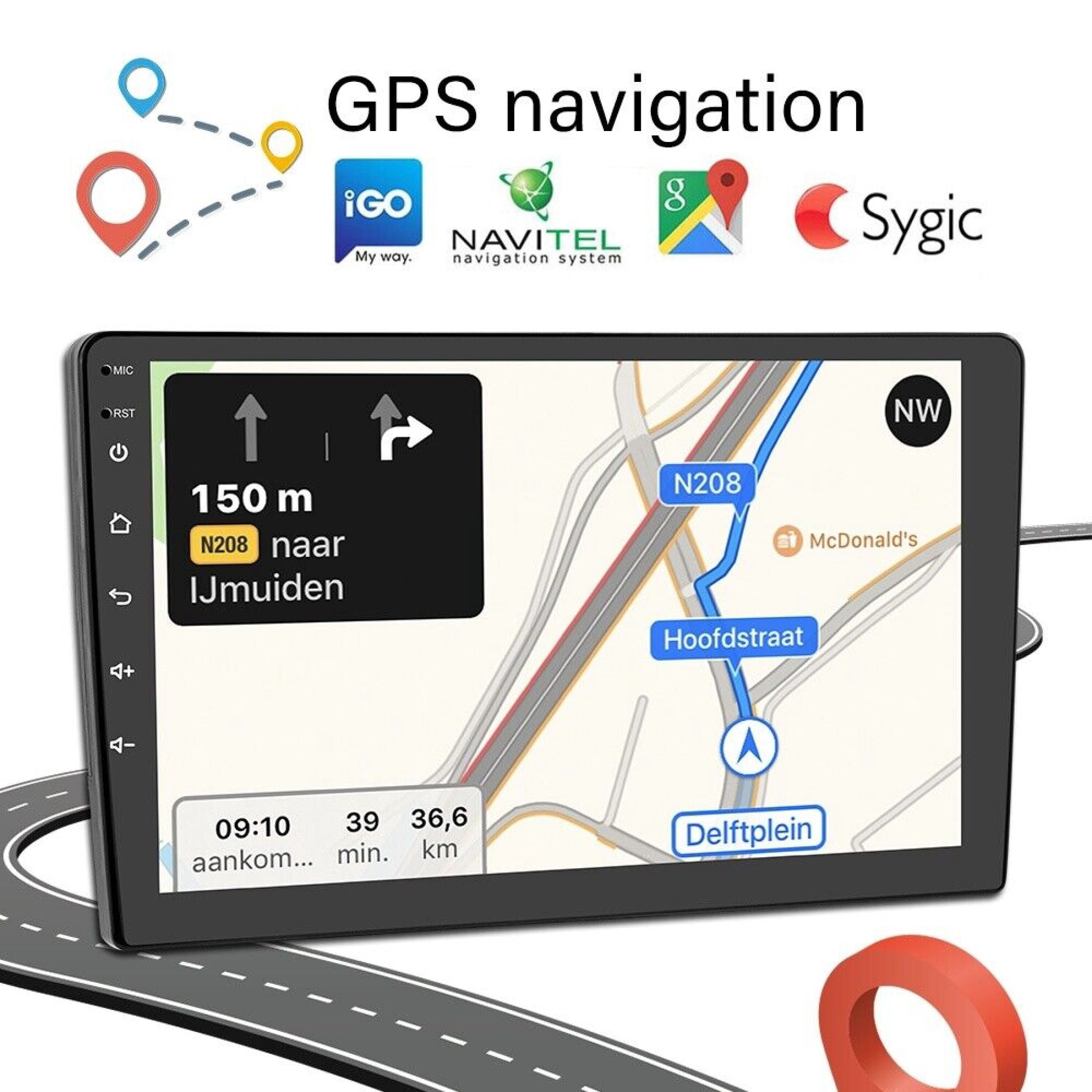
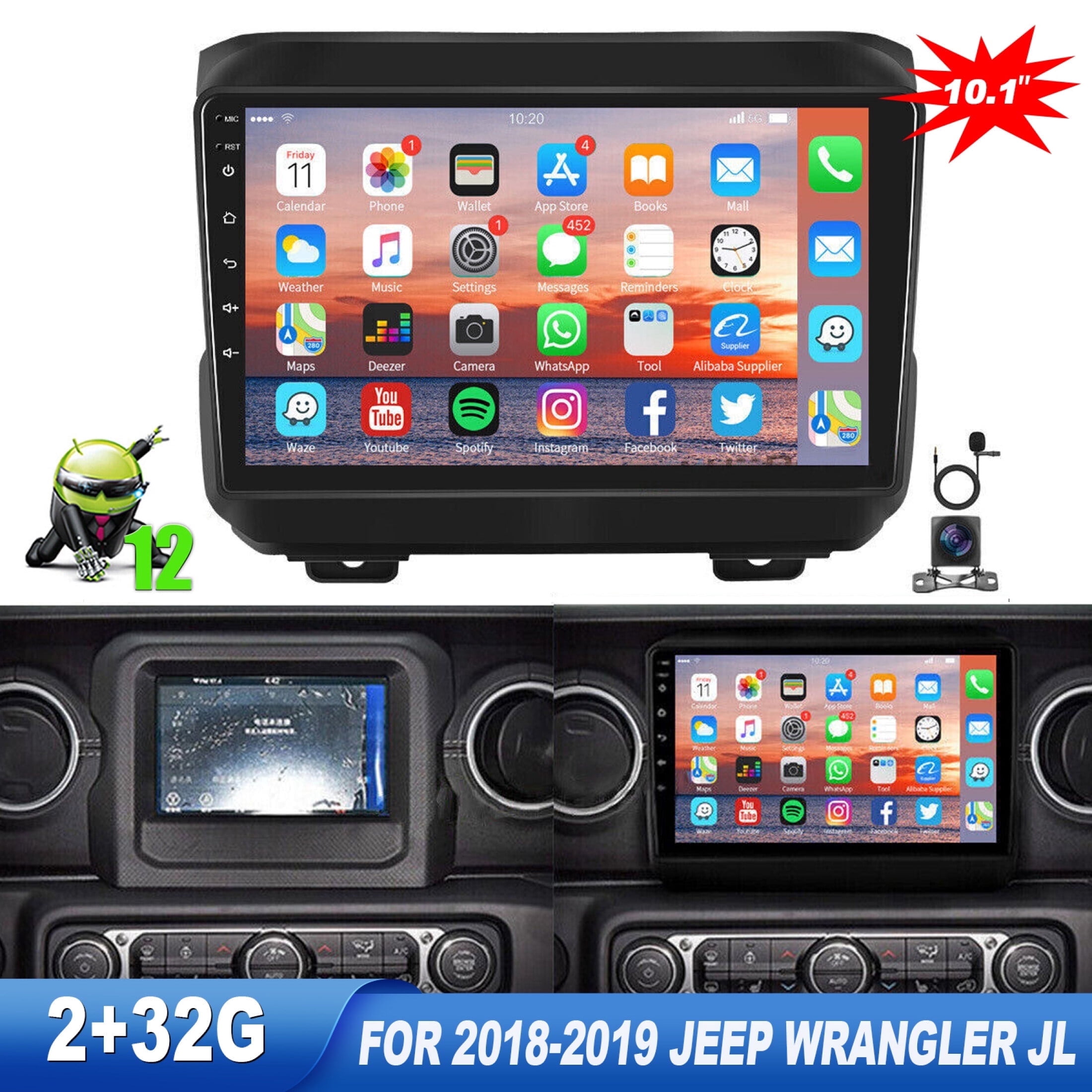
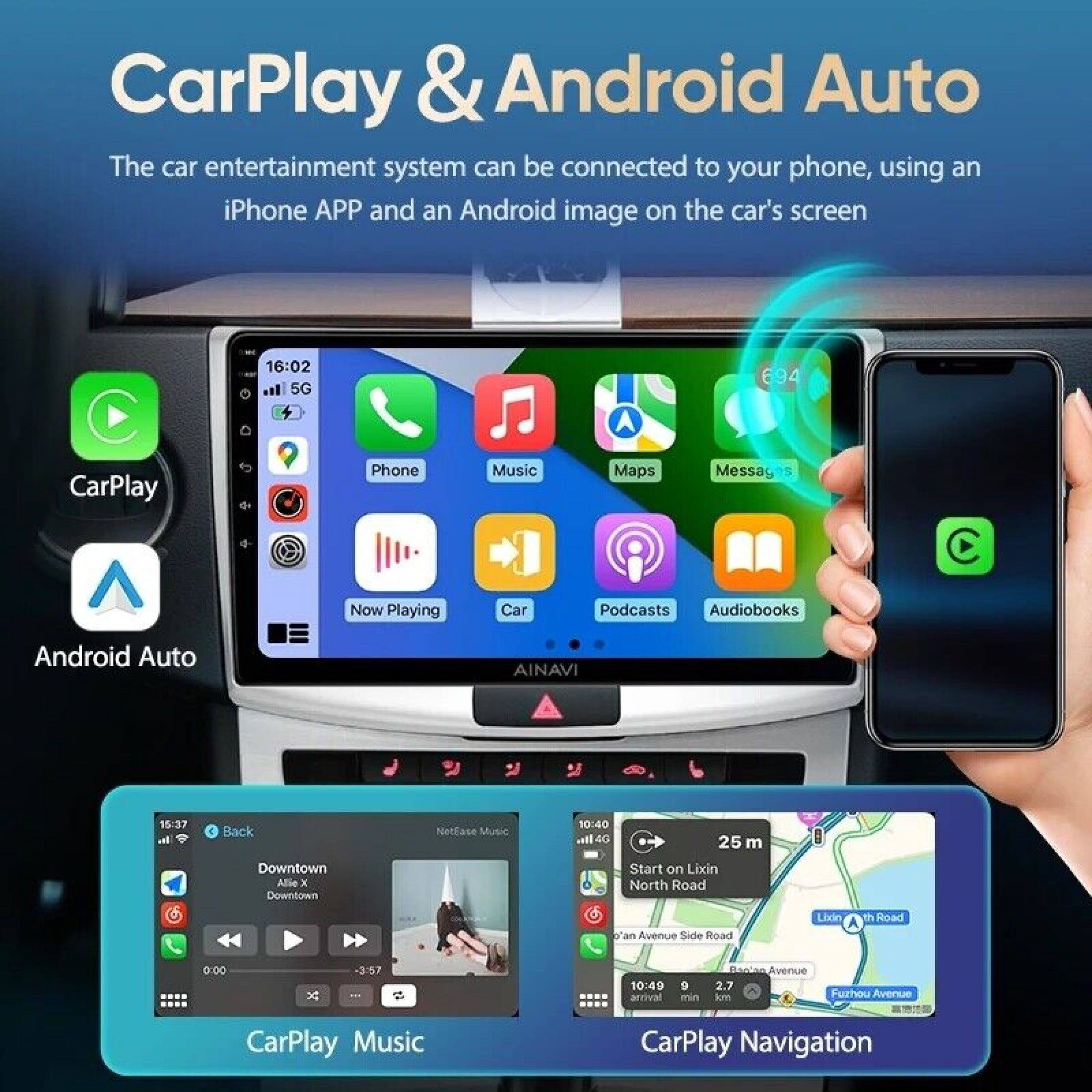
Zcargel for Jeep Wrangler JL 2018-2019 Android 13 Car Stereo, 9'' HD Touchscreen — Apple Carplay, Android Auto, WiFi, GPS Navigation, Bluetooth, FM, HIFISB+ Backup Camera & Mic
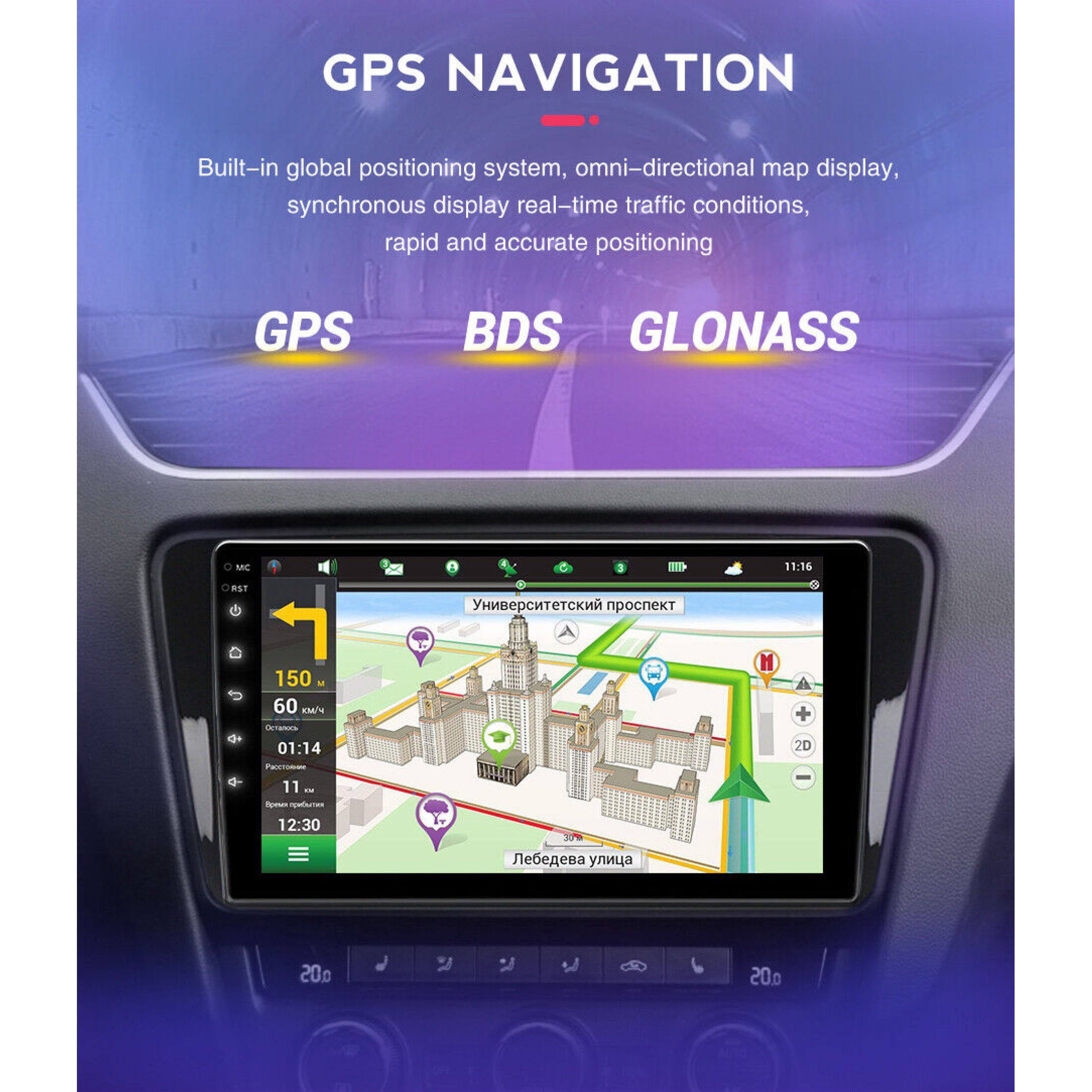
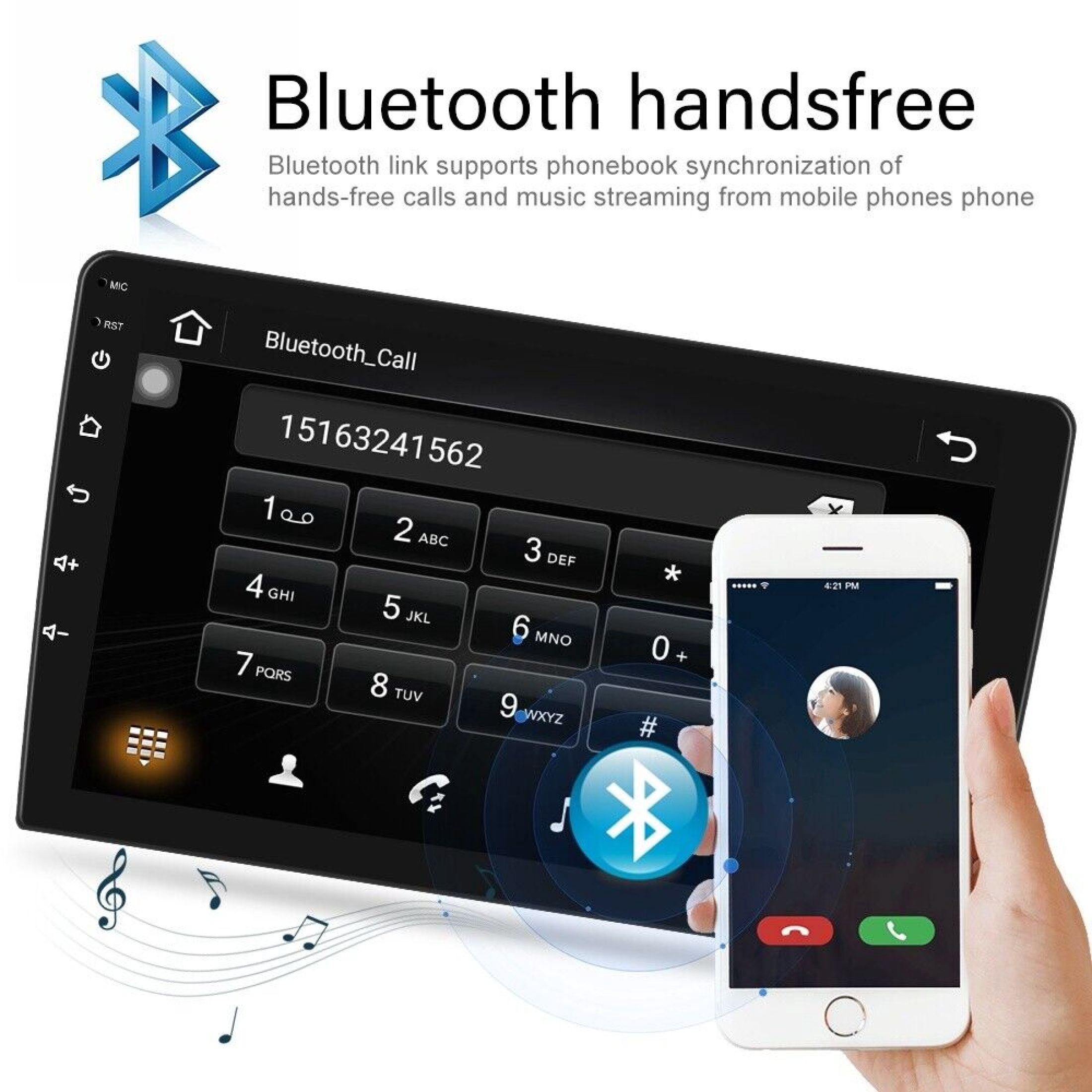
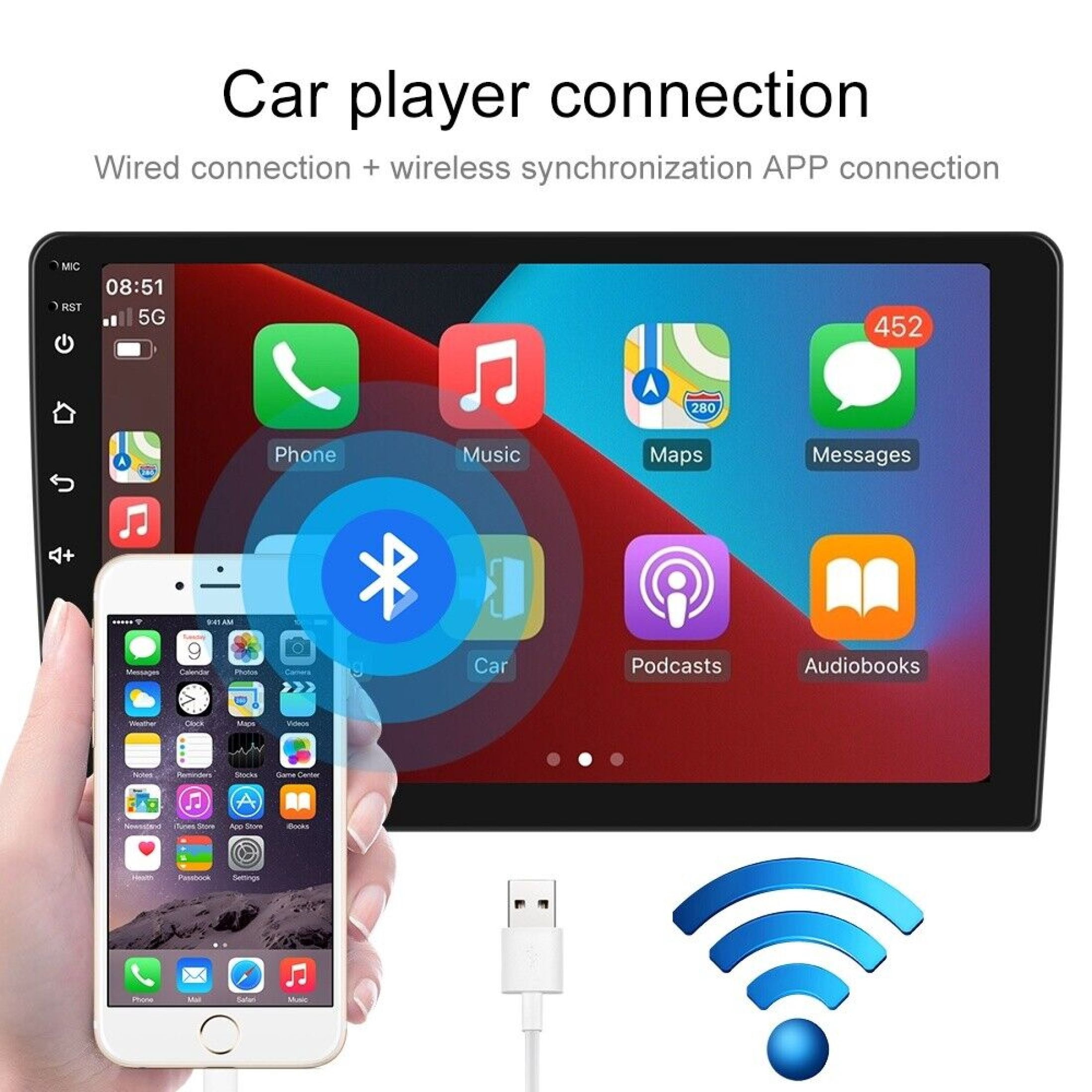
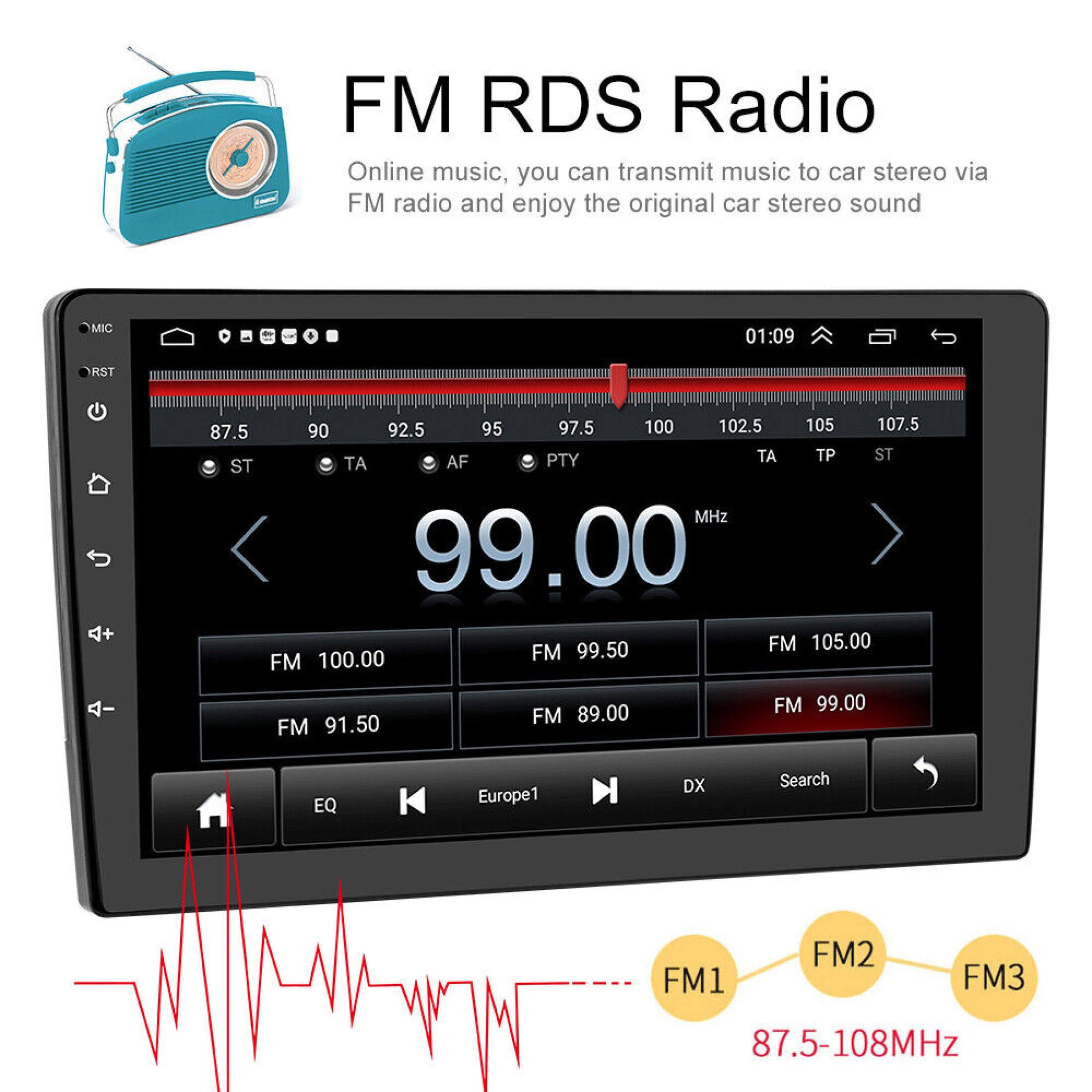
No rating yet(0 ratings)Power and wiring - Confirm the unit voltage is 12V. For power connection, join the red and yellow wires together and attach them to the positive (+) supply. Connect the black wire to the negative (–) supply. - Replace the fuse with the same type when testing the radio. Use the supplied Zcargel power cables for installation — the original vehicle plugs are not compatible. Reverse camera troubleshooting - If the radio displays "No Signal" when you reverse, ensure the camera cable is properly connected to the radio. The rear camera's video lead must be plugged into the radio's "CAMIN" port. USB video warning - If the camera shows "!" or you see "Can't watch video while driving" when playing videos from USB, disable the "Video Warning" option in the radio settings to allow playback. FM reception - If you cannot find FM stations, first verify the radio antenna is inserted and firmly connected. Try moving to an area with better reception or replace the antenna if it is damaged. Bluetooth pairing - To pair Bluetooth, enable Bluetooth on your phone and search for the player's Bluetooth model in available devices. If a PIN is requested, try 0000; if that fails, try 1234 or 123456. - If pairing still fails, test with a different phone. As a further step, unplug the connector on the back of the player, wait 3 minutes, then reconnect it and retry pairing.
Description
Description
Shipping & Returns
Shipping & Returns
Ratings and customer reviews
0 ratings
0 reviews
Share your experience
Checking your account…
No customer reviews yet. Be the first to share your experience.
Customer questions and answers
Ask about this product. Shipping, orders, and account issues belong with customer support.
Sign in or register to ask or answer.
No matching approved questions. Be the first to ask.