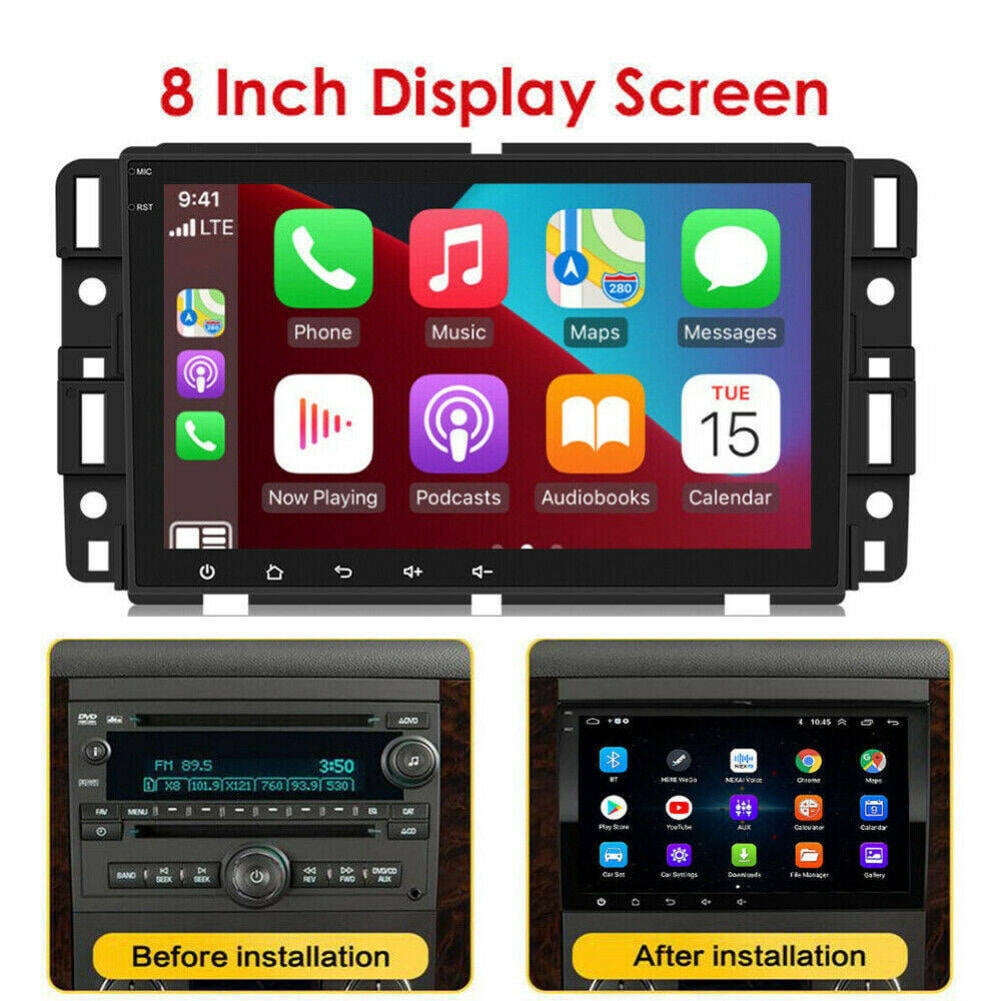
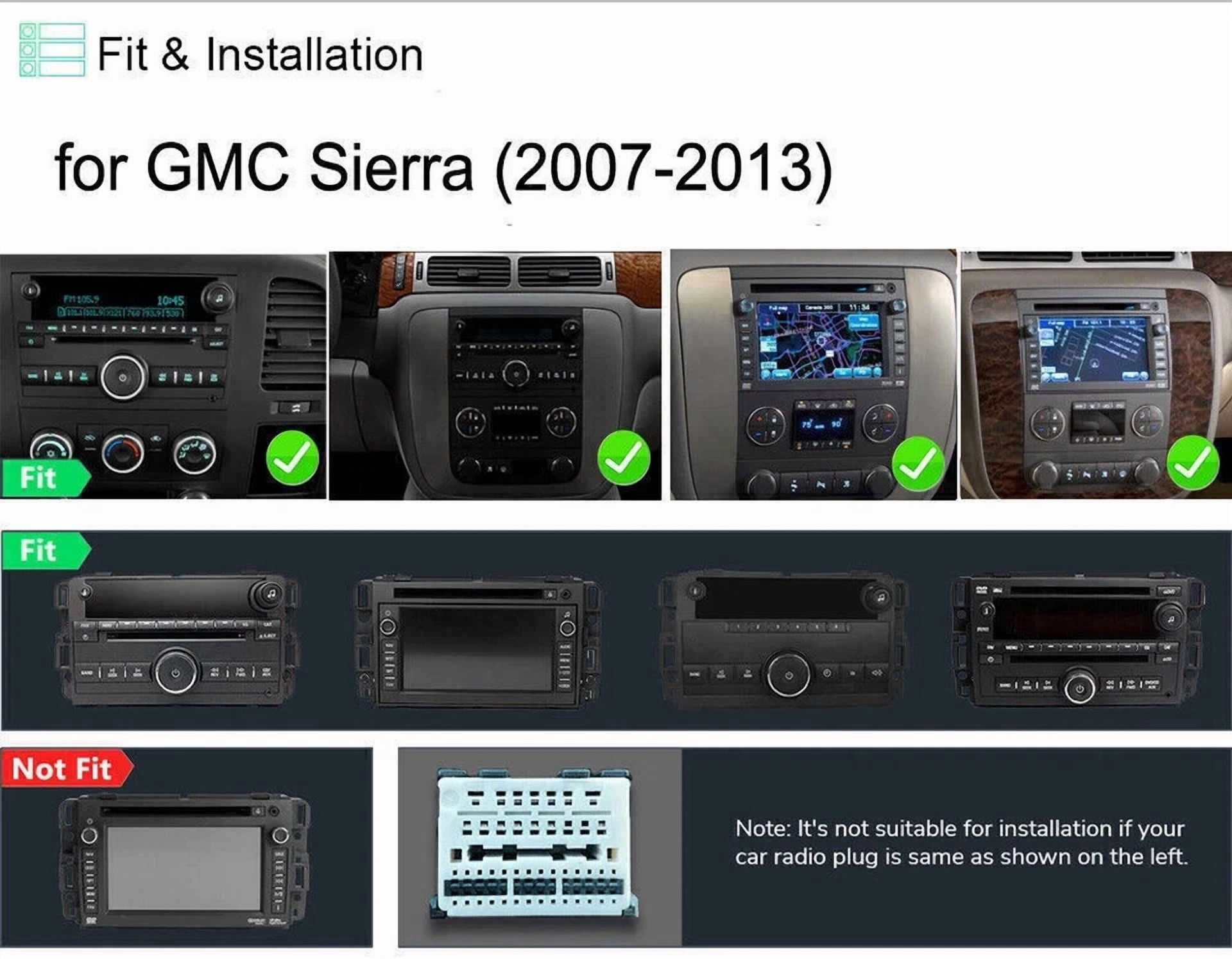
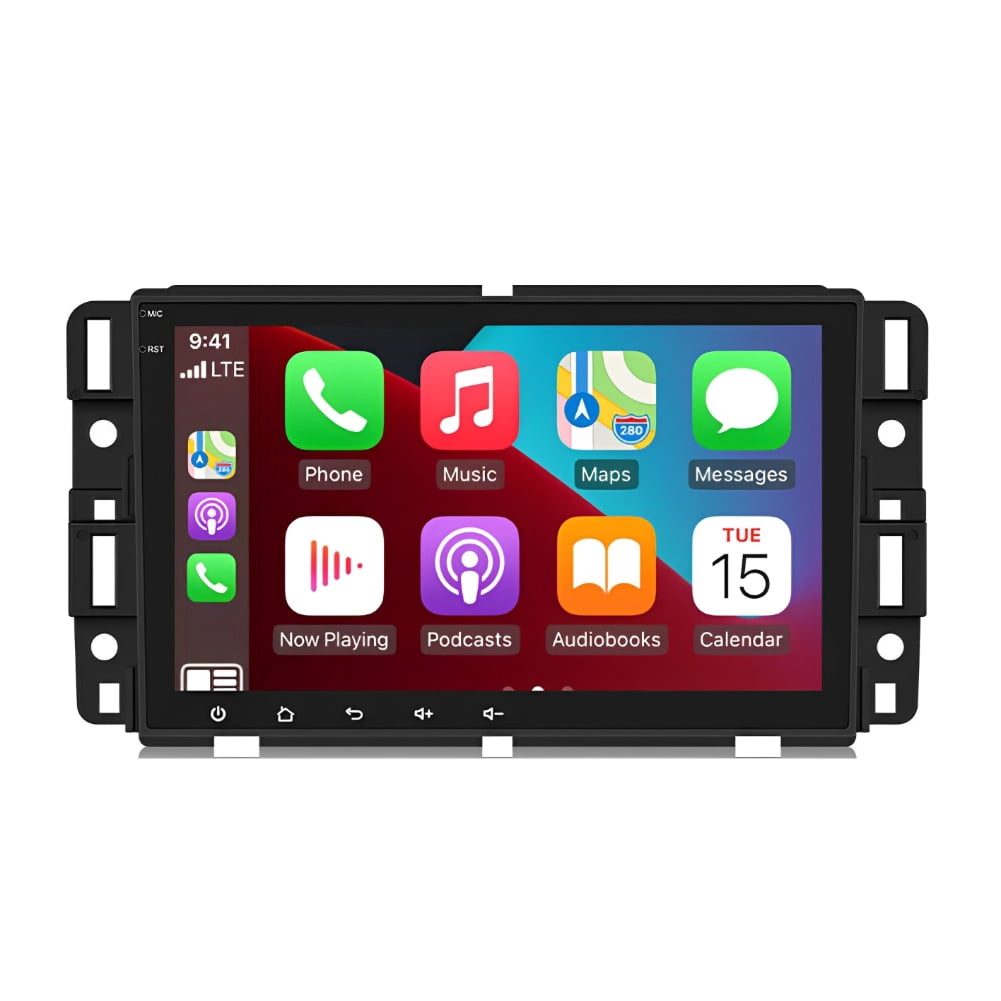
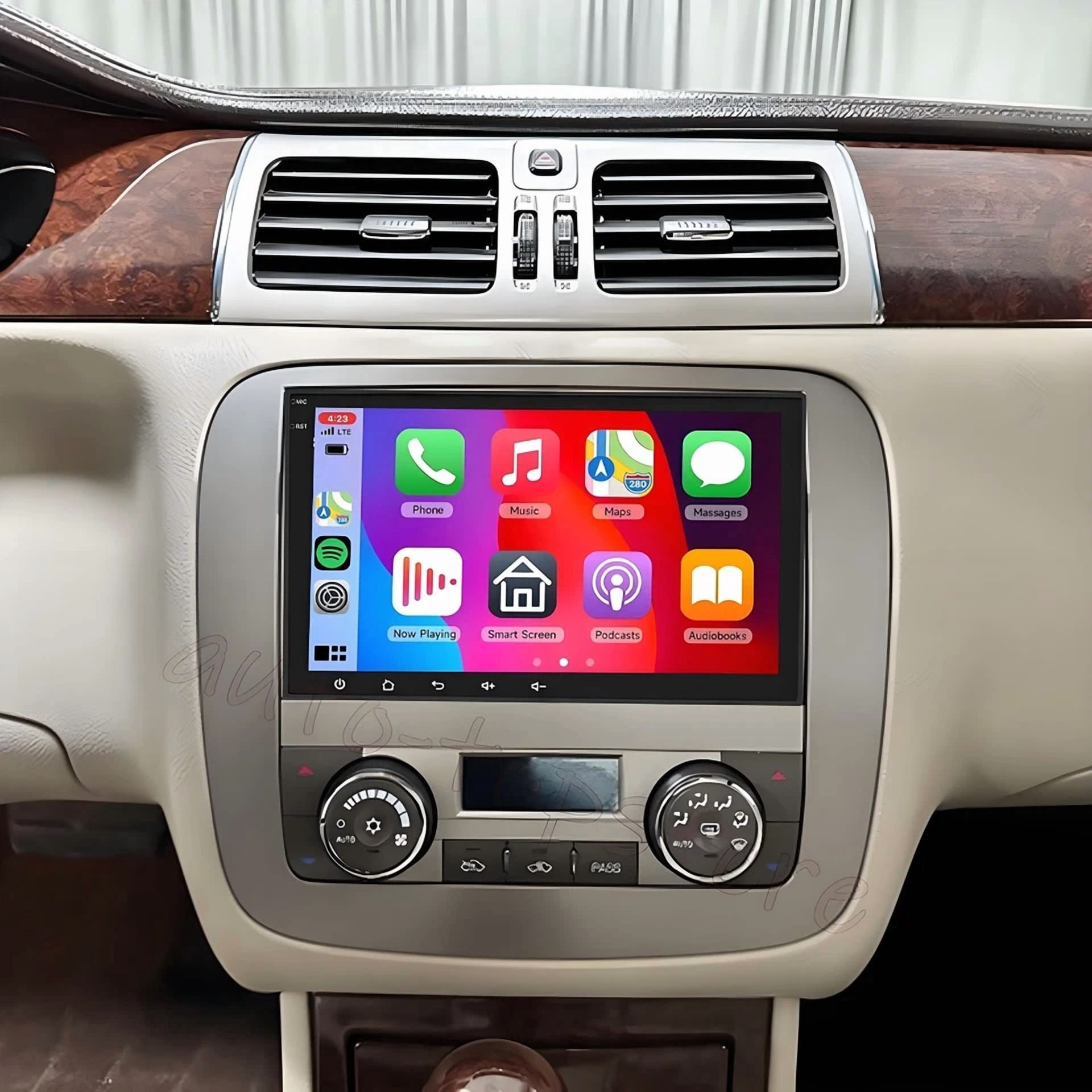
Zcargel Black Car Stereos for Kia Soul | sku-3219316845
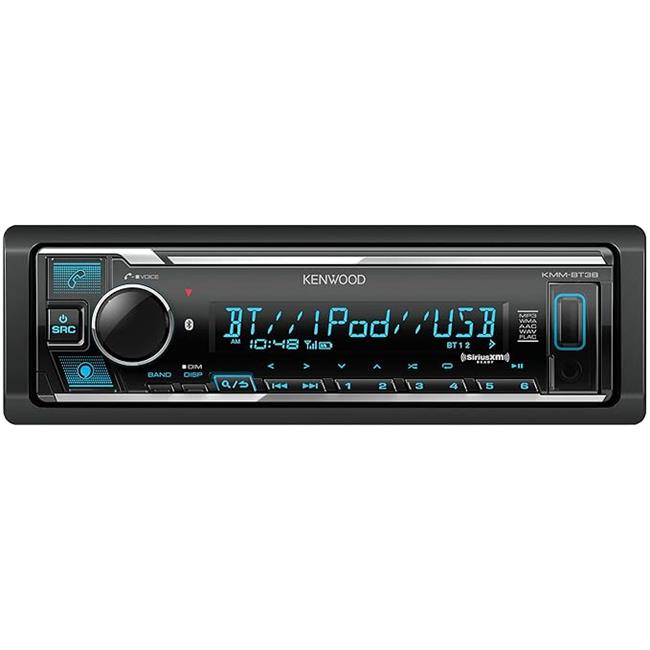
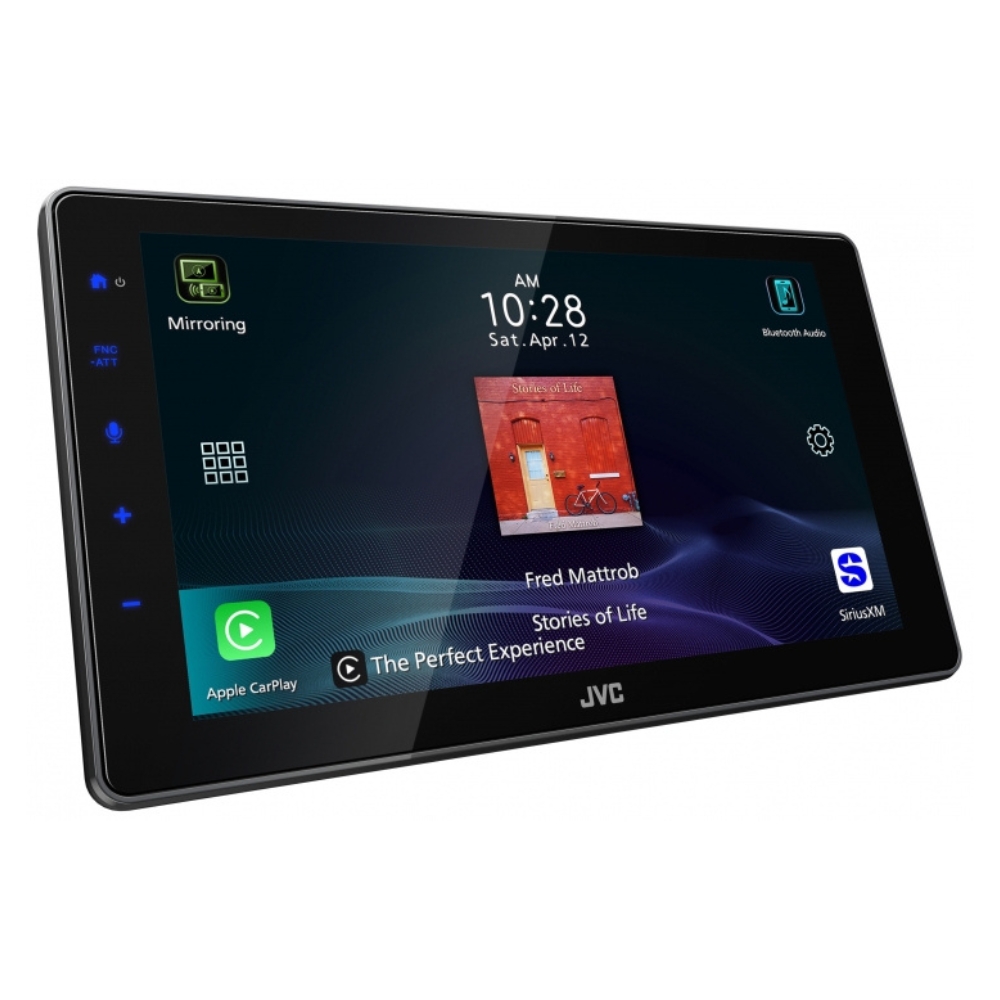
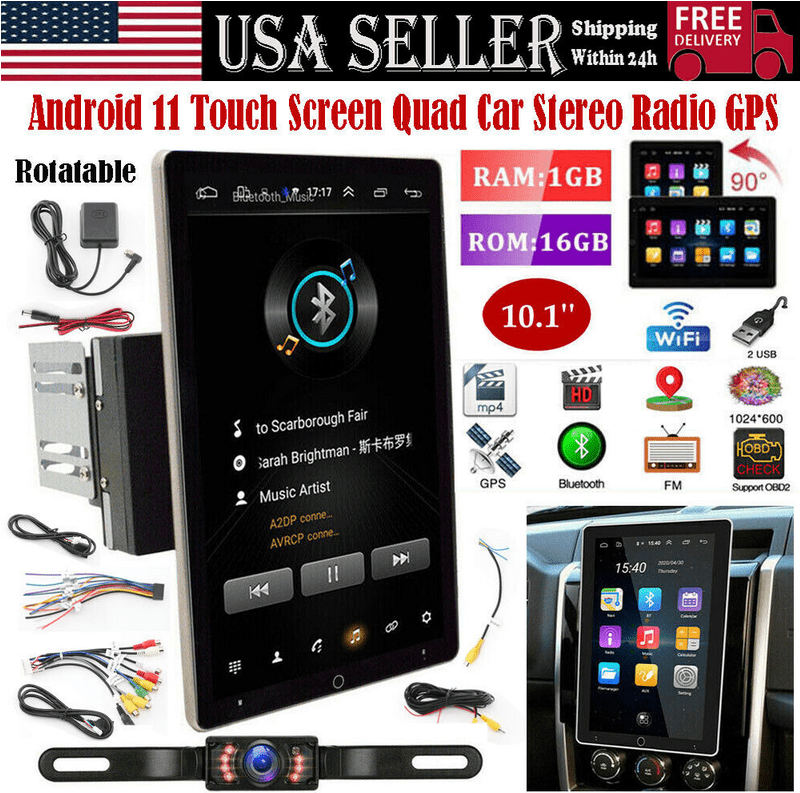
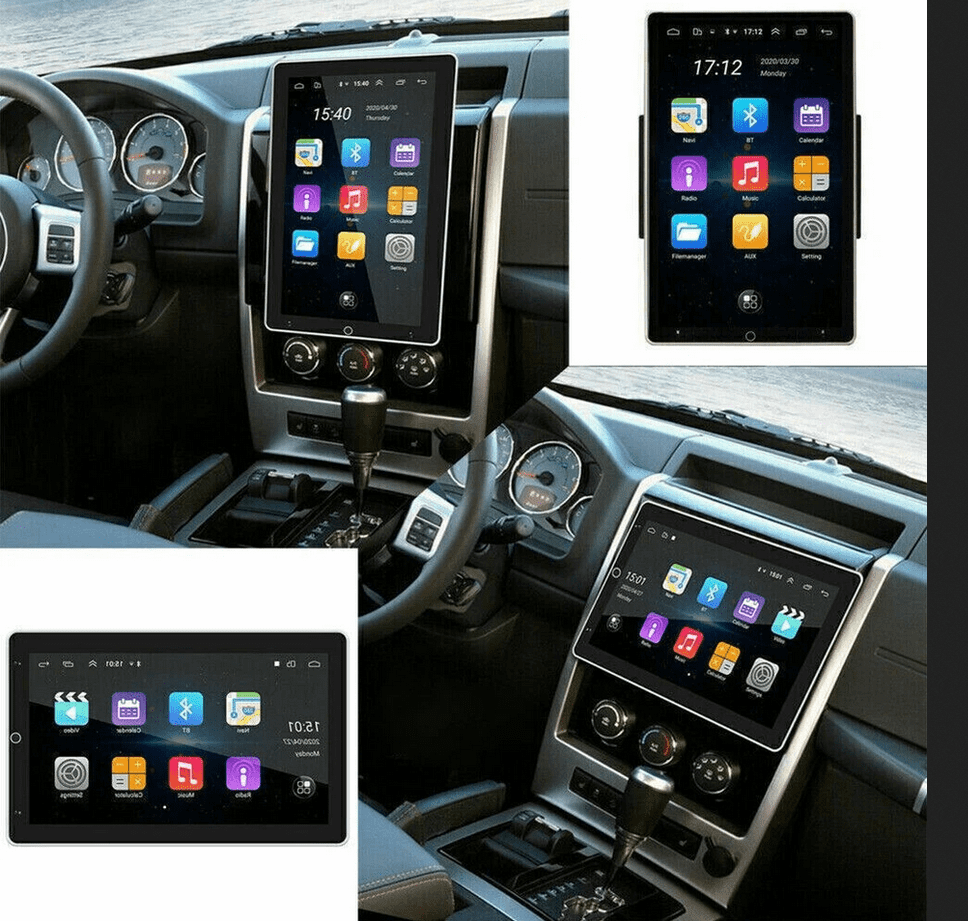
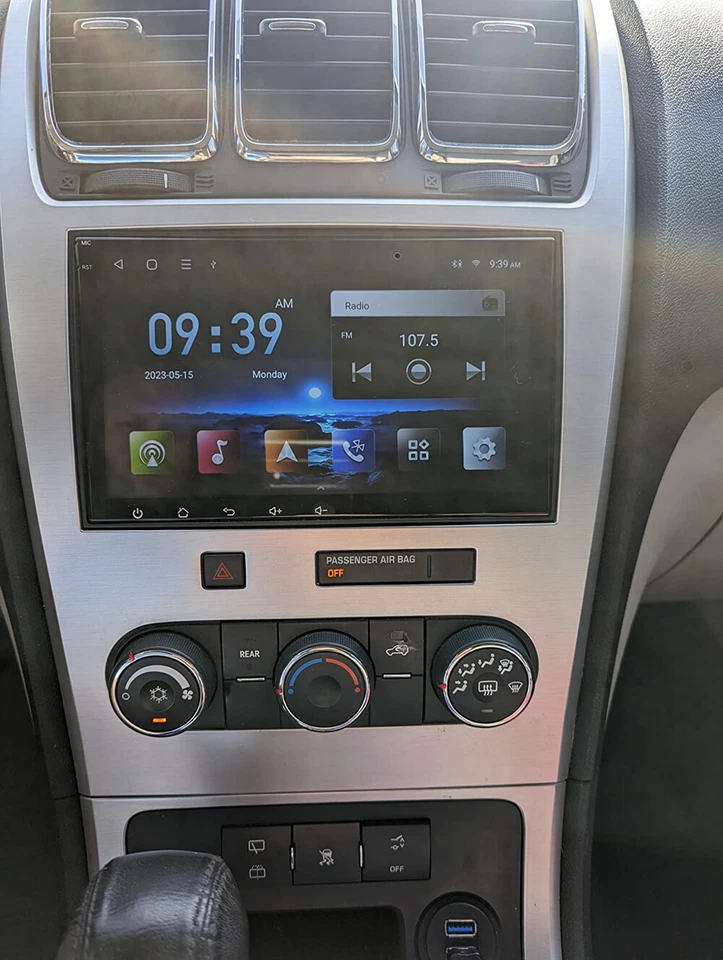
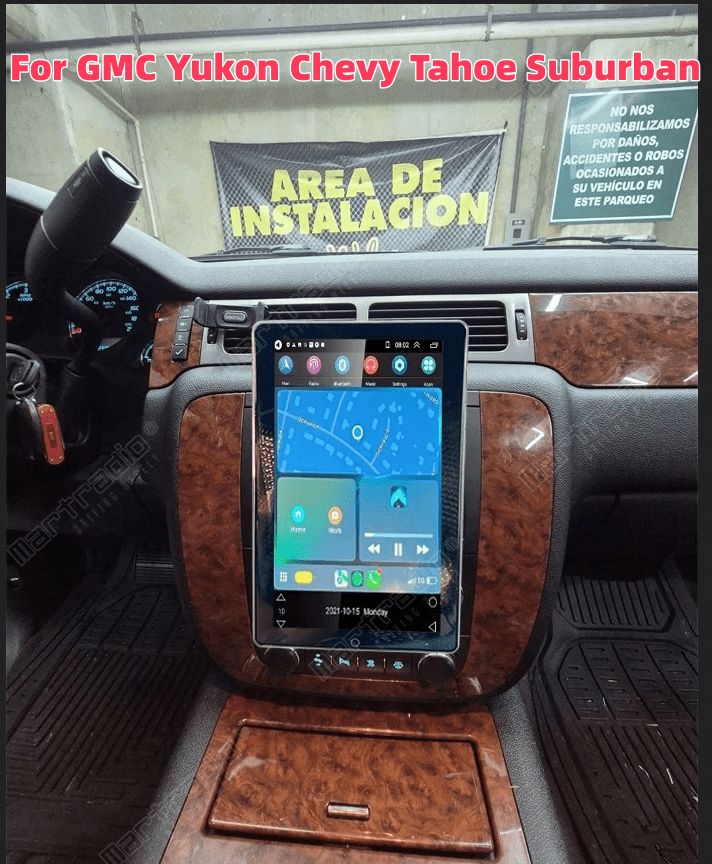
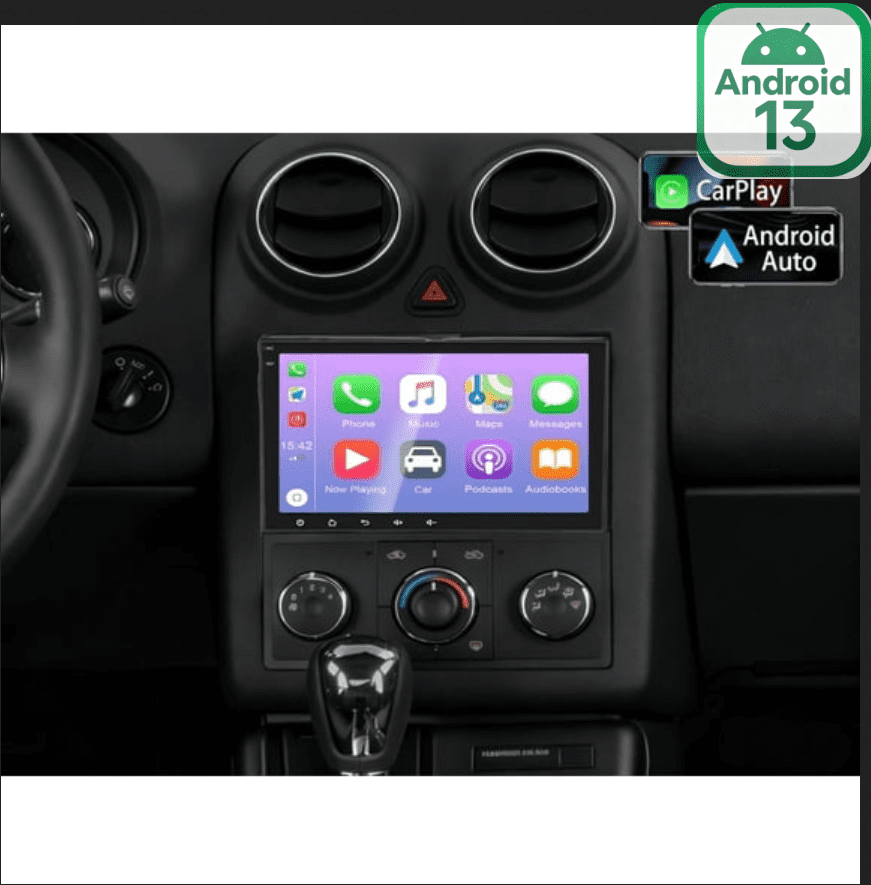
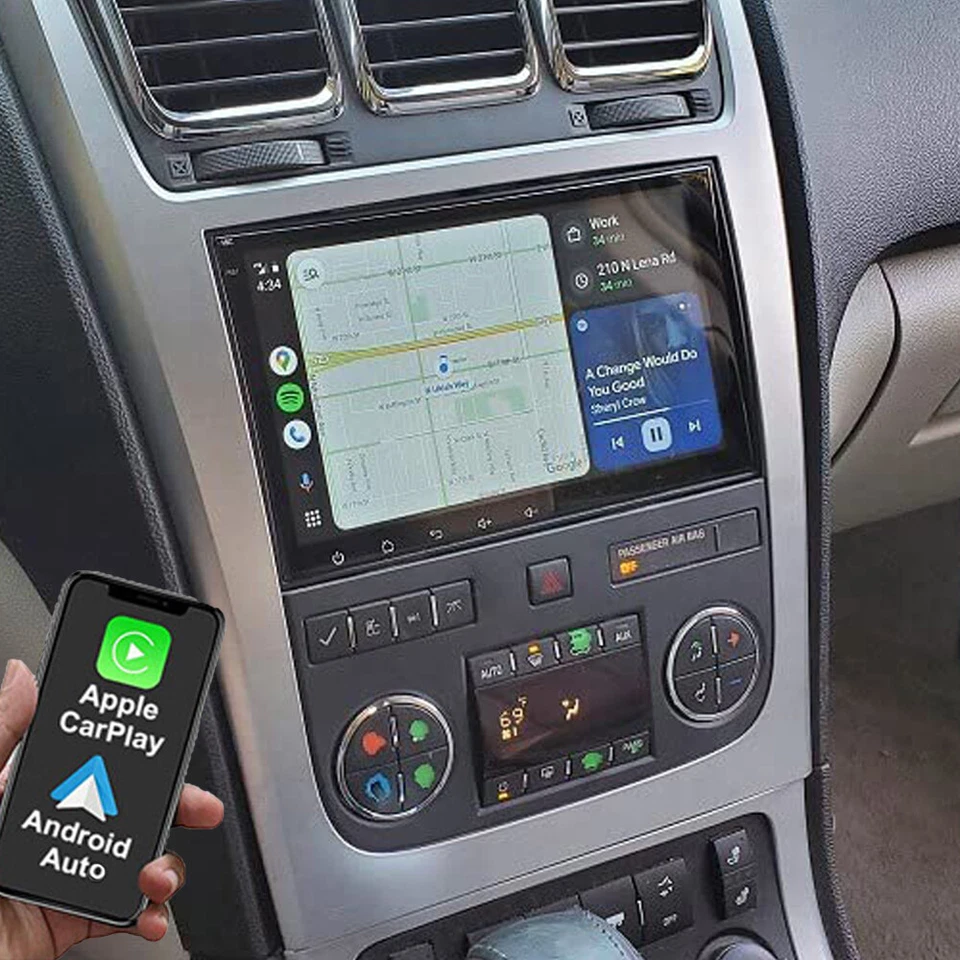
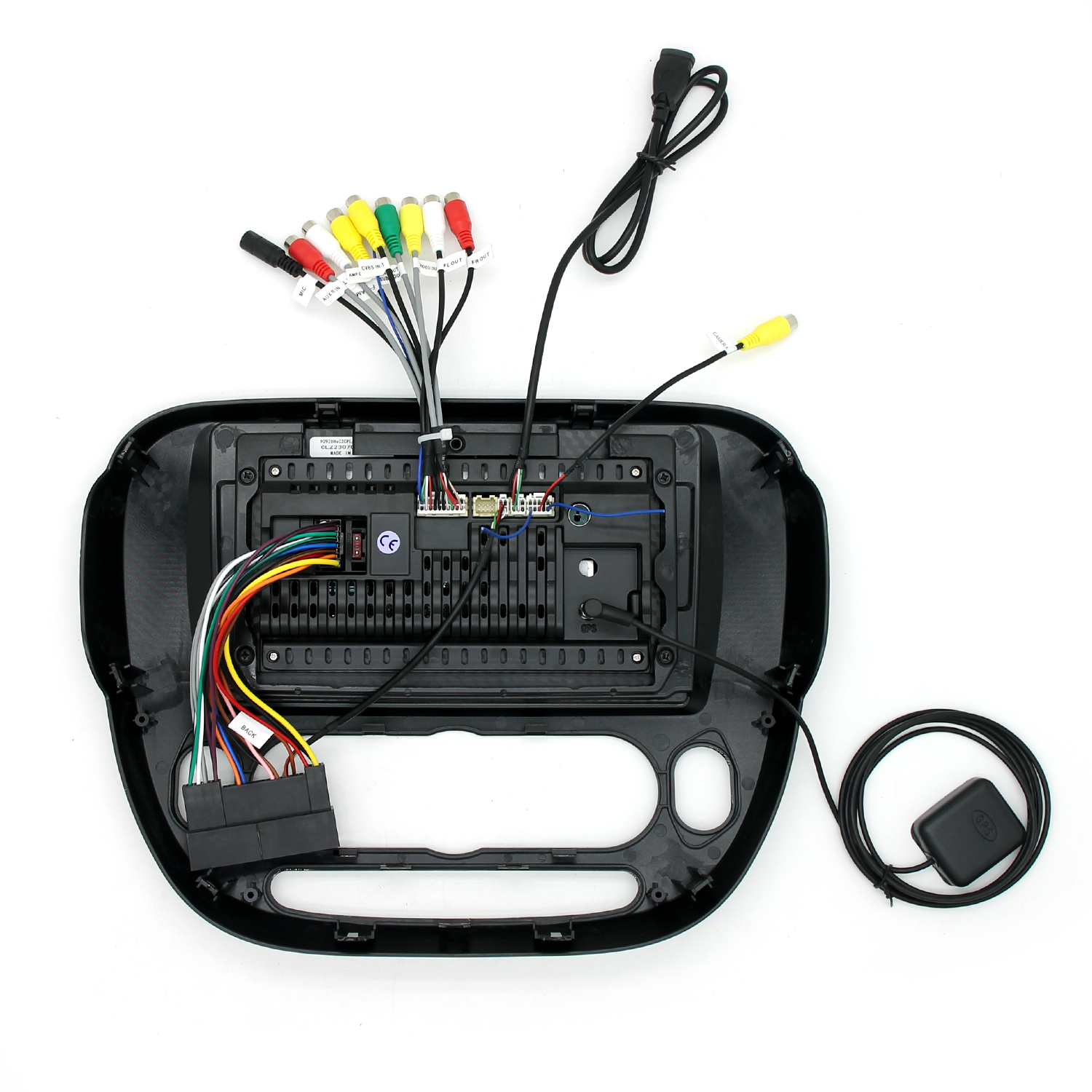
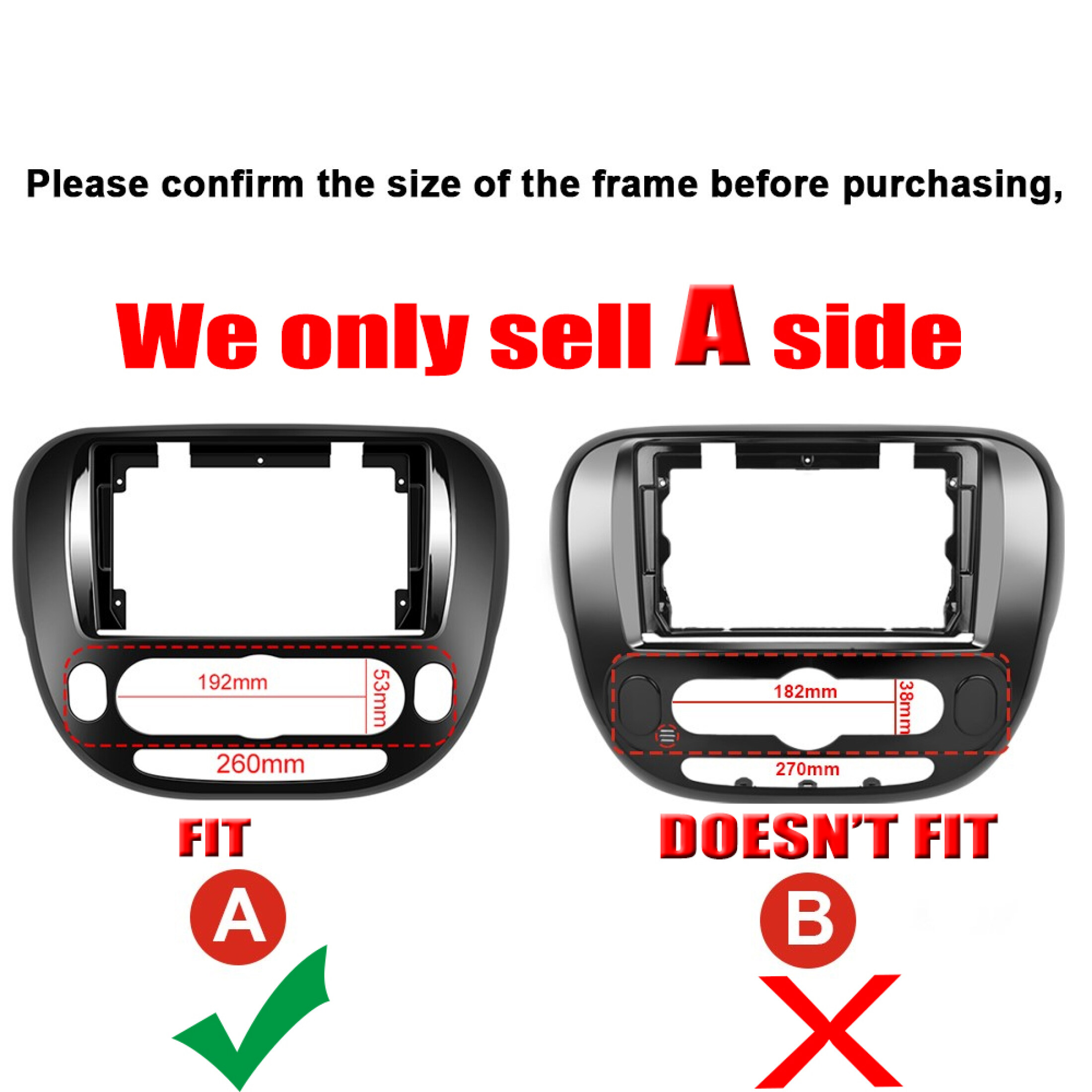
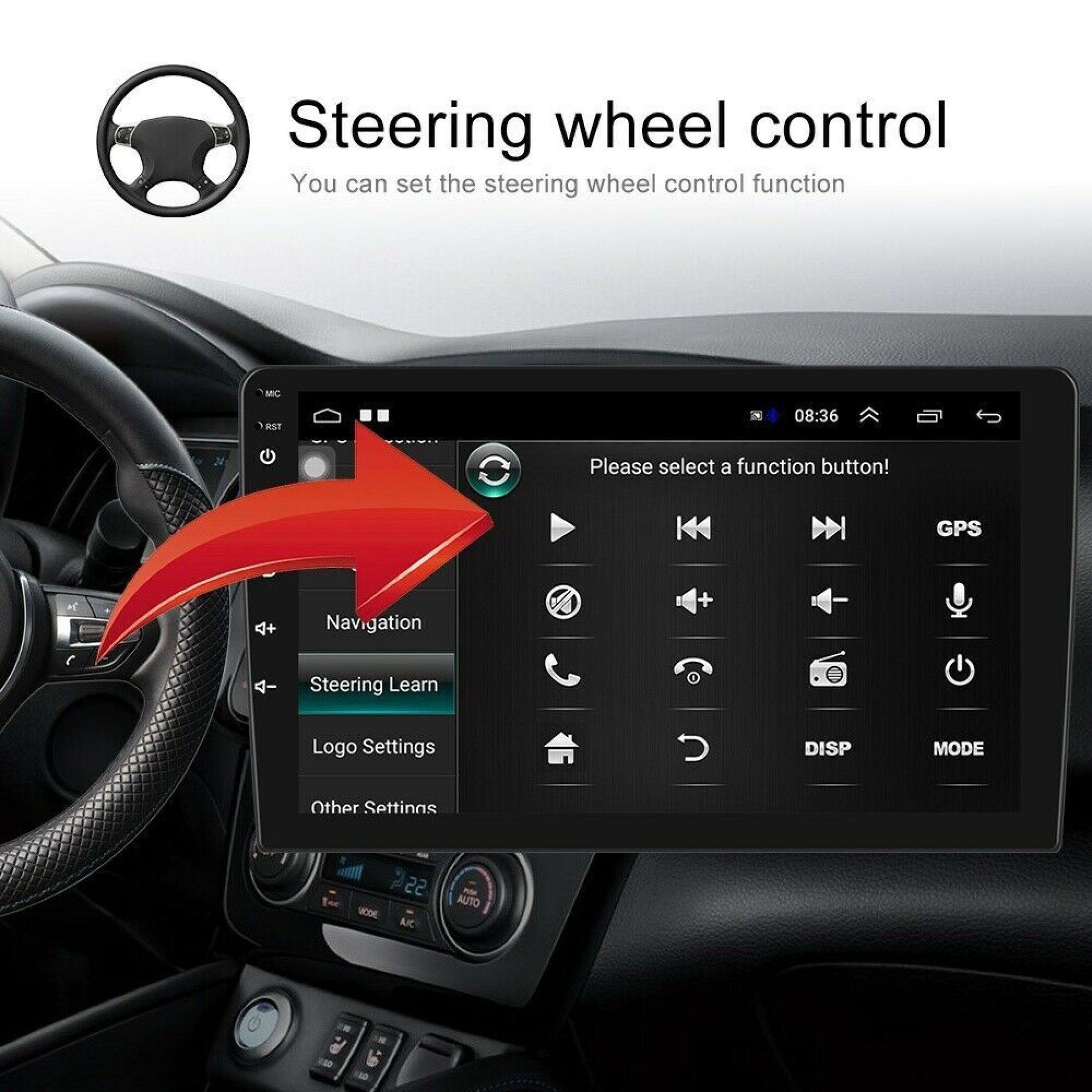
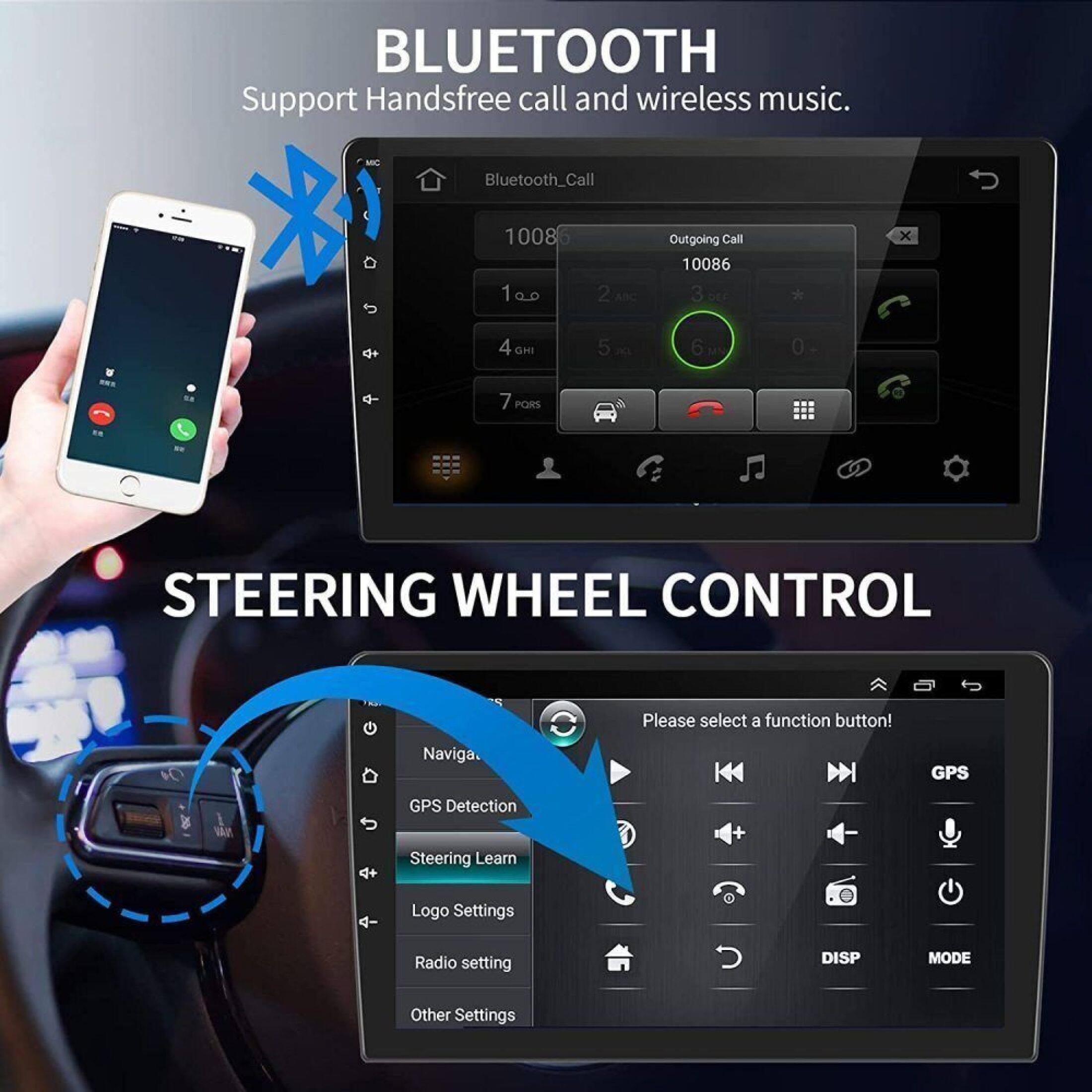
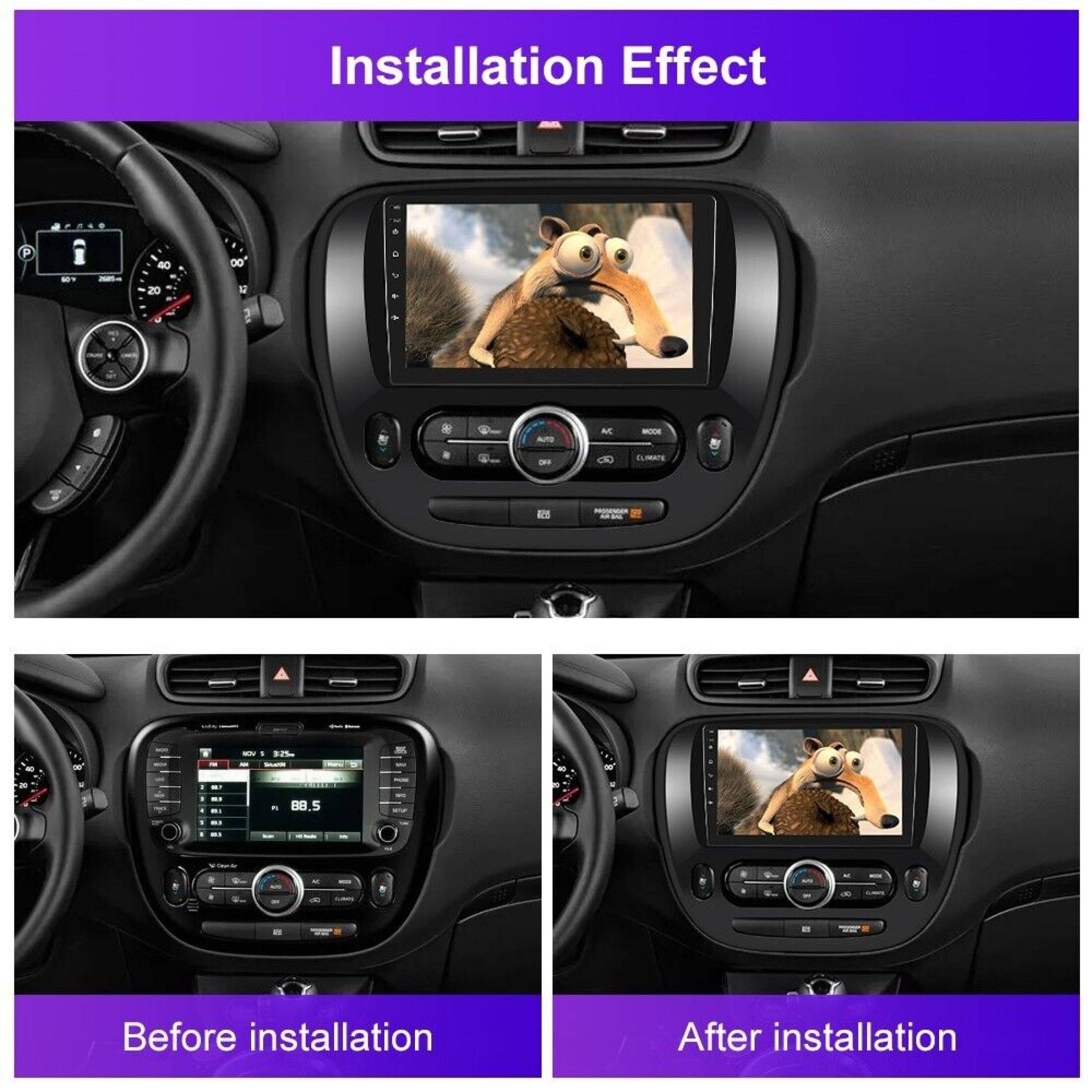
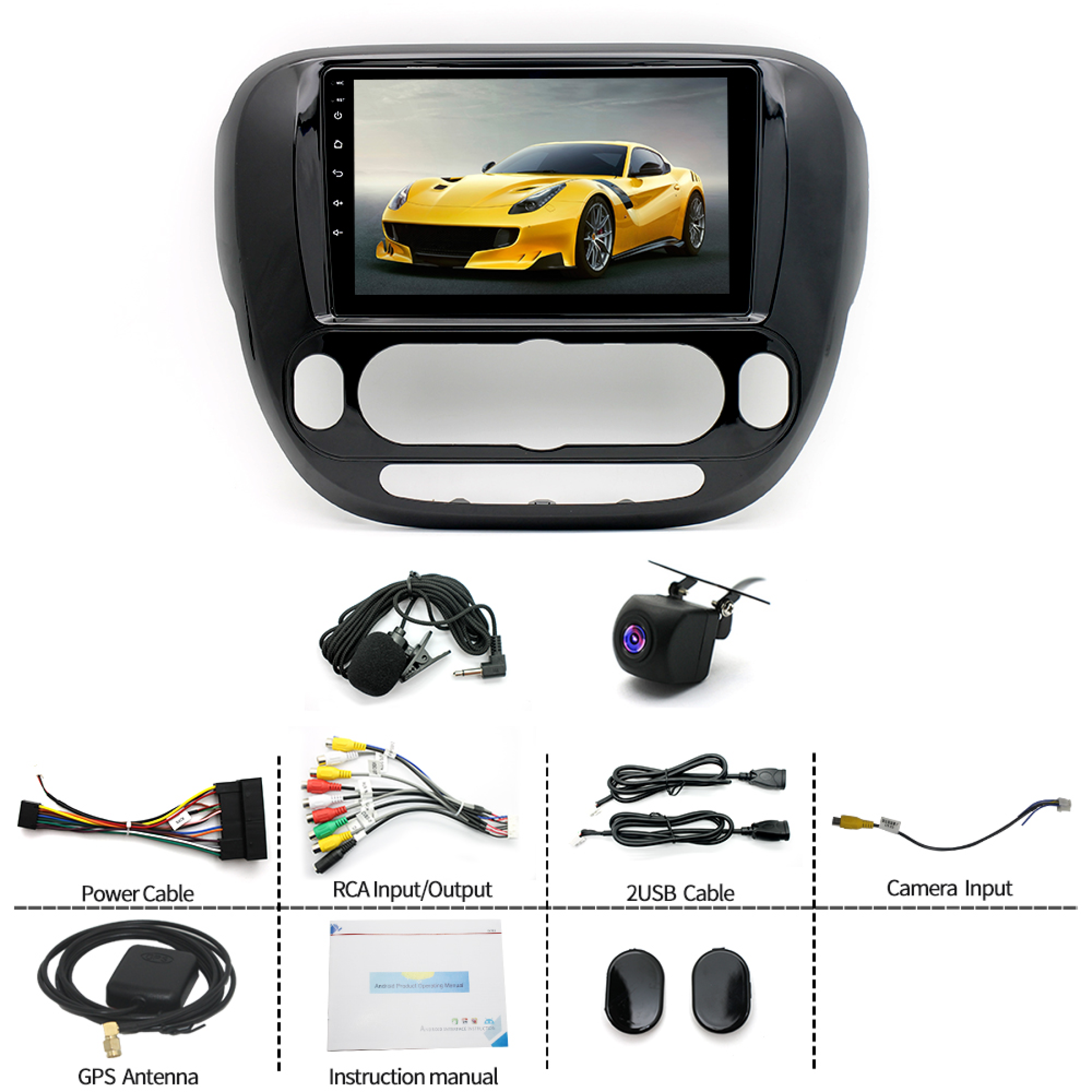
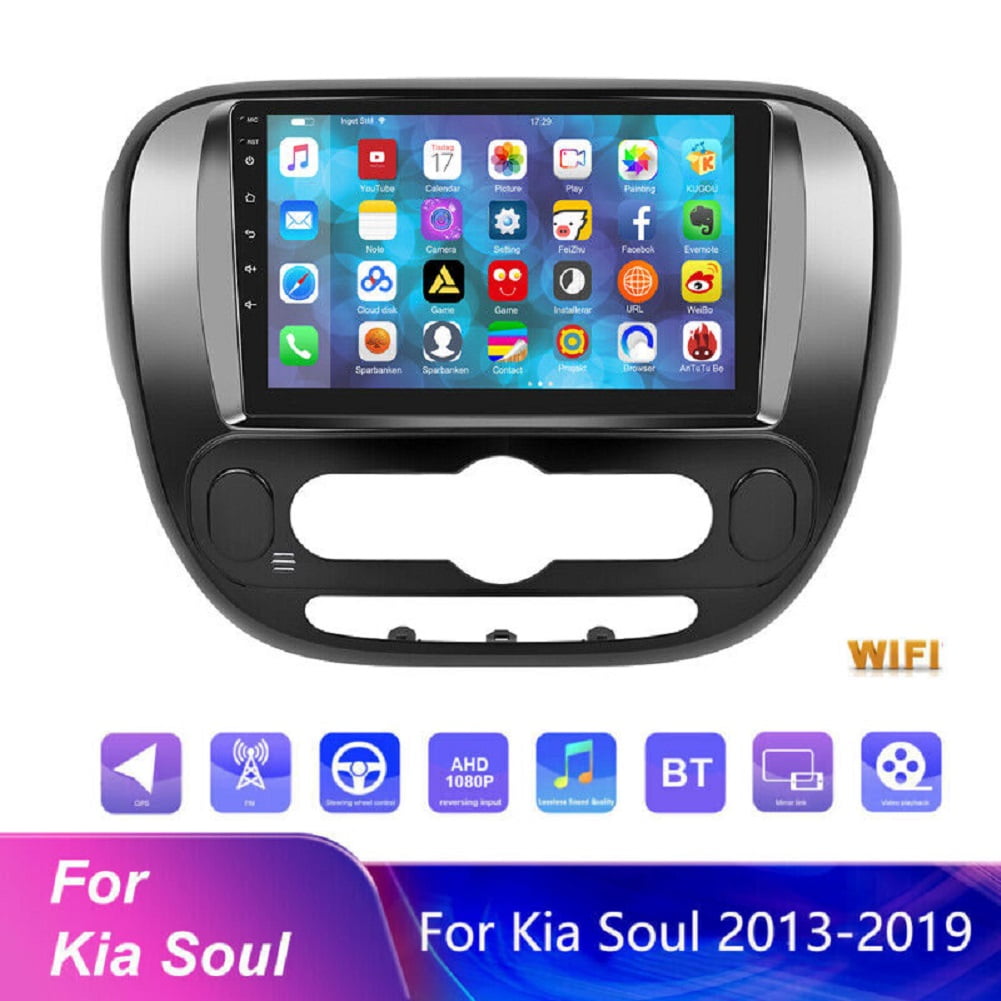
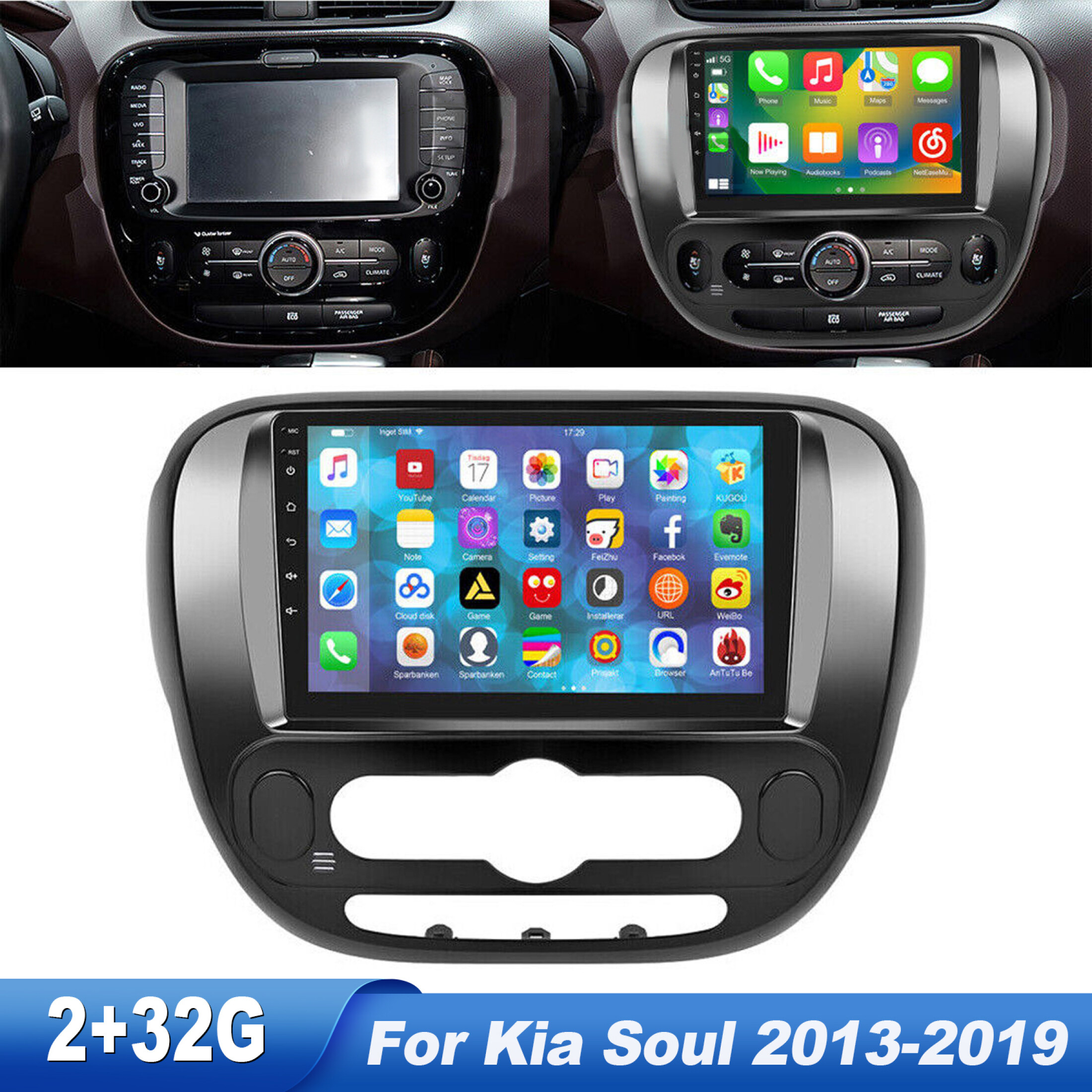
No rating yet(0 ratings)The Black Zcargel 9" Android 12 Car Stereos unit (model Zcargel, sku-3219316845) is listed for the 2013-2019 Kia Soul. It supports Apple CarPlay, Android Auto, Bluetooth, GPS, WiFi, steering wheel controls, a backup camera and FM radio. It requires a 12V power supply. For bench testing, connect the red and yellow wires to positive (+) and the black wire to negative (ground).
If a fuse needs replacement during testing, use the same type. Use the supplied power harness rather than plugging the car's original connector directly into the unit. If the display shows "No Signal" in reverse, check the camera cable and connect its video plug to the "CAMIN" input. To play USB video when "!" or "Can't watch video while driving" appears, disable "Video Warning" in settings.
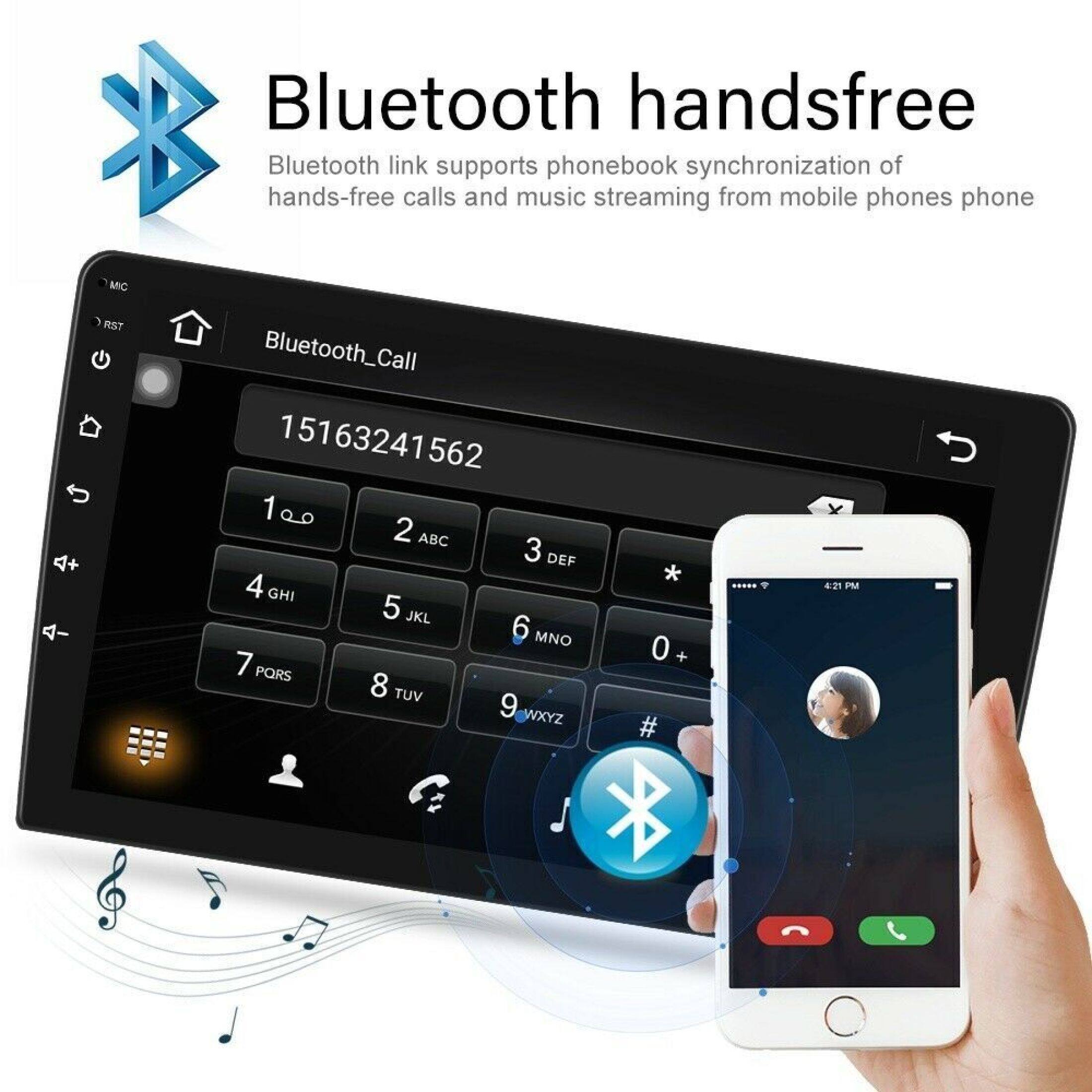
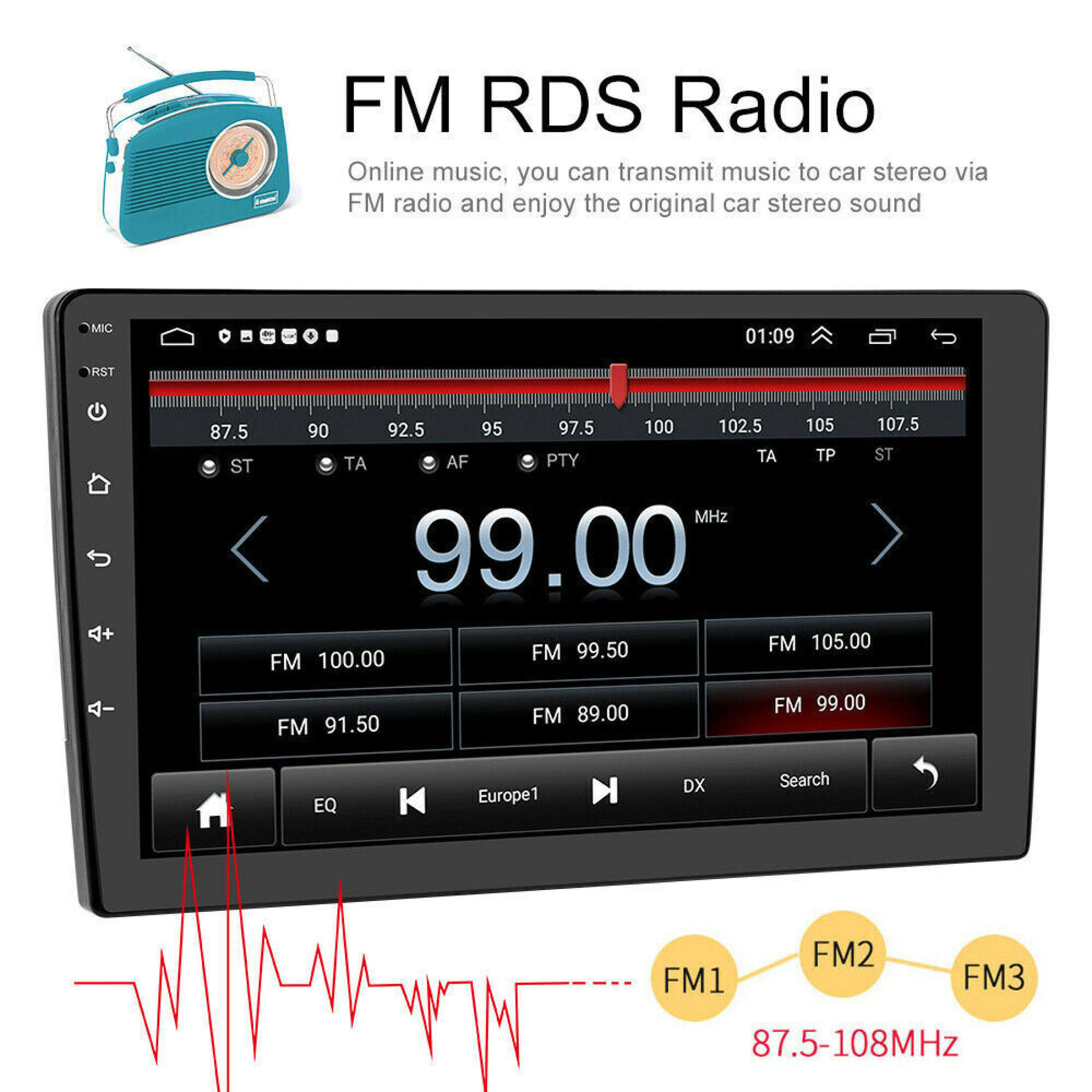
For FM reception problems, check the antenna connection, reinsert the plug, try another location if the local signal is weak, or replace a damaged antenna. To pair Bluetooth, select the player on your phone. If asked for a PIN, try 0000, then 1234 or 123456. If pairing fails, try another phone; as a final step, unplug the rear connector and reconnect it after 3 minutes before testing again.
Description
Description
Shipping & Returns
Shipping & Returns
Ratings and customer reviews
0 ratings
0 reviews
Share your experience
Checking your account…
No customer reviews yet. Be the first to share your experience.
Customer questions and answers
Ask about this product. Shipping, orders, and account issues belong with customer support.
Sign in or register to ask or answer.
No matching approved questions. Be the first to ask.