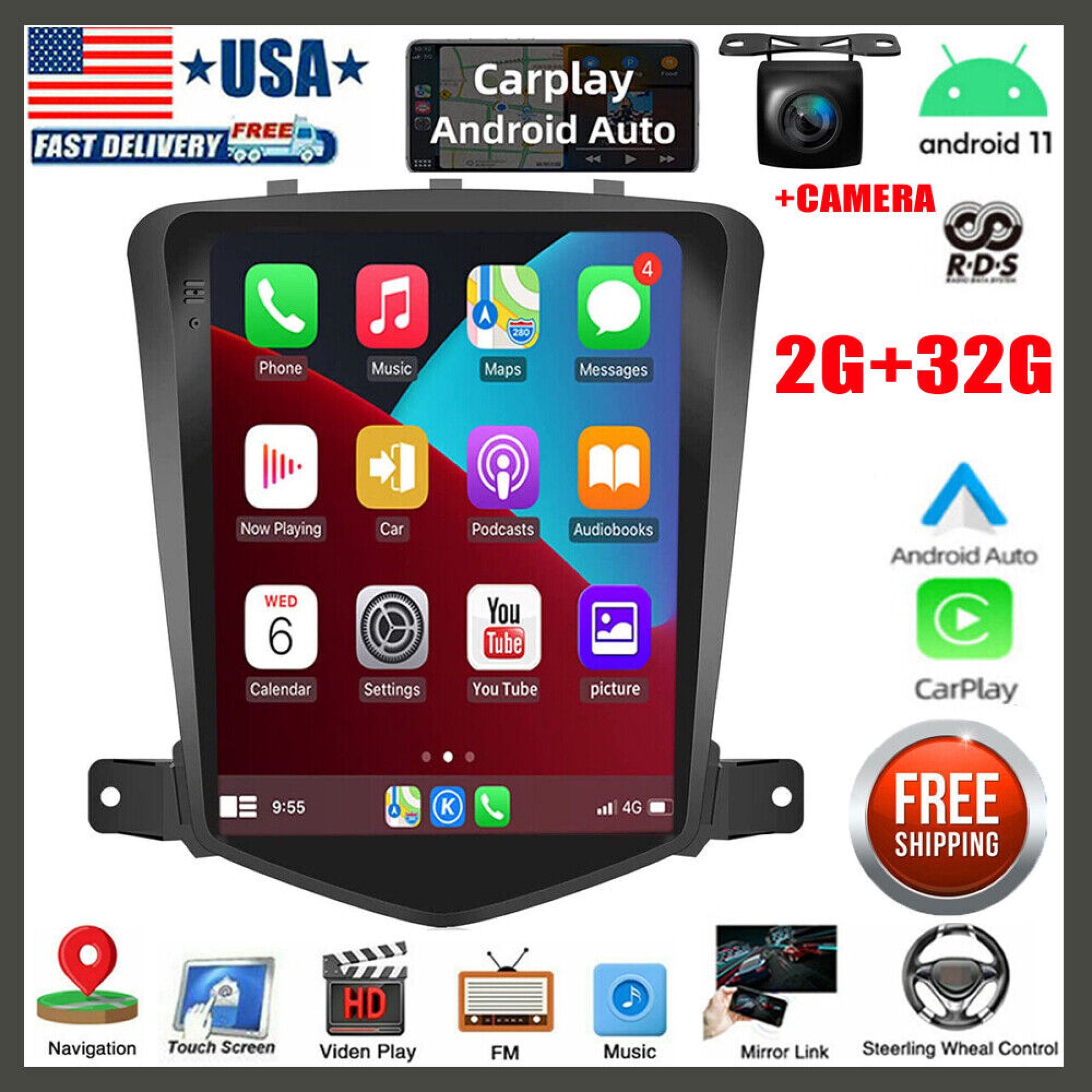
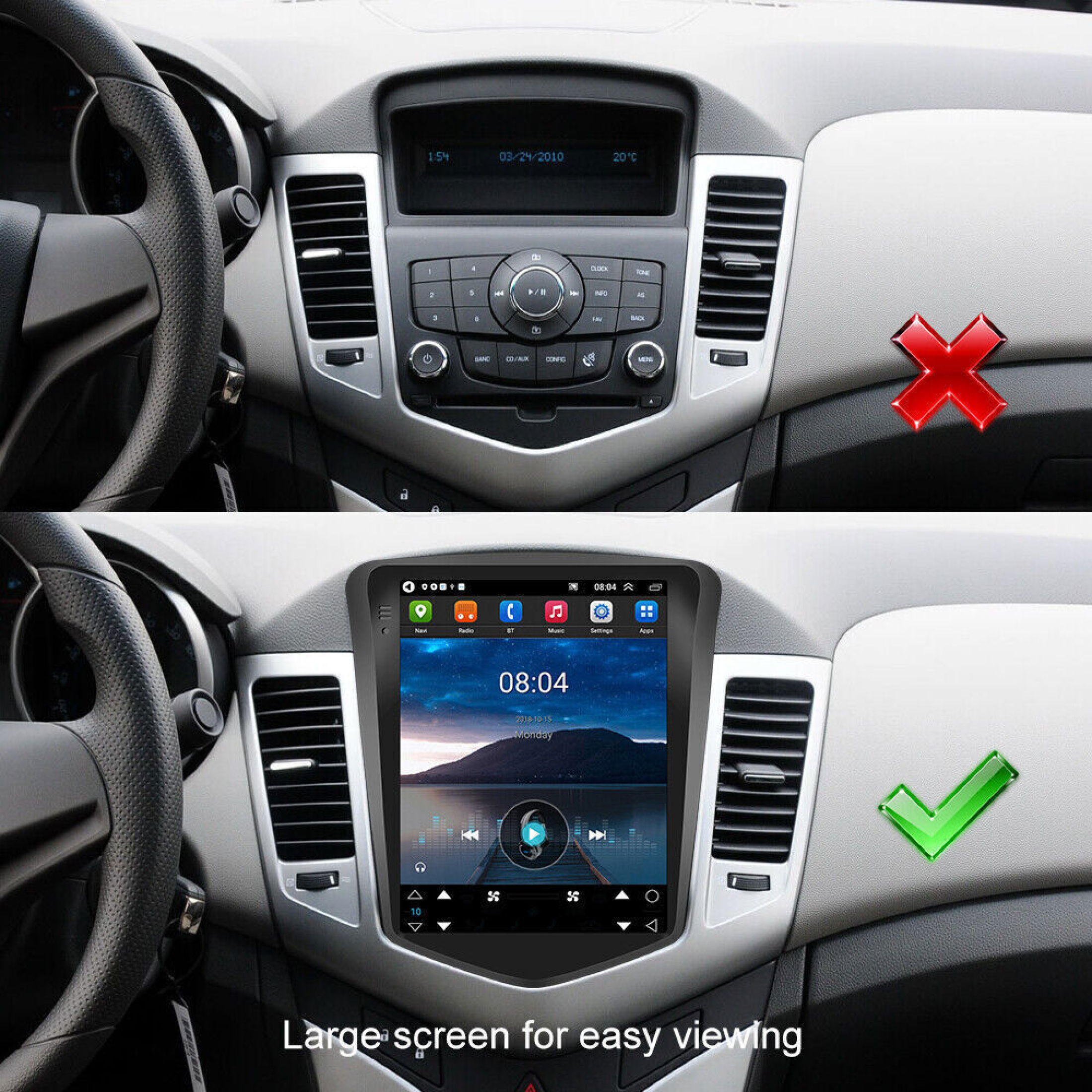
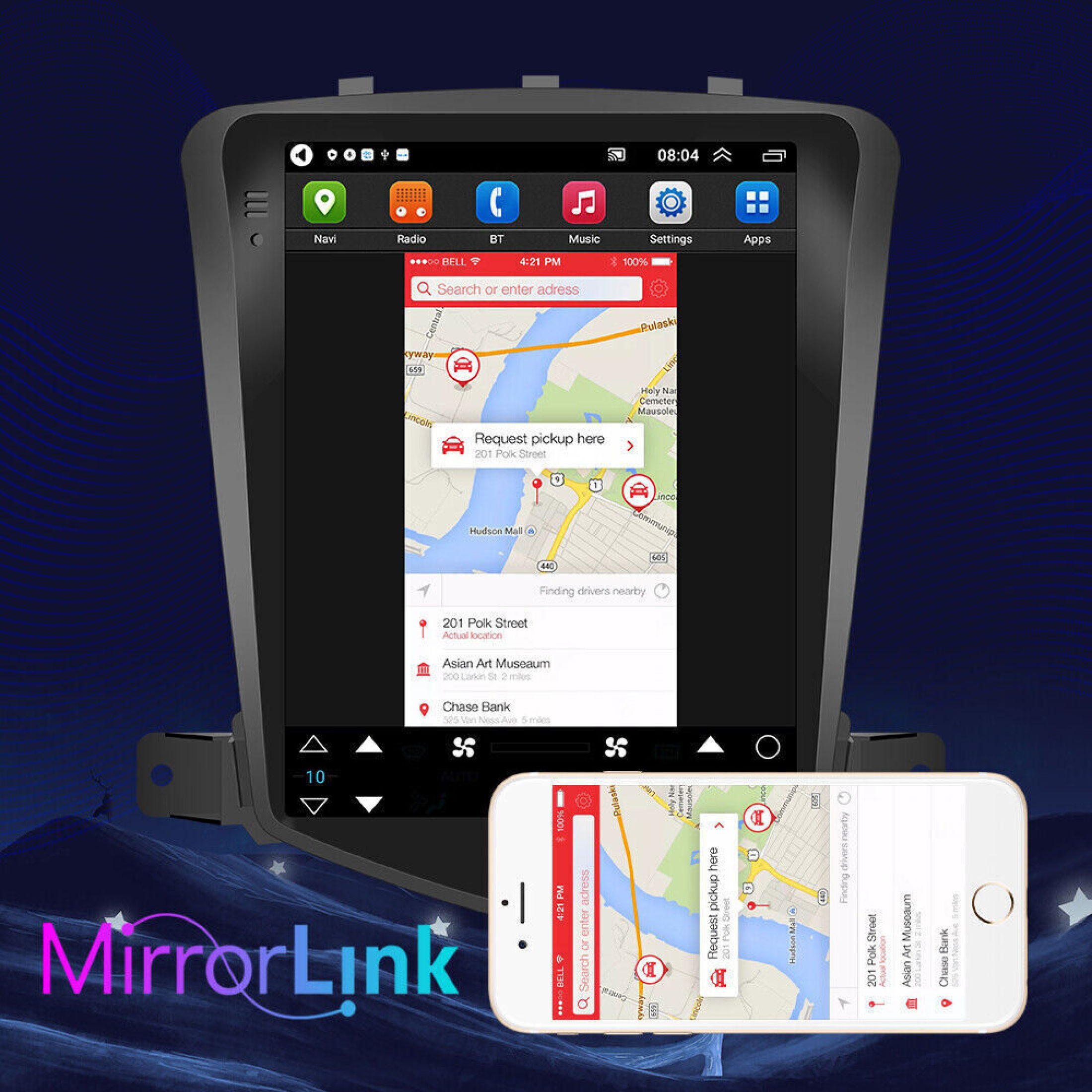
Zcargel 2+32G 9.7" Android 11 Car Radio Stereo GPS for Chevy Cruze 2009-2015 — Apple Carplay (With Carpaly)
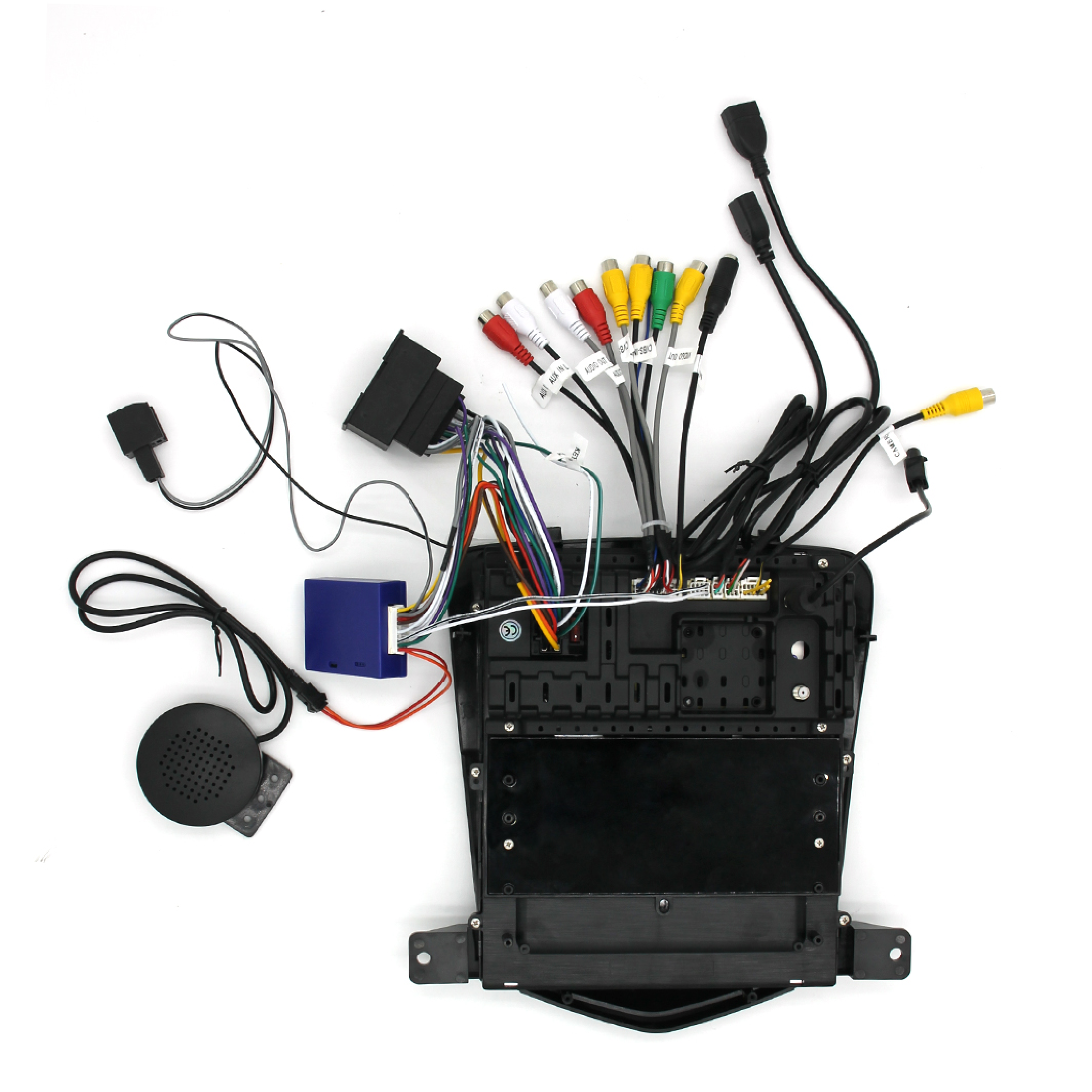
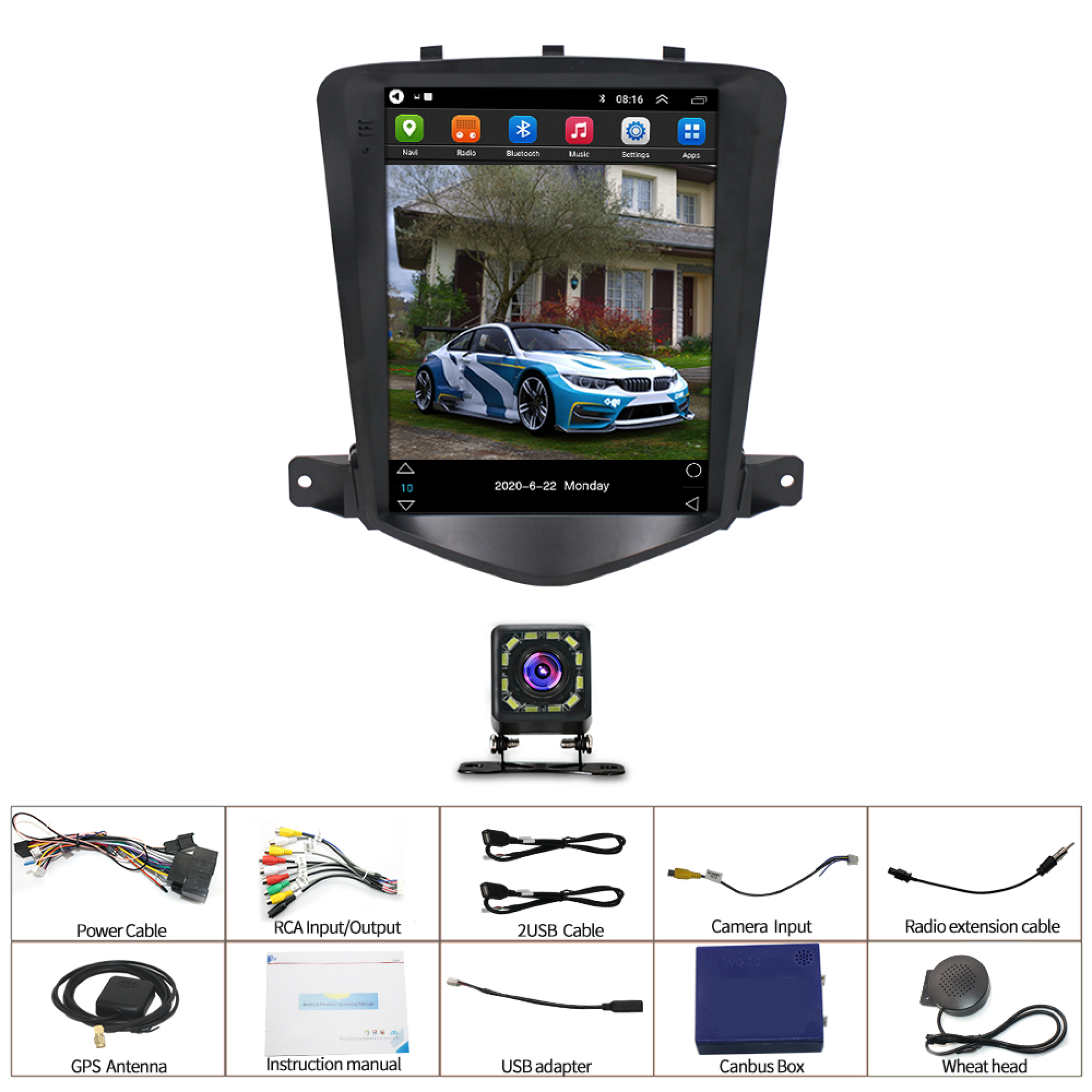
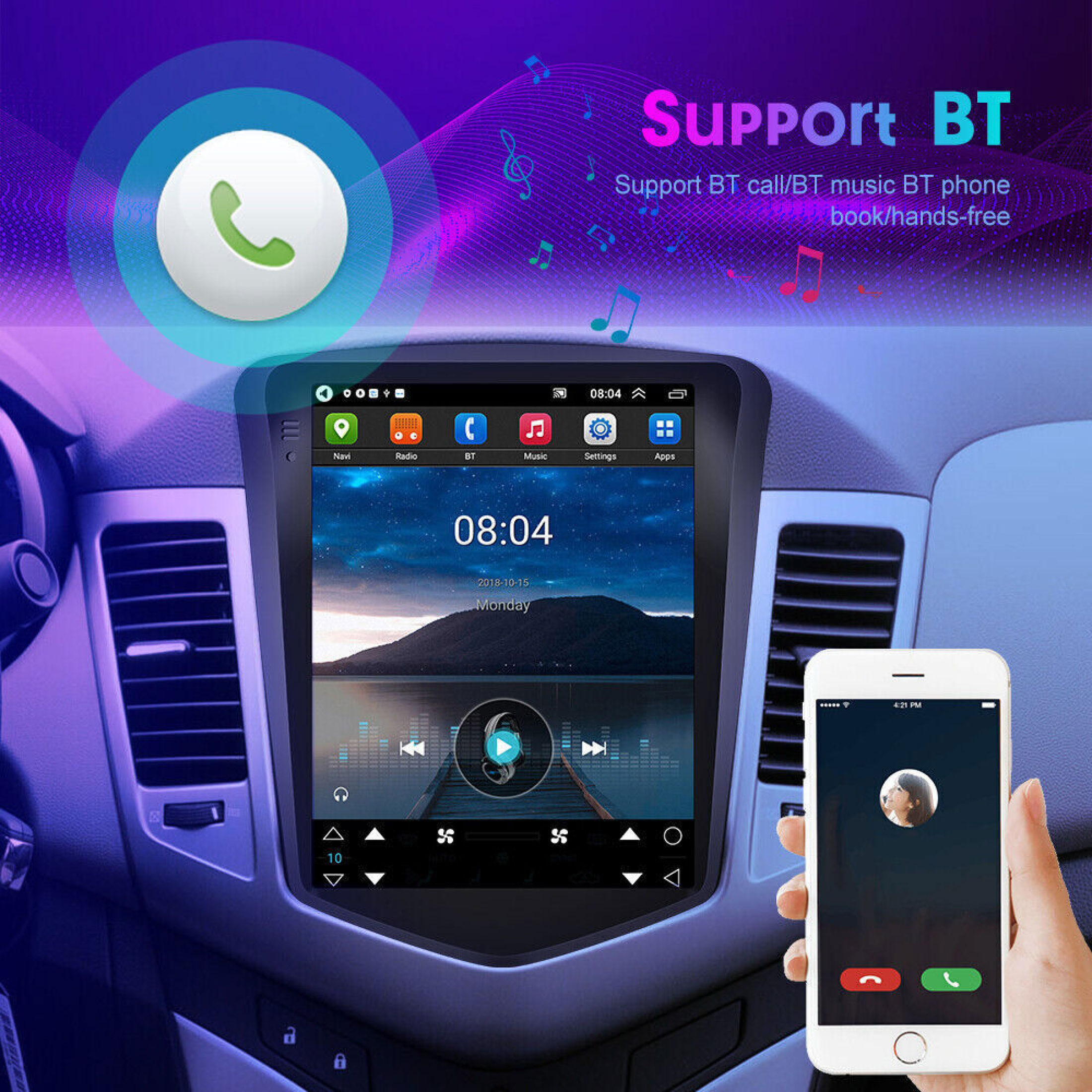
Troubleshooting and setup tips for your Zcargel unit: Power / won’t turn on - Confirm the car radio is receiving 12V. When bench-testing, tie the red and yellow wires together and connect them to the positive (+) side of the power source; connect the black wire to the negative (−) side. Replace the same type of insurance to test the unit. Important: always use the power cable we supply — do not plug the factory car connector directly into this head unit. Reverse camera shows "No Signal" - Verify the camera cable is securely connected to the player. The rear camera’s video output must be plugged into the player’s "CAMIN" port. Camera shows "!" or the screen says "Can't watch video while driving" when playing USB video - Disable the "Video Warning" setting in the unit’s settings menu to allow video playback while driving. FM radio cannot be found - Ensure a radio antenna is connected. Try reinserting the antenna plug several times to improve contact. If reception is weak, test in a different location with better signal. If the vehicle’s antenna is damaged or defective, replace it and test again. Bluetooth pairing problems - On your phone, open Bluetooth settings, search for devices and select the player. If a PIN is required, try 0000 first; if that fails try 1234 or 123456. If possible, test pairing with another phone. If Bluetooth still will not connect, unplug the connector on the back of the player, wait 3 minute, then plug it back in.You may also like Zcargel Black 9" Android RAM Car Stereos sku-17571363199.
Shipping & Returns
Shipping & Returns