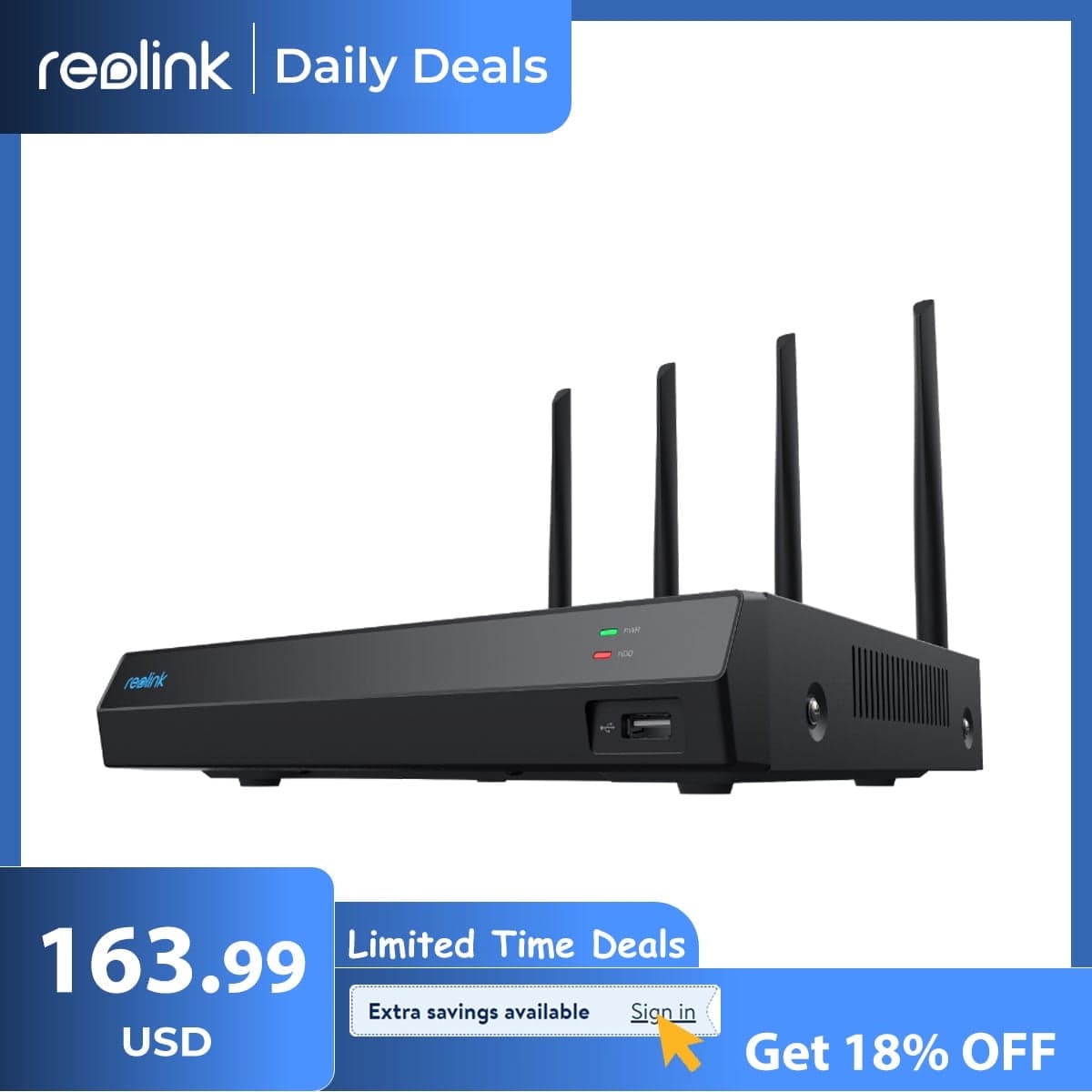
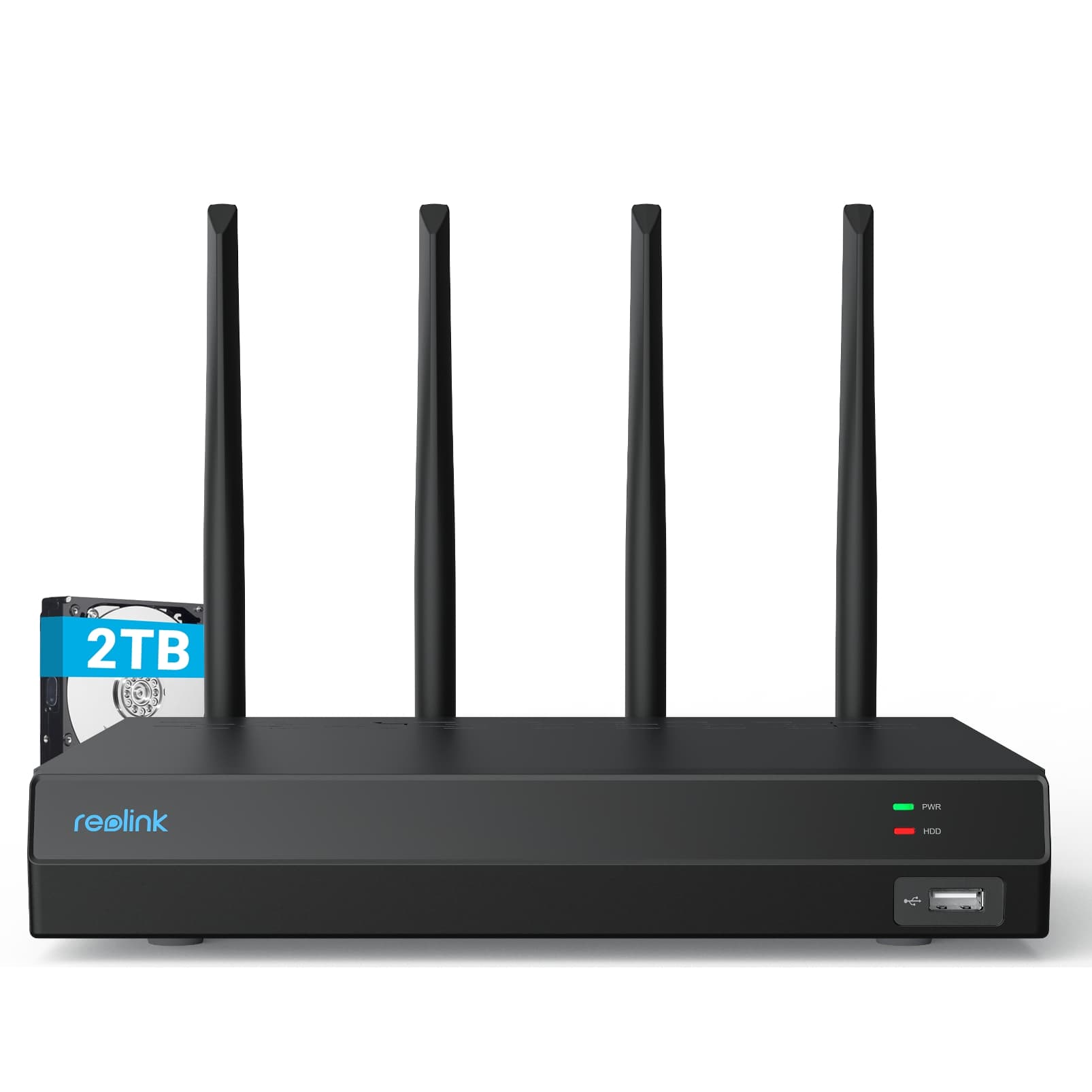
Reolink 4K 12CH WiFi NVR Wi-Fi 6 Built-in 2TB HDD, 24/7 Recording Home Security Camera System RLN12W
Centralize Your Security Connect your Reolink cameras to the all-powerful Wi-Fi 6 NVR with built-in 2TB HDD for centralized management, all-round surveillance, 24/7 recording and more. Incredible Wireless Coverage, Long-Range Wi-Fi Signal Four external high-gain antennas enable the outstanding signal strength of the RLN12W, which covers an area of up to 1,000 square meters*. Next Level Cyber Security Wi-Fi 6 uses the latest WPA 3 encryption to protect your data and privacy, making your wireless network transmissions more secure and reliable. Wi-Fi 6 High-Speed Connection Wi-Fi 6 with 1024-QAM offers up to 25% faster transfer rates compared to the standard Wi-Fi 5. Stable HD Live View BSS coloring technology improves network immunity, even in network environments with multiple devices, so you can enjoy stable UHD video streaming at all times. Personalize Your Security Solution This NVR is compatible with various Reolink IP cameras including plug-in Wi-Fi, battery-powered Wi-Fi, or PoE, and allows the connection of up to 16 cameras. Stay Connected, Remotely & Locally With the free Reolink app or client, you can conveniently view the live-stream of the cameras connected to the NVR, play back the recorded videos and adjust the settings or connect the NVR to a monitor for local management and monitoring. Easy & Convenient Setup Step 1 Start the NVR First connect the NVR to the power supply, then to the monitor via an HDMI/VGA cable and to the router via a network cable. Step 2 Start Camera Power on the camera and connect it to the NVR via a network cable, then initialize it on the monitor and synchronize the Wi-Fi. Step 3 Live View Disconnect the network cable from the camera and mount it in the desired location, then view the live view on your monitor/Reolink App/Reolink Client.
Shipping & Returns
Shipping & Returns