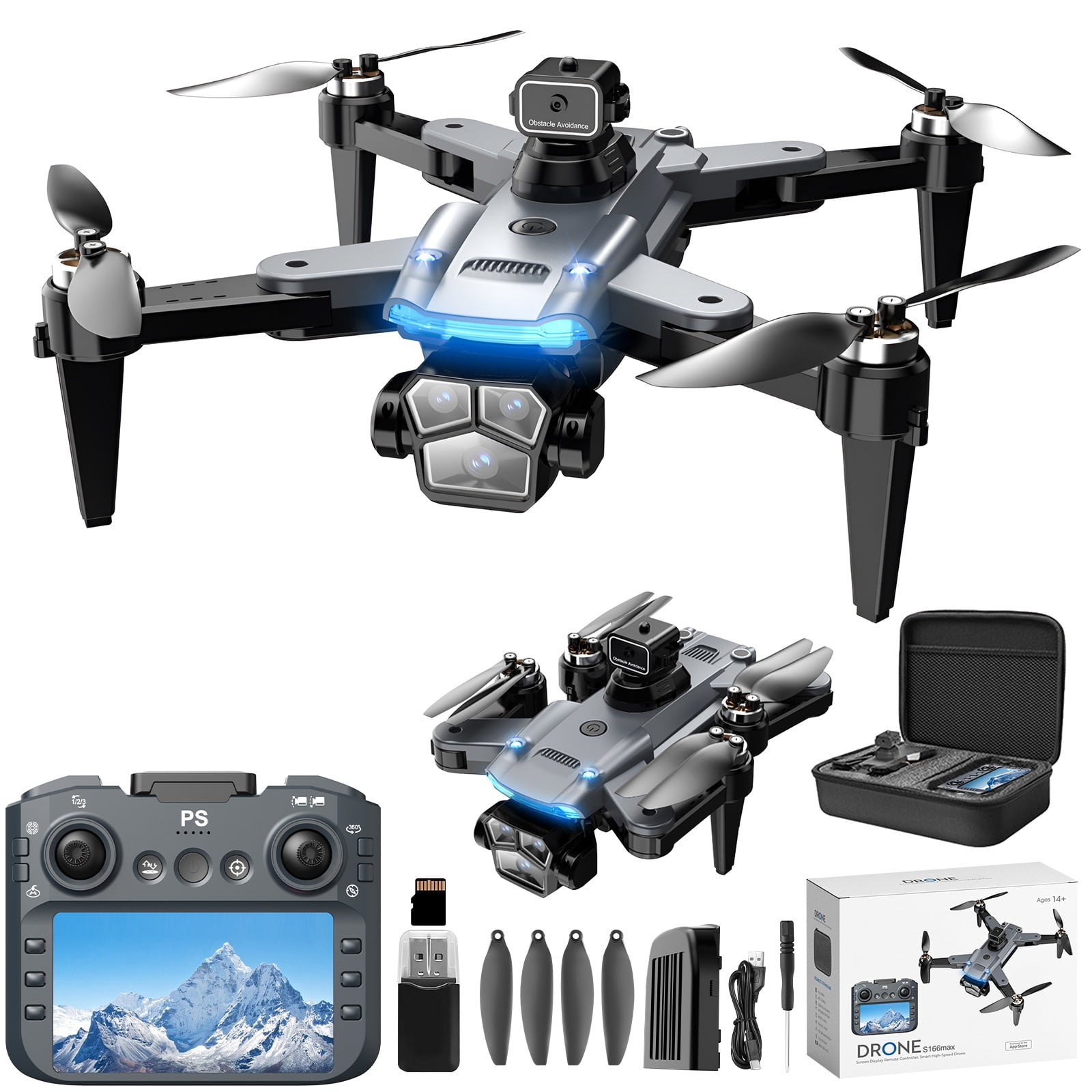
Pyaiiner 2.4G RC Quadcopter with 1080P ESC Camera, Brushless Motor, Altitude Hold — Remote Control with 4.5Inch Screen Display for Kids Adults
Quick Start Instructions: 1. Charge — Insert and charge the battery until the indicator light turns green. 2. Power On — Switch on both the drone and the remote control. 3. Take Off — Press the "One-Key Start" button to initiate an automatic launch. 4. Fly — Use the left stick for ascent/descent and the right stick to steer in all directions. 5. Land — Press "Auto-Landing" for an automated descent or bring the craft down manually at a controlled pace. Pro Tips: 1. Operate in open areas only. 2. Keep a safe distance from trees, walls and other obstacles. 3. Have fun exploring the sky! Product highlights: Easy to Fly & Stable Hovering; Durable & Kid-Friendly Design; One-Key Takeoff/Landing & Auto Return; Portable & Ready-to-Fly Out of the Box. Key specs: Pyaiiner quadcopter equipped with a 1080P ESC Camera, Brushless Motor, 2.4G RC remote control featuring a 4.5Inch Screen Display, and Altitude Hold. Suitable for kids and adults.
Shipping & Returns
Shipping & Returns