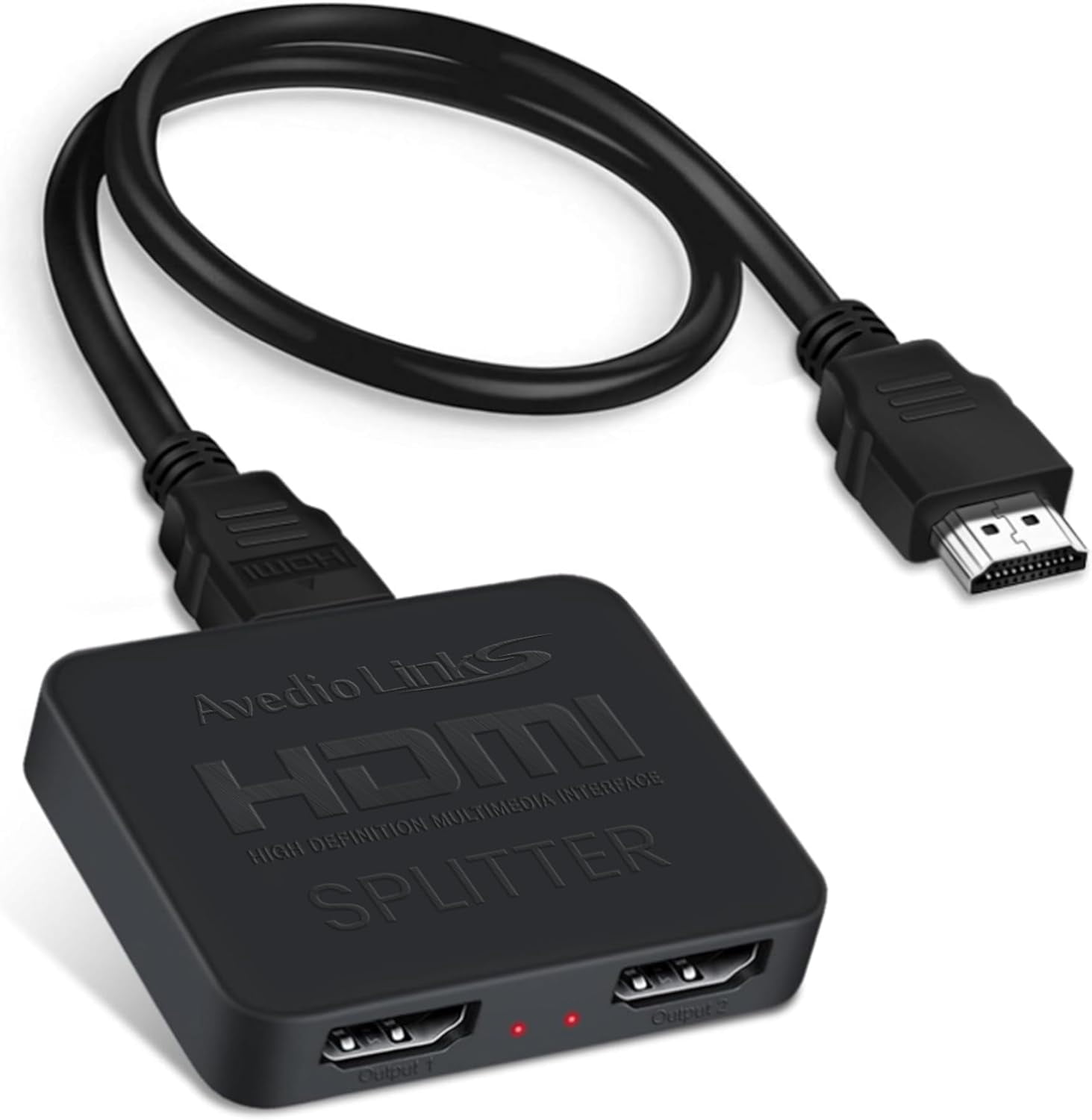
links 1x2 HDMI Splitter with 4 ft HDMI Cable — Mirror Only (Not Extend), 1 in 2 Out 4K 1 to 2 for 3D & 1080P@60Hz, Duplicate One Source to Two Displays
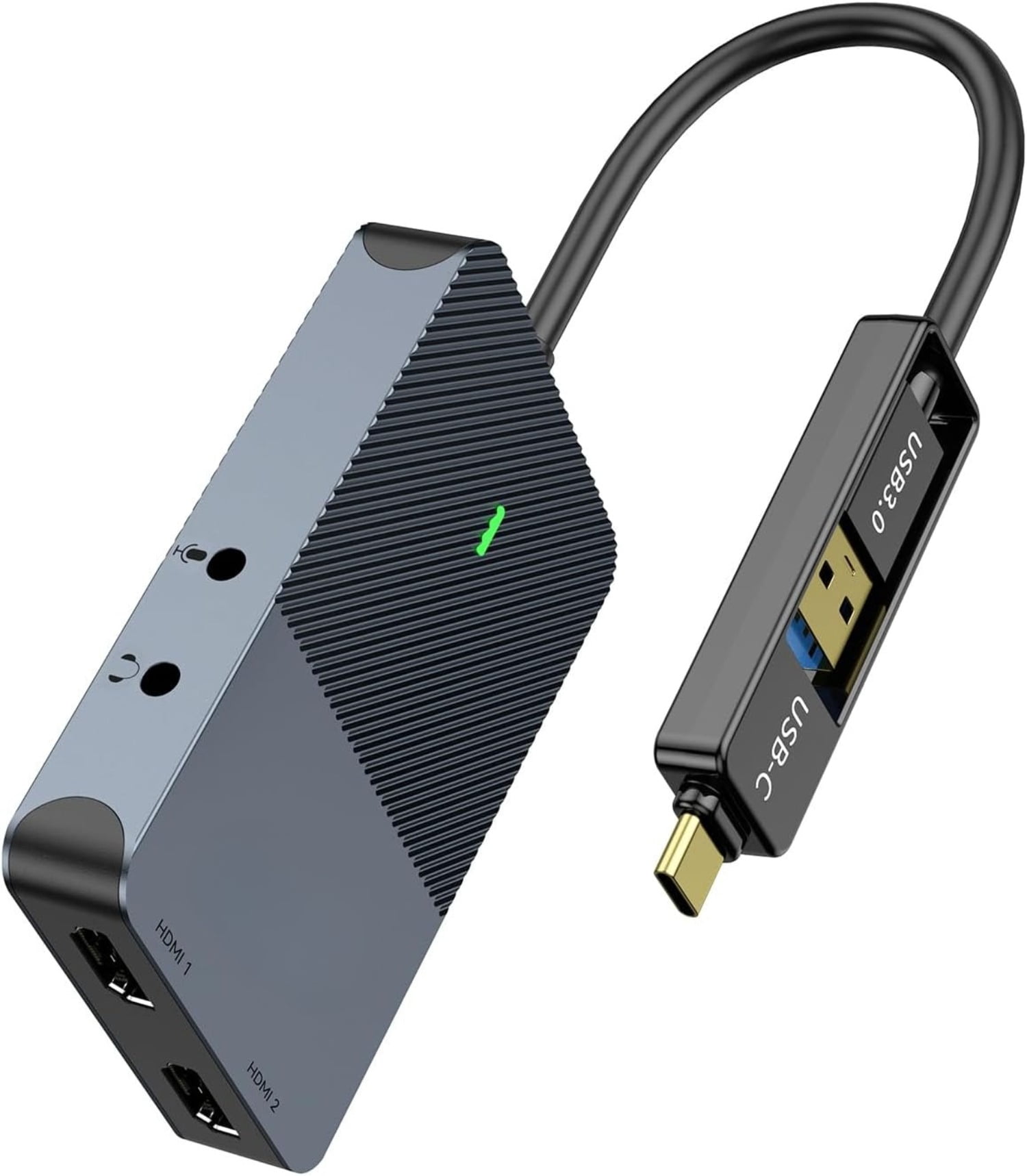
4.2(12 ratings)Overview: The links 1x2 HDMI Splitter copies a single HDMI source to two HDMI displays simultaneously — it mirrors the same signal to both outputs and does not support independent extended screens. This device is designed to duplicate one input to two outputs only. Limitations (Not Supported): - Not an extender: cannot show different content on two monitors (no extended desktop). - Not a switcher: cannot connect two HDMI inputs to a single display. - Not an audio extractor: cannot route audio separately to external speakers or sound-bars. Video & Cable Recommendations: Supports 4K@30Hz and is backward compatible with 1080p@50/60Hz, 1080i@50/60Hz, 720p@50/60Hz, 720i@50/60Hz, 576p@50Hz, 576i@50Hz, 480p@60Hz and 480i@60Hz. For best results use HDMI 2.0 AWG 26 cable — maximum recommended length ≤16ft for 4K; ≤32.8ft for 1080P. Compatibility & Audio: Compatible with HDMI v1.3/1.4 and HDCP1.4 (Not Compatible With HDCP2.2). Supports deep color 12 bit/16 bit. Audio formats supported: DTS-HD/Dobly-true HD/LPCM7.1/DTS/Dobly-AC3/DSD/HD(HBR). Setup & Power: Plug-and-play operation with no drivers required. To ensure stable output and prevent signal loss or screen flicker, connect the included USB power cable to a 5V 1A power adapter (power adapter not included). Package Contents: 1 × 1 in 2 out HDMI splitter (size: 2.48*2.05*0.51inch), 1 × 4FT high speed HDMI cable, 1 × 2.6 ft USB power cable (power adapter not included; plug the USB cable with a power adapter into a wall outlet is necessary). Use HDMI 2.0 AWG 26 cable, length ≤16ft for 4k; length ≤32.8ft for1080P.
Description
Description
Shipping & Returns
Shipping & Returns
Ratings and customer reviews
12 ratings
0 reviews
Ratings (12).
Share your experience
Checking your account…
No customer reviews yet. Be the first to share your experience.
Customer questions and answers
Ask about this product. Shipping, orders, and account issues belong with customer support.
Sign in or register to ask or answer.
No matching approved questions. Be the first to ask.