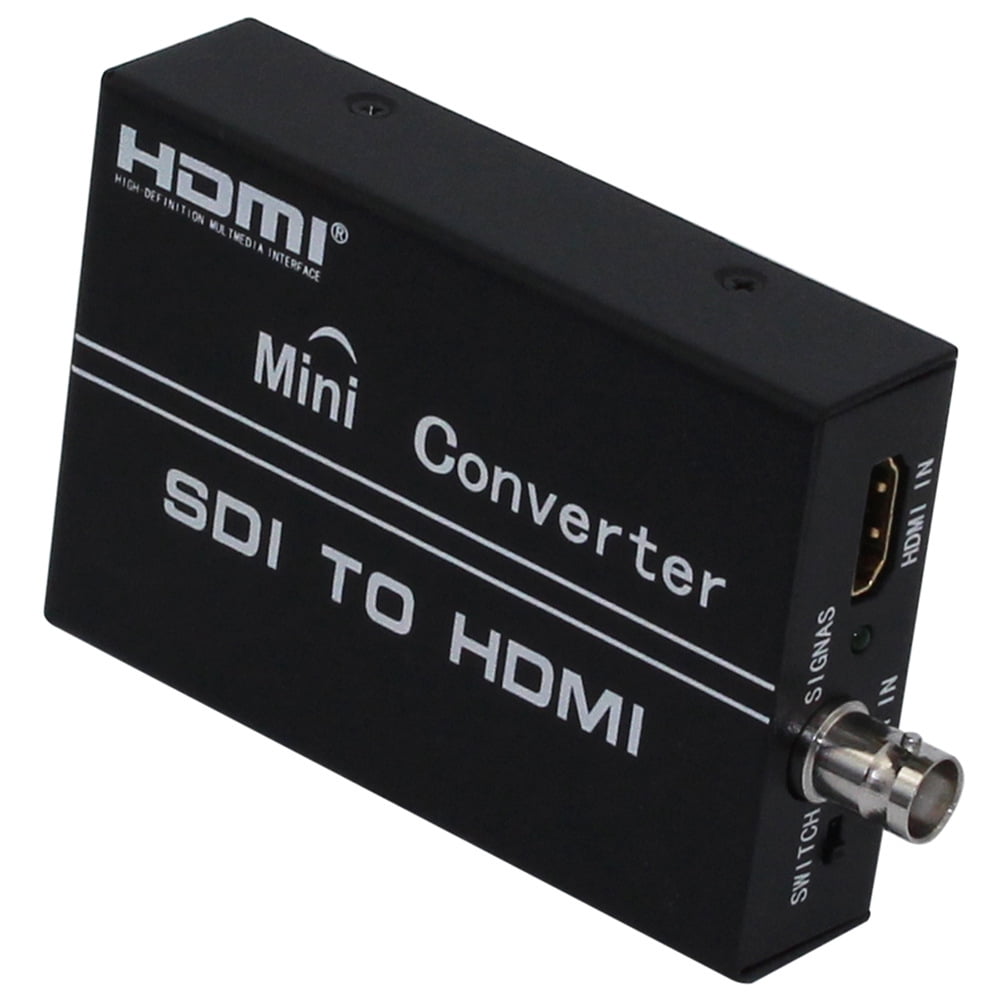
KIPLINK SDI/HDMI-to-HDMI Converter with SDI Loop-Out, 3G/HD/SD-SDI, 1080p, Audio De-embedder (Up to 8ch)
Overview: Small-footprint KIPLINK converter that accepts SDI (SD/HD/3G-SDI) or HDMI sources and outputs a single HDMI feed, while providing an equalized, re-clocked SDI loop-through and on-board audio de-embedding. Designed for broadcast environments, it supports SMPTE broadcast standards and full 1080p workflows. Key capabilities: - SDI/HDMI to HDMI conversion: Accepts SDI or HDMI input and delivers a single HDMI output for monitors or switchers. - SDI loop-through: Equalized and re-clocked SDI loop-out lets you chain additional SDI devices without signal degradation. - High bit-rate support: Operates at 2.970 Gbit/s, 1.485 Gbit/s, and 270 Mbit/s for high-bandwidth transmission. - Broadcast standards: Compatible with SMPTE 425M, SMPTE 424M, SMPTE 292M, and SMPTE 259M-C. - Audio de-embedder: Extracts up to 8 channels of 48 kHz audio from the SDI stream. - Level conversion: Converts SMPTE 425M Level B to Level A for 1080p 50/59.94/60 4:2:2 10-bit signals. - Long-distance extension: Can be used in tandem with other units to extend SDI links over longer runs. - Resolution range: Supports signals from 480i up to 1080p60. Technical specifications: - Input Ports: 1x BNC (SDI/HD-SDI/3G-SDI), 1x HDMI - Output Port: 1x HDMI - SDI Transmission Rates: 2.970 Gbit/s and 2.970/1.001 Gbit/s, 1.485 Gbit/s and 1.485/1.001 Gbit/s, 270 Mbit/s - Supported Resolutions (In/Out): 480i, 576i, 720p 50/59.94/60, 1080i 50/59.94/60, 1080p 23.97/24/25/29.97/30/50/59.94/60 - Audio De-embedding: Up to 8 channels, 48 kHz - Power Supply: DC 5V-12V - ESD Protection: Human body model: ±8kV (air-gap discharge), ±4kV (contact discharge) - Dimensions: 80mm x 80mm x 25mm - Weight: 300g - Relative Humidity: 20-90% RH (Non-condensing) - Power Consumption (Max): 5W Package contents: 1x KIPLINK SDI/HDMI to HDMI Converter with Loop Out Operation notes: Connect your SDI or HDMI source to the corresponding input on the unit, attach your HDMI display to the HDMI output, and (optionally) plug another SDI device into the SDI loop-through. Finally, connect the DC 5V-12V power supply to power the converter.
Shipping & Returns
Shipping & Returns