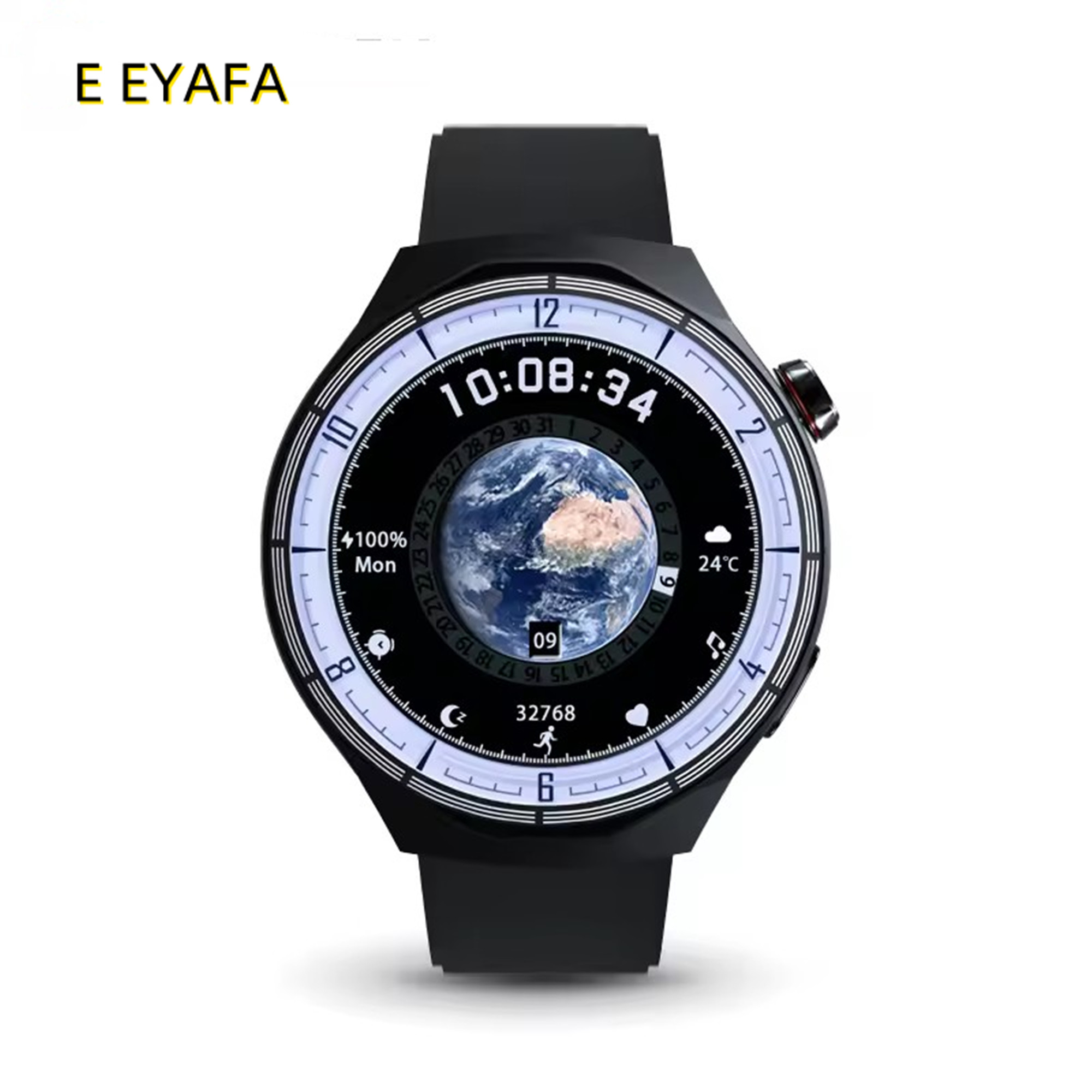
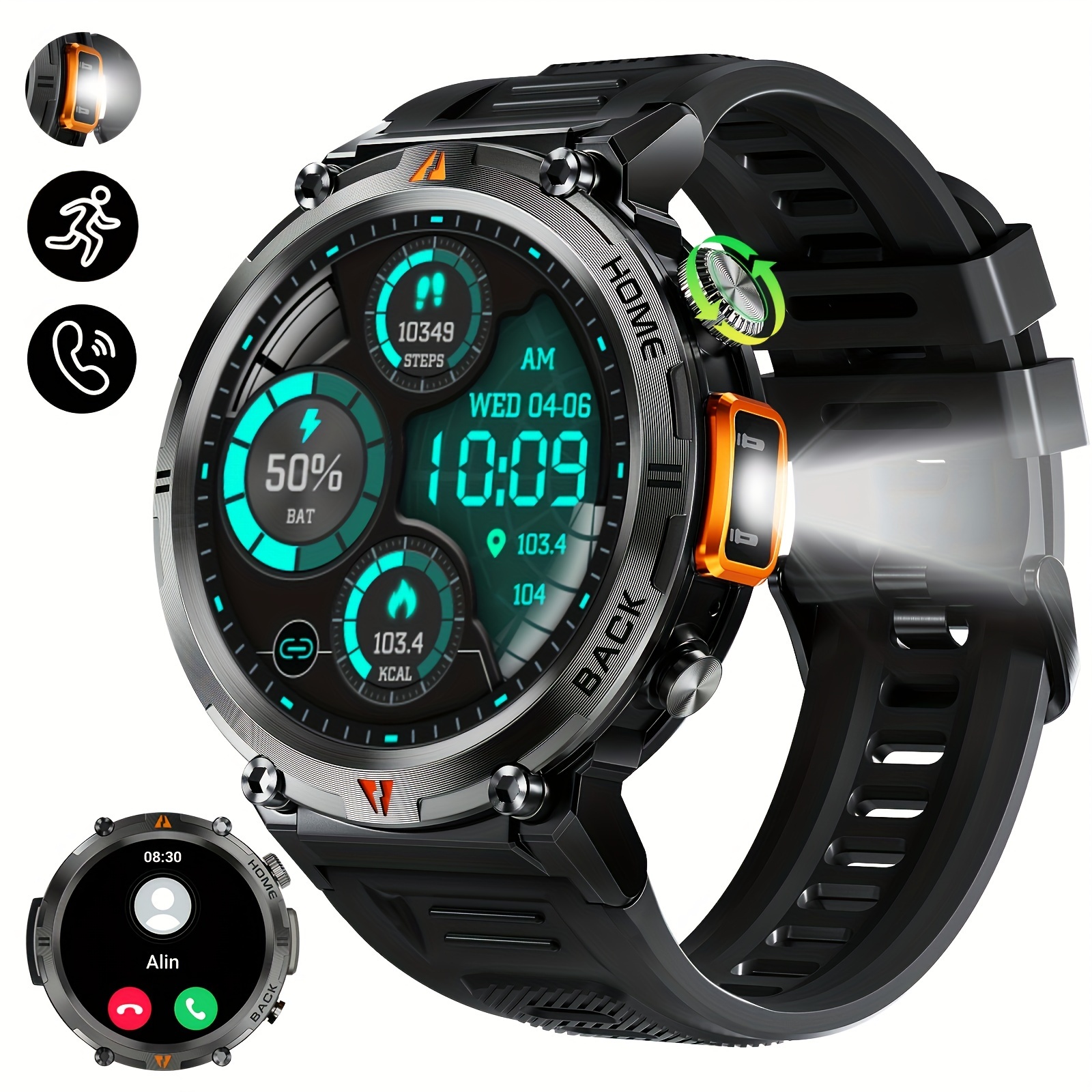
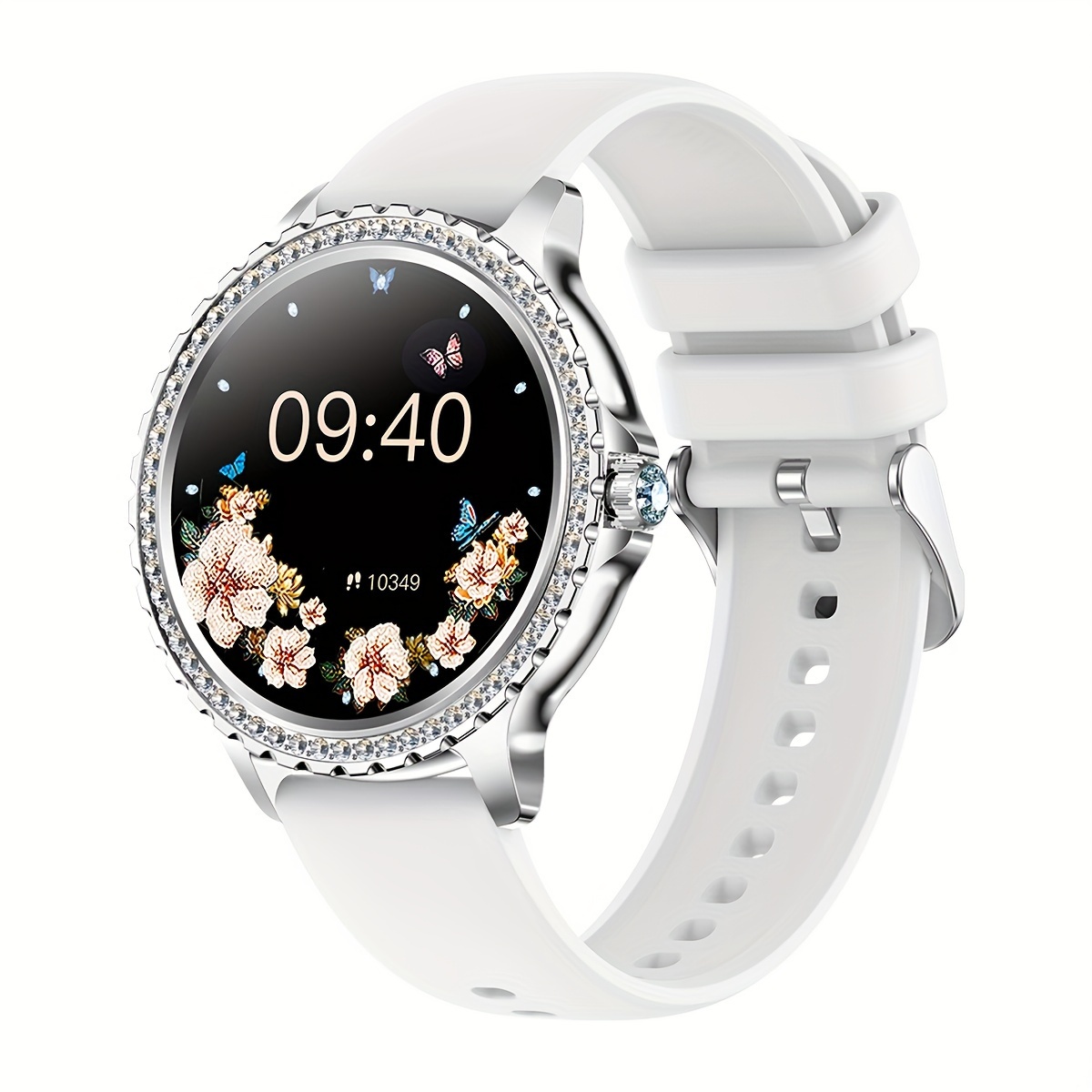
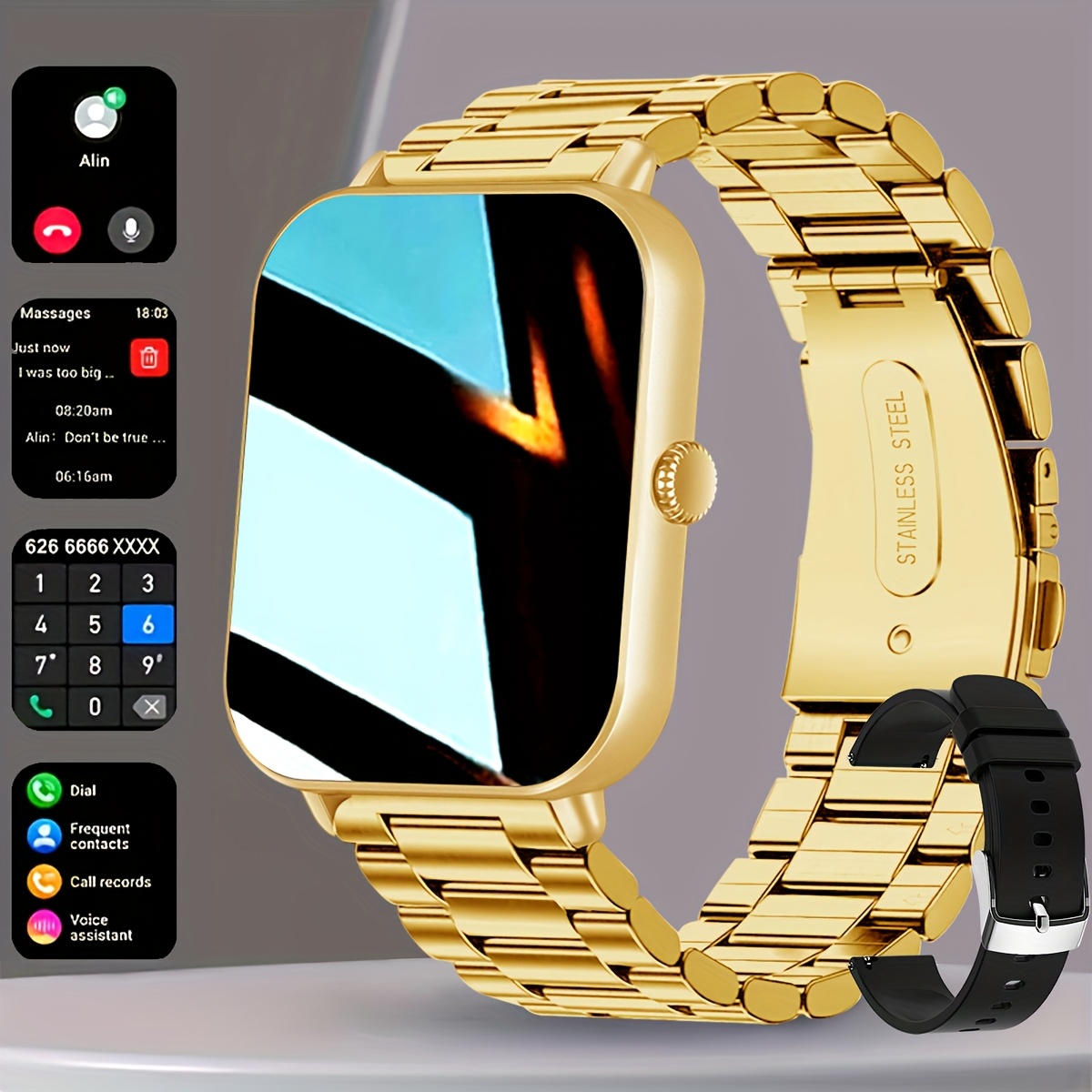
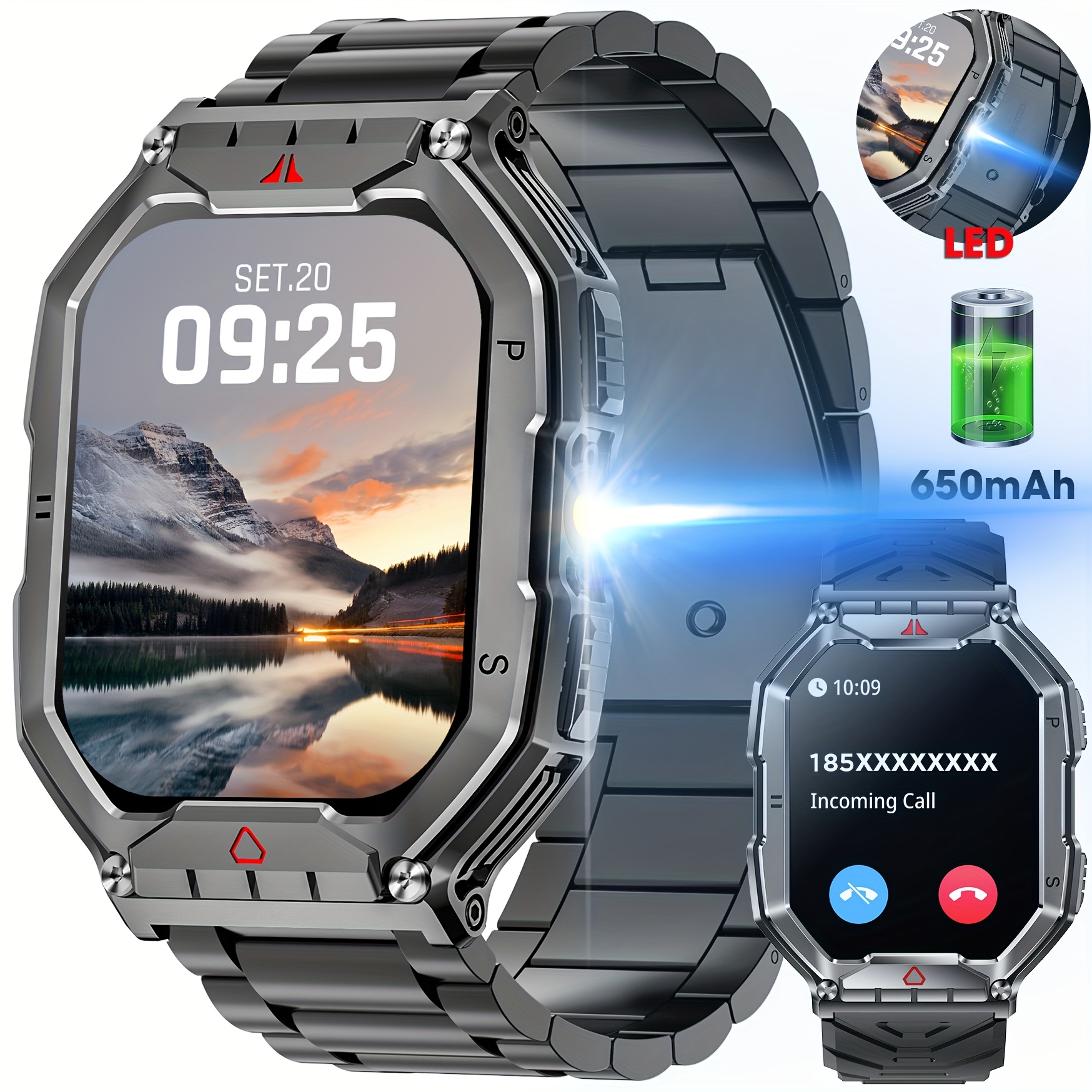
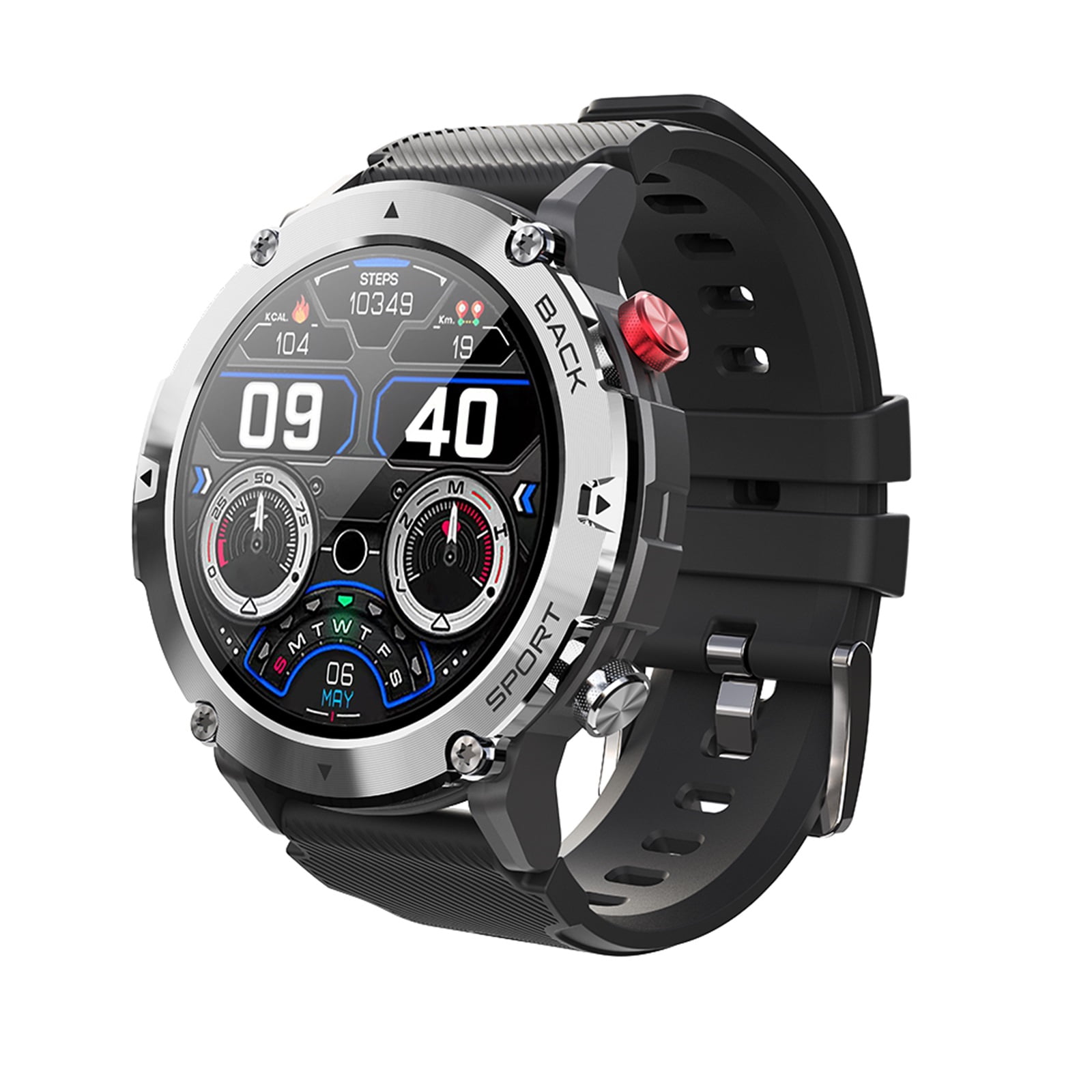
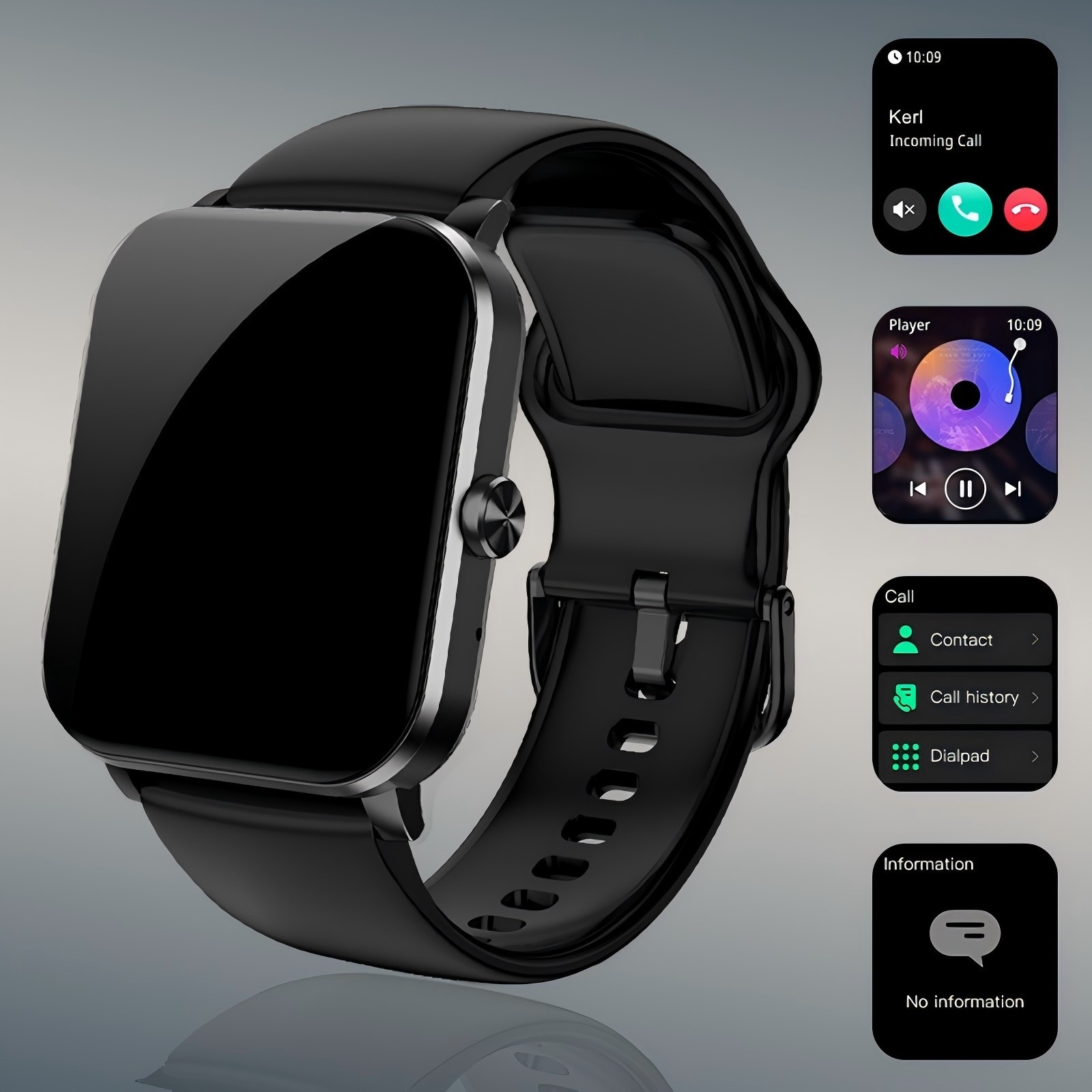
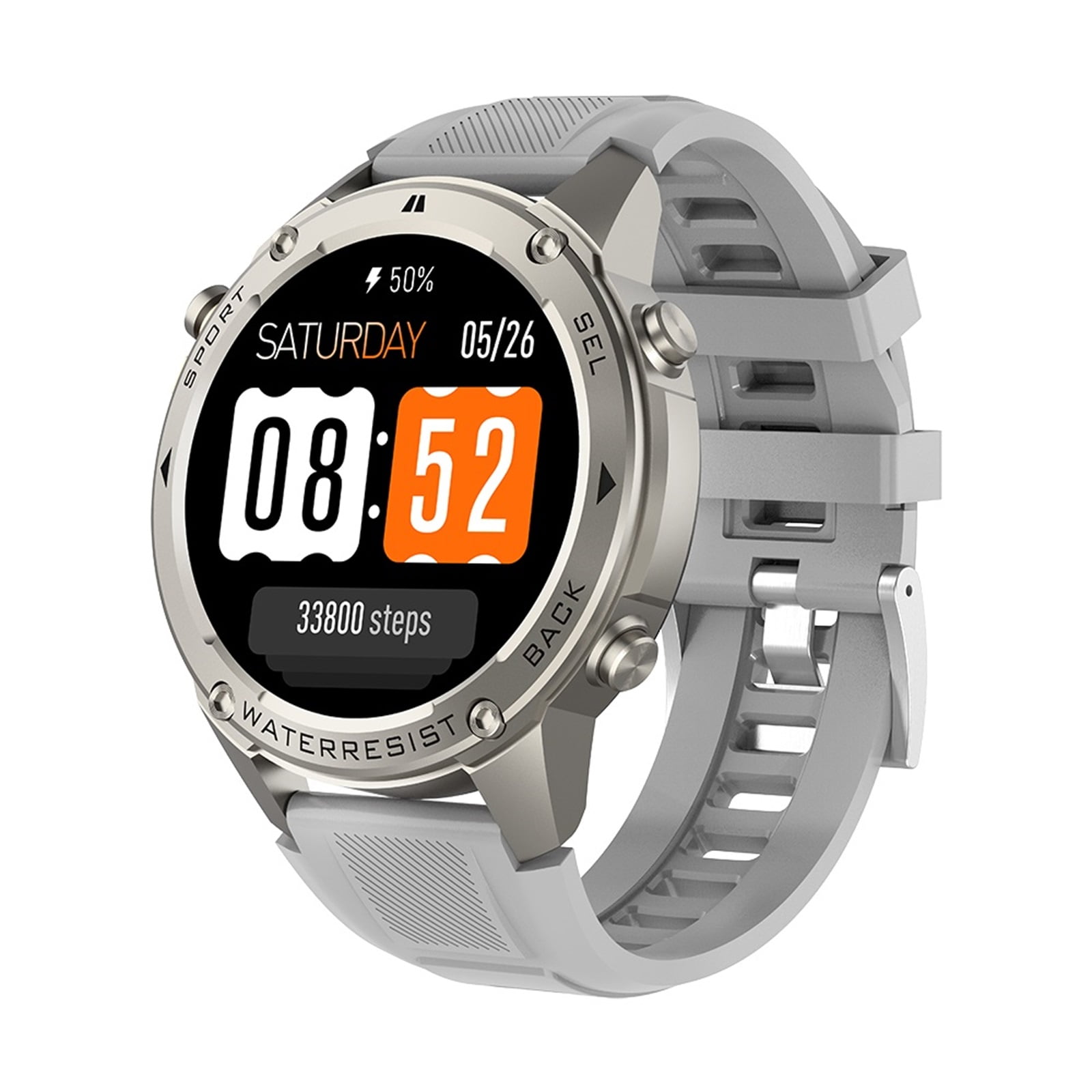
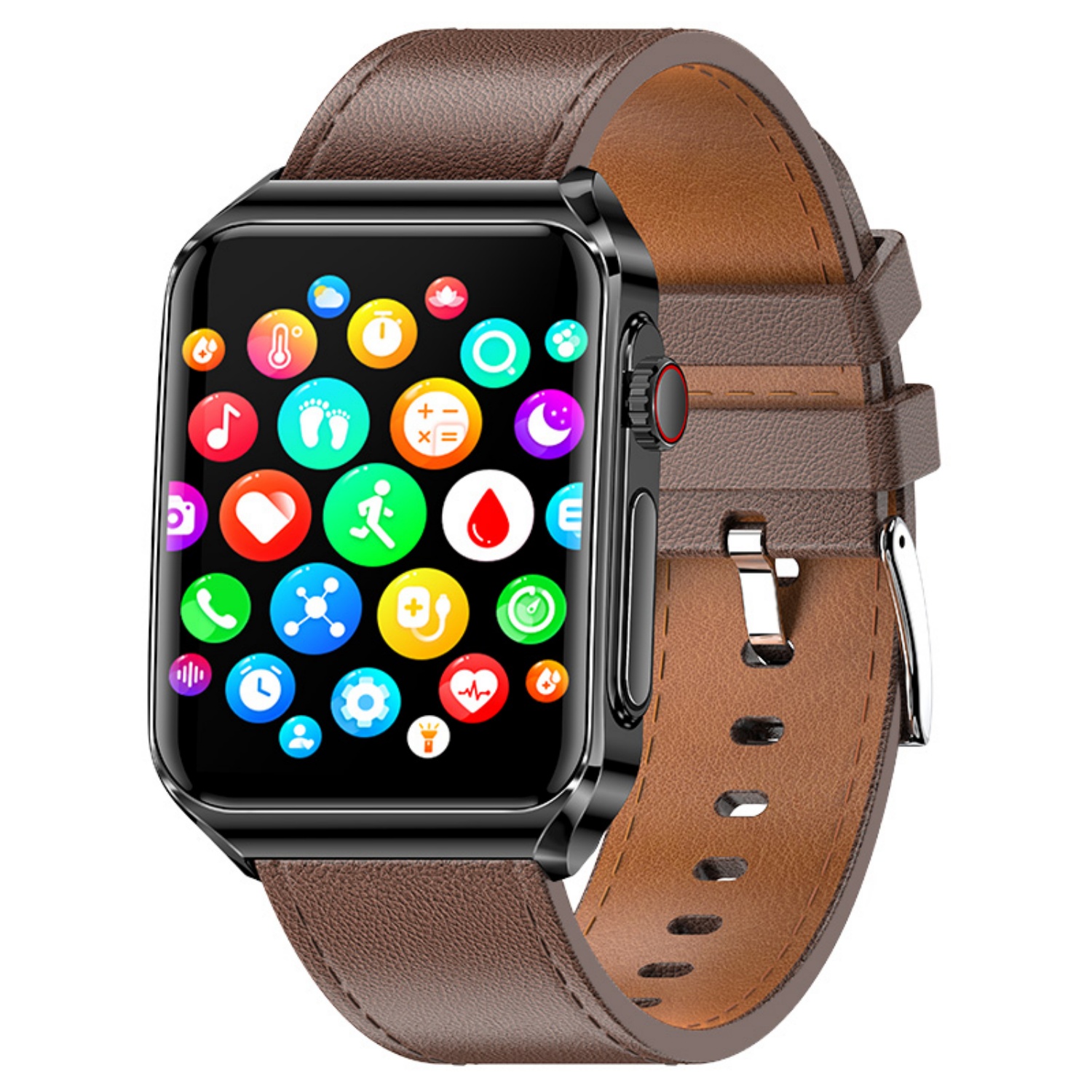
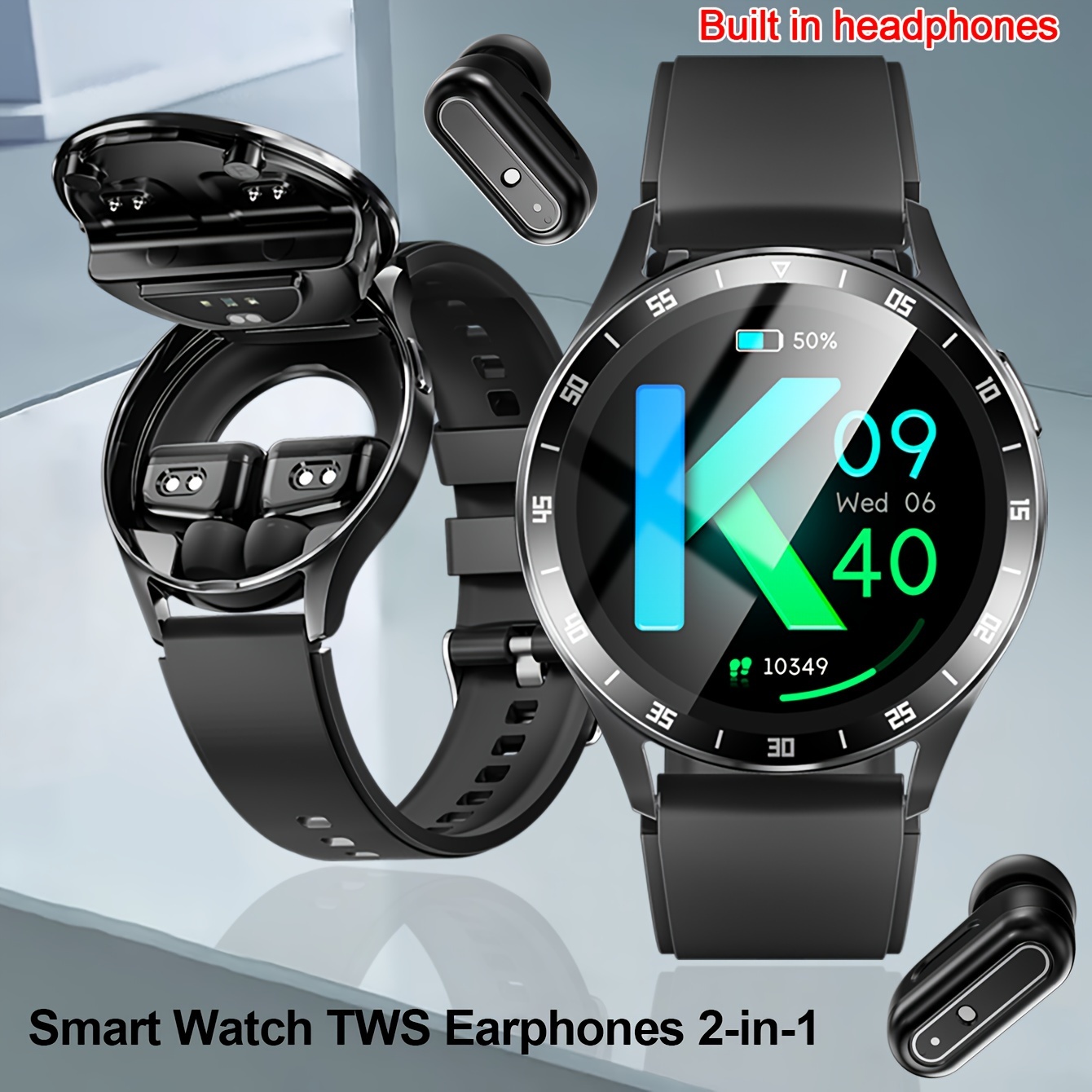
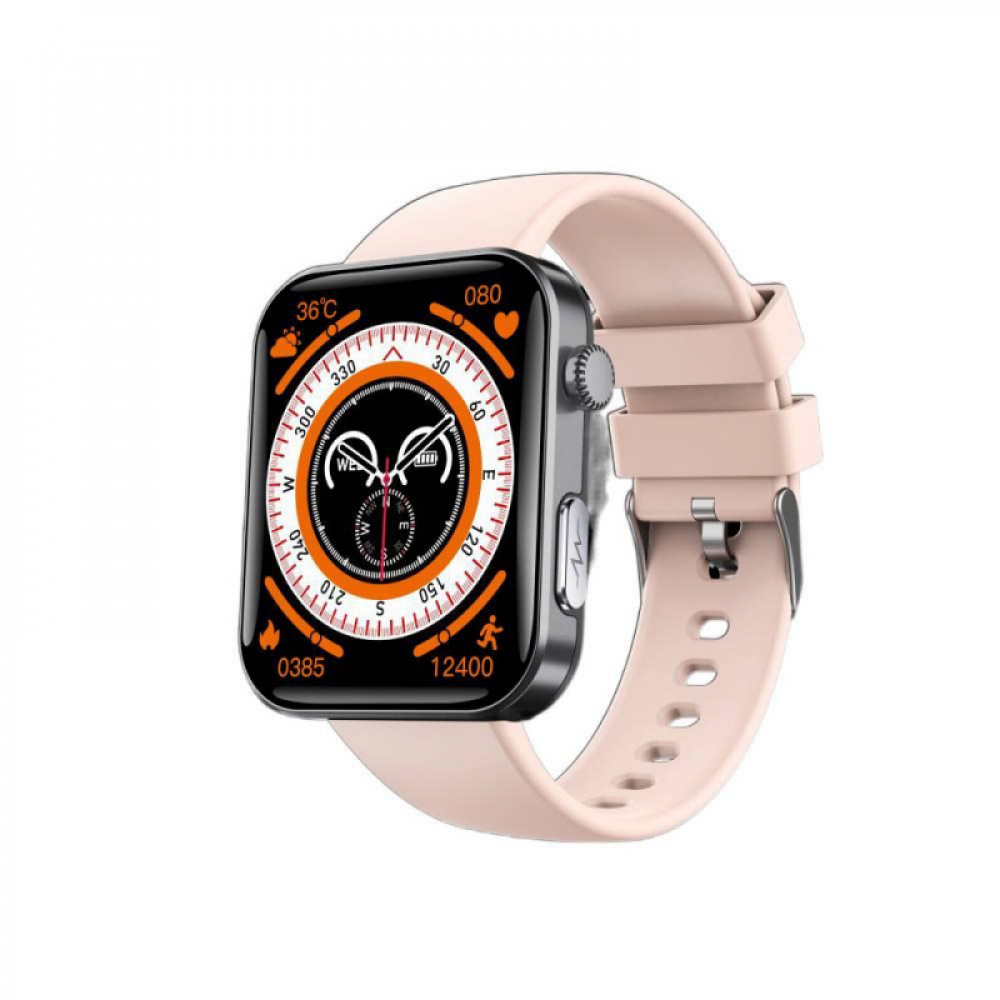
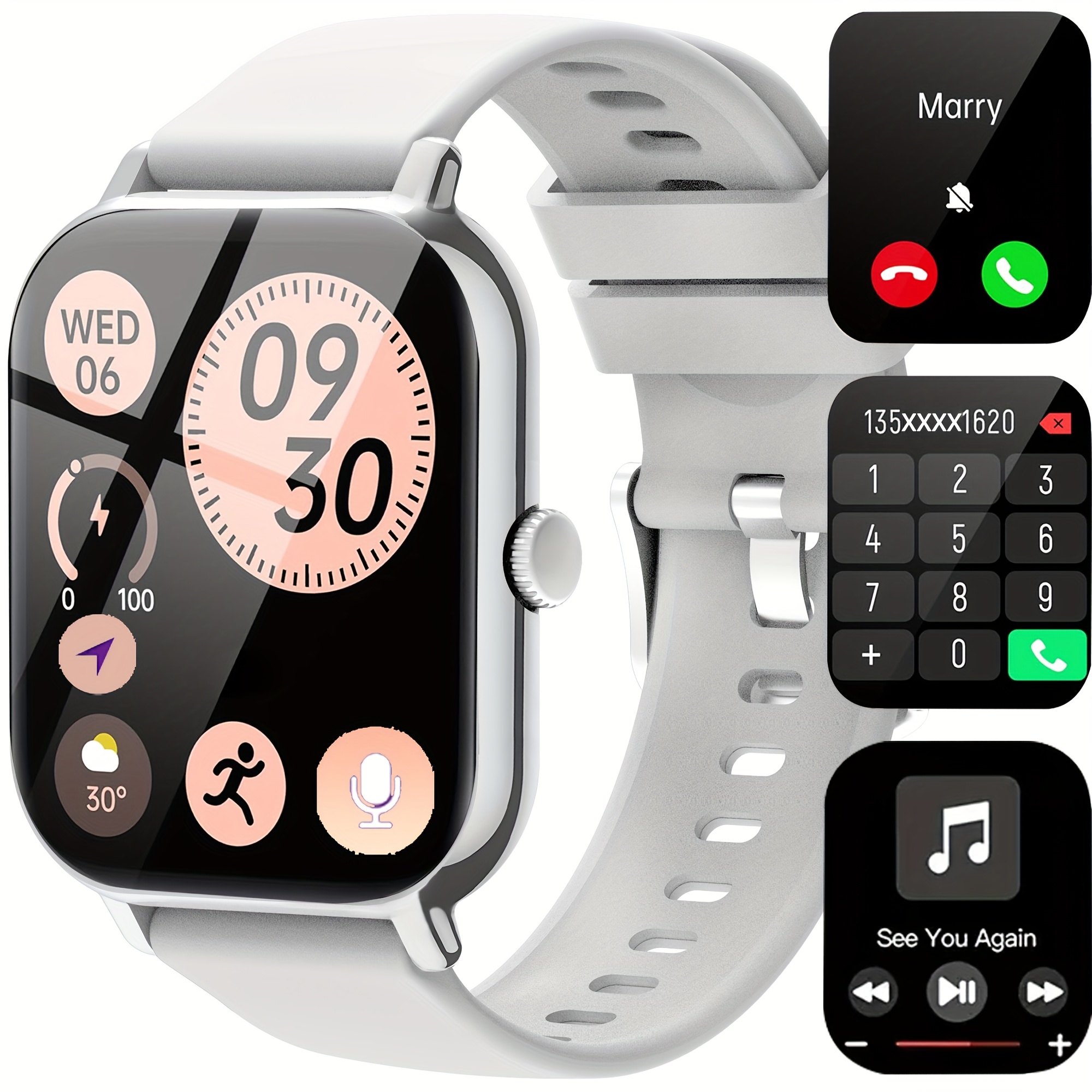
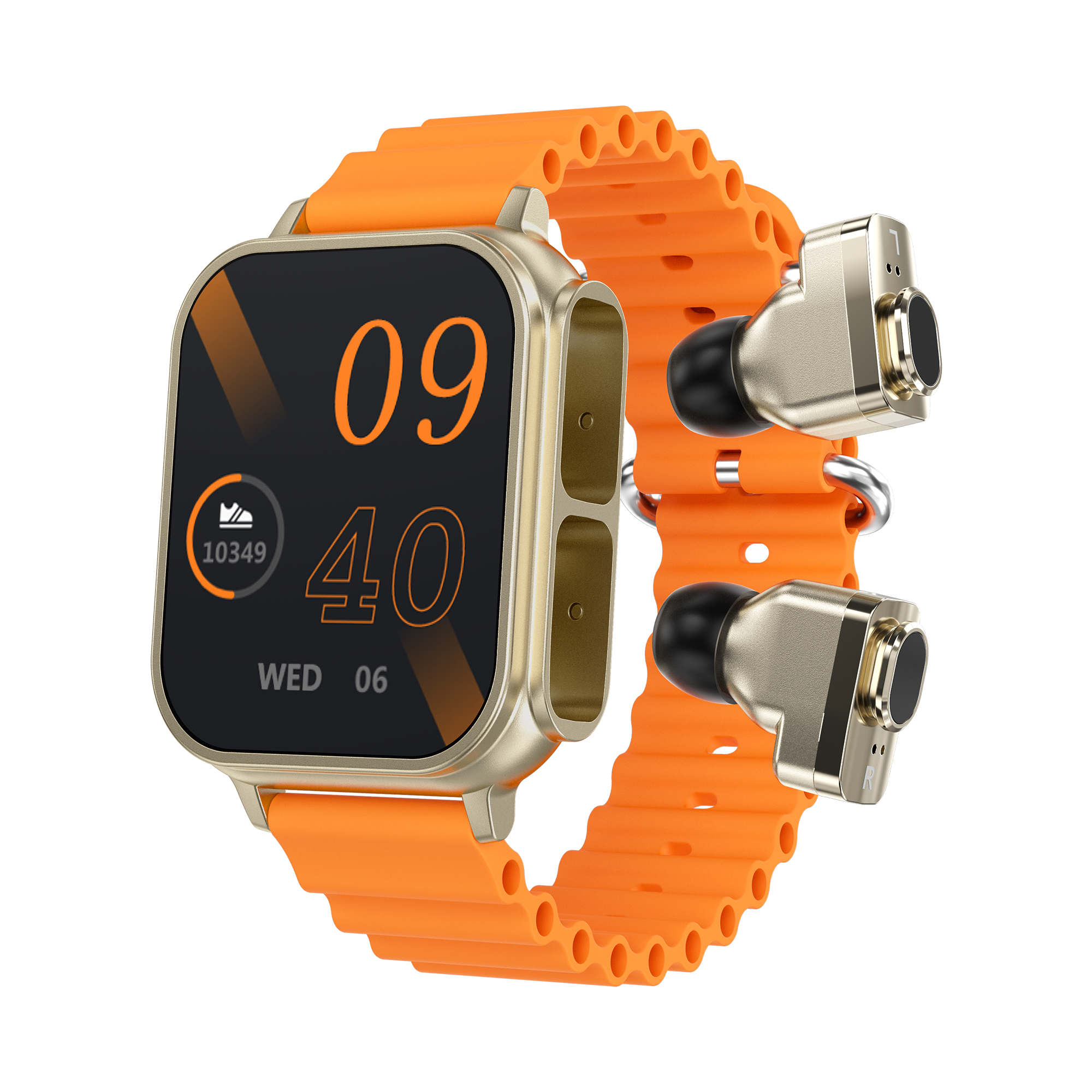
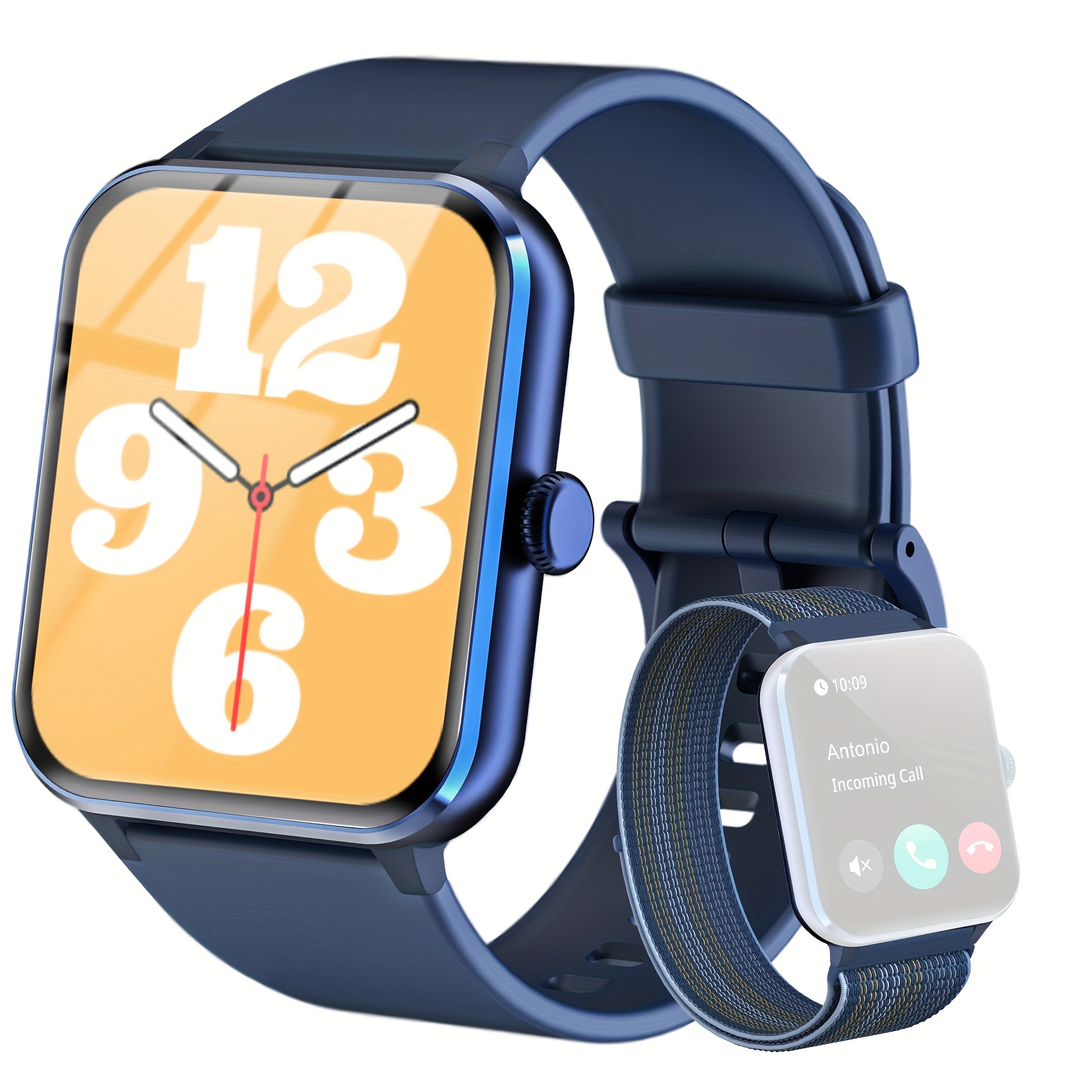
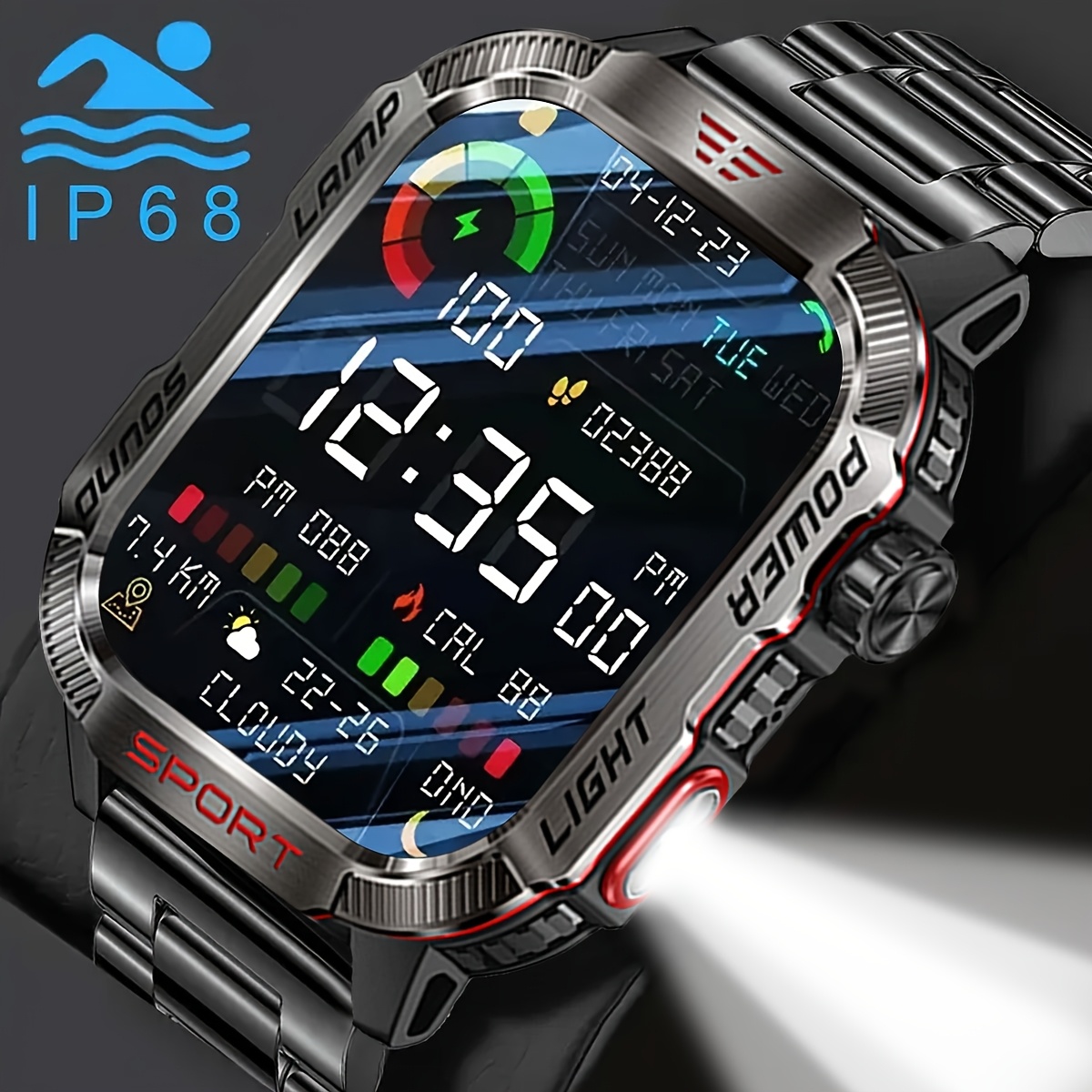
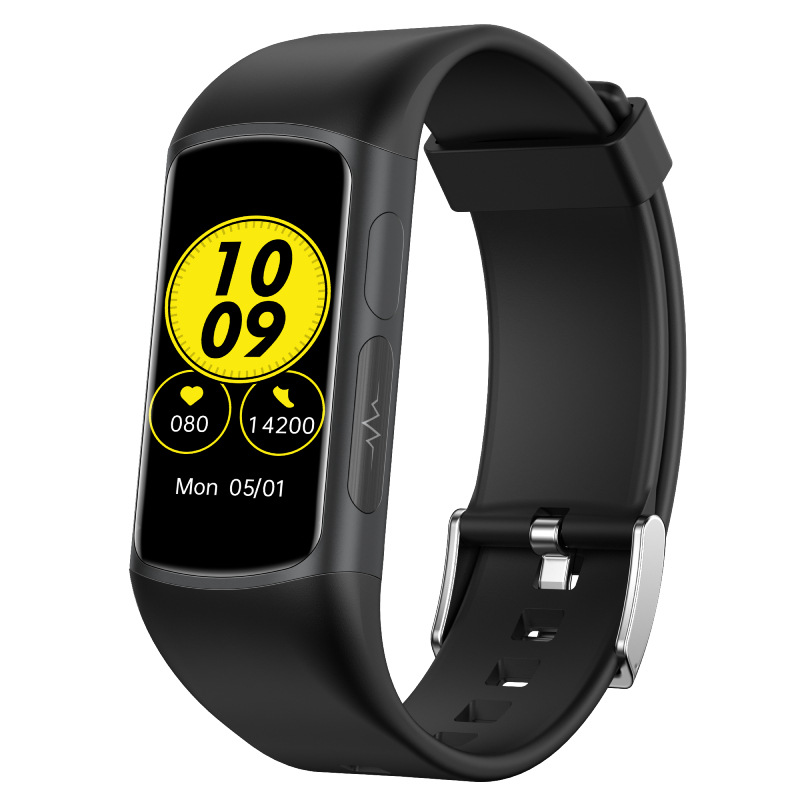
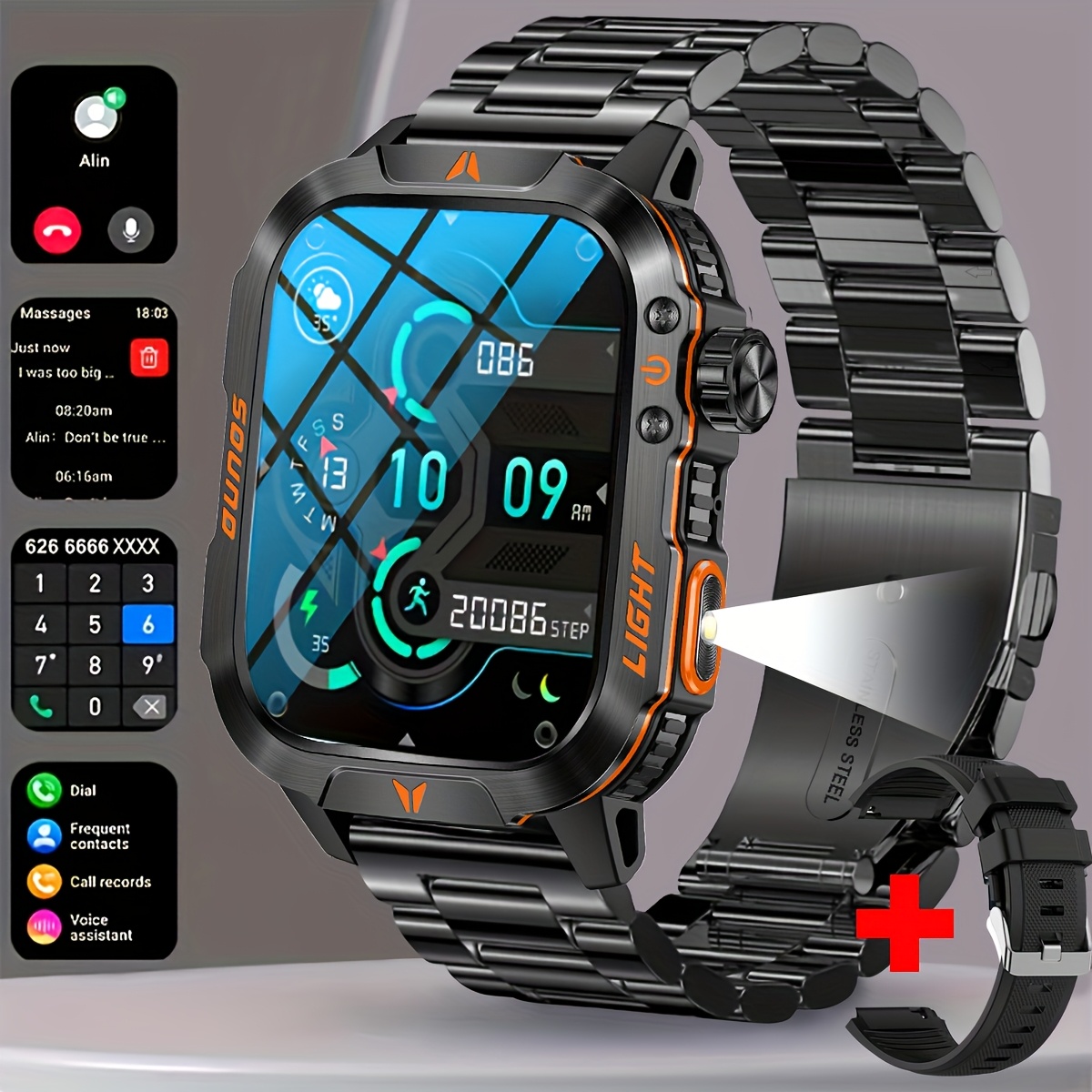
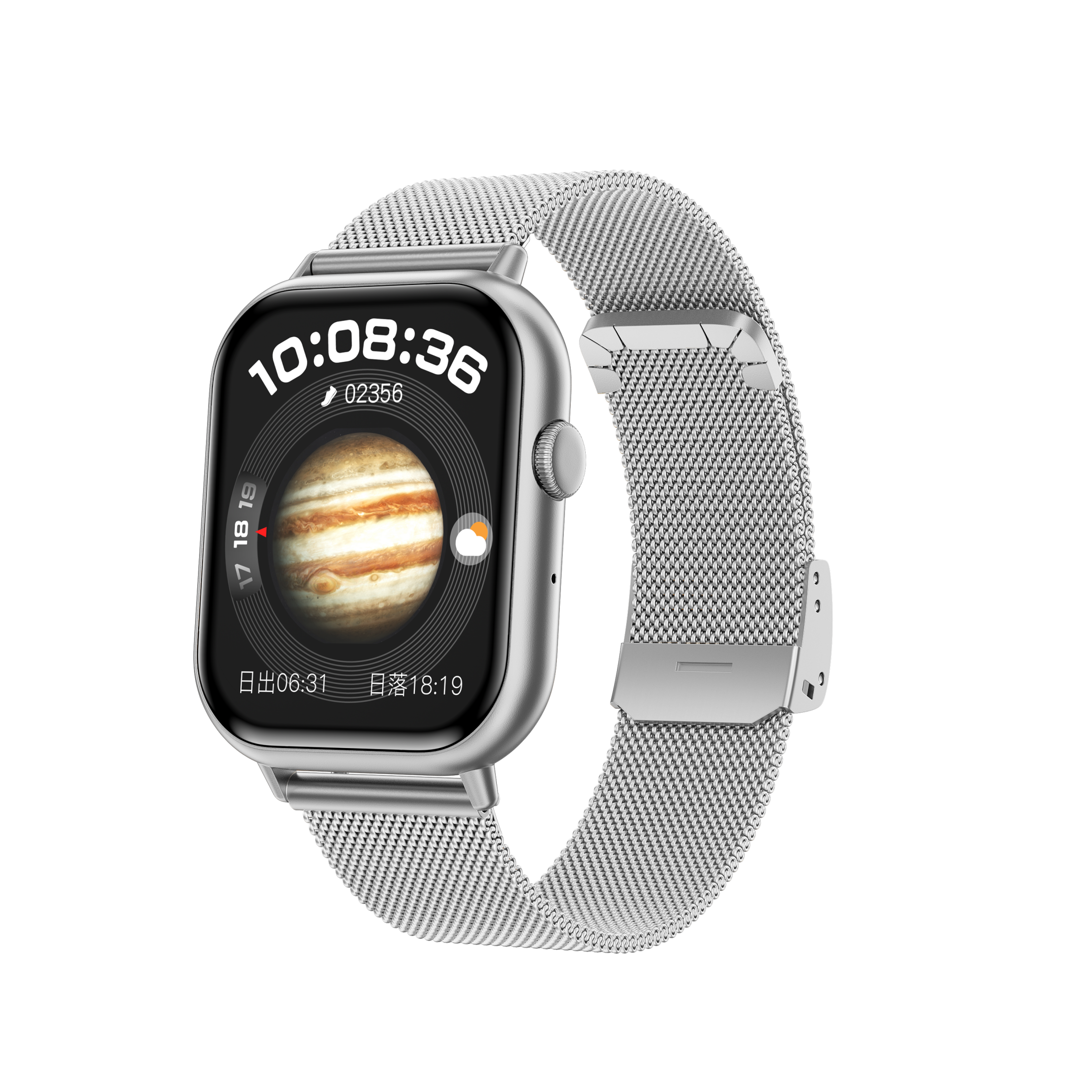
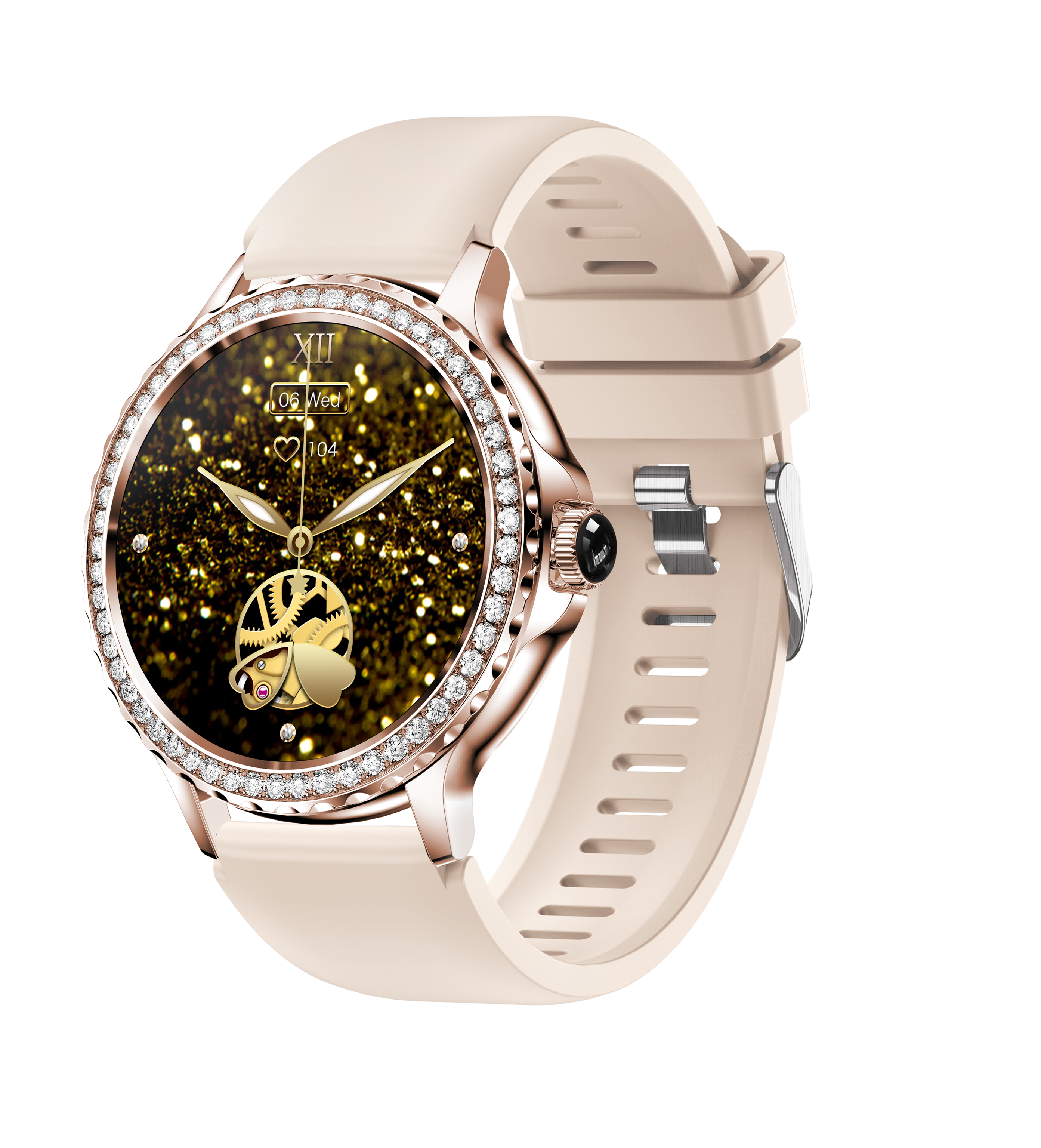
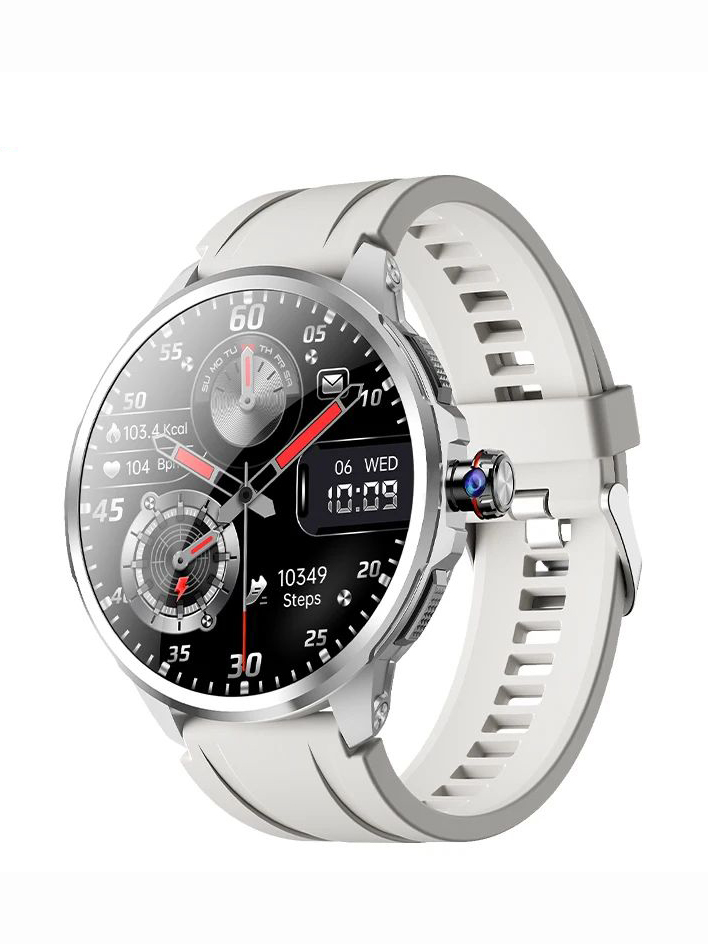
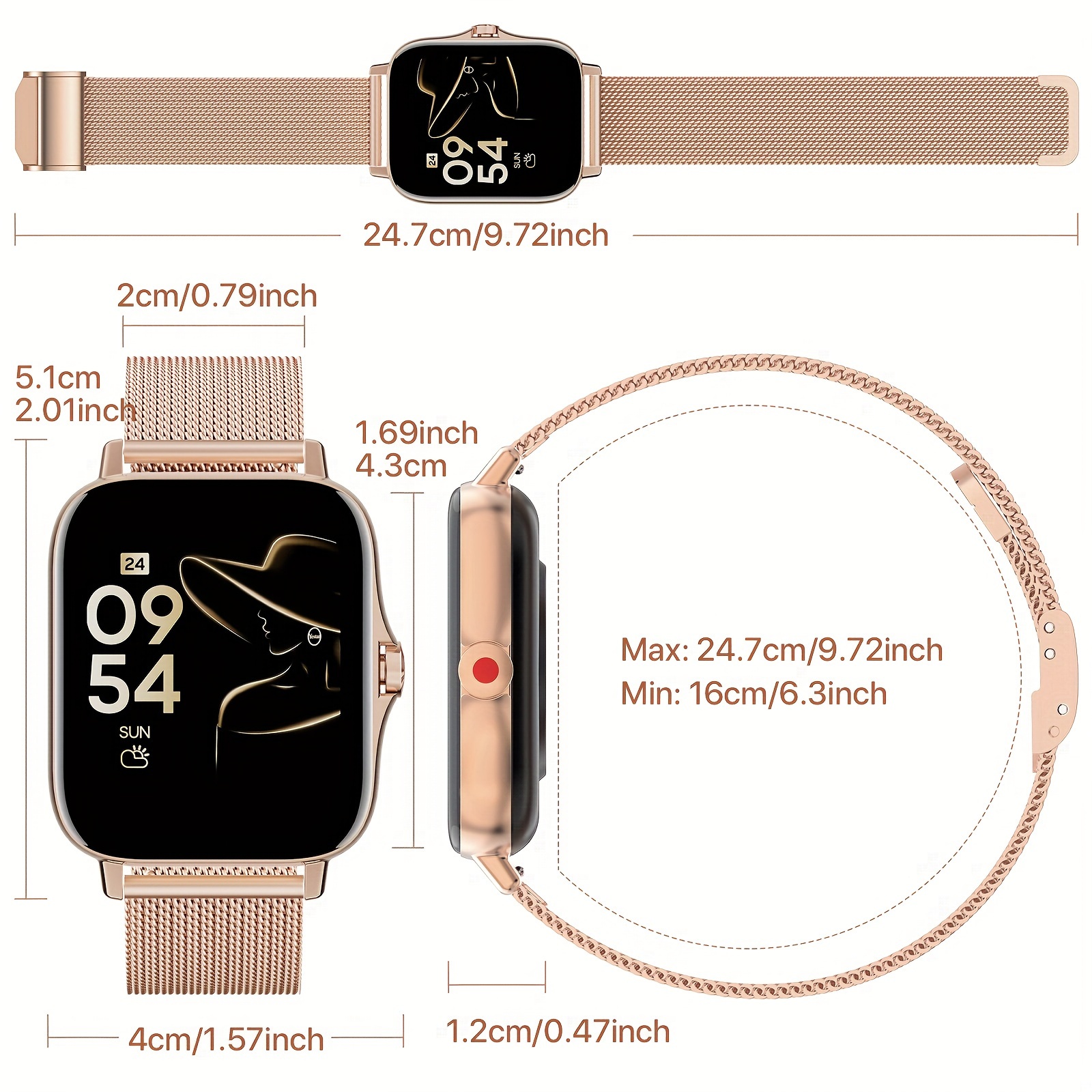
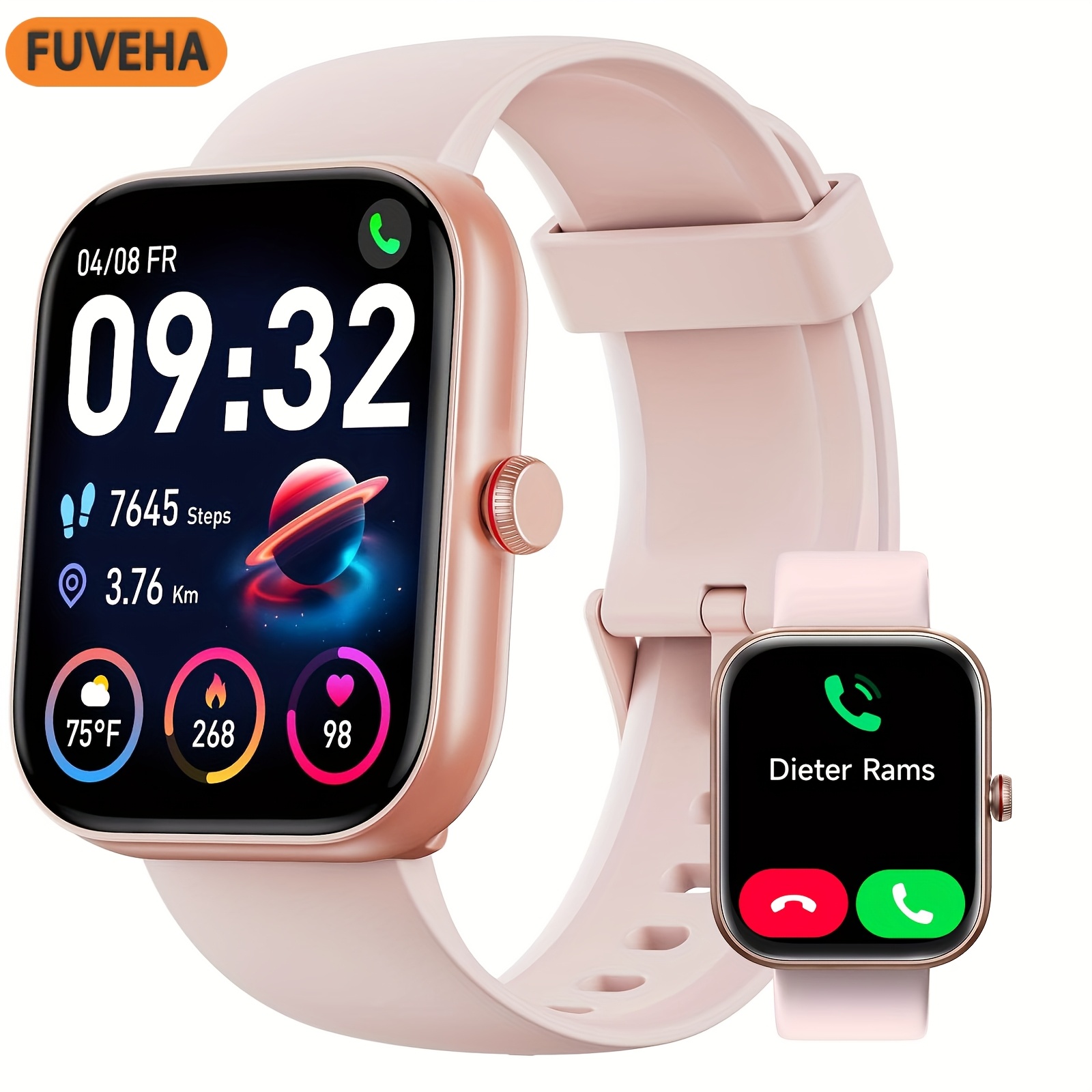
E EYAFA HT30 AMOLED Smart Watch Men 2GB ROM Local Video Custom Dials NFC Smartwatch with Harmony OS-Black
2GB ROM, Download APPs, Playing Local music, Connect to Bluetooth earphone, sound recording, Playing local video, screen off clock mode, Raise to wake up, Cover to turn off the screen, NFC access control unlock, customize watch face, Bluetooth calls, 10 Main contactsMultiple sports modes, Sport record, Message push, Flashlight, Menstrual, Ai voice assistant, weather forecast, calculator, timer, bedside lamp, vibration adjustment, brightness adjustment, volume adjustment, Calendar, 12/24 hours time formatNote➤After receiving the watch, it is recommended to charge the watch first.Please scan the QR code in the manual to download the APP before use.➤Please download APP firstly, and bind the watch, Do not use the mobile phone Bluetooth to directly link the watch. If it is already connected, please delete the matched watch from the mobile phone Bluetooth matching device.➤NFC door access ( It doesn't supports NFC payment ): The watch has a built-in NFC chip, there is no NFC software icon on the watch, you only need to use the watch as an NFC access control card, record the NFC ID of the watch through the access control system, and then the watch can be used as an NFC access control card.(1). The NFC of this watch only supports as IC door cards with a frequency of 13.56MNZ (applicable to 80% on the market), does not support other functions.(2). The fingerprint lock enters the administrator mode-add-card-write.(3). Encrypted access control of the community needs to be written in the community property management office.➤Waterproof: It is just life waterproof allow the watch to be used normally when washing hands and in rainy days, but not allow to swimming and bathing. It is not allowed to soak the watch in water! (Please be careful to avoid corrosive liquids like hand sanitizer, soap enter the watch and cause component damage.)➤Please use the original charging cable of the watch to charge the watch, other models of cables cannot support charging.➤Please use a 5V1A (5W max) power adapter to charge the watch, otherwise the watch may not charge!➤The firmware of the watch will be updated from time to time to fix bugs, in order to make you have a better experience, please download the latest version of Da Fit by scanning the QR code of the watch when you receive the watch, and then connect the watch to update the firmware to the latest version! Thank you! 2GB ROM, Download APPs, Playing Local music, Connect to Bluetooth earphone, sound recording, Playing local video, screen off clock mode, Raise to wake up, Cover to turn off the screen, NFC access control unlock, customize watch face, Bluetooth calls, 10 Main contacts Multiple sports modes, Sport record, Message push, Flashlight, Menstrual, Ai voice assistant, weather forecast, calculator, timer, bedside lamp, vibration adjustment, brightness adjustment, volume adjustment, Calendar, 12/24 hours time format Note ➤After receiving the watch, it is recommended to charge the watch first.Please scan the QR code in the manual to download the APP before use. ➤Please download APP firstly, and bind the watch, Do not use the mobile phone Bluetooth to directly link the watch. If it is already connected, please delete the matched watch from the mobile phone Bluetooth matching device. ➤NFC door access ( It doesn't supports NFC payment ): The watch has a built-in NFC chip, there is no NFC software icon on the watch, you only need to use the watch as an NFC access control card, record the NFC ID of the watch through the access control system, and then the watch can be used as an NFC access control card.(1). The NFC of this watch only supports as IC door cards with a frequency of 13.56MNZ (applicable to 80% on the market), does not support other functions.(2). The fingerprint lock enters the administrator mode-add-card-write.(3). Encrypted access control of the community needs to be written in the community property management office. ➤Waterproof: It is just life waterproof allow the watch to be used normally when washing hands and in rainy days, but not allow to swimming and bathing. It is not allowed to soak the watch in water! (Please be careful to avoid corrosive liquids like hand sanitizer, soap enter the watch and cause component damage.) ➤Please use the original charging cable of the watch to charge the watch, other models of cables cannot support charging. ➤Please use a 5V1A (5W max) power adapter to charge the watch, otherwise the watch may not charge! ➤The firmware of the watch will be updated from time to time to fix bugs, in order to make you have a better experience, please download the latest version of Da Fit by scanning the QR code of the watch when you receive the watch, and then connect the watch to update the firmware to the latest version! Thank you!
Shipping & Returns
Shipping & Returns