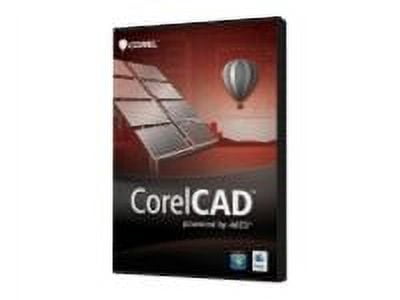
CorelCAD 2013 - DWG-Compatible 2D/3D CAD Software
Overview CorelCAD 2013 is built around native DWG file support, letting you open, edit and save DWG files for seamless collaboration with colleagues, suppliers and partners. The application also supports DXF and DWF up to AutoCAD 2013 file format versions. Familiar CAD environment Work immediately in an environment that mirrors industry-standard CAD tools. CorelCAD is compatible with major CAD packages and includes the familiar command bar, command aliases, plus menu and toolbar items so experienced users will feel at home. Productivity-focused interface The user interface includes dockable toolbars, right-click shortcut menus and a Properties palette to speed workflow. Use the Properties docker and the Property Painter to edit or transfer entity attributes such as layer, color, line style and more. File compatibility and recovery Save drawings back to R12 DWG or DXF formats to maintain compatibility with legacy hardware and older software. CorelCAD can also recover damaged DWG and DXF files across all format versions. Precision drafting tools Take advantage of entity snaps, entity snap guides and polar guides to draft faster and more accurately. Entity grips let you quickly reposition, align, copy or resize entities. Create custom coordinate systems to align the construction plane to drawing objects. Smart Dimensioning Generate accurate dimensions as aligned or horizontal/vertical linear, radial or diameter, and angular dimensions. The Smart Dimension tool can automatically suggest the most appropriate dimension type for Lines, PolyLine segments, Arcs, Circles and Rings. 3D viewing and layouts Inspect 3D models from multiple viewpoints and interactively roll them in 3D space. Use Tiled Viewports to split drawings into multiple view tiles (for example front, right, top and isometric) and switch display modes such as Shaded view or Rendered view. 3D modeling and editing Add 3D solid primitives and combine them with Boolean operations to unite, intersect or subtract bodies. Convert 2D work into solids by extruding or revolving 2D entities, sweeping entities along a path, or lofting between 2D profiles to create solid objects. Advanced solid-editing lets you slice and intersect solids and edit edges, faces and bodies. New tools include Filleting Edges of 3D Solids, and the ability to color, move, rotate and offset individual faces of 3D solids.
Shipping & Returns
Shipping & Returns