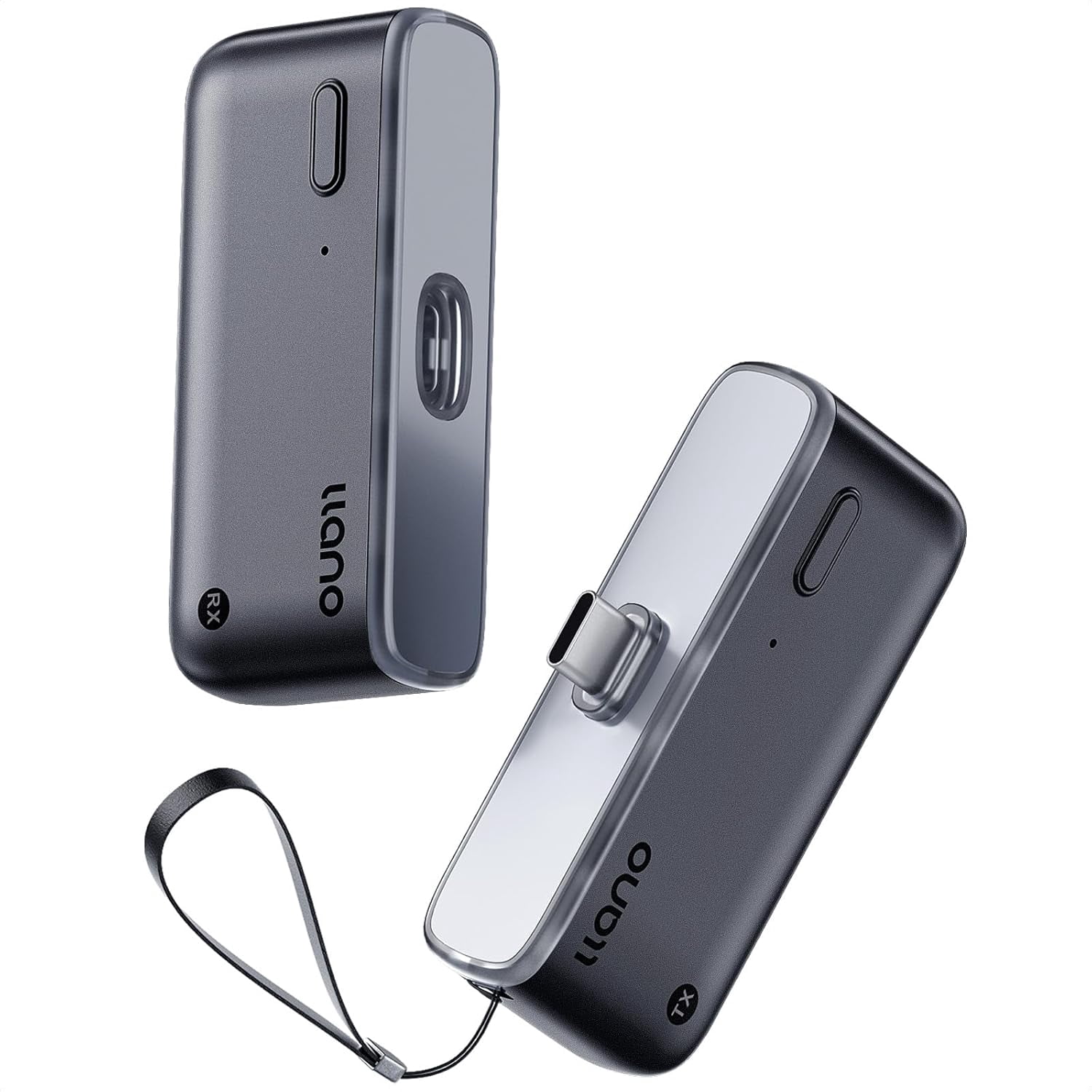
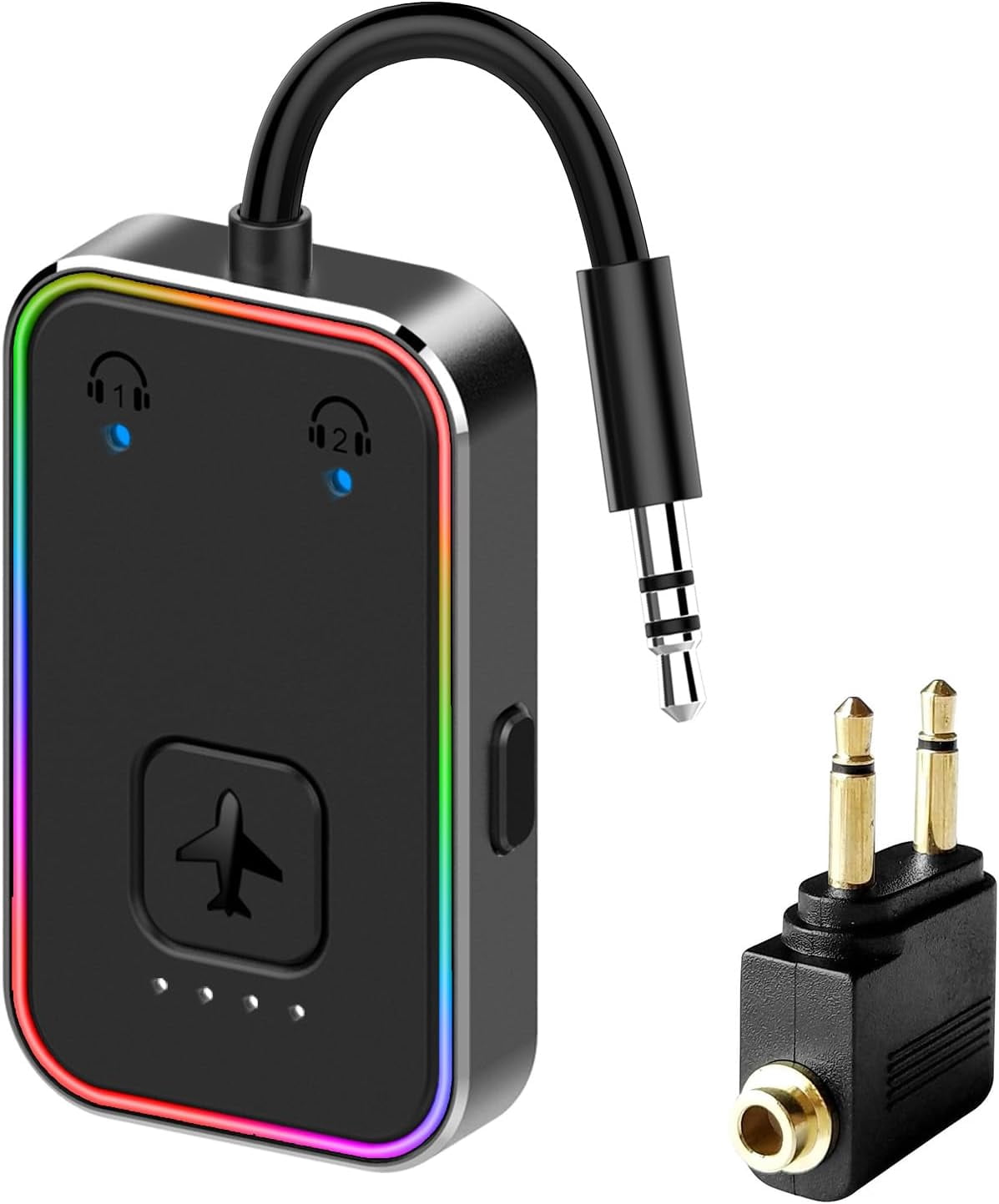
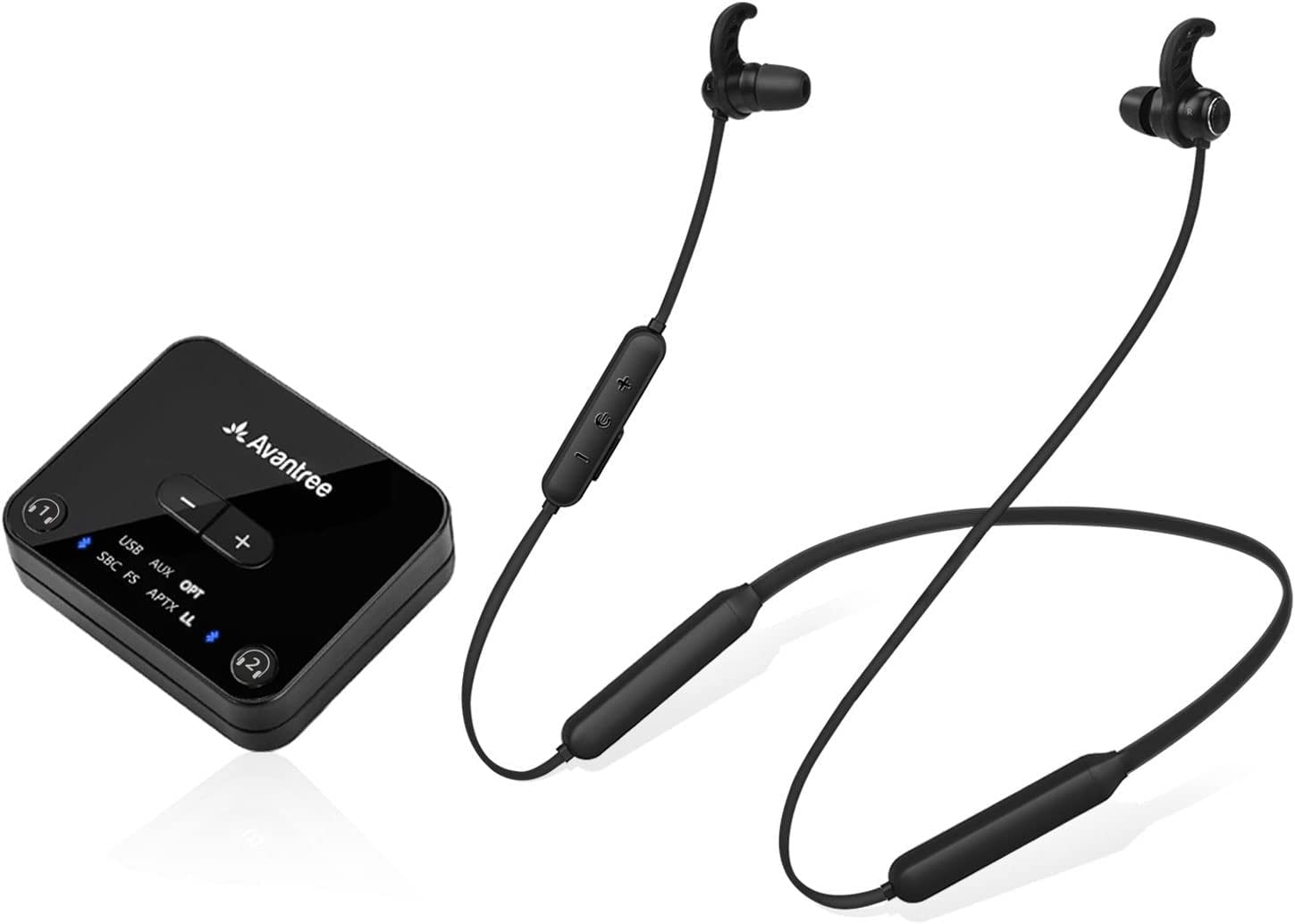
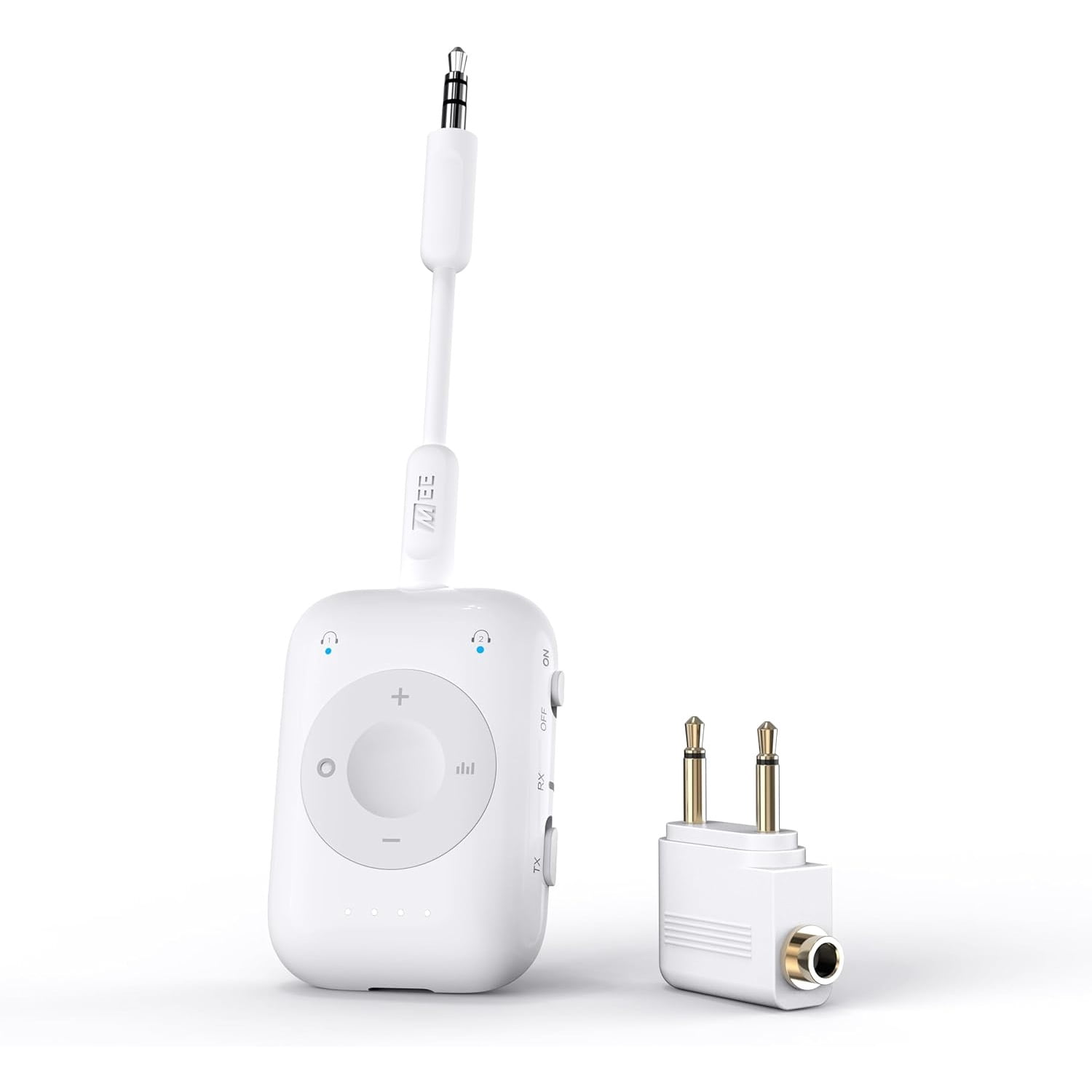
Connect Air Pro 2-in-1 Bluetooth Transmitter & Receiver for AirPods (AirPods Pro 2, AirPods 4, AirPods Max) and Other Bluetooth Headphones
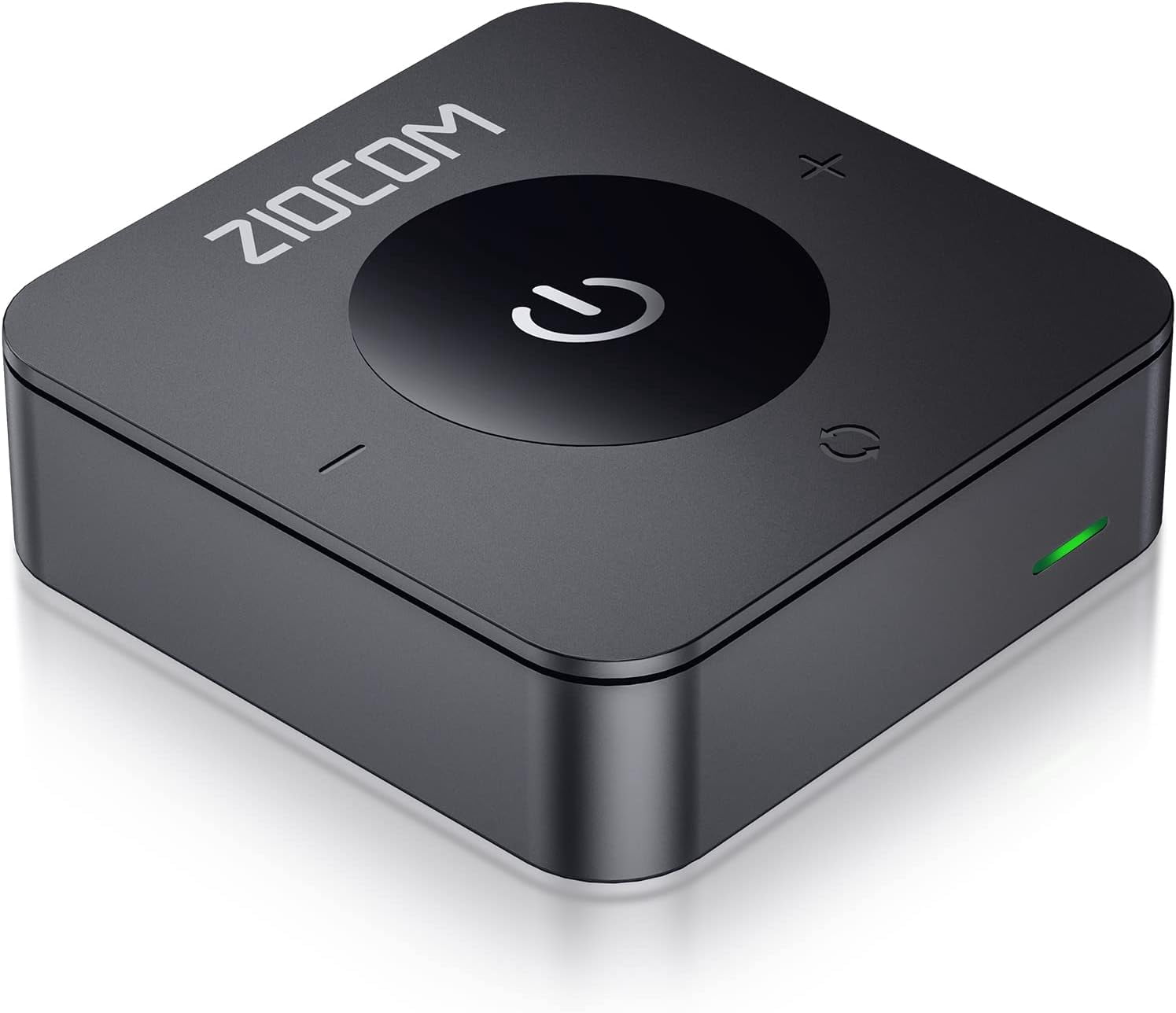
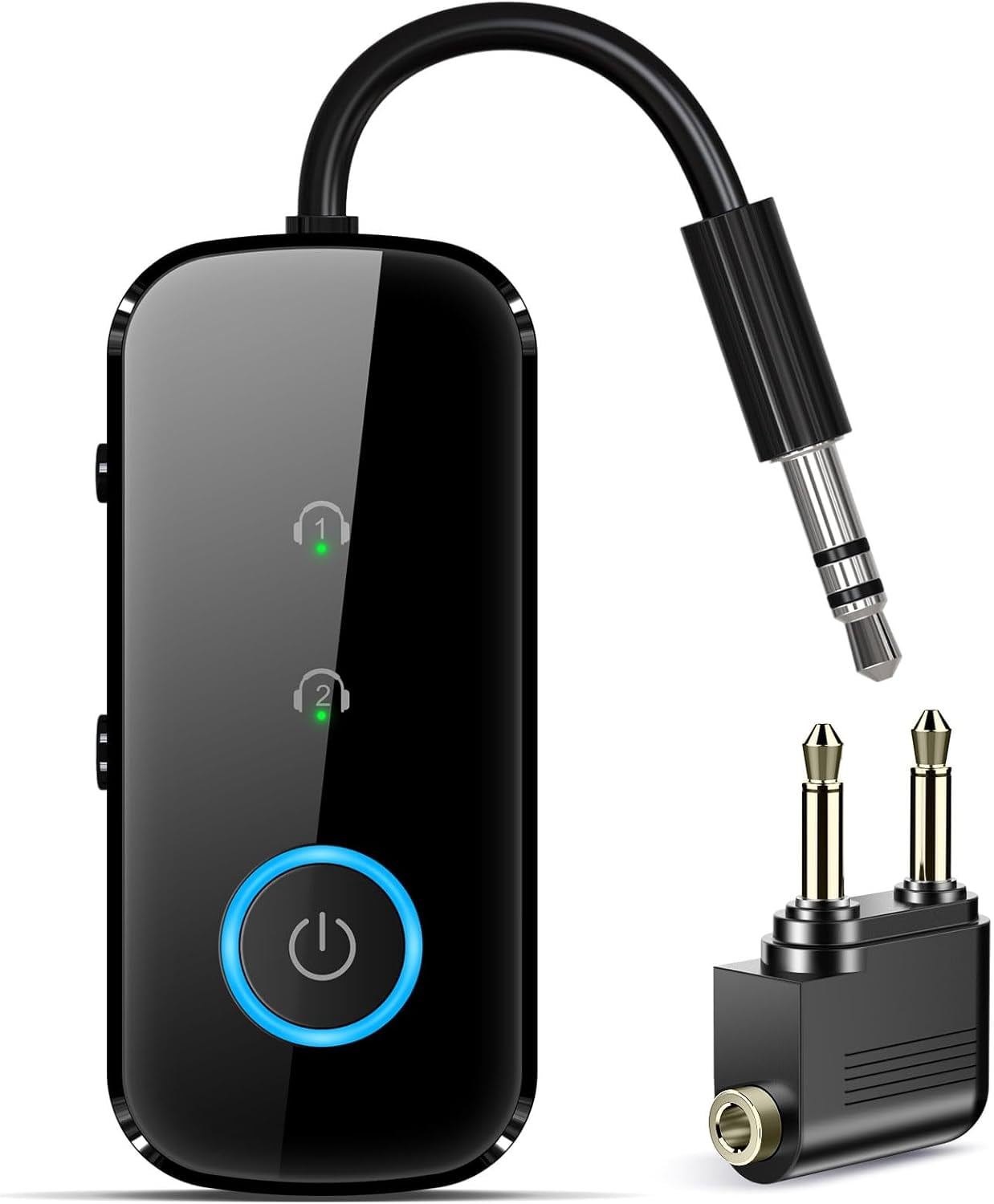
4.0(7 ratings)Dual-function Bluetooth adapter that converts any 3.5mm/aux jack into a wireless audio source or sink. Use it as a Bluetooth transmitter to send audio from in-flight entertainment systems (or any device with a 3.5mm/aux audio output) to up to two AirPods or other Bluetooth headphones, or switch to receiver mode to play music from your phone or tablet through a car or home stereo, wired headphones, or any device with a 3.5mm/aux input. Airplane-ready transmitter: Stream audio from seatback entertainment to AirPods Pro 2, AirPods 4, AirPods Max and other AirPods models, or to other Bluetooth headsets. Includes a 3.5mm cable and a 2-prong adapter for international flights. Car and home receiver: Turn your stereo, wired headphones, or other 3.5mm/aux-equipped audio gear into a wireless playback destination for smartphone or tablet audio. Supports two Bluetooth headsets: Simultaneously connect up to two AirPods or other Bluetooth headphones or speakers, making it easy to share audio. Broad compatibility: Works with in-flight entertainment systems, car and home stereos, CD players, computers, gaming consoles and controllers, treadmills and other gym equipment, A/V receivers, soundbars, TVs, portable DVD players, and more. Audio and battery features: aptX Low Latency delivers clear, low-delay sound with aptX-enabled devices. CinemaEAR audio enhancement offers four different hearing and sound enhancement modes for on-the-fly adjustment. The built-in battery provides up to 15 hours of playtime and the unit can be used while charging. Includes a 1-year manufacturer's warranty.
Description
Description
Shipping & Returns
Shipping & Returns
Ratings and customer reviews
7 ratings
0 reviews
Ratings (7).
Share your experience
Checking your account…
No customer reviews yet. Be the first to share your experience.
Customer questions and answers
Ask about this product. Shipping, orders, and account issues belong with customer support.
Sign in or register to ask or answer.
No matching approved questions. Be the first to ask.