AZDOME M17 Pro 3" 3K Dash Cam WiFi — Front + Rear 2K + 1080P, ADAS, Parking Mode, Night Vision
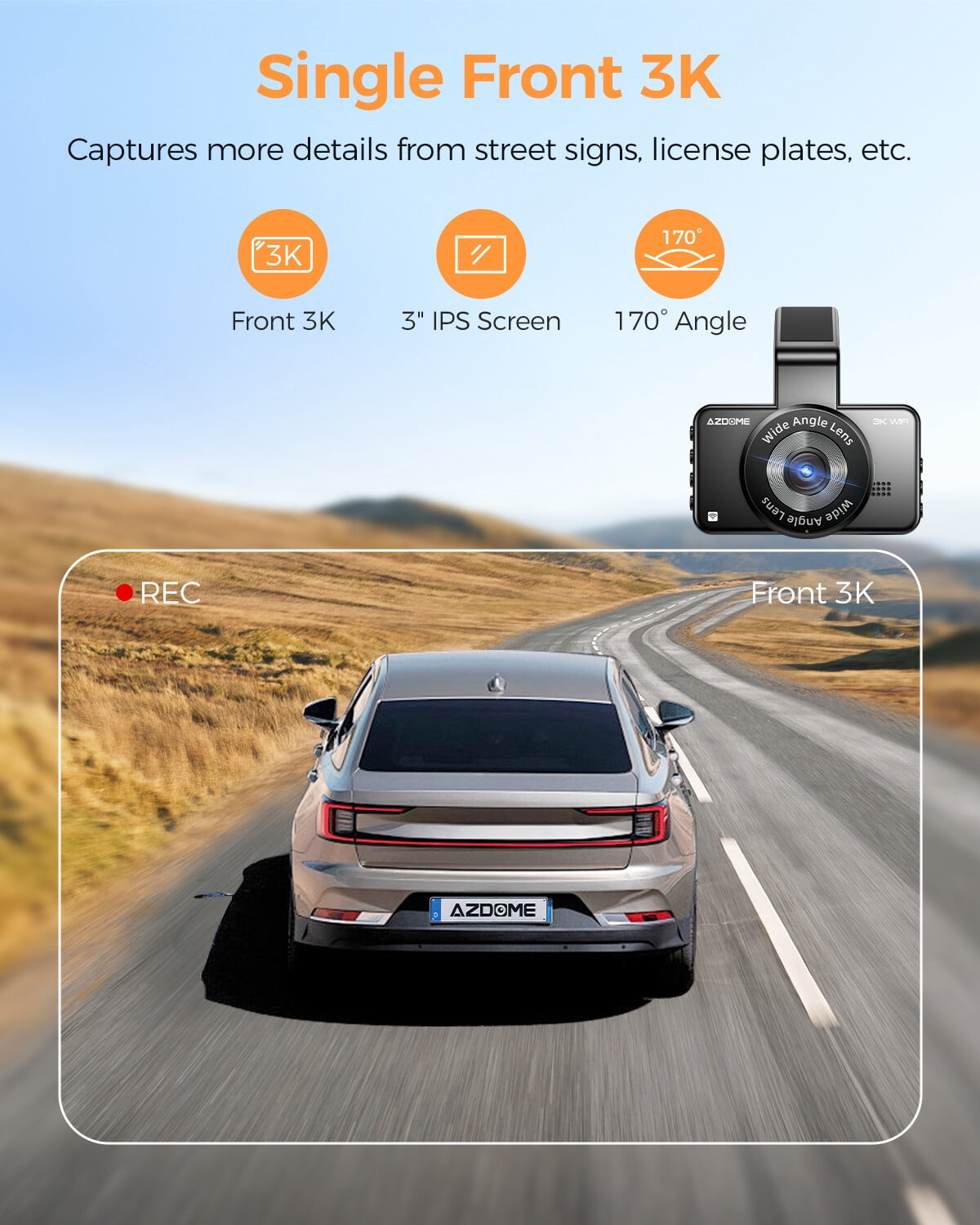
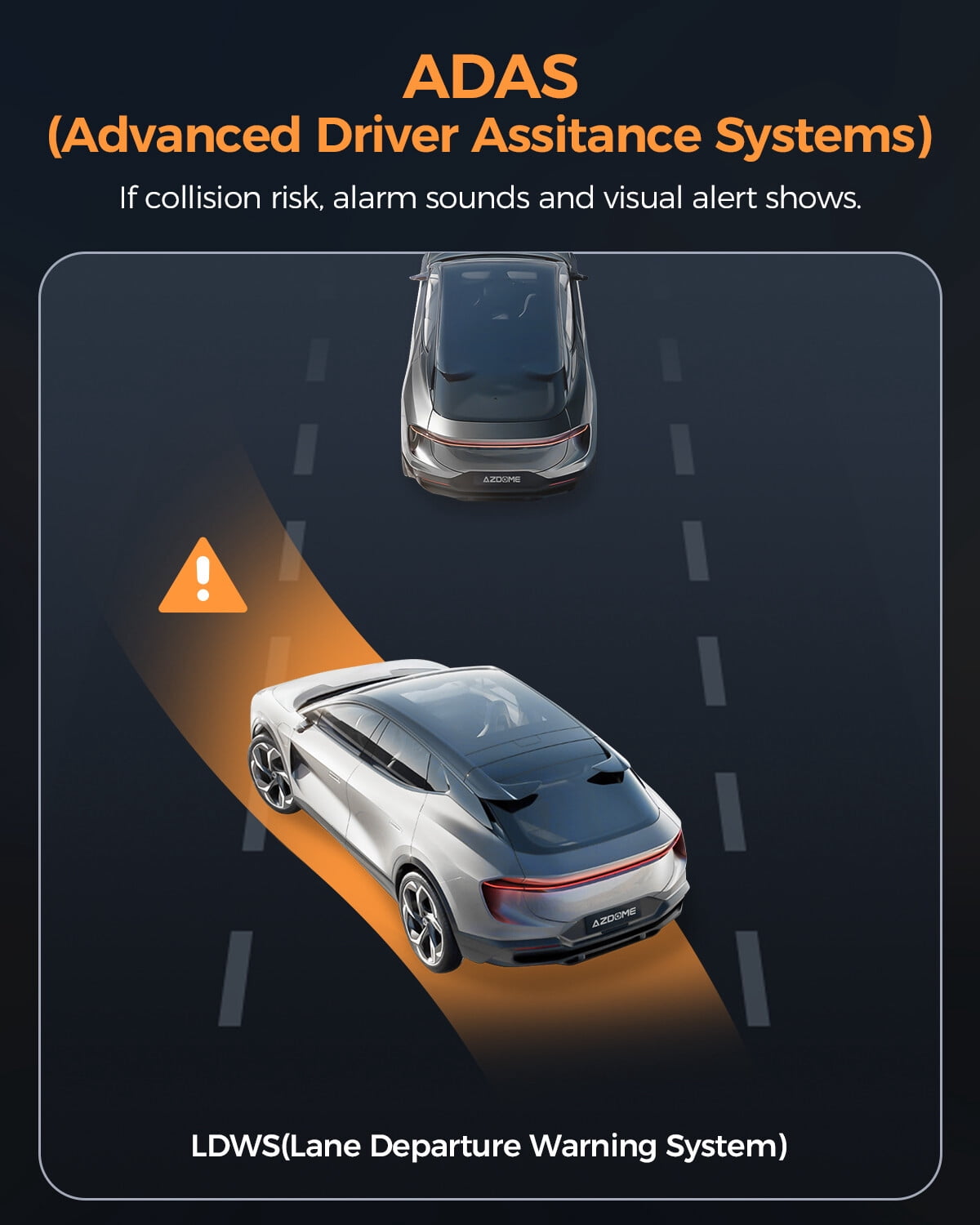
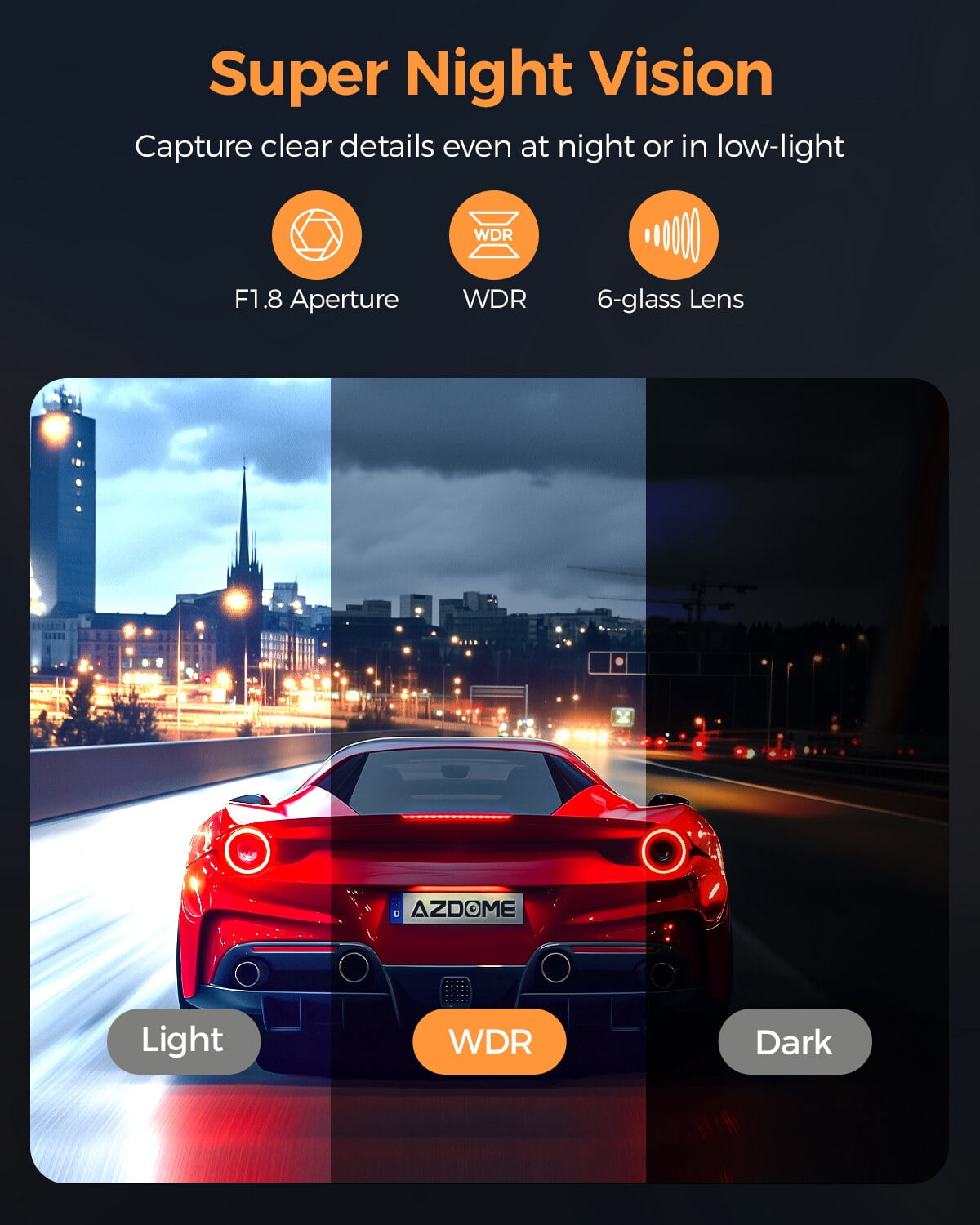
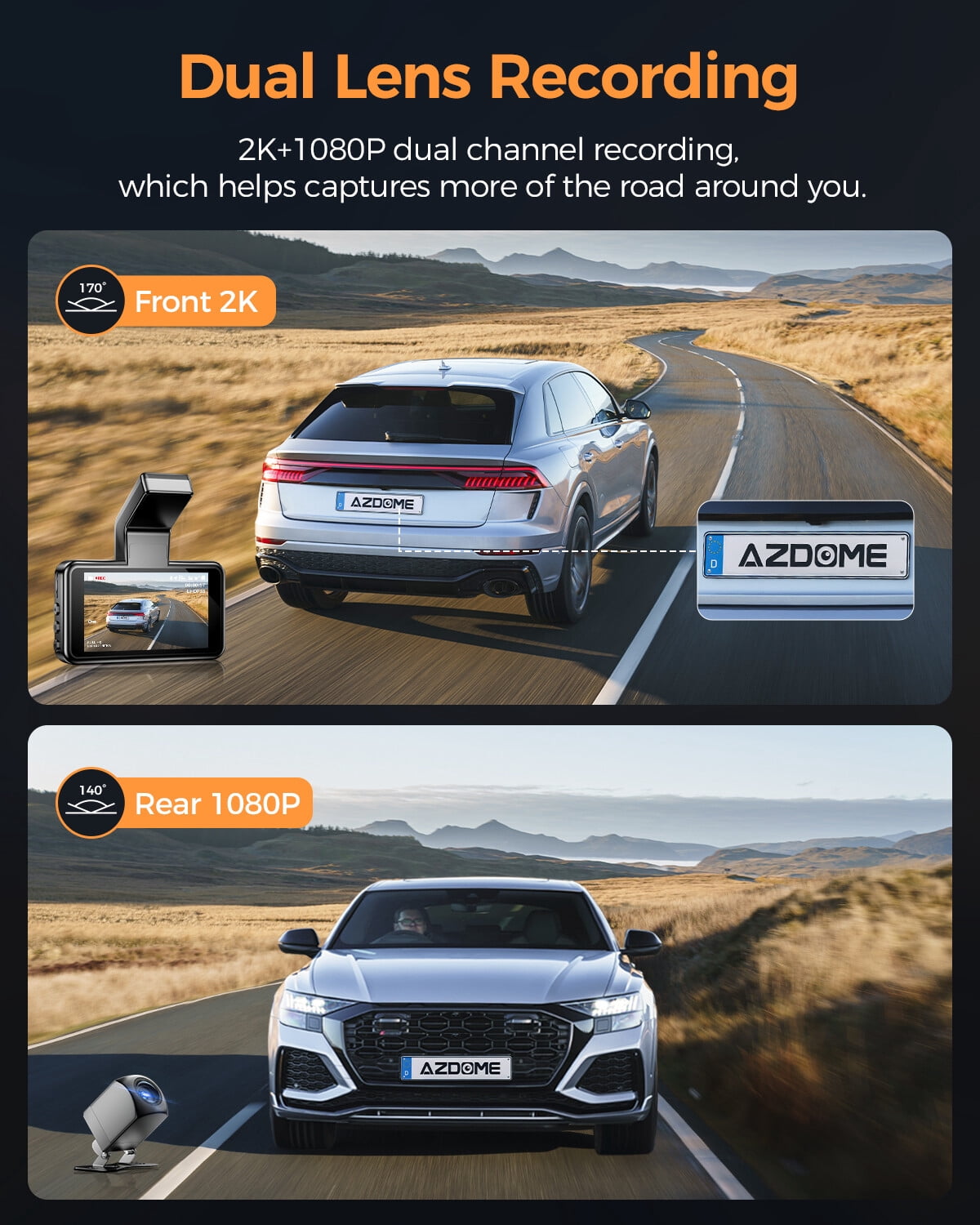
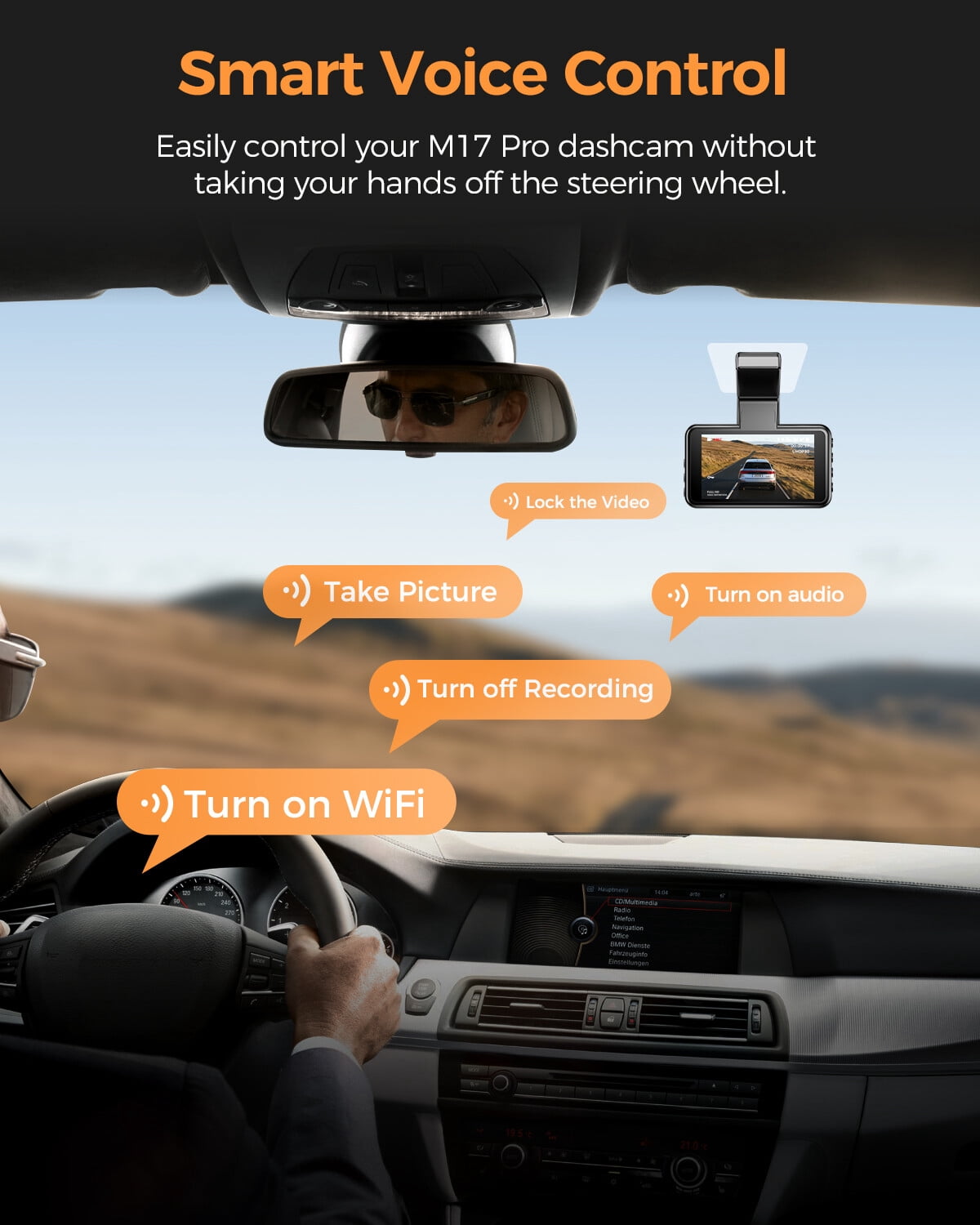
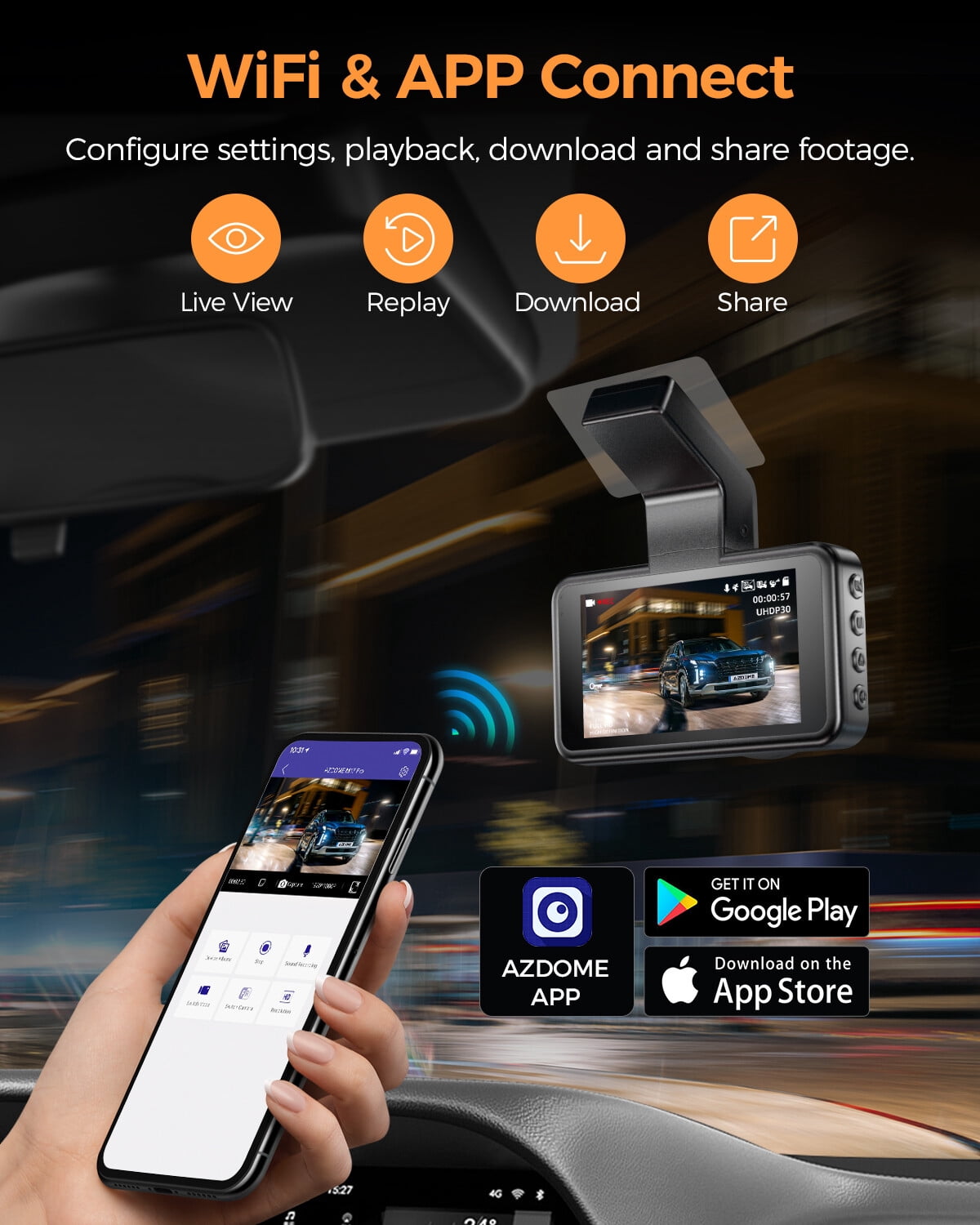
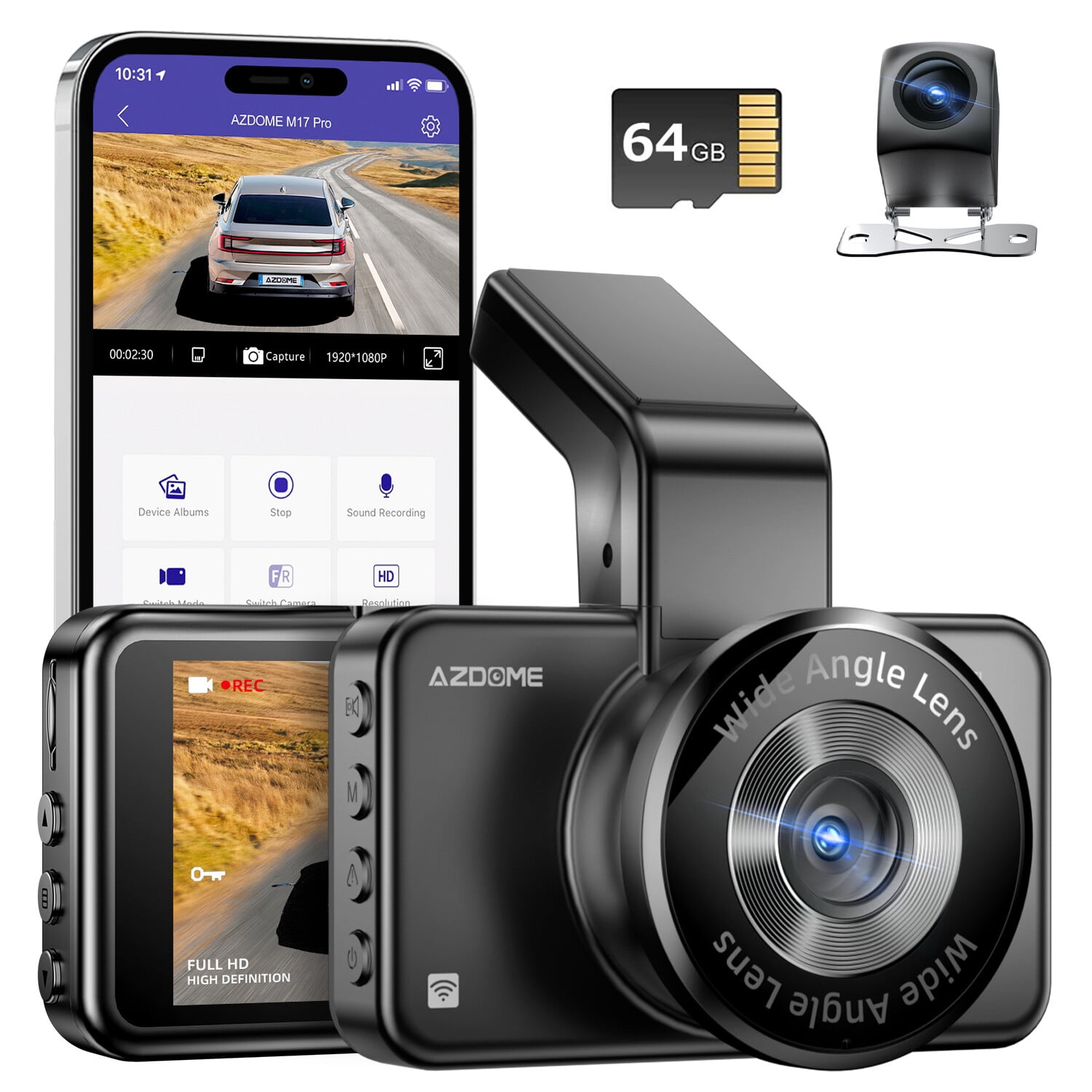
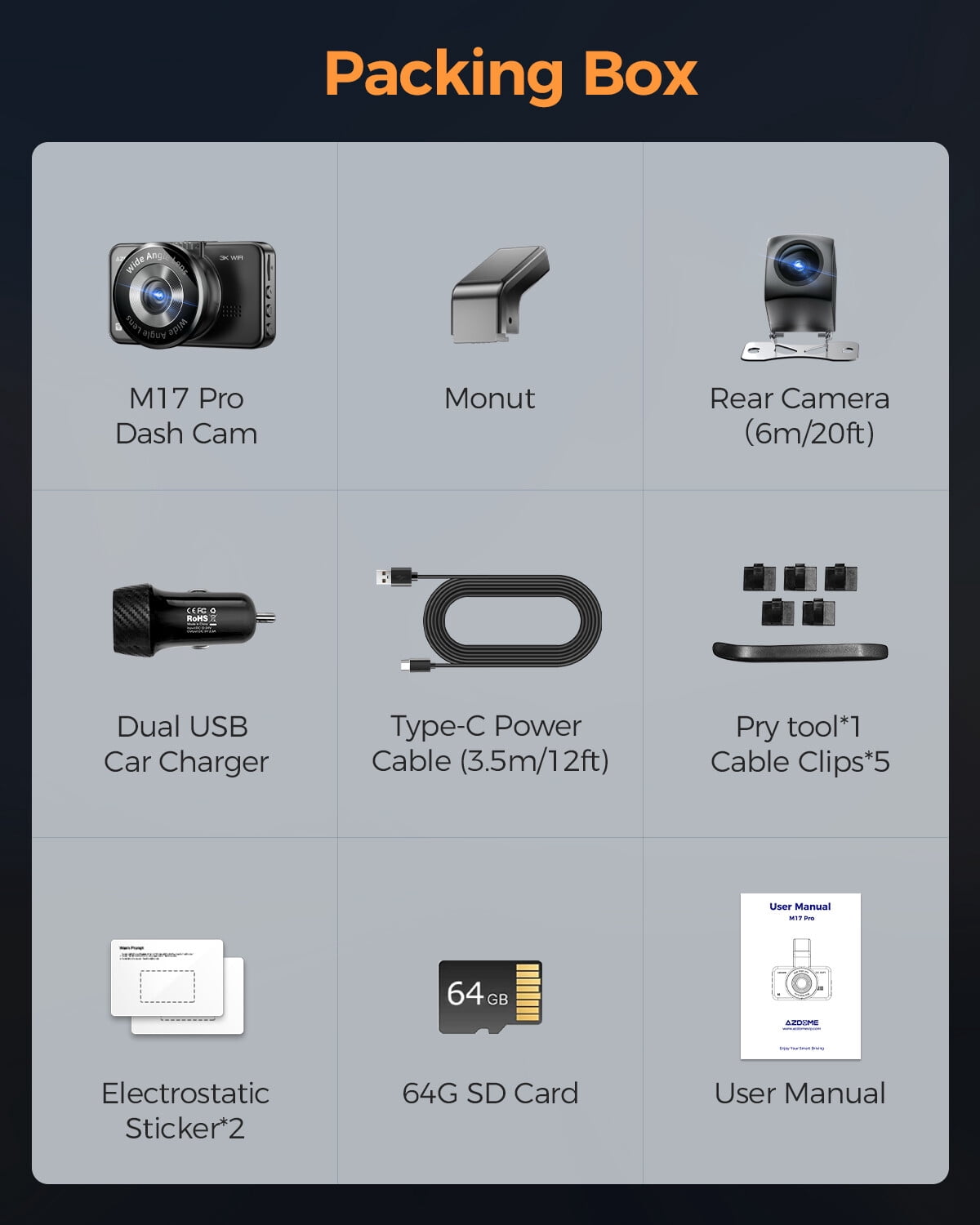
What's included (M17 Pro Standard Packing List): M17 Pro Dash cam; Rear camera (6M/20ft) x1; Dual USB Car charger x1; Type-C Power cable (3.5M/12ft) x1; Electrostatic sticker x2; Cable clips x5; Pry tool x1; User Manual x1; Storage card x1. Key specifications: Model: M17 Pro. Number of Cameras: 2 (Front+Rear). View Angle: 170°. Video Resolution: 3K/2K+1080P. Screen Size: 3" IPS Screen. Power Interface: 5V/2A. WiFi: Support. Voice Control: Support. ADAS (LDWS): Support. Aperture: F=1.8. Microphone: Support. Speaker: Support. Max External Memory: 128GB (Class10, U3 Speed, Included 64GB SD Card). Battery pack: 1 Lithium Ion batteries required. (included). File Format: MP4/JPG. Working temperature: -20°C to 70°C (-4°F to 158°F). Product Dimensions: 2.5 x 6.5 x 7 cm; 610 g. Color: Black. Language: English, Français, Español, Português, Deutsch, Italiano, 简体/繁體中文. etc Important notes and tips: - Every AZDOME M17 Pro ships with a genuine 64GB SD card as a complimentary gift. Use a Class 10 (U3) card; maximum supported capacity is 128GB. Format the SD card in the dash cam before first use. - The internal battery is intended to preserve files in emergencies—keep the dash cam connected to external power during regular operation. - AZDOME provides free firmware and app updates (iOS & Android) periodically to improve features and performance. - This product is covered by a full 1-YEAR WARRANTY. Contact us by text for faster response or email our customer service for help. If you are not satisfied, a FULL REFUND is available within 30 DAYS. - Self-installation is possible following the manual, saving professional installation costs. Connecting to WiFi: Follow the illustrated steps (images and videos provided) to link your smartphone to the dash cam’s WiFi. If you need extra help with this procedure, please contact customer service. Customer questions & answers: Q1: Camera does not turn ON? A: Plug the camera into a 110V wall outlet using the Mini USB cable and a smartphone USB charger. If it doesn’t power up automatically, press the Power Button once. If still OFF, remove the memory card and keep the camera plugged in, then press the RESET button (bottom) once with a pen tip or paper clip. If it still will not power on, please CONTACT US. Q2: Camera turns ON/OFF frequently by itself? A: Try resetting the unit and reinstalling the latest firmware. If the problem persists, reach out to customer care for assistance. Q3: "Card Full" message? A: Go to System Settings > Format > OK to format the card (this deletes all data). Then set Loop Recording (Video Mode settings) to 1-min, 3-min, or 5-min so older footage is overwritten automatically. Q4: My oldest video files are missing? A: The dash cam uses Loop Cycle Recording. When loop recording is enabled (1, 3 or 5-minute segments) the oldest files are erased as space is needed. To verify, set date/time correctly, FORMAT the SD card, run continuous recording and check results. Q5: Camera gets HOT? A: Some warmth during high-speed video recording is normal. Operating temperature can reach up to 158°F/70°C. Q6: Video looks fuzzy? A: Clean the camera lens and windshield of dirt or grease. If the lens is clearly out of focus (possible manufacturing defect), email us a screenshot or sample video so we can resolve it quickly. Q7: Camera locks many videos automatically? A: Check your G-sensor sensitivity. A higher setting will lock files even from small bumps. Adjust based on your vehicle type, suspension and road conditions. Q8: "Memory Error"? A: Use a trusted Class10, U3 SD card from reputable sellers (Walmart, Target, Best Buy, Amazon - Ship & Sold by Amazon) to avoid counterfeit cards. Format the card in the camera (back up videos first). After formatting, press and hold the power button to shut the camera off. Q9: What is the WiFi Feature? A: WiFi lets you pair the dash cam with your smartphone to view, download and share recordings directly—similar to connecting a Bluetooth speaker, but using a WiFi link between the camera and phone. Q10: Can I view videos remotely from anywhere? A: NO. The AZDOME M17 Pro is not a cloud or IP camera and does not broadcast over the internet. Live view and footage via the AZDOME app are available only while your phone is within the camera’s WiFi range (approximately 10FT). Q11: What is the WiFi Range? A: The WiFi works up to about 10FT with no obstructions. Like home WiFi, the signal is local to the device and won’t reach long distances.
Shipping & Returns
Shipping & Returns