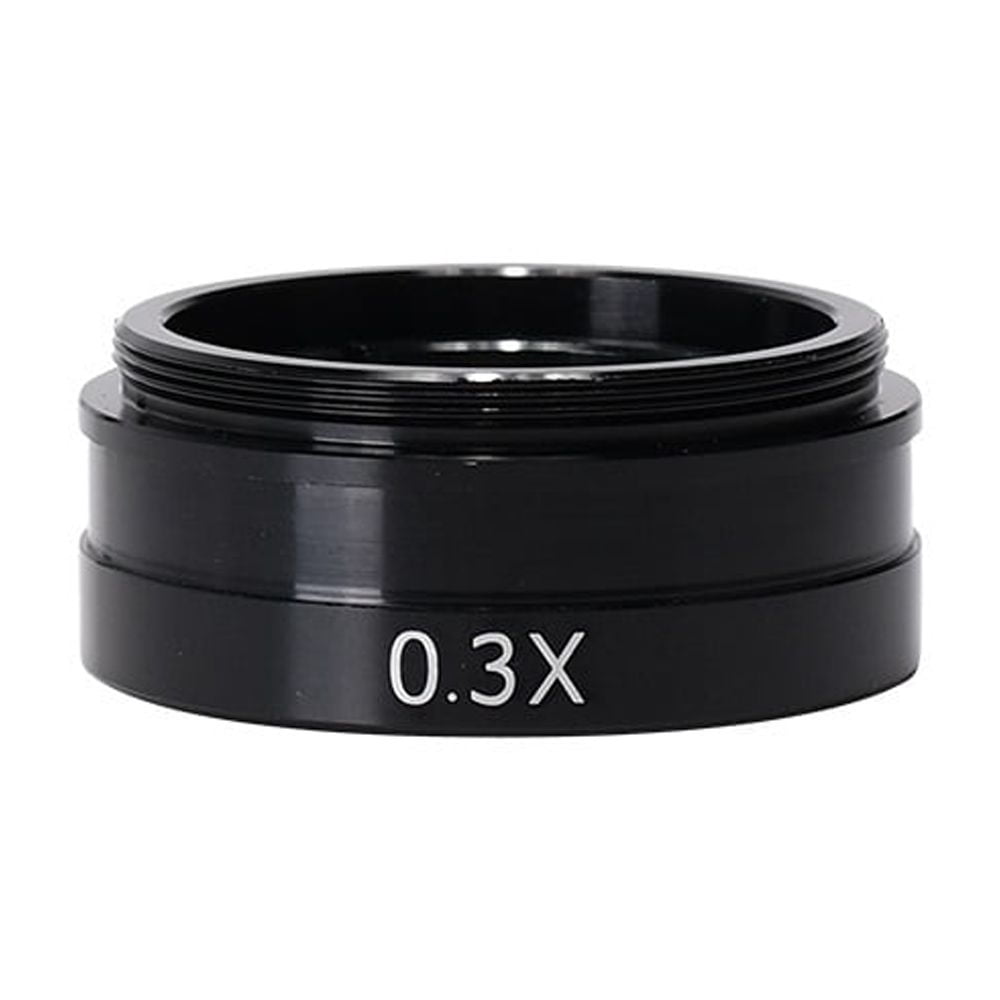
Auxiliary Objective Glass Lens 2.0X / 0.5X / 0.3X for 10A 180X 300X Industry Video Microscope Camera, High-Definition Imaging
Routine cleaning sequence for optical lenses: remove loose particles first, then brush, and finish with a wipe. Start by using a blower (for example an ear-wash bulb) to expel debris from the lens surface — do not blow with your mouth. If dust or particles remain after blowing, use a clean, dedicated lens brush to gently sweep them away. When particulate contamination cannot be cleared by blowing or brushing, lightly moisten lens tissue with xylene and wipe the surface gently. For lenses that show mold or a milky haze, use lens tissue dampened with a mixture of absolute alcohol and ether. Apply only a small amount of liquid and keep contact time brief to prevent the solvent from seeping into the lens assembly and causing corrosion. Cleaning oil-contaminated optics: after each use remove oil promptly. First, wipe the surface once or twice with dry lens tissue to lift most of the oil. Next, wipe the lens twice with xylene-wetted lens tissue to dissolve remaining residue. Finish by wiping once with dry lens tissue to remove any solvent traces. Related Products: digital microscope,digital microscope with screen,coin microscope,electronic microscope,soldering microscope,usb microscope,microscope camera,digital microscopes,coin microscope with light,1000x digital microscope,lcd microscope,wifi microtelescope,smartphone microscope
Shipping & Returns
Shipping & Returns