NOBRAND V320 Black OBD2 Diagnostic Scanner sku-17584115155
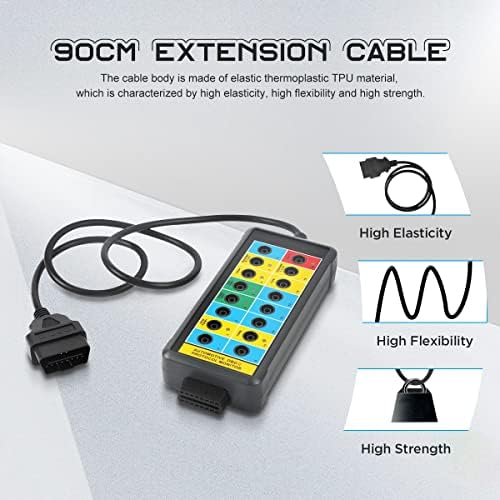
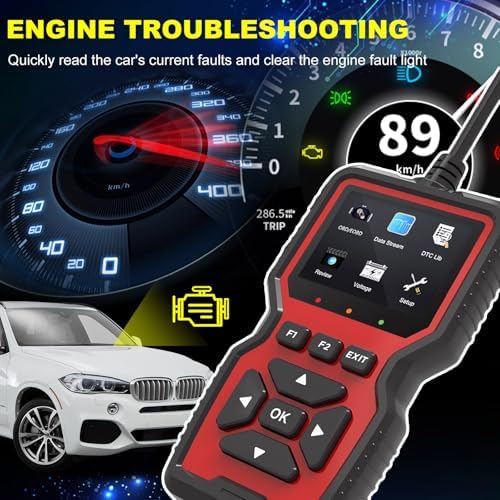
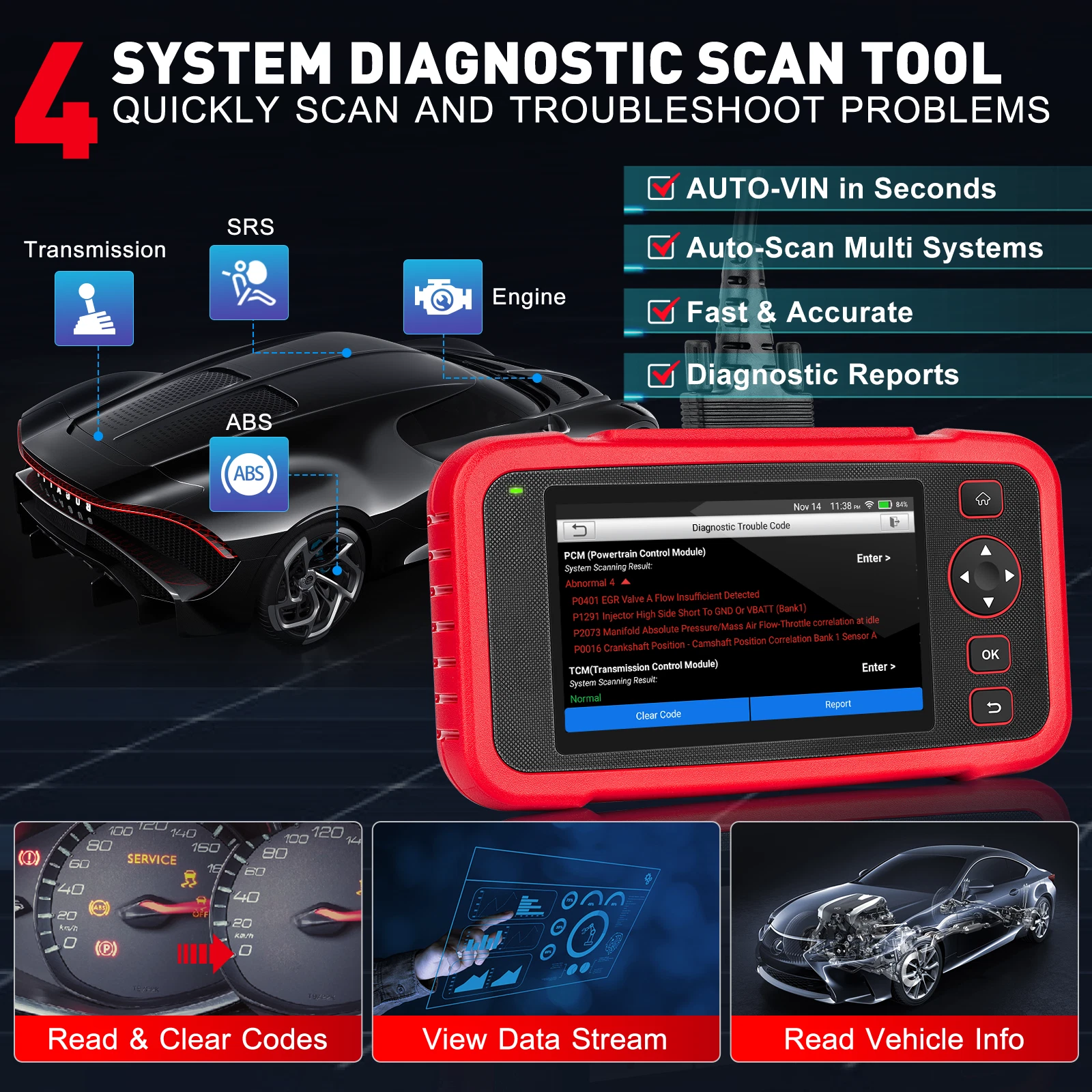
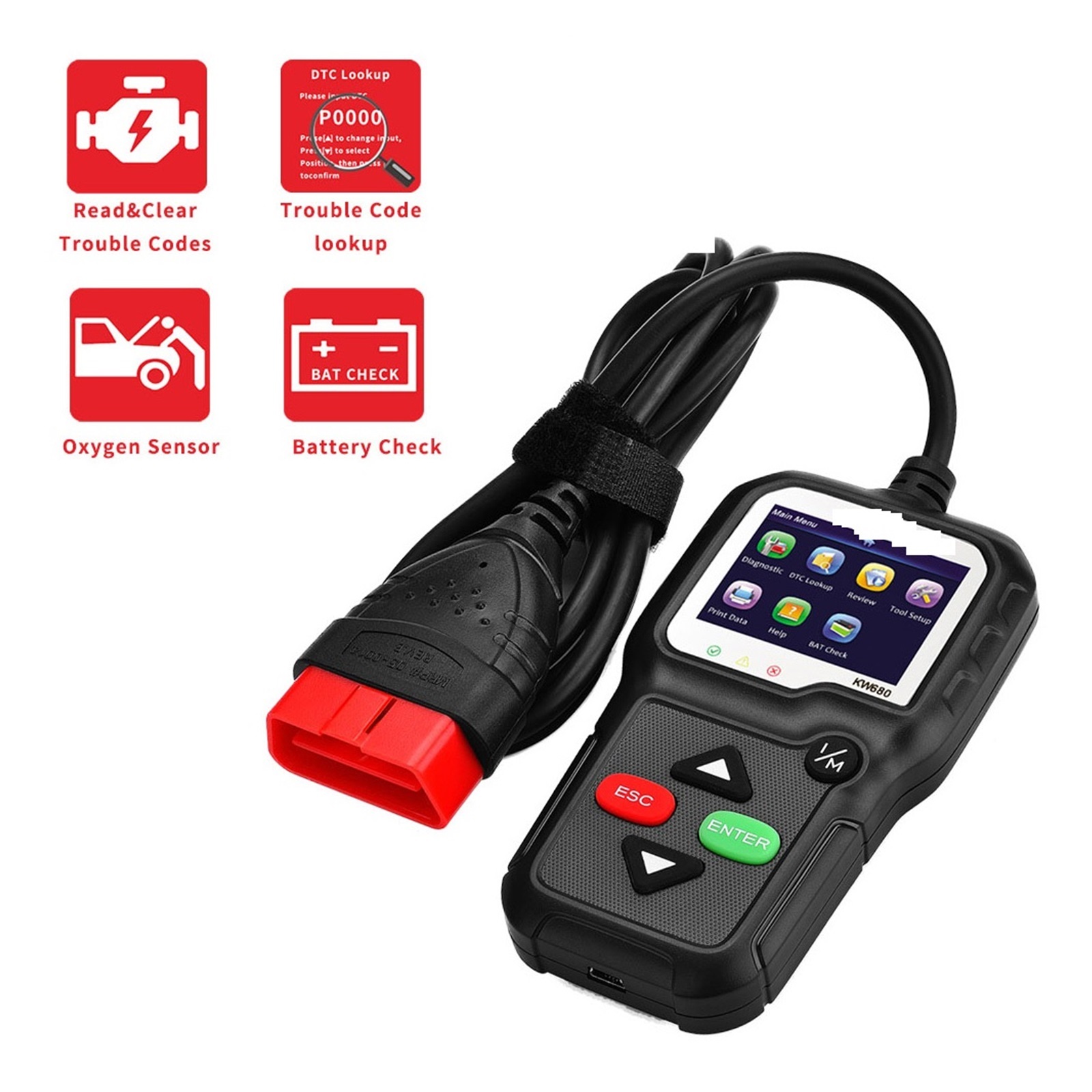
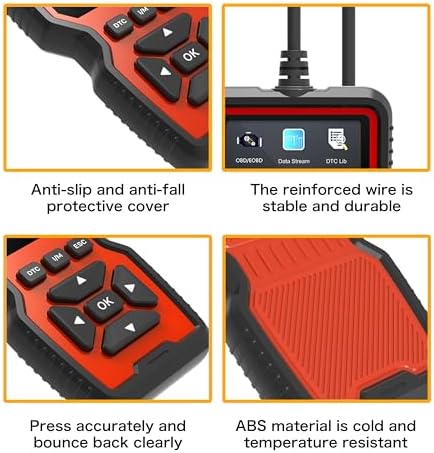
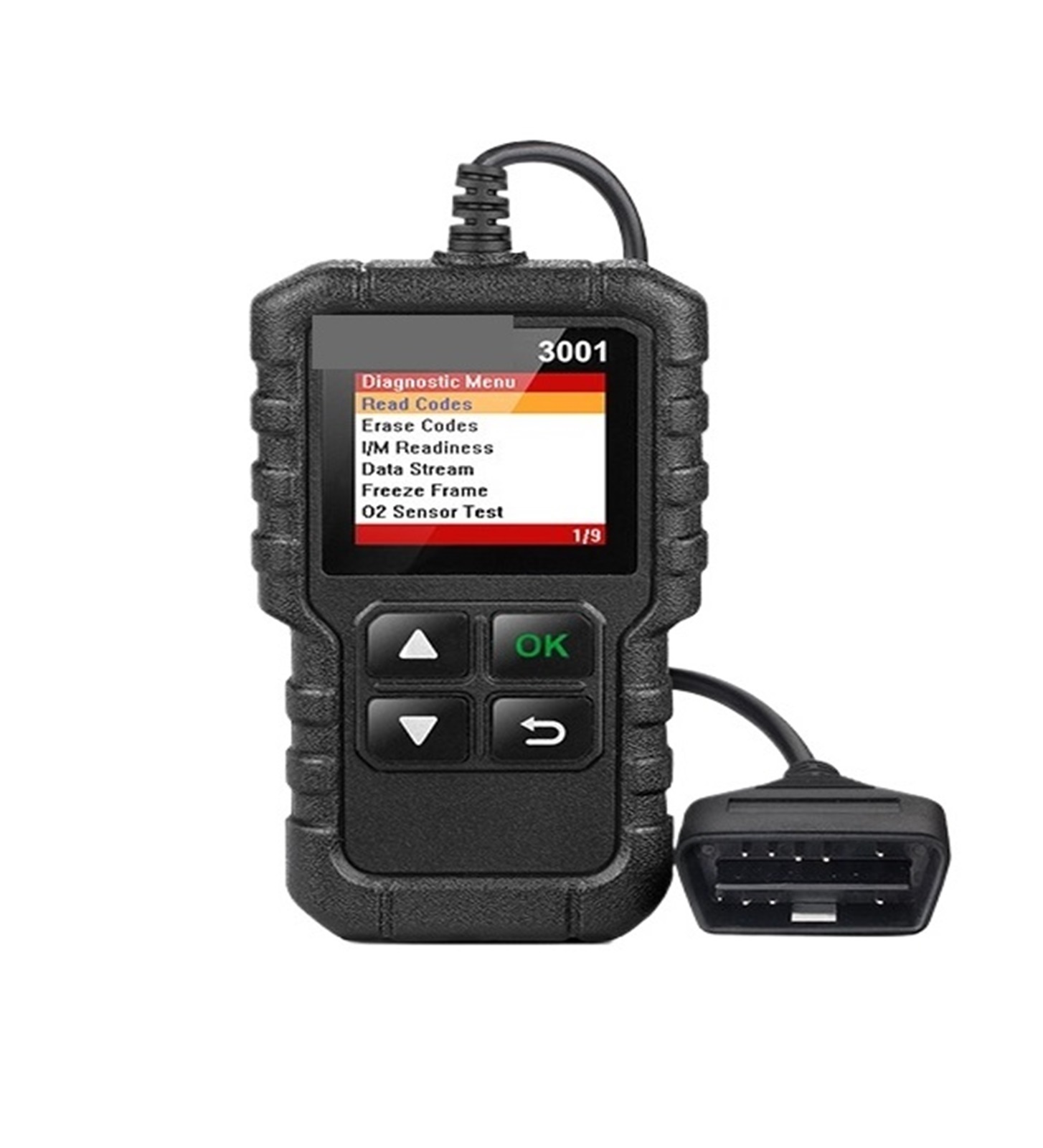
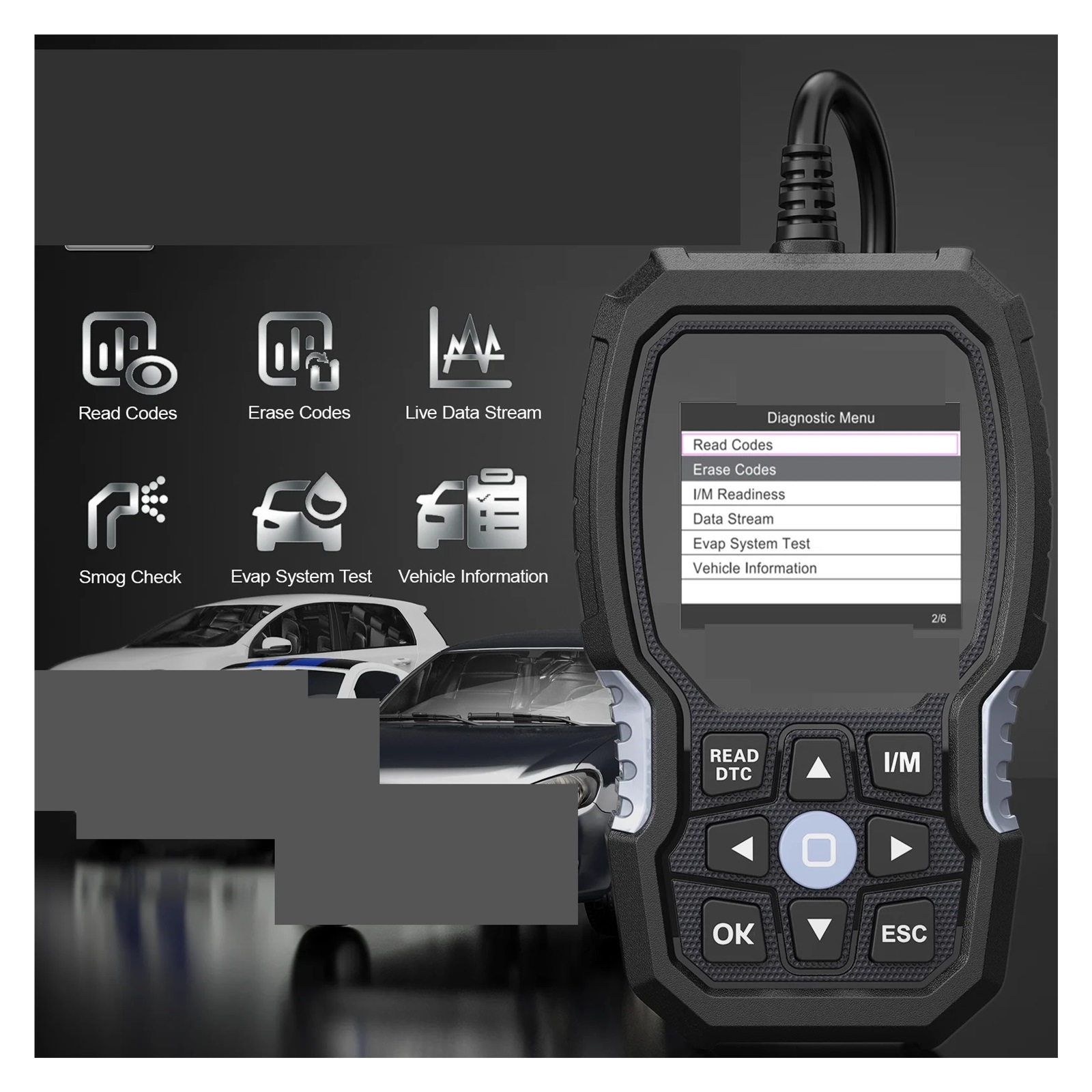
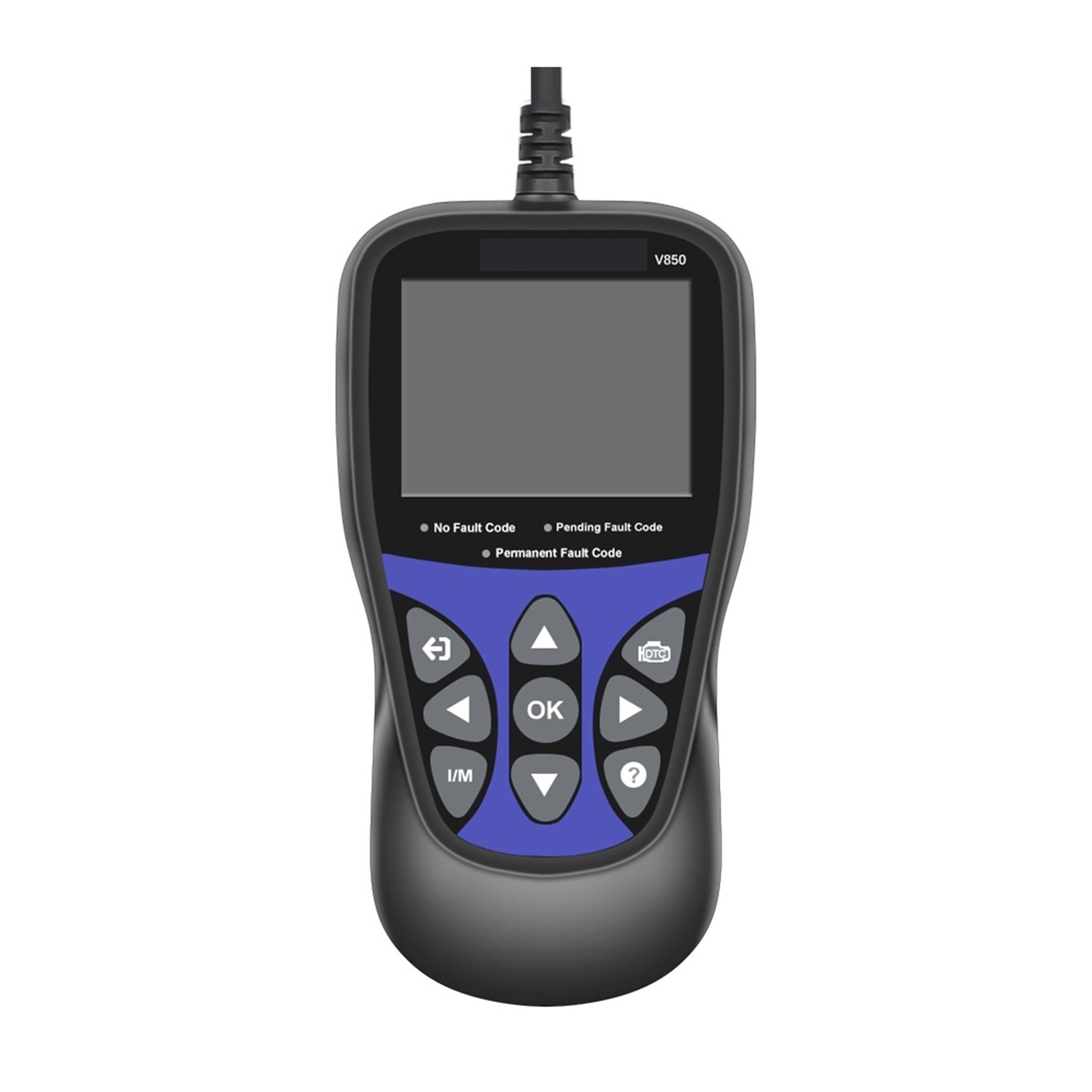
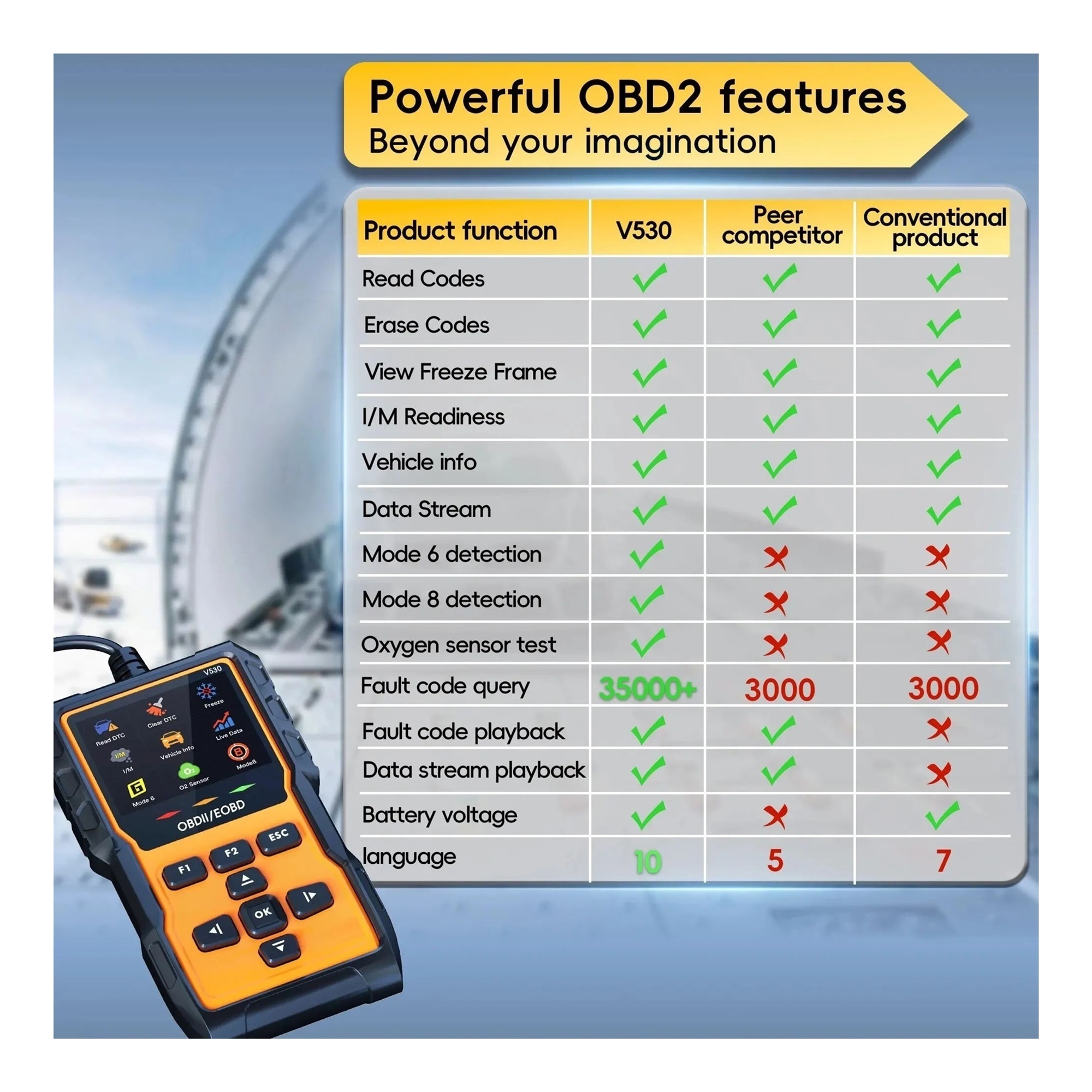
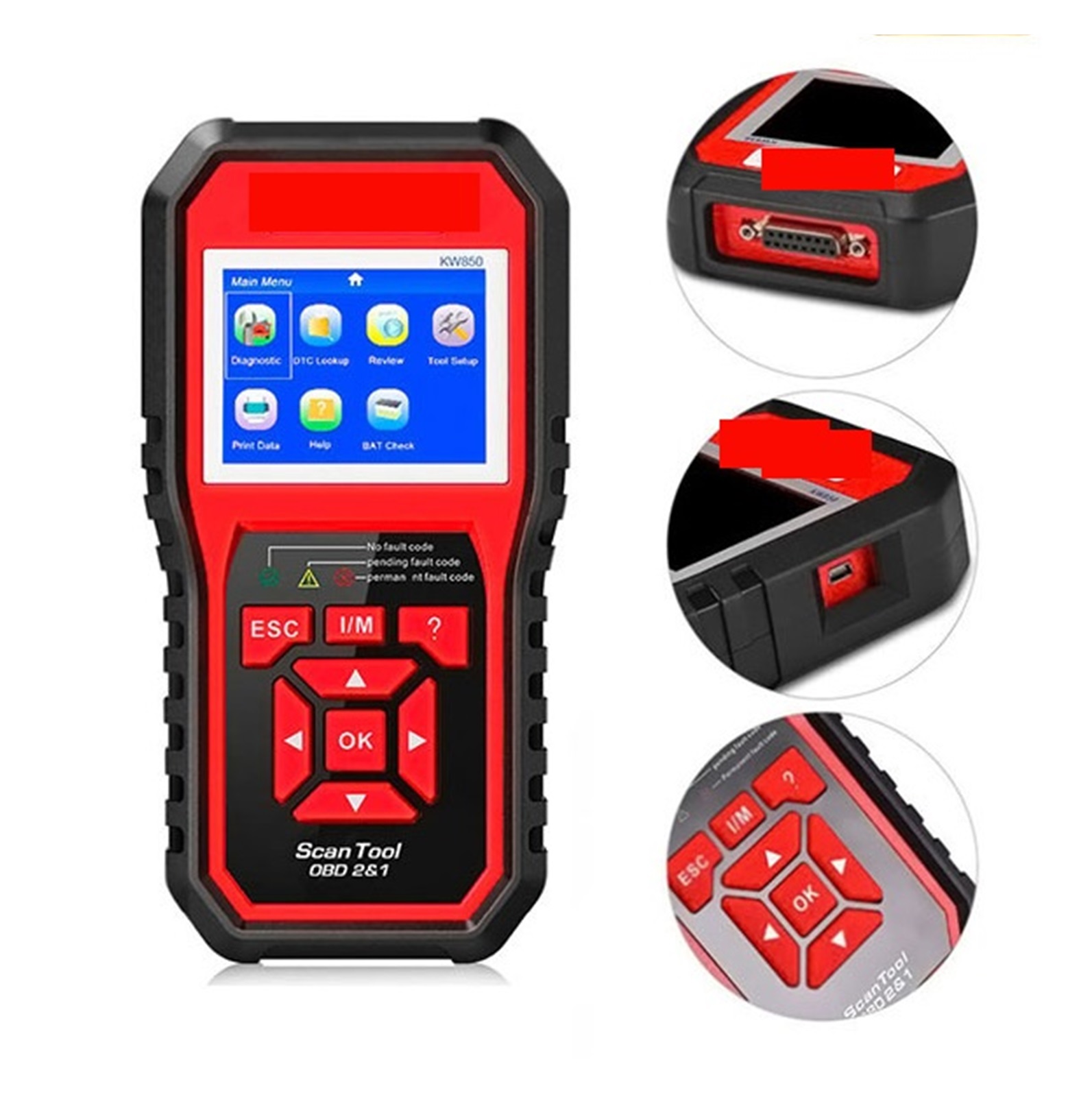
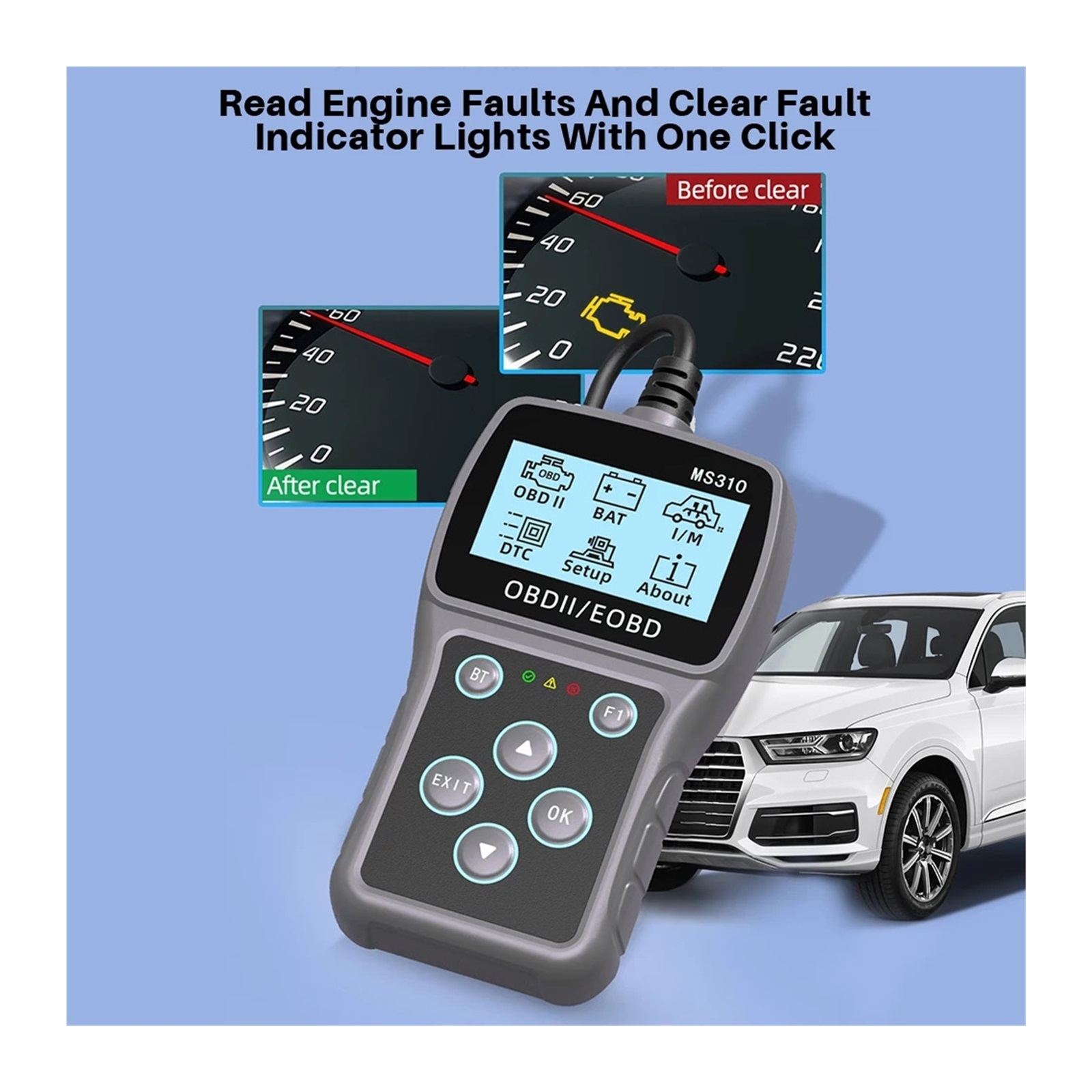
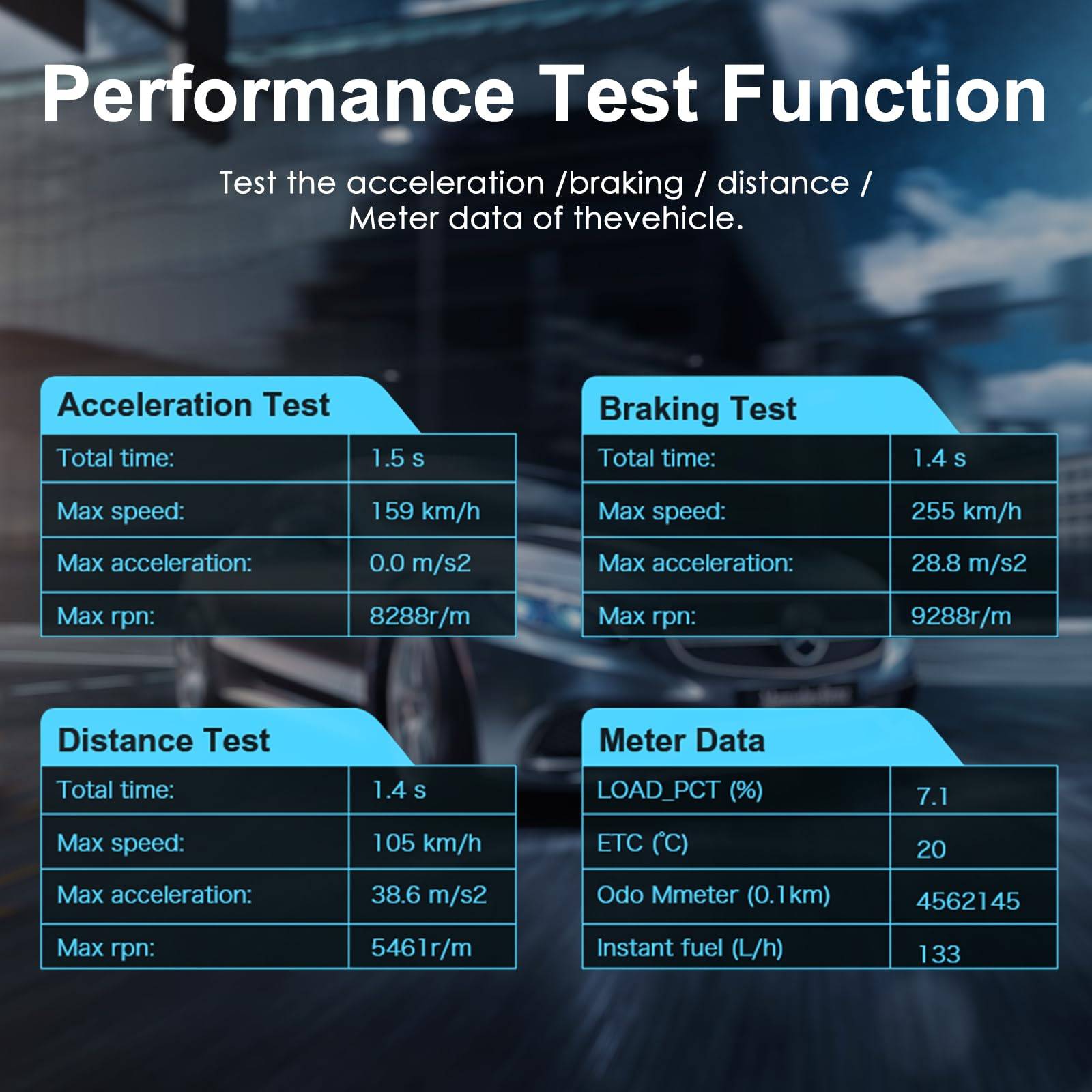
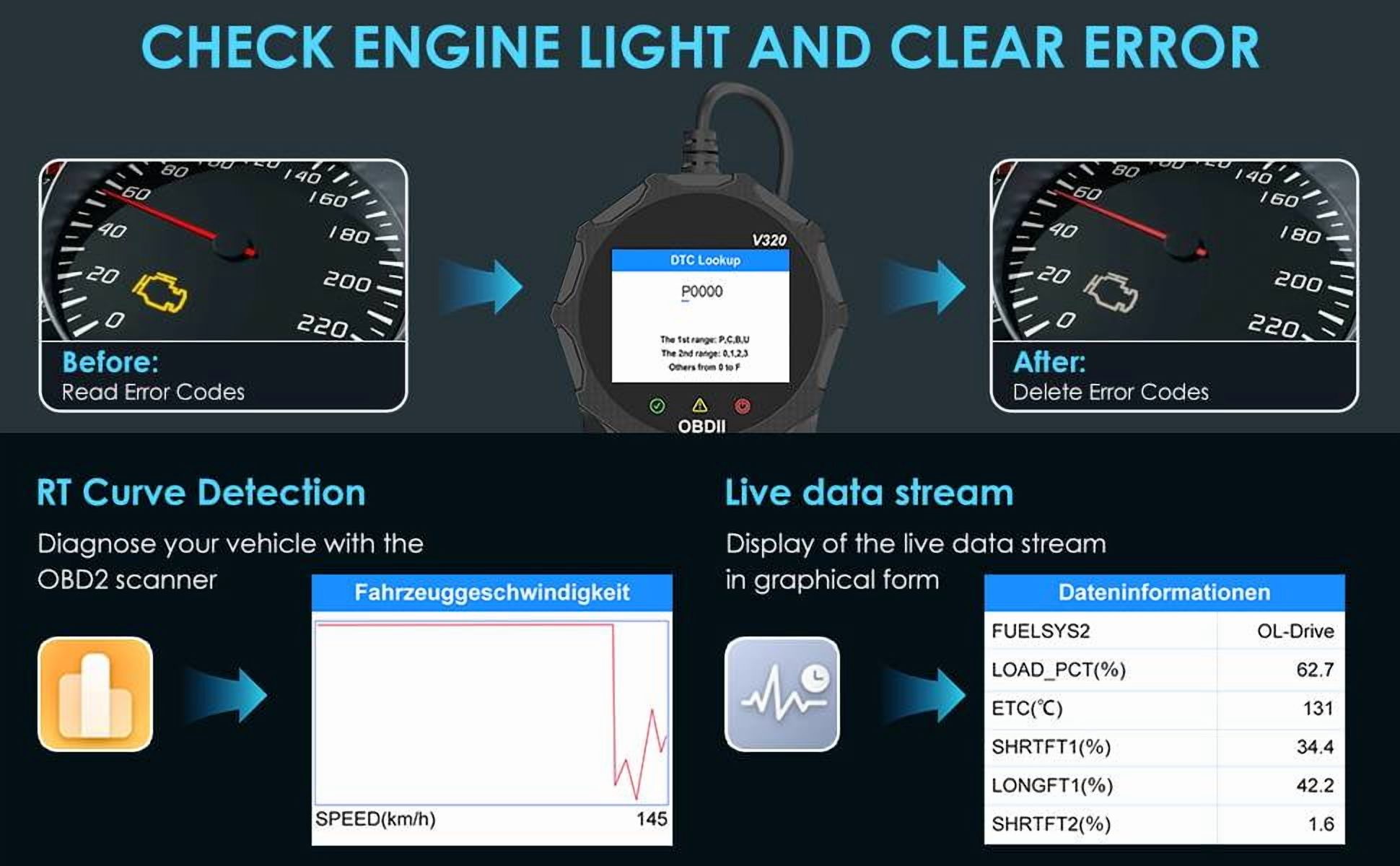
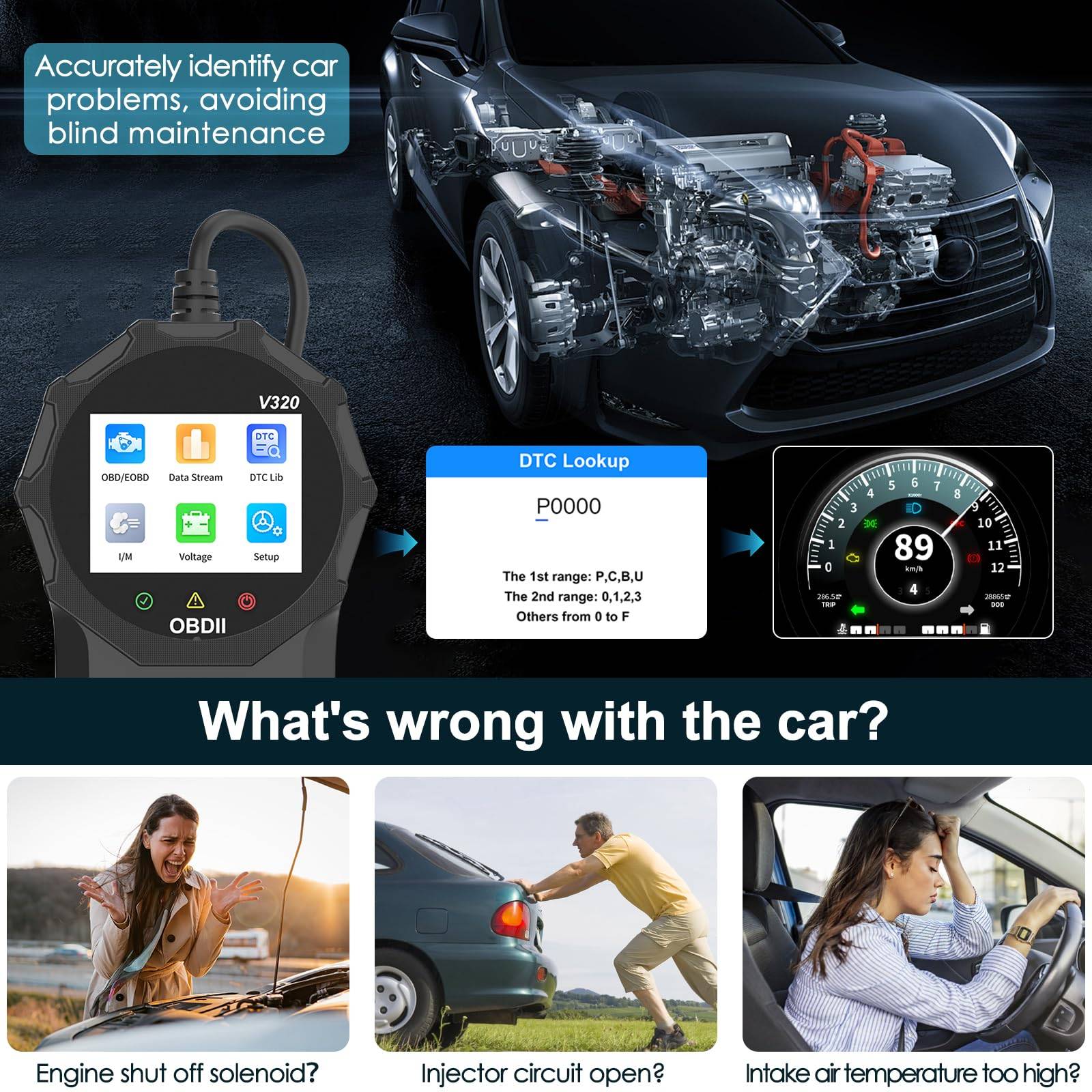
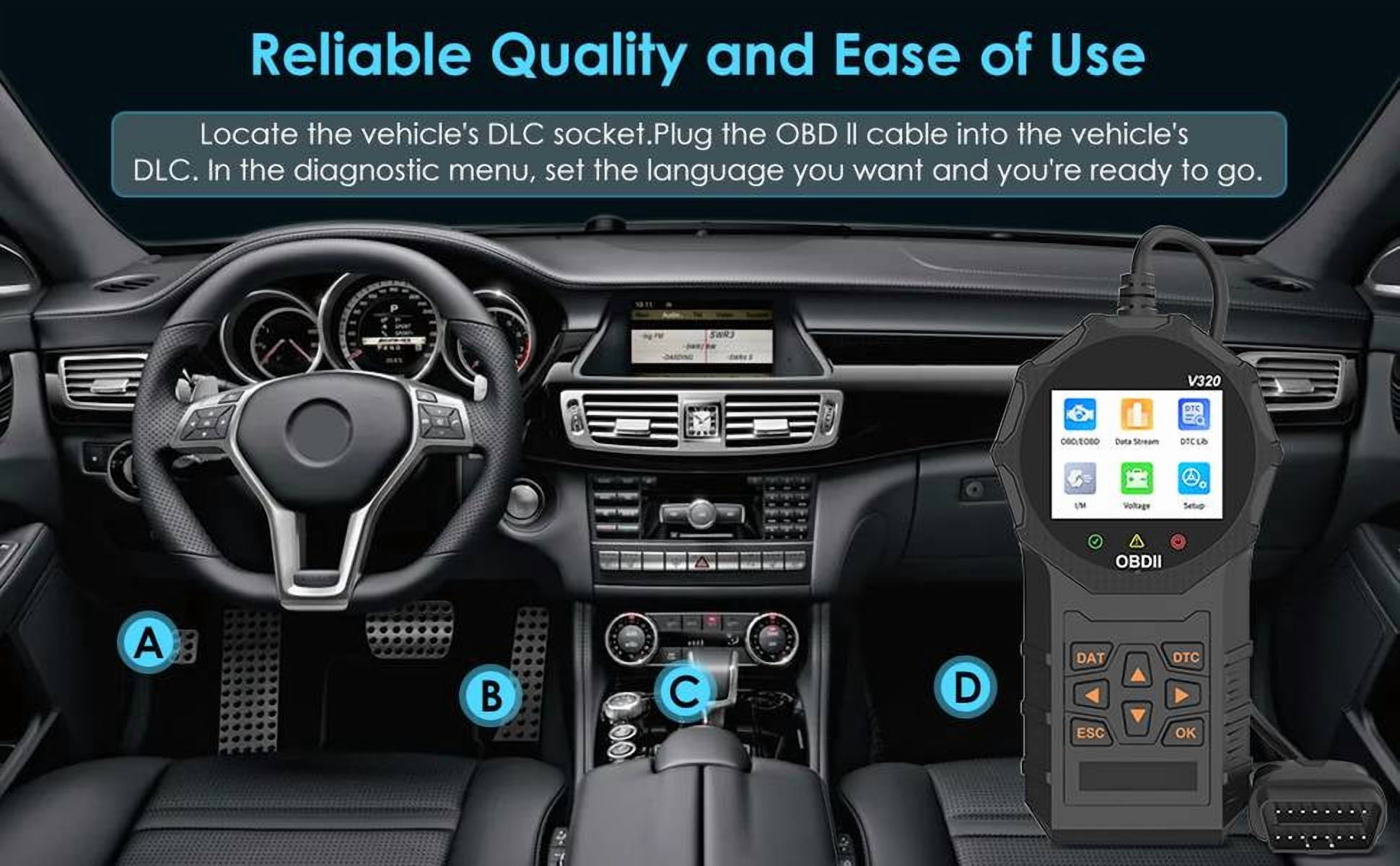
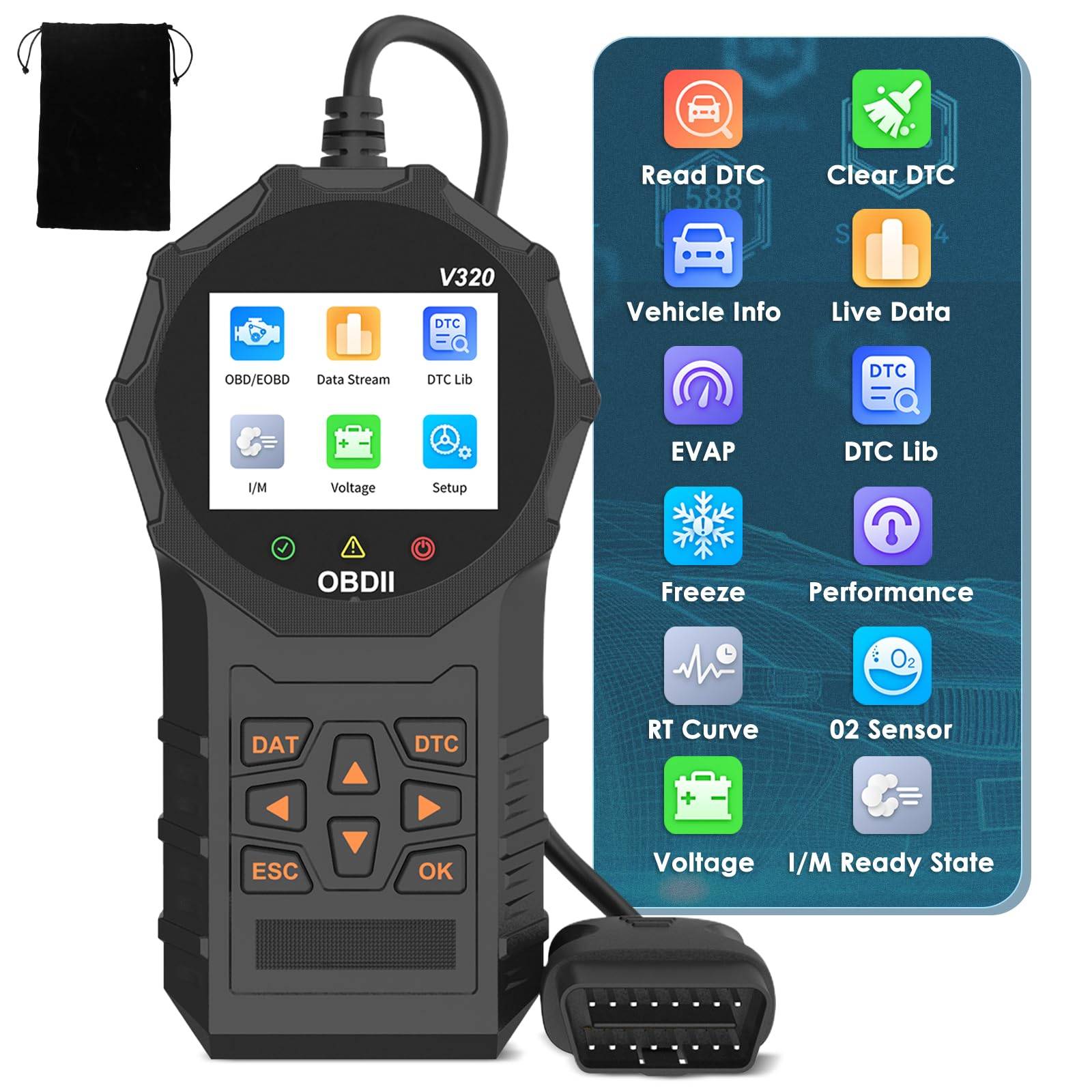
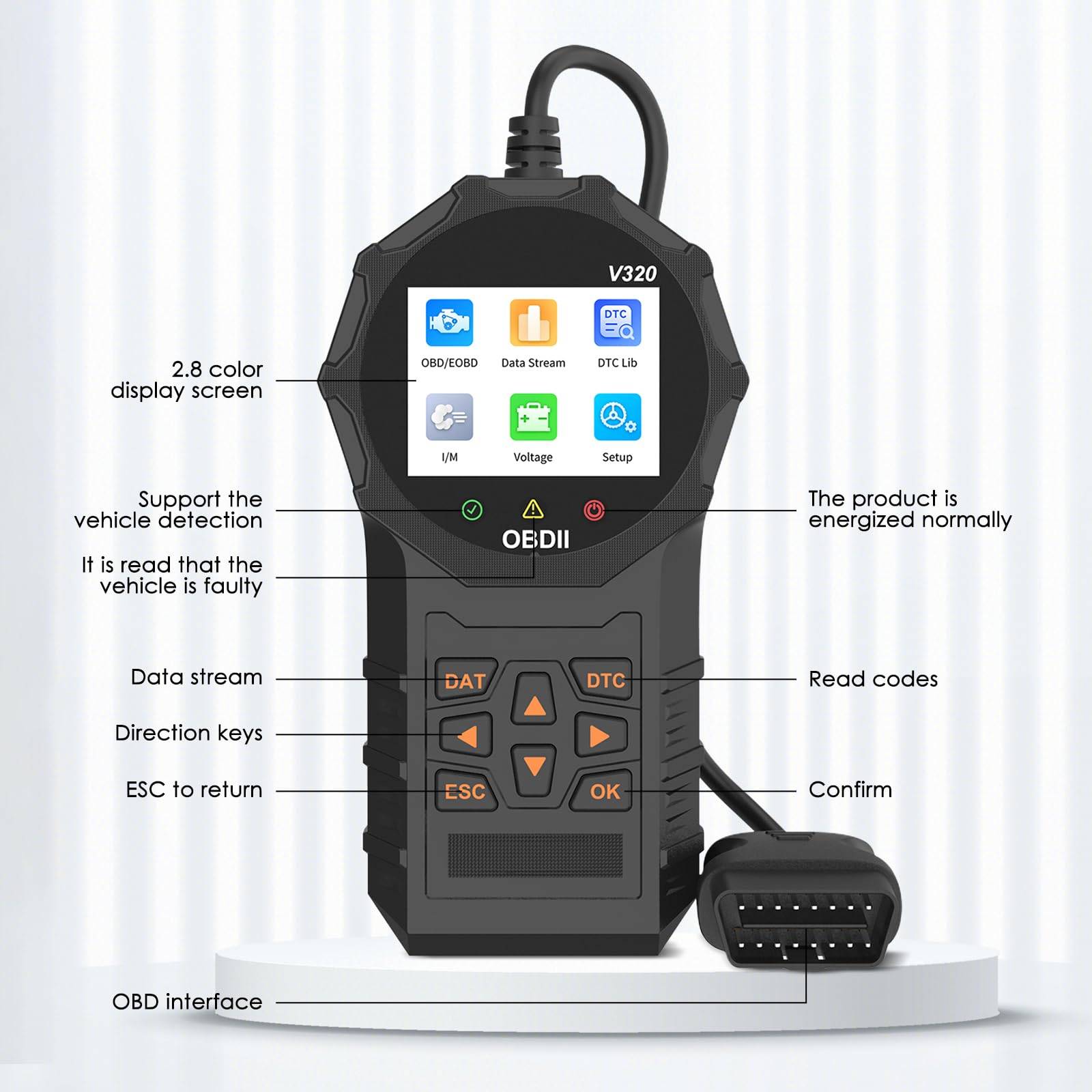
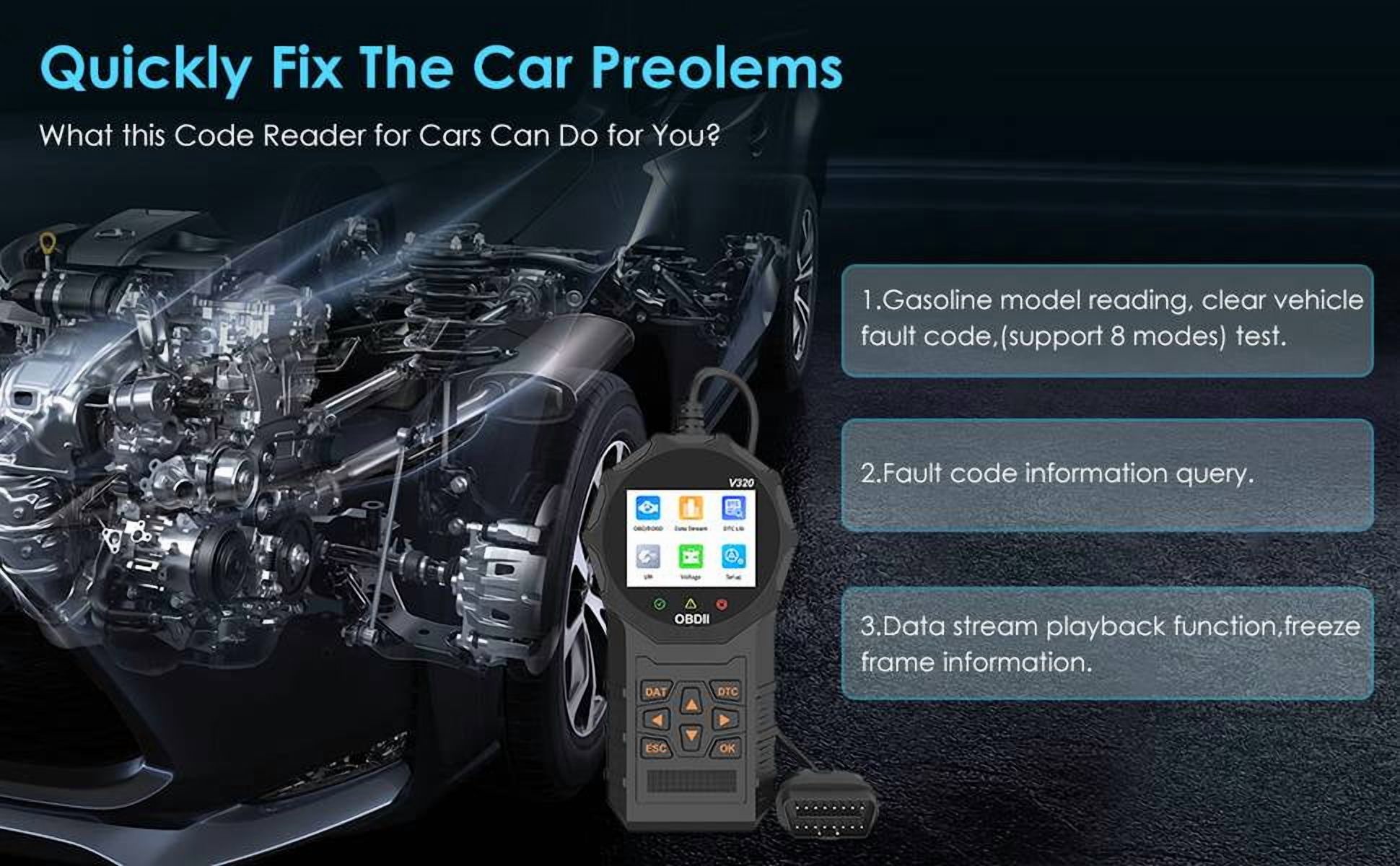
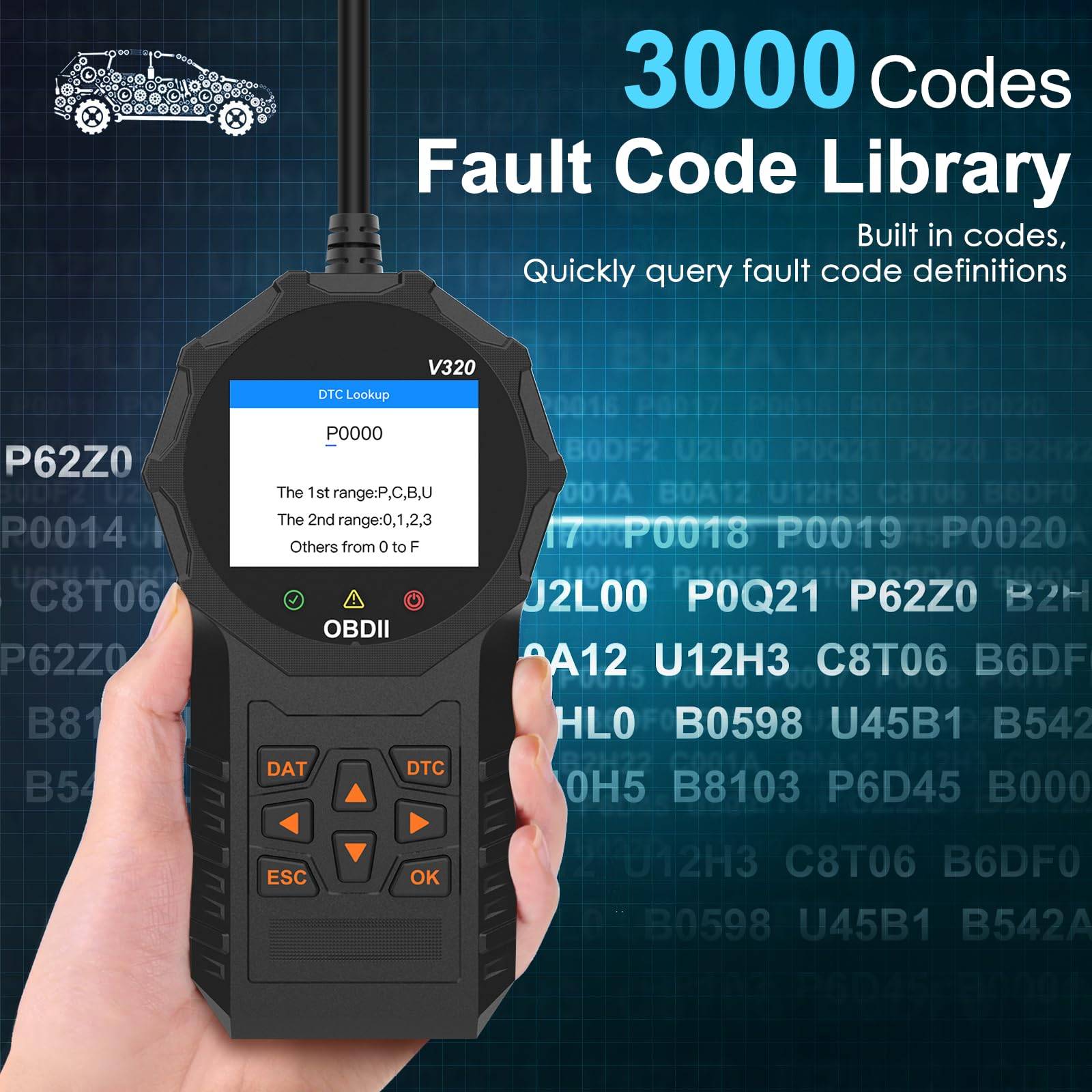
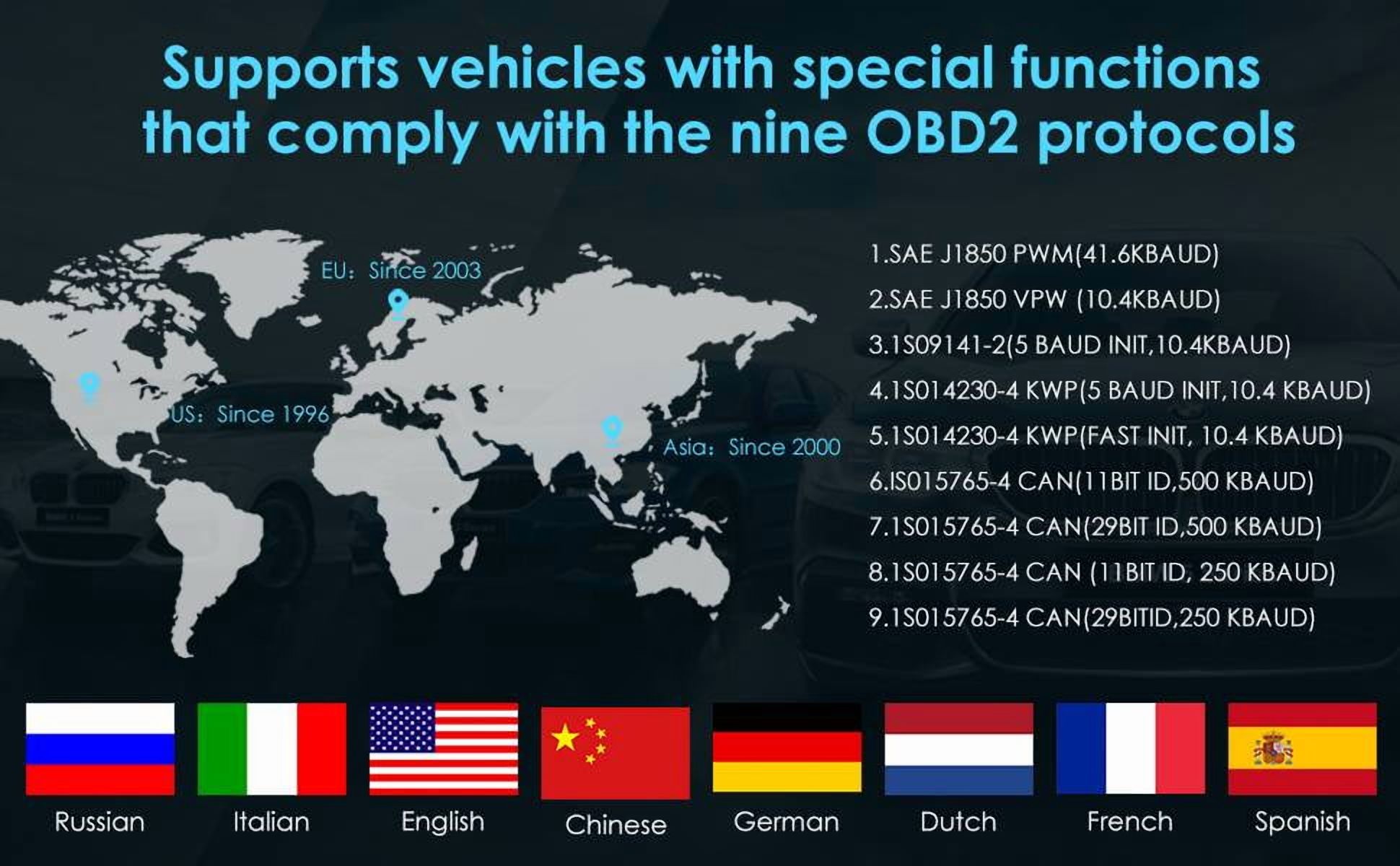
No rating yet(0 reviews)NOBRAND V320 is a Black automotive OBD2 code reader in Diagnostic and Test Tools, SKU sku-17584115155. It supports nine OBD II/EOBD standard protocols for compatible vehicles. It reads and clears fault codes, gives fault-code definitions, reads battery voltage and checks MIL status. Its live data stream displays engine parameters such as speed, temperature and fuel consumption; it can also save freeze-frame vehicle information captured when a fault is detected. Functions include acceleration, braking and distance performance tests, gauge data, vehicle information such as VIN and engine model, oxygen sensor testing, and a Mode 8 fuel evaporation system check. It can display and delete fault codes, data streams and freeze-frame information. I/M readiness reports OK for a completed monitor test, INC for an incomplete test and N/A when a monitor is unsupported. The V320 supports eight languages: English, German, Italian, Dutch, French, Spanish, Chinese and Russian. Its supported protocols are SAE J1850 PWM at 41.6Kbaud; SAE J1850 VPW at 10.4Kbaud; ISO9141-2 with 5-baud initialization followed by 10.4Kbaud communication; ISO14230-4 KWP with 5-baud initialization followed by 10.4Kbaud communication; ISO14230-4 KWP with fast initialization; and ISO15765-4 CAN with 11-bit or 29-bit identifiers at either 500Kbaud or 250Kbaud. To use the device, locate the vehicle's OBD port, typically on the lower left side of the dashboard above the throttle pedal. Consult the vehicle manual or search by vehicle model if its location is unclear. Connect the V320 with the supplied cable, start the car, then select OBD/EOBD on the main page and press OK. Use the directional keys to choose a test, such as performance, data stream, fault-code inquiry, I/M readiness or voltage detection, and press OK to run it. The Read Code key reads fault codes, the Confirm key selects or runs a function, and the Exit or Back key returns to the preceding menu. A green indicator means vehicle diagnostics are supported, yellow means a fault was detected, and red means the device is powered on. Product Settings lets you choose a language, switch units such as miles per hour and kilometers per hour, and adjust backlight brightness, contrast and sound. Save changes before exiting to the main menu or another operation. The device is not compatible with new energy vehicles, hybrid vehicles or models that do not conform to the OBD2 protocol. The warranty disclaimer lists exclusions including abnormal use, improper storage, unauthorized modifications, misuse, negligence, abuse, accidents, changes and improper installation.
Description
Description
Shipping & Returns
Shipping & Returns
Customer ratings and reviews
0 reviews
Share your experience
Checking your account…
No customer reviews yet. Be the first to share your experience.
Customer questions and answers
Ask about this product. Shipping, orders, and account issues belong with customer support.
Sign in or register to ask or answer.
No matching approved questions. Be the first to ask.