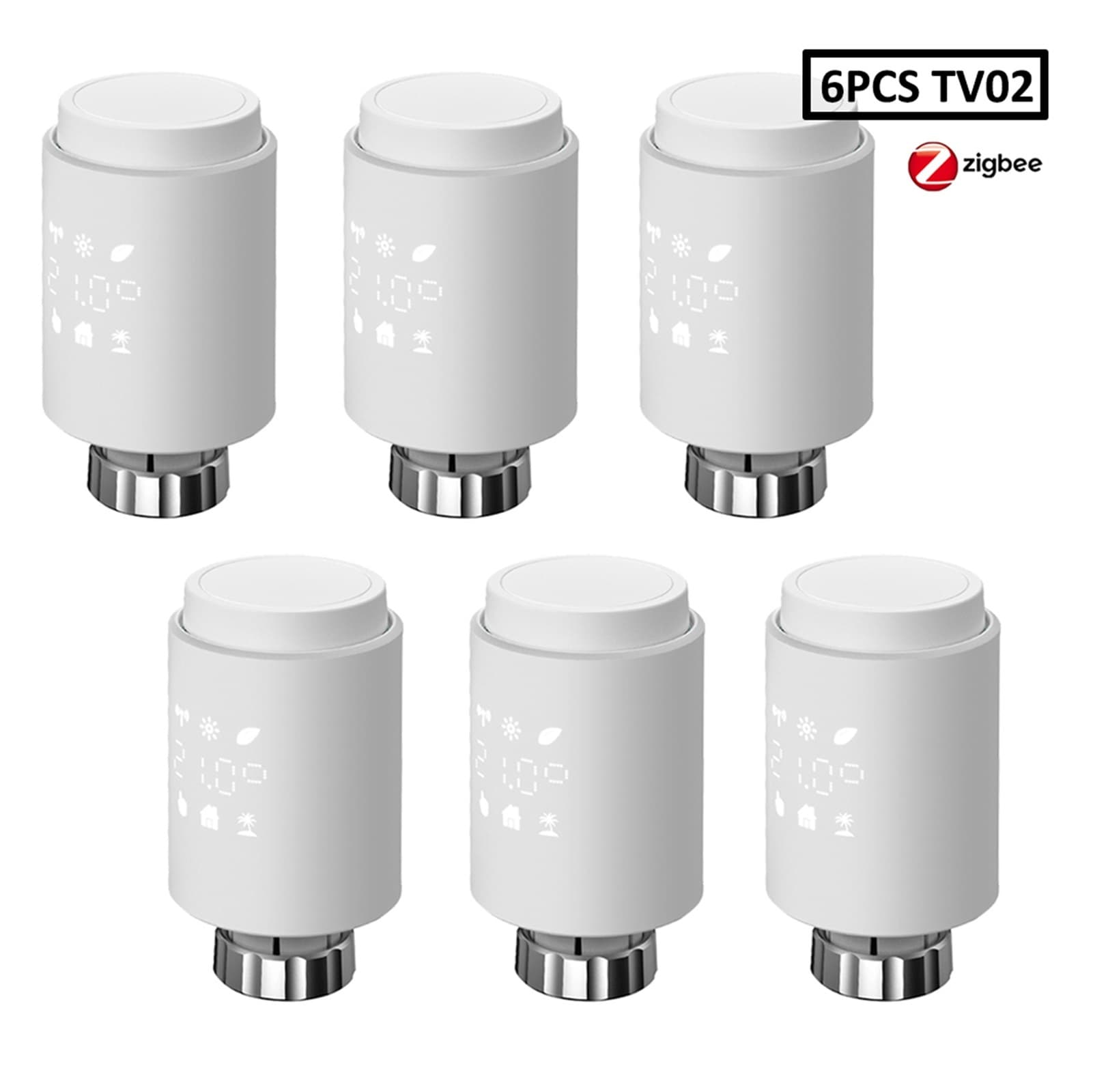
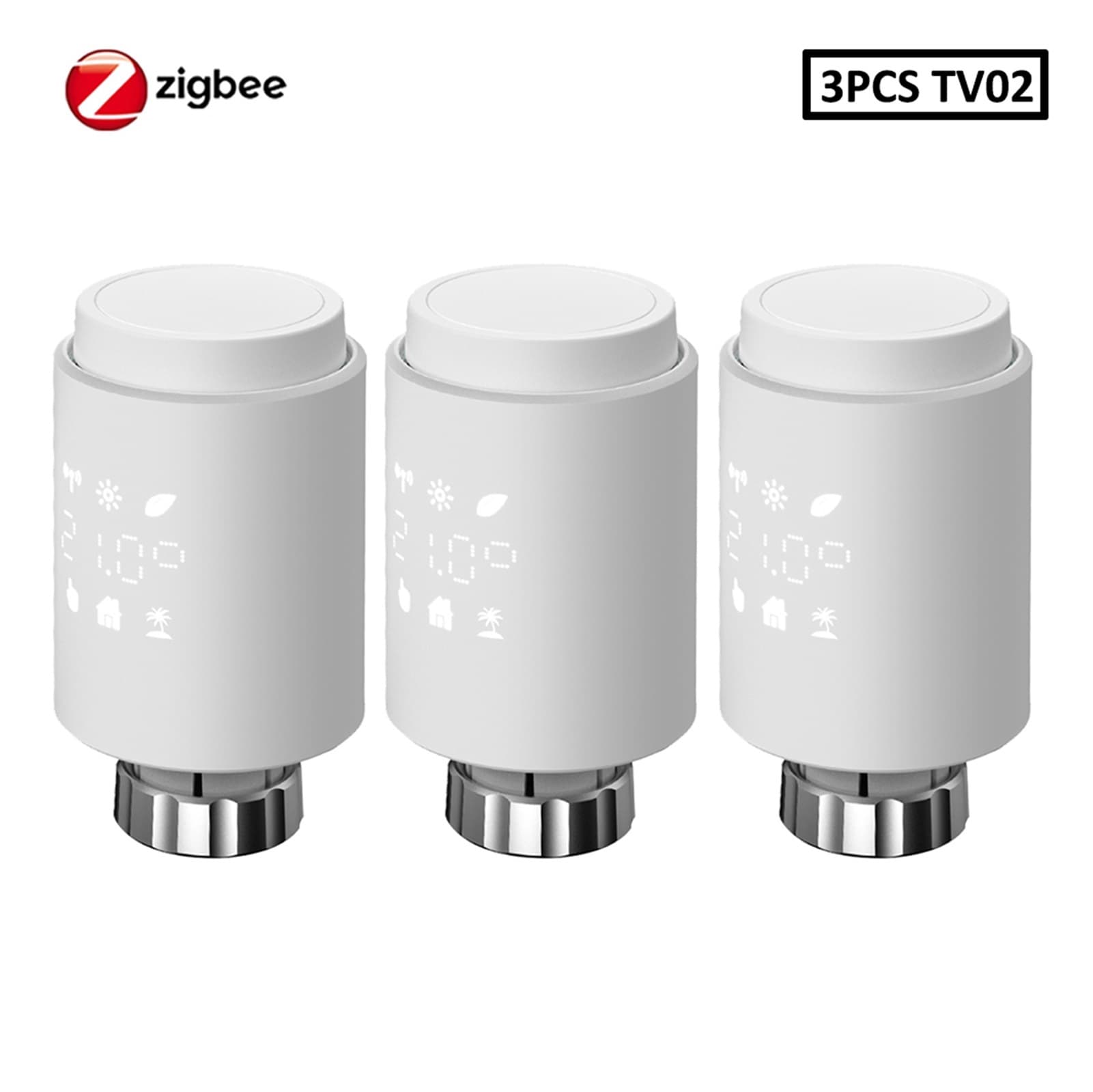
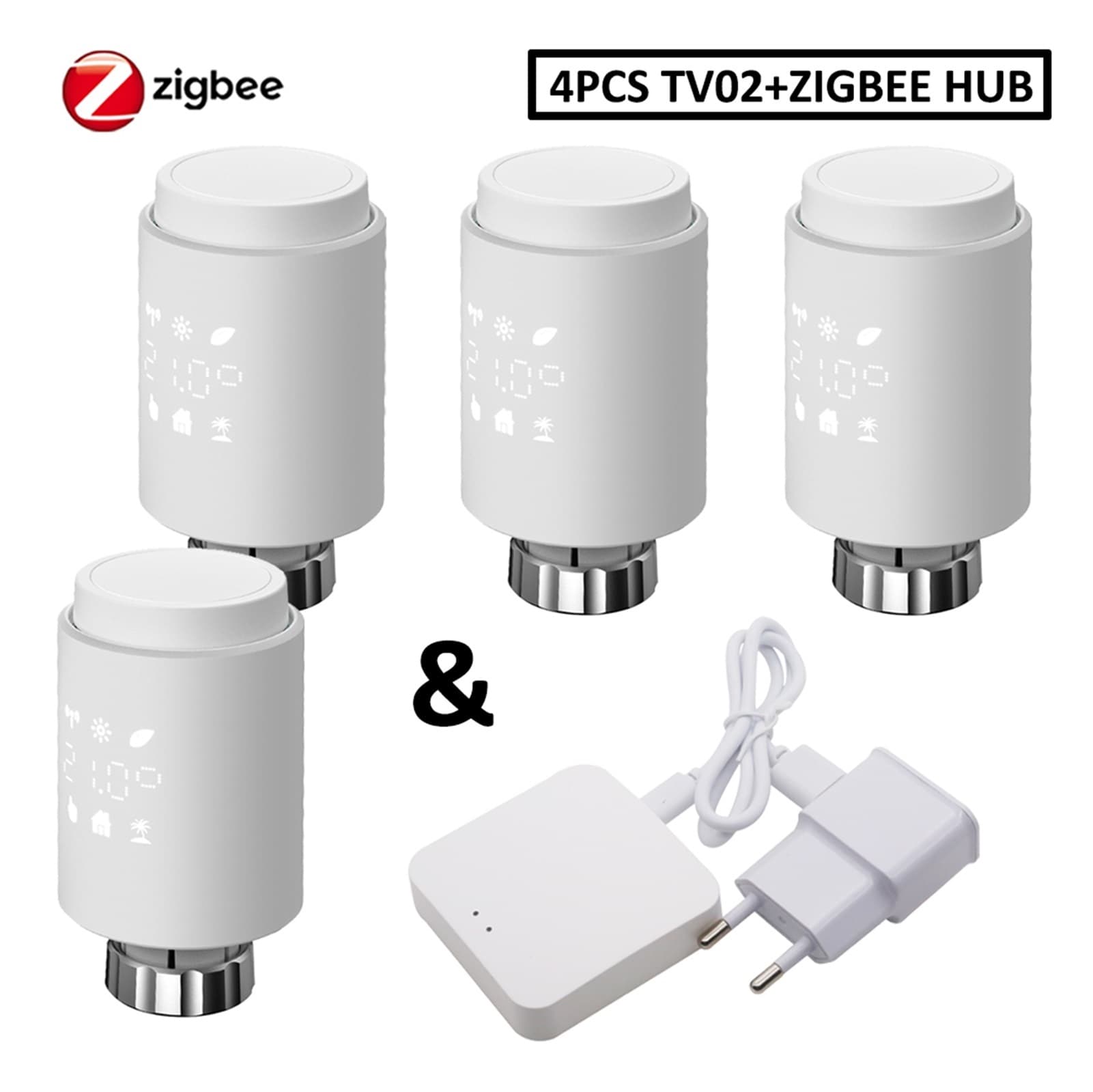
3.0 Smart WIFI Thermostatic Radiator Valve Actuator TRV Programmable Temperature Controller ,Save Energy
Parameter: Commercial name:Thermostat radiator valve Device weight:200g Device size:56.5*100mm Letter Of Agreement:Zigbee 3.0 WIFI:2.4Ghz Battery:2*1.5V LR6/mignon/AA Battery Life:1.5-2.5 Years Hub Communication Distance:60M Temeprature range:5-30 Degree of protection:lP20 Constant temperature tolerance:±0.7 Connection:M30x1.5mm MAX travel:6mm Working temperature:-10-40 Working environment:Indoor Certification:CE/ROHS Package Listing: 1 * Radiator Thermostat1 * Bag of Accessory1 * User Manual Q&A QCan I use my own hub to connect with the valve ANothis radiator thermostat can only be used with Tuya ZigBee wireless gateway hub,so we offer the set of the two for your to purchase. Q:Can this thermostat be set to Fahrenheit display? A:No,it can only be displayed with Celsius display. Q:Can I program the schedule myself? A:Yes,our thermostat is programmable.You are able to program your schedule freely., Q:Can I control the thermostat if I am not at home? A:Yes,after successfully connecting it to the hub,then you are able to control your device on your smart phone App. Q:Does this thermostat have a screen lock to prevent guests or kids from tampering with the settings? A:Yes, it does. It has a fully locked mode that prevents any changes or misoperation by children. Q: Is the battery included? A: No, because of delivery limitation, the product is not equipped with battery. Q:How does our thermostat radiator valve control the temperature in the room? A:Combined with the collected ambient temperature and the target temperature set by the user, the water flow through the heat sink is changed by adjusting the valve opening and closing degree of the TRV to achieve the purpose of effectively adjusting the Q:What is the temperature displayed on the screen of the TRV? Is it the temperature set by the user or the ambient temperature? A:The temperature displayed on the screen of our TRV refers to the temperature set by the user. Q:How to set the temperature and view the indoor ambient temperature? A:1.There are two ways to set the temperature: (1) Manually press the +/- key on the TRV (2) Use the mobile App 2.The ambient temperature needs to be checked after connecting the TRV to the mobile App Q:When adjusting the temperature in the mobile app for the first time, sometimes it takes a few seconds for the TRV to respond. A:It is normal, when the App is connected, the data(time/temperature,ect) will be re-checked every time, and it will enter the operable mode after execution is completed. If there is an abnormality, you need to wait for more than 60 seconds. Q:The mobile App cannot find the TRV that enters the pairing state(Zigbee) A:1.Check if the Wi-Fi is connected 2. Check if the TRV signal icon is flashing 3. Please perform the reset operation, press +/- button for more than 3 seconds at the same time, and then press the confirm button(Menu button) Q:The mobile App cannot find the TRV that enters the pairing state(Bluetoth) A:1. Check if the Wi-Fi is connected 2. Check if the Bluetooth is turned on 3. Check if the TRV signal icon is flashing 4. Please perform the reset operation, press +/- button for more than 3 seconds at the same time, and then press the confirm button(Menu button) Related Products:wifi thermostat,thermostat,thermostat for house,smart thermostat,smart thermostats for home,ac thermostats for home,digital thermostat
Shipping & Returns
Shipping & Returns