Crypto Commerce
Dell Inspiron sleep and resume checks before choosing
Before choosing a computer for short breaks between tasks, establish how the exact unit is supposed to enter sleep and how you would return to a responsive application. A dark display alone leaves the sleep state unresolved. A visible desktop after waking also leaves a separate question: can you continue working in the application you had open? Useful Dell Inspiron sleep and resume checks need evidence for both parts of that transition.
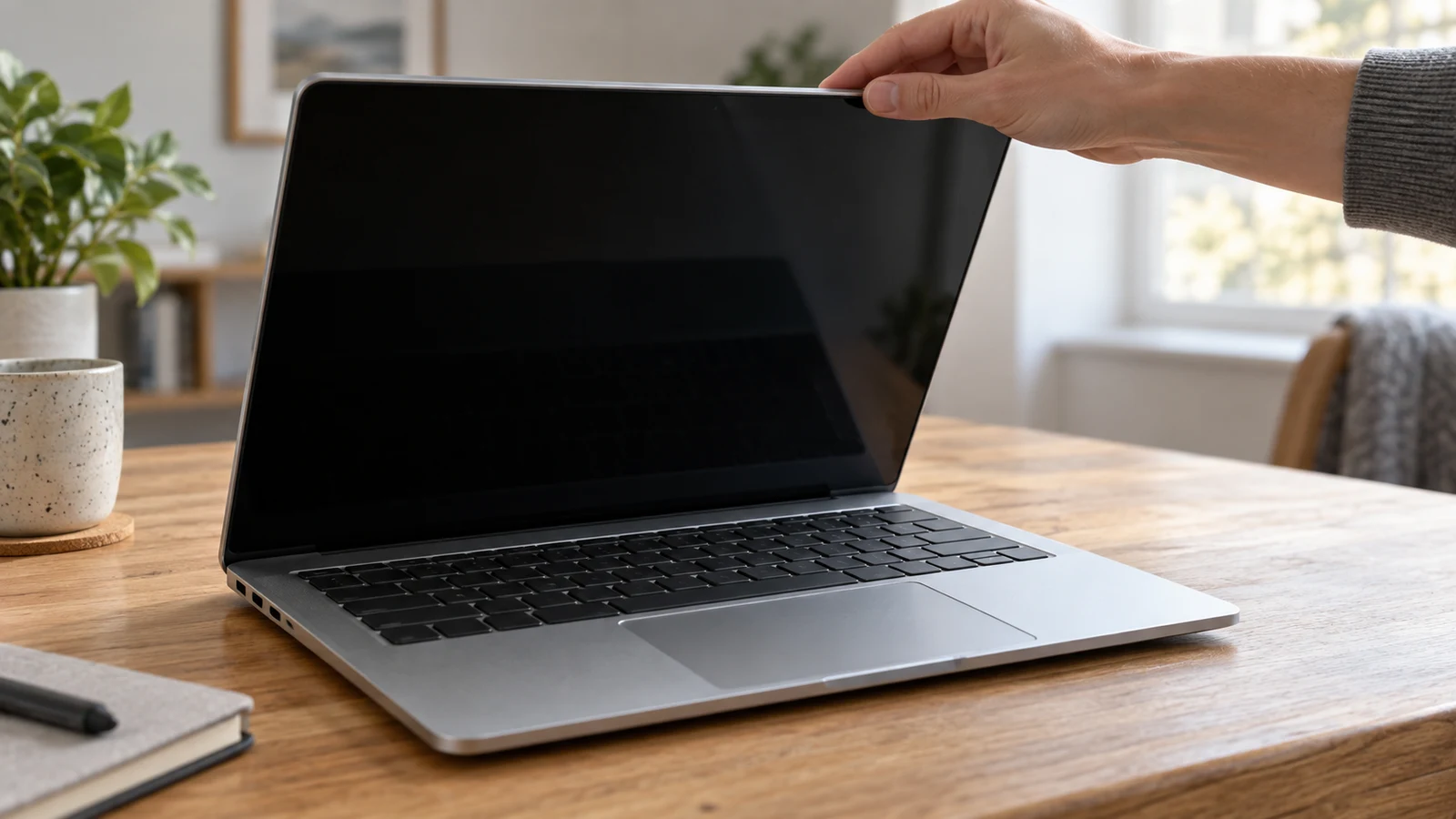
Before choosing a computer for short breaks between tasks, establish how the exact unit is supposed to enter sleep and how you would return to a responsive application. A dark display alone leaves the sleep state unresolved. A visible desktop after waking also leaves a separate question: can you continue working in the application you had open? Useful Dell Inspiron sleep and resume checks need evidence for both parts of that transition.
Consider a fictional reader, Mara, who wants to pause while editing a saved practice document, step away briefly, and return to that document on the same computer. Her requirement is modest and specific: resume the existing application session and make a harmless edit. She is not asking the computer to complete work during her absence. This example gives the purchase inquiry a clear endpoint without putting valuable unfinished work at risk.
The product descriptions identify possible computers for that task, but neither description establishes successful sleep and resumption. Use them to identify the offered configuration. Then seek instructions that apply to that unit and, where an authorized demonstration is available, observe the transition with disposable material. If either part cannot be established, keep the purchase finding unresolved instead of interpreting missing evidence as success or failure.
Dell Inspiron Application Compatibility And The Session You Want To Resume
For Dell Inspiron sleep and resume checks, the linked catalog entry identifies a laptop with an Intel Core i5-1135G7 processor, 16GB RAM, a 256GB SSD, and Windows 11 Home in its title. Those details help identify the purchase candidate. They do not establish which sleep behavior applies to the exact offered unit or whether your intended application will respond after waking.
Keep the offered configuration and the demonstration configuration together in your notes. Ask whether the unit being discussed is the one you would choose, and identify the application used for the observation. A demonstration on an unspecified Inspiron leaves an identity gap. Even a clear view of a working application cannot answer a question about a different configuration whose behavior has not been established.
Describe your intended return before asking for evidence. Mara might write, “After a short break in the documented sleep state, I want to return to this open practice document and enter another sentence.” That statement gives the person answering something concrete to address. It also makes clear why a demonstration that ends at the desktop would stop before her requirement had been assessed.
Name the application and its edition in the inquiry, without assuming that the catalog description establishes software support. Keep that eligibility question separate from the observation you want to make. The sleep inquiry concerns what happens to an existing session across a pause. If the application itself has not been identified, a successful demonstration with another program would answer only that other program's question.
Dell Inspiron Application Compatibility Before Interpreting A Dark Screen
Ask for exact-unit instructions identifying the action that requests sleep and the action used to wake the computer. Do not choose those actions by habit or infer them from another device. The purpose is to know what transition the demonstration is attempting before it begins. If the relevant instructions cannot be identified, write down that limitation and avoid presenting an improvised sequence as a documented sleep check.
A useful inquiry is: “What evidence, under these instructions, distinguishes entry into sleep from the display merely going dark?” Leave the answer open until it is supported for the configuration under consideration. Do not assign a meaning to an indicator or a change in appearance without that support. The observation needs an explanation connecting what you see to the requested state.
Suppose Mara sees the screen become dark, then sees her document again after the operator takes an action. That sequence alone does not settle her question. She can record the visible change, but she still needs to establish whether the computer entered the intended sleep state. Calling the whole sequence successful would combine an observed display change with an unestablished explanation of what happened between views.
Resolve how the state will be identified before moving to the application check. This keeps a later responsive edit from being used as evidence for something it cannot establish by itself. If the available documentation and observation cannot distinguish the states, retain that specific uncertainty. There is no need to invent an answer or broaden the exercise into settings changes and fault diagnosis.
Dell Inspiron Application Compatibility And A Responsive Return
Where a demonstration is available and authorized, use a saved disposable document in the intended application. Do not use valuable unsaved work or a document containing personal material. Prepare enough harmless content to recognize what you are returning to, and make sure the application responds before requesting sleep. This gives you a starting observation against which to describe the return.
For Mara's fictional exercise, the practice document could contain a short note about a made-up appointment. She would save it before the pause and leave it open. Her planned action after waking would be to add a harmless sentence. The subject of the note does not matter; its purpose is to provide a recognizable application session and a simple editing action that carries no meaningful loss if the demonstration does not work.
Follow the documented sleep action and observe the evidence identified for the intended state. After the agreed short break, follow the documented wake action. This article does not prescribe a control, menu sequence, or expected delay for either product. Those details remain questions for the exact unit. Avoid substituting an undocumented action merely to obtain a visible response.
Once the application is available, try the planned harmless edit in the disposable document. Observe whether the application accepts the input and displays the change. A desktop appearing is an intermediate observation; the practical endpoint is the response inside the intended application. Describe what happened without turning it into a promise about future sessions, other documents, or different applications.
Keep the sequence intact when recording the result. If someone closes and reopens the application before the edit, note that intervention. It changes what the demonstration establishes about returning to the existing session. Likewise, if the document is visible but no edit is attempted, record that narrower observation. Do not fill an unobserved step with an assumption because the screen looks familiar.
An incomplete demonstration still gives you a precise follow-up question. If the state was established but the application response was not observed, ask about the return to editing. If the edit worked but entry into sleep remained uncertain, ask about the state transition. Keeping those gaps separate helps you seek the missing answer without repeating a demonstration that never addresses it.
Dell OptiPlex Sleep And Resume Checks For The Offered Desktop
The separate Dell OptiPlex sleep and resume checks begin with an identity question. The supplied desktop listing is titled “Dell 3060,5060,7060 or XE3 Black PC sku-5274841848” and describes restored, refurbished OptiPlex options. Before asking about a sleep demonstration, establish which model and configuration the offered choice represents. The combined listing title does not settle that selection.
The description includes an Intel Core i5 8th generation processor and a choice of Windows 11 Home or Windows 11 Pro, alongside configurable memory and storage. Record the actual proposed selection rather than treating all listed options as one demonstrated computer. The information you need is the identity of the desktop to which the instructions and any observation apply, not a combined specification assembled from its available choices.
Request the desktop's own documented sleep and wake actions and its own explanation of how to identify the intended state. An observation on the Inspiron does not establish the OptiPlex result. Nor does a demonstration on one of the listed desktop models automatically answer for the others. Keep the laptop and desktop findings separate even if both inquiries use the same intended application and disposable document.
If an authorized desktop demonstration is possible, use the same reader requirement to make the findings understandable: pause the identified session, establish the intended state, then return and try the harmless edit. The actions may need to follow different exact-unit instructions. Comparable requirements do not require identical controls, and you should not force the desktop through a sequence borrowed from the laptop.
If the offered desktop model remains unspecified, state that before discussing its behavior. You might have a useful demonstration of a particular machine without evidence that it represents the purchase candidate. Preserve that distinction in the finding. The next step would be to connect the offered unit to the evidence, not to declare the whole listing suitable based on whichever desktop happened to be shown.
Dell Inspiron Application Compatibility And The Purchase Finding
If the intended application edition or its operating-system support remains uncertain, use the separate Dell Inspiron application compatibility guide for that prerequisite. Keep its answer distinct from the sleep observation. Establishing that an application is eligible for a configuration does not, by itself, establish a responsive return from sleep. Equally, an observation with an unidentified edition leaves uncertainty about the software you intend to use.
Finish with a separate written finding for each purchase candidate. Name the exact configuration and application, identify the instructions used, and describe the observed transition. Include any intervention between waking and editing. Use “supported for the observed scenario” only when the evidence covers the requirement you set. Use “unresolved” when the offered identity, intended state, or application response has not been established.
A finding should distinguish an absent demonstration from an observed problem. If no demonstration was available, say that the return to editing was not observed. If a demonstration took place and the planned edit was not accepted, describe that event without assigning a cause. Neither situation warrants inventing a diagnosis, and an isolated successful observation should not become a guarantee of data preservation or future behavior.
Use your Dell Inspiron sleep and resume checks to decide whether the evidence supports the short-break routine you actually need. You may choose to leave a candidate under consideration while seeking an answer, or set it aside if an unresolved return would make it unsuitable for your work. That decision can reflect your tolerance for uncertainty without treating an unanswered question as a proven product defect.
Before considering any cryptocurrency checkout, review the selected computer against its own finding. Confirm that the unit you are considering is the one the evidence describes. If a gap remains, make the next inquiry specific: request the applicable sleep instructions, clarification of the state evidence, or an authorized observation of the application accepting an edit after waking. Payment consideration should follow that device choice; it cannot resolve whether the computer suits your pause-and-return requirement.